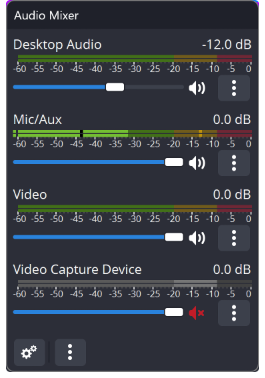
Find matching room tone
Listen before or after the performance for a few seconds without speech, pedal or clothing noise. Choose material recorded at the same mic position and gain.
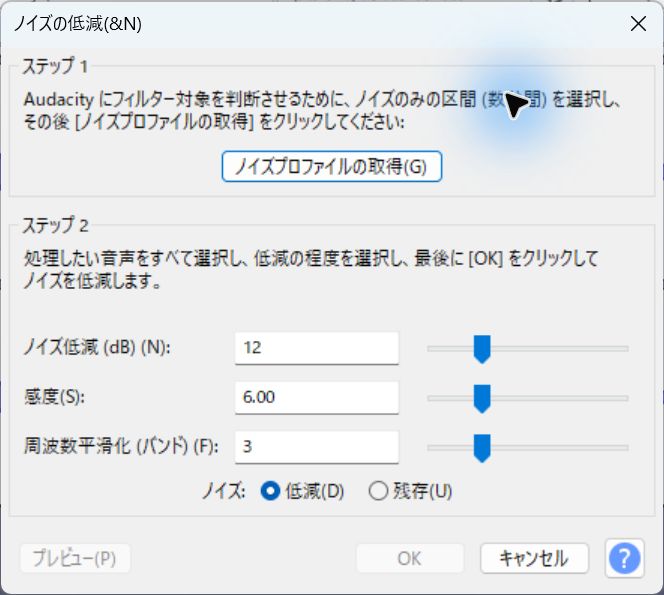
Bridge a half-second rest
Take slightly more than half a second and overlap the joins briefly. Match the surrounding background by ear; lengthen the overlap only if the transition remains obvious.
| Chord still decaying | Preserve the original musical tail |
|---|---|
| A gap after the decay | Fill with room tone from the same setup |
Keep the real decay
Room tone cannot replace a ringing chord. Preserve the musical decay first and use the fill only for the remaining pause.
Choose room tone by texture as well as level
A low waveform can still contain a chair squeak, breath or fan starting up. Loop a few seconds of candidate tone on headphones. If a recognisable event repeats, choose a less conspicuous stretch. Another take made in the same room may differ if the phone or microphones moved.
For a half-second gap, keep a longer candidate, perhaps one second, to give yourself a choice of overlap positions. Match the feeling of the surrounding room rather than turning the fill up until it becomes noticeable.
Check whether the join gives itself away
Export about five seconds across the join and listen without looking at the waveform. A sudden sense of distance can indicate an overly quiet fill; a brief swell of ambience may indicate too much overlap. Try the overlap position and duration before adjusting gain.
Copying a chord’s tail over a still-ringing chord can double its pitches or rhythm. Preserve the original decay and fill only the remaining pause. The edit works when attention passes naturally to the next phrase without being drawn to the room noise itself.
Will room tone put the sound out of sync with MIDI?
Filling an existing half-second hole with half a second of room tone does not move later attacks. Inserting a new half-second of time does. In the latter case move the following picture and MIDI by the same amount, then recheck the next common attack.