
PIANOMIRA JOURNAL
Bring your piano
videos to life.
Make a video from a piano recording or MIDI, export a score, and keep the sound in sync.
See how to use a recording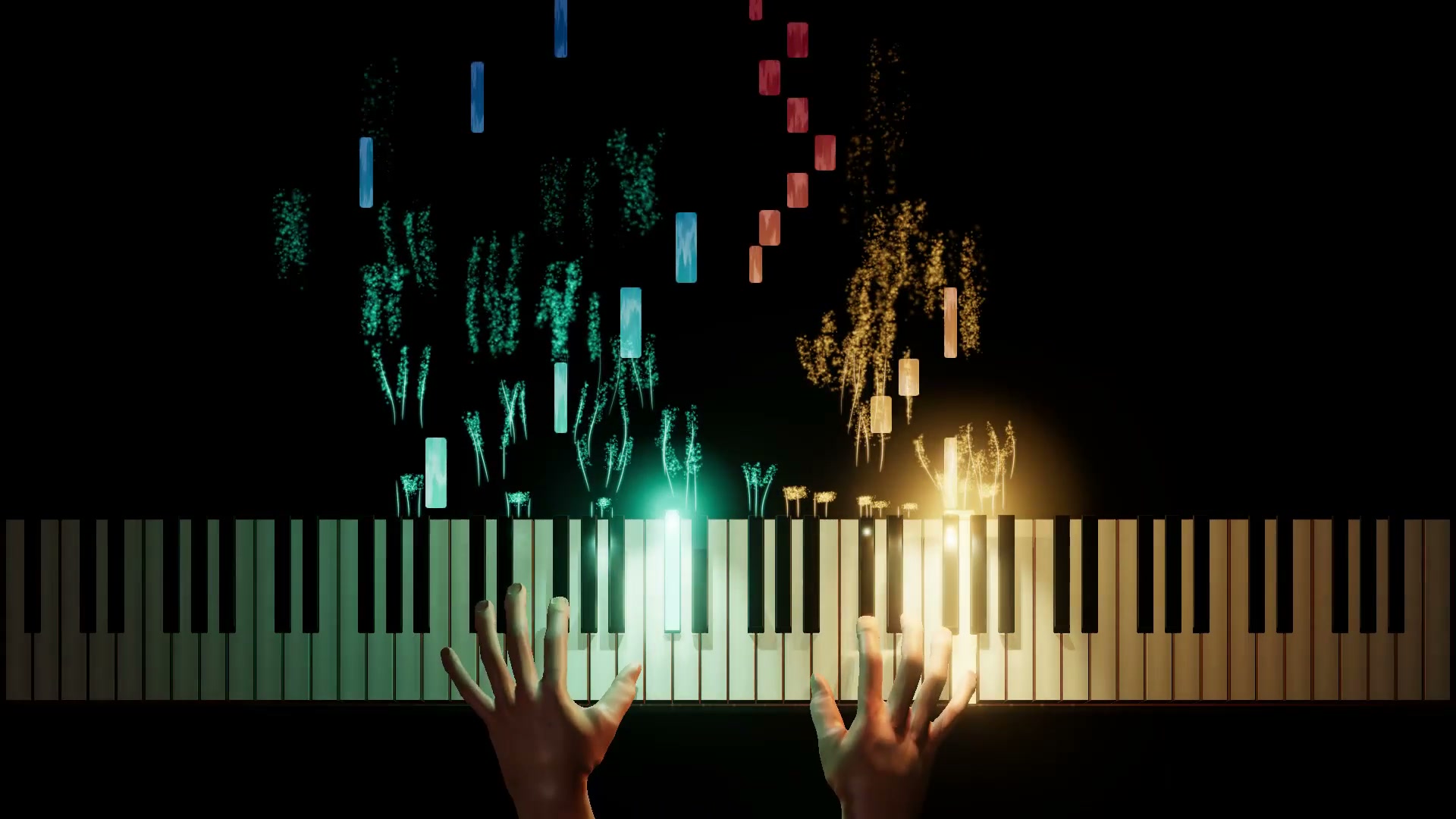
Articles 1–10 of 100
Sync a pickup bar to the first downbeat
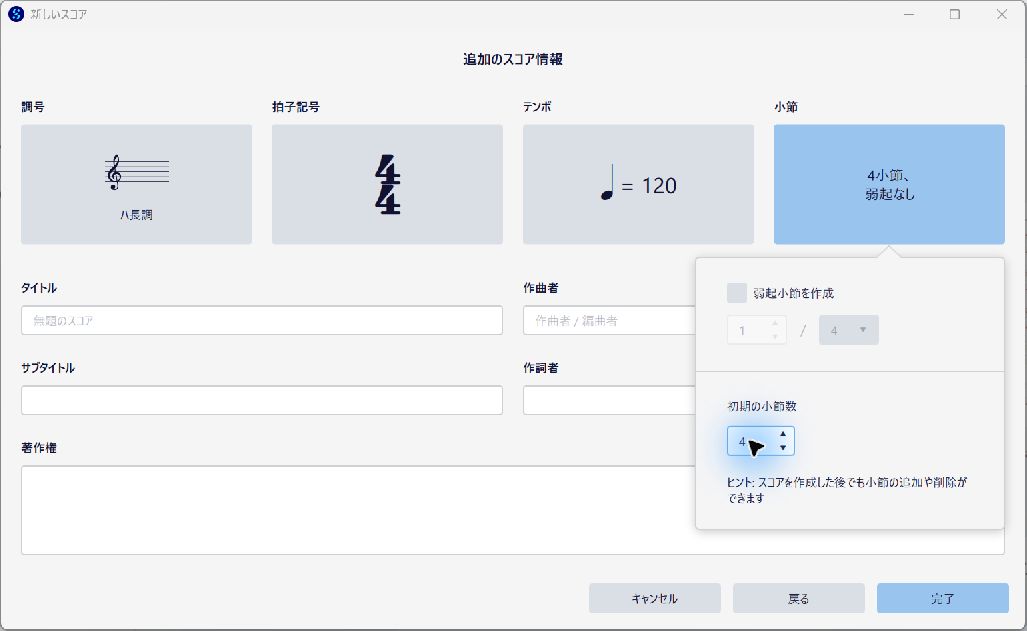
A tune can start before its first full bar. Treating that pickup as four complete beats adds a silence that was never part of the performance.
Read article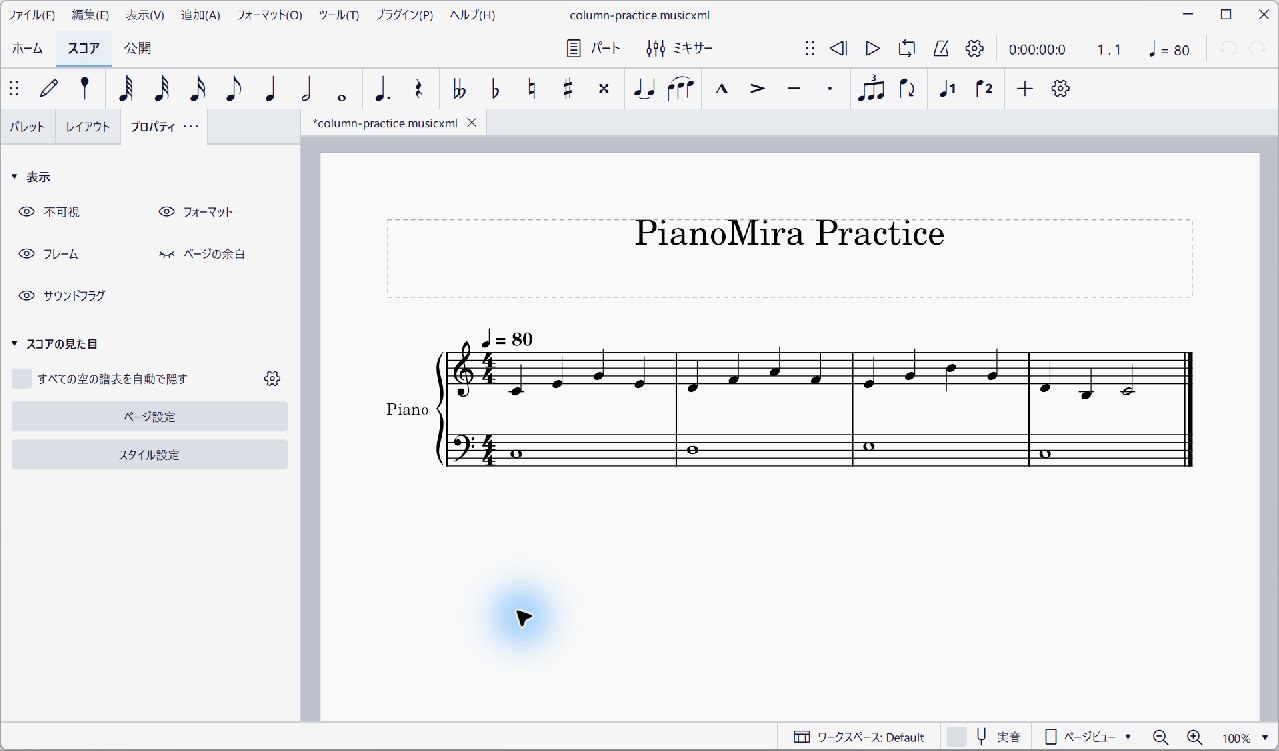
Play two against three on piano with a six-slot grid
Counting two pulses in one hand and three in the other can obscure their order. A shared grid gives both hands the same starting point.
Read article
Add YouTube chapters to a piano practice video
A viewer who wants the left hand should not have to hunt along the scrub bar. Label chapters by the musical task they lead to.
Read article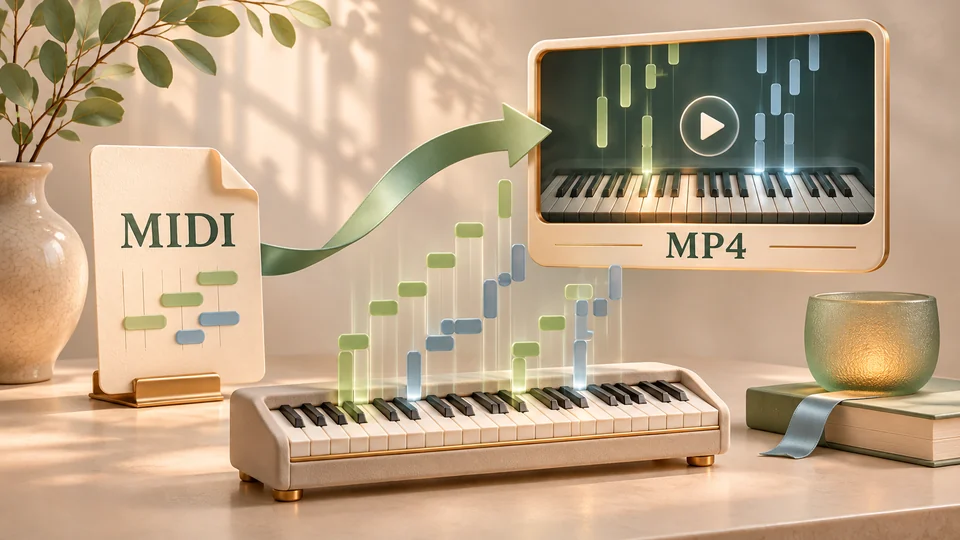
How to make a piano video from MIDI or a piano recording
A voice memo of a solo performance and a MIDI file from a digital piano can both become a video with moving hands and falling notes. Start with the file you already have, then export an MP4.
Read the guide
How to upload a piano video in YouTube Studio
Start with a finished MP4, upload it in YouTube Studio, then set the title and visibility. Check the actual playback page on your phone after higher-resolution processing finishes.
Read the guide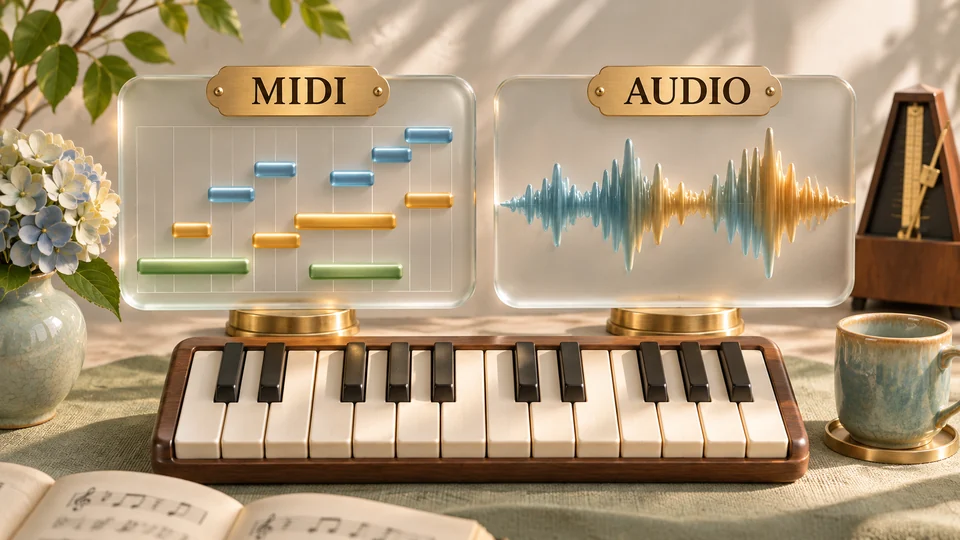
What is MIDI? How it differs from MP3 and WAV
MIDI stores performance instructions, such as pitches, timing and note strength. WAV and MP3 store sound. Knowing the difference helps you choose the right files for editing notes, keeping a recording or creating a piano video.
Read the guide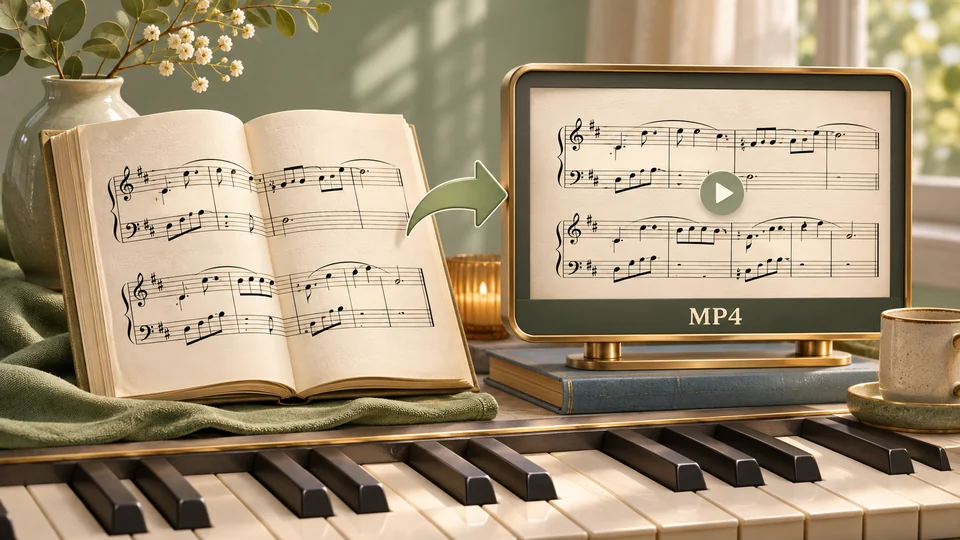
How to export a score as an MP4 in MuseScore Studio
MuseScore Studio can export a video of your score with playback audio. Open the score, choose MP4 in Export, configure FFmpeg if needed, then select a layout and save the video.
Read the guide
How to create falling notes and glowing keys with PianoMira
Use a MIDI file to create falling notes in PianoMira, then adjust the hand colors, visual speed and keypress effects. Test a busy passage so the keys remain easy to follow when notes overlap.
Read the guide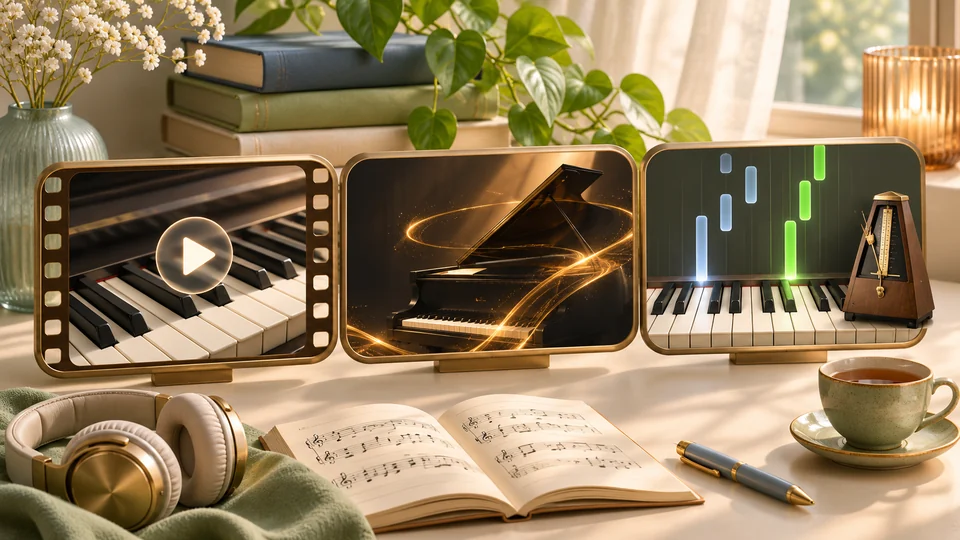
PianoMira, SeeMusic or Synthesia: which tool fits your piano video?
These tools handle different jobs. PianoMira generates hands and keys from MIDI, SeeMusic combines visual effects and performance footage, and Synthesia provides practice playback. Choose by the result and source files you need.
Read the guide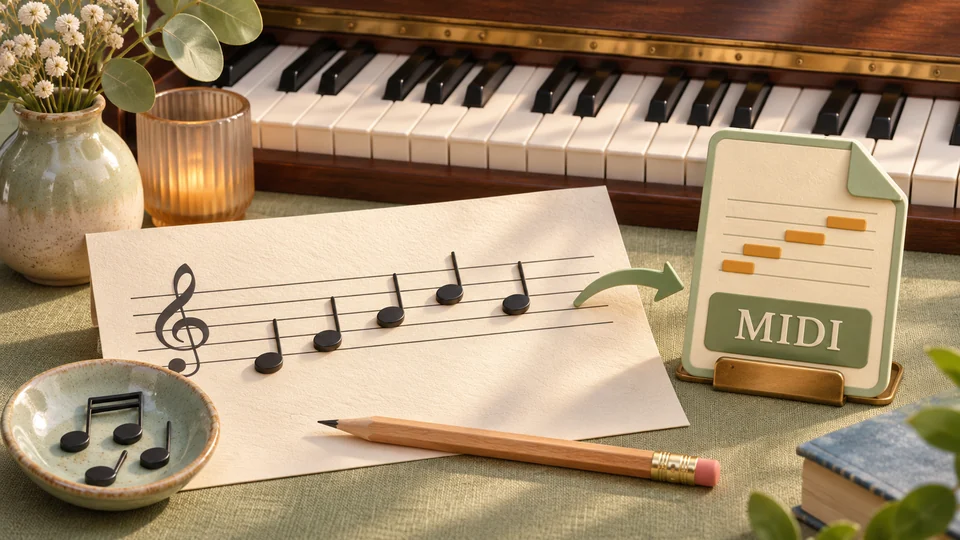
How to create a MIDI file in MuseScore Studio
You can create a short MIDI in MuseScore Studio without a MIDI keyboard. Add a piano score, enter a few notes with your computer, listen to them and export MIDI for another app.
Read the guide