
PIANOMIRA JOURNAL
Piano video guides
Practical piano video guides, with real screens to follow along.
Articles 11–20 of 100
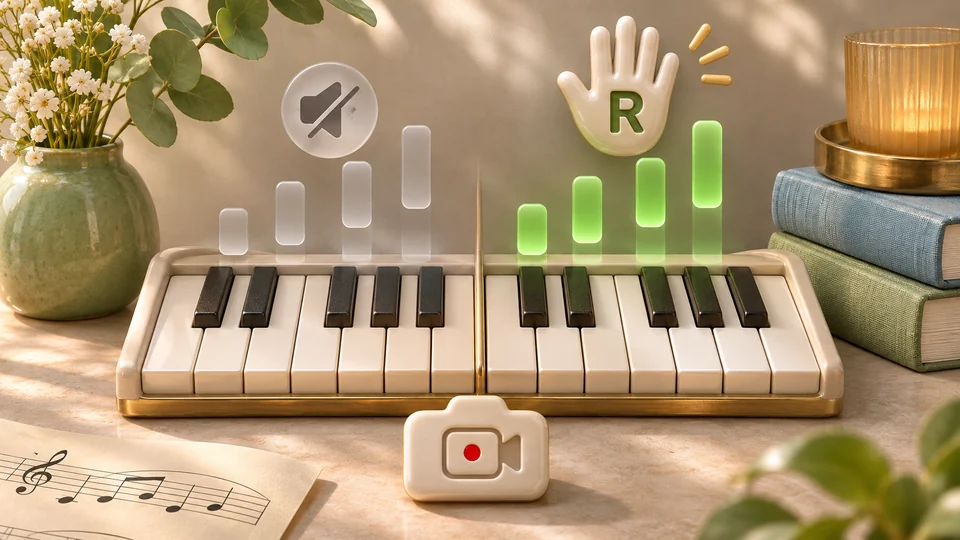
How to make a one-hand practice video with Synthesia and OBS
Set the hands, note display, sound and speed in Synthesia, then record its screen and audio with OBS Studio. Hiding notes and muting a part are different settings, so check both before recording.
Read the guide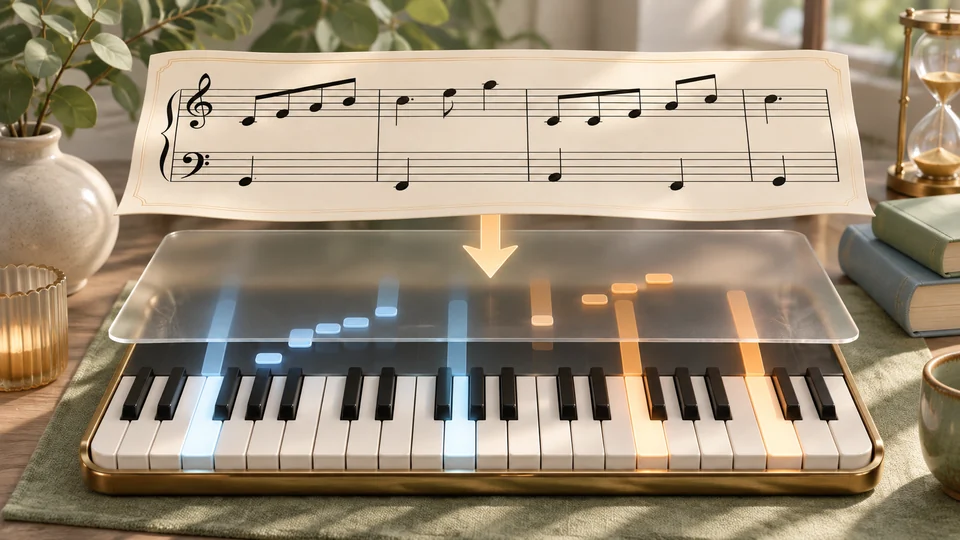
How to add a MusicXML score to a video in SeeMusic
Prepare a MusicXML score, import it into SeeMusic and arrange it alongside the keyboard and notes. Check repeats and tempo changes against the MIDI or audio before exporting a test video.
Read the guide
How to change note colors and keyboard lighting in PianoMira
Start with a simple reference video, then adjust hand colors, brightness and keypress effects one at a time. Compare the same busy passage so you can judge whether the change improves readability.
Read the guide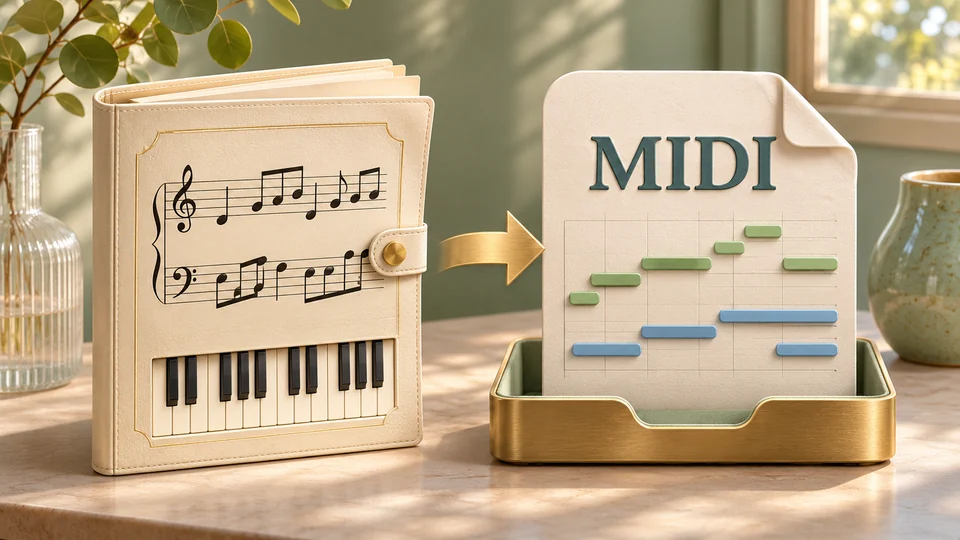
How to export MIDI from MuseScore Studio
Use File → Export in MuseScore Studio, select the full score and choose MIDI file. Check the repeat settings, save the file and test its playback in the app where you will use it.
Read the guide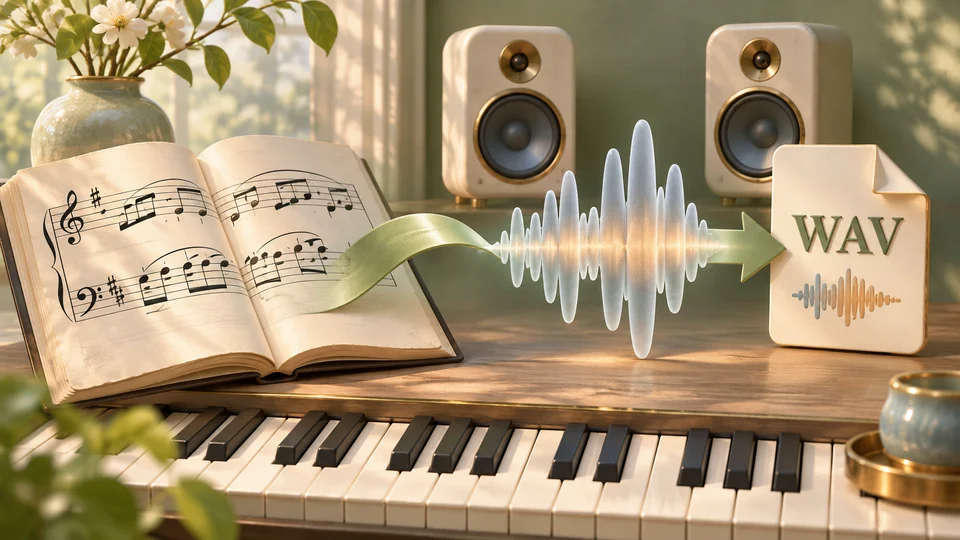
How to export WAV audio from MuseScore Studio
Check playback and the mixer first, then export the score as WAV. Keep matching MIDI and audio on the same tempo and repeat settings if they will be used together in a video.
Read the guide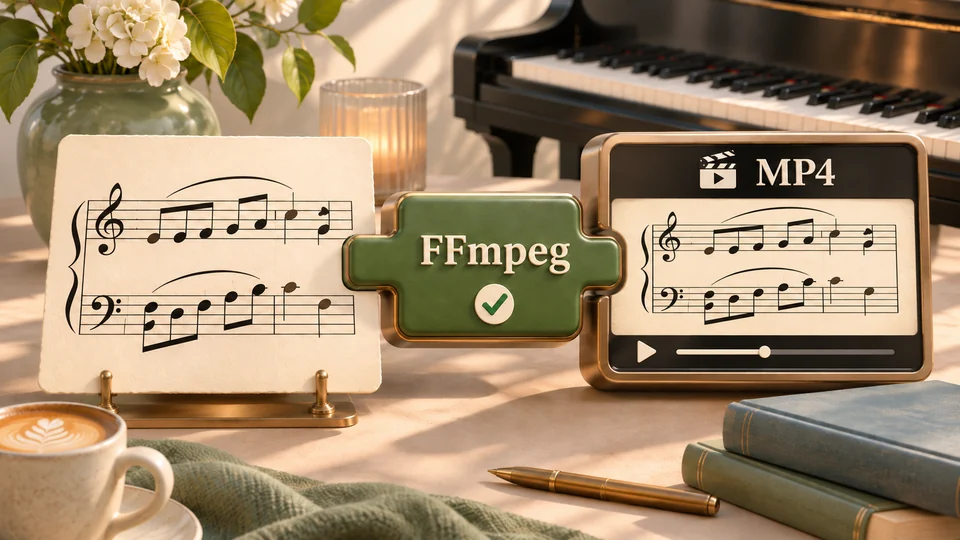
MuseScore Studio cannot export MP4: checking FFmpeg
First distinguish a missing MP4 format from a disabled Export button. Check the MuseScore version, install the FFmpeg libraries described in the official handbook, restart the app and test a short export.
Read the guide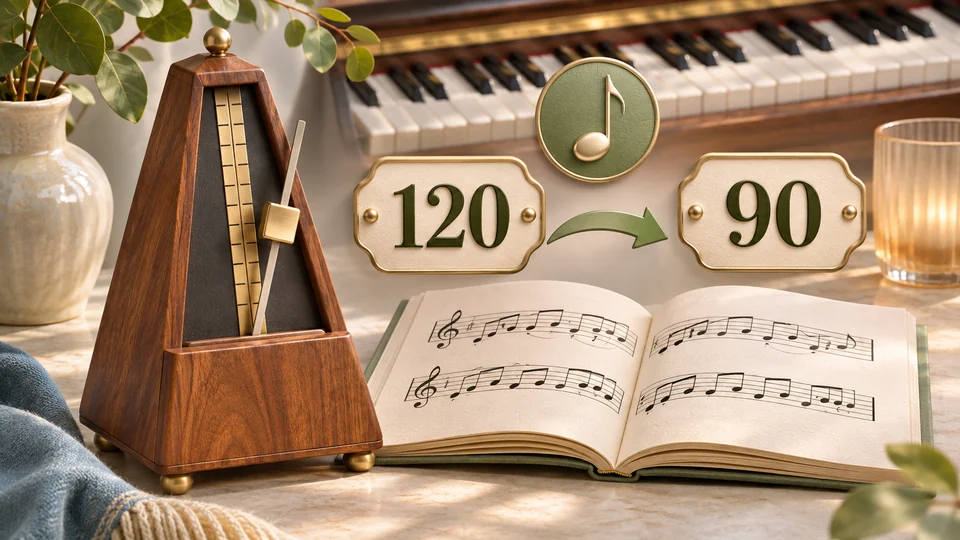
How to change tempo in MuseScore Studio and export MIDI
Edit the tempo marking in the score, play across the change and export a new MIDI. If the video uses external audio, export that audio from the same revised score too.
Read the guide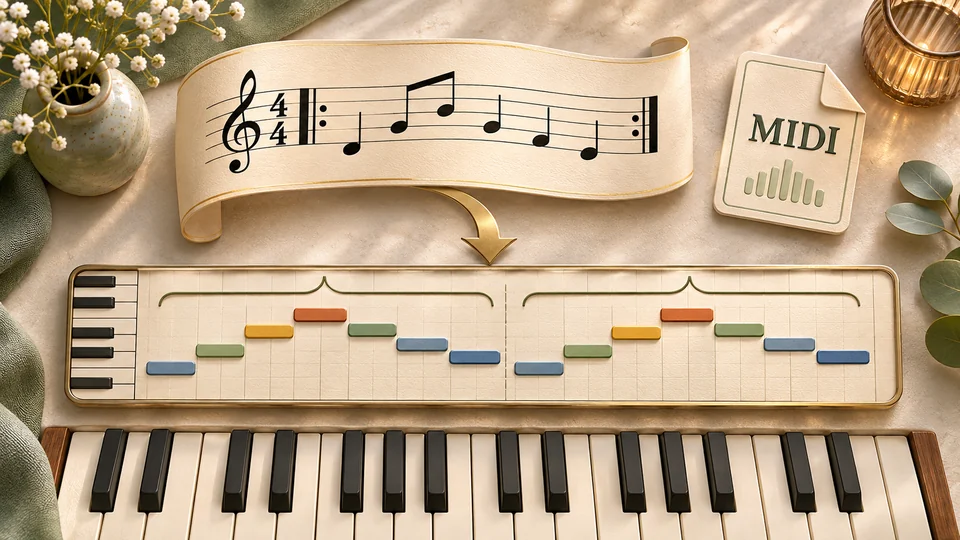
How to include repeats in a MuseScore MIDI export
Check the score's playback order, enable Expand repeats when exporting MIDI, then listen across the repeat in the saved file. Any separate audio must follow the same order.
Read the guide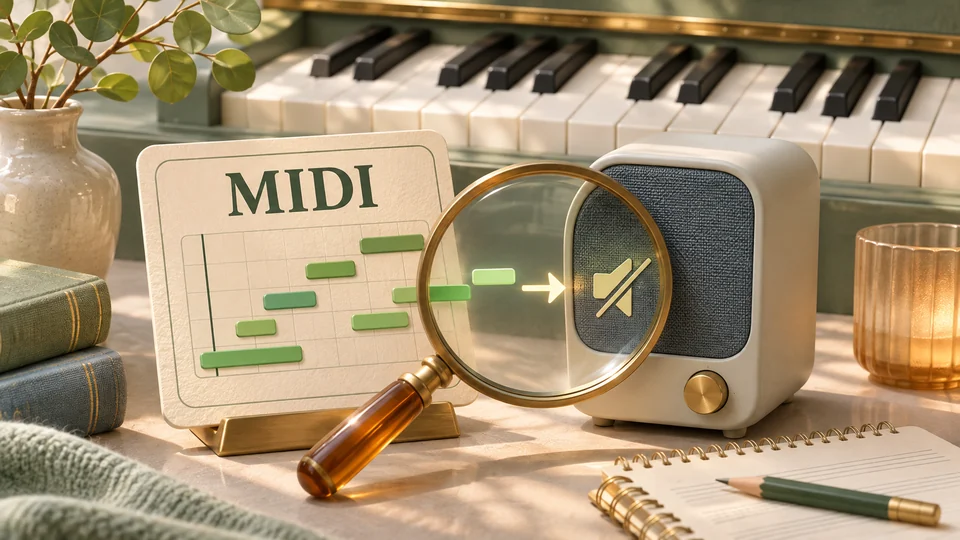
MIDI has no sound in MuseScore Studio: what to check
Check that the MIDI contains notes, then follow the sound path through playback, the mixer, the instrument and the computer's output device. Use a short known file to separate a file problem from an audio-setting problem.
Read the guide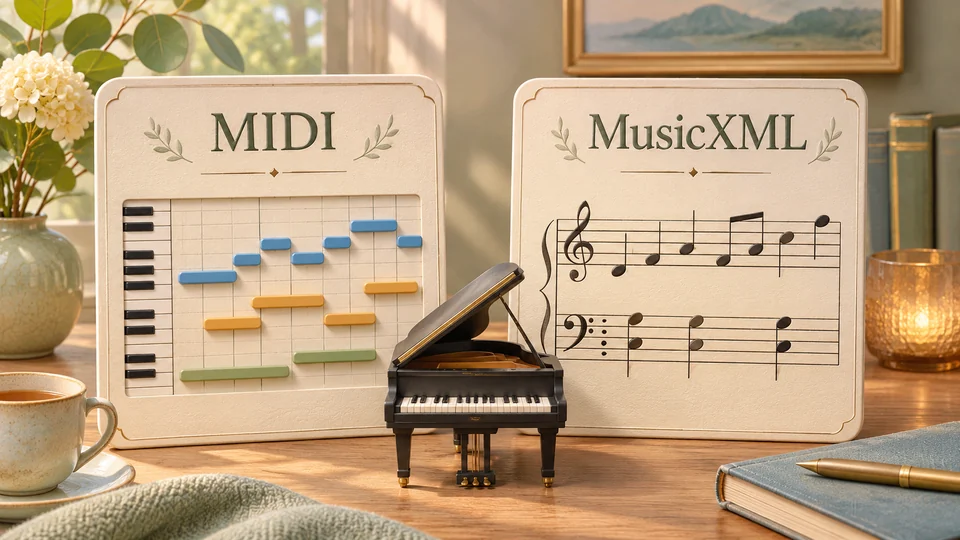
MIDI or MusicXML? Performance data and score data explained
Use MIDI for note timing and performance-driven visuals. Use MusicXML to transfer structured notation between score applications. Keep the original editable score and check the result in the receiving app.
Read the guide