
PIANOMIRA JOURNAL
Making videos
Choose an app and set up your video’s look, resolution and export options.
Articles 1–10 of 21
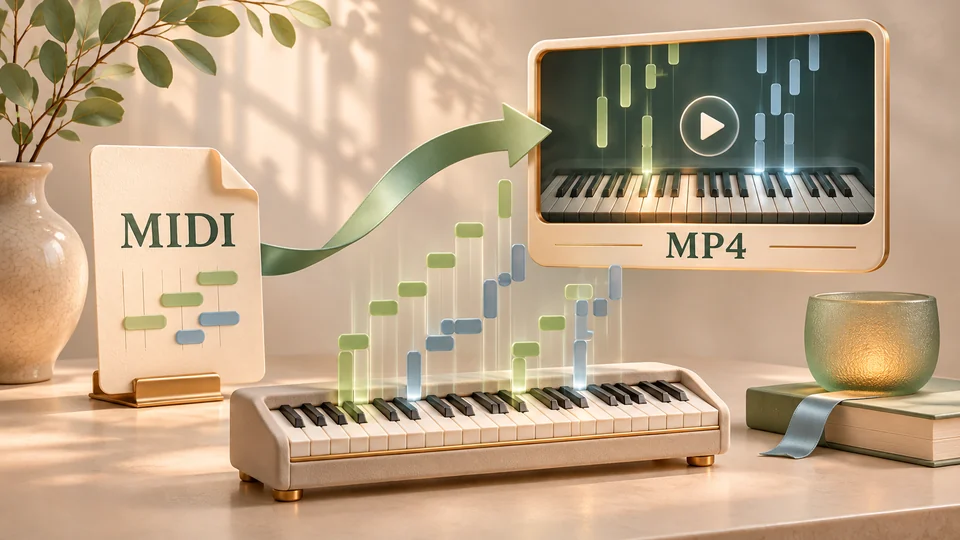
How to make a piano video from MIDI or a piano recording
A voice memo of a solo performance and a MIDI file from a digital piano can both become a video with moving hands and falling notes. Start with the file you already have, then export an MP4.
Read the guide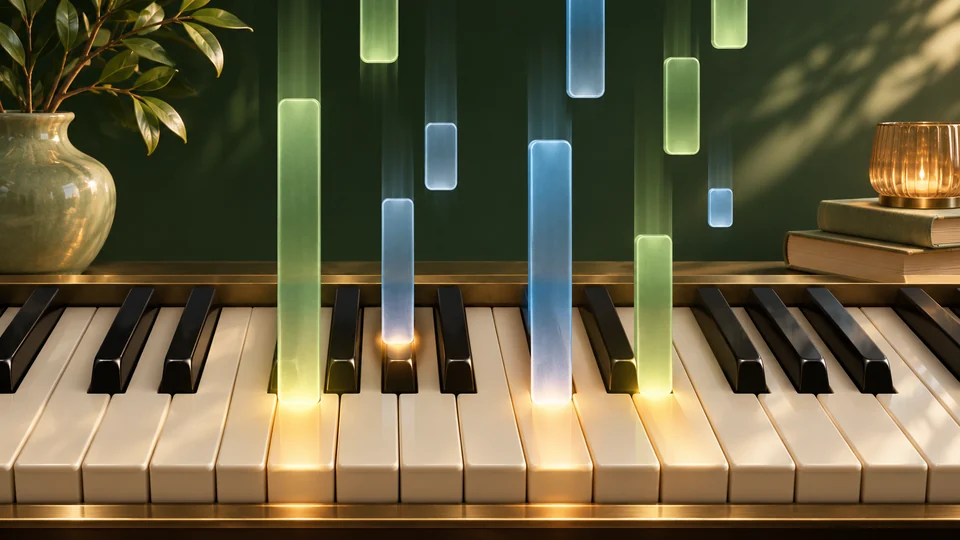
How to create falling notes and glowing keys with PianoMira
Use a MIDI file to create falling notes in PianoMira, then adjust the hand colors, visual speed and keypress effects. Test a busy passage so the keys remain easy to follow when notes overlap.
Read the guide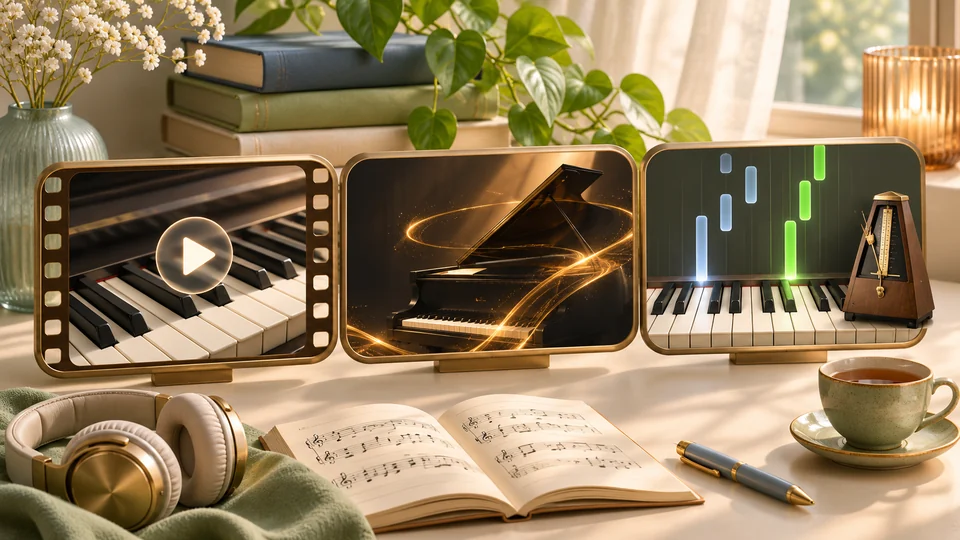
PianoMira, SeeMusic or Synthesia: which tool fits your piano video?
These tools handle different jobs. PianoMira generates hands and keys from MIDI, SeeMusic combines visual effects and performance footage, and Synthesia provides practice playback. Choose by the result and source files you need.
Read the guide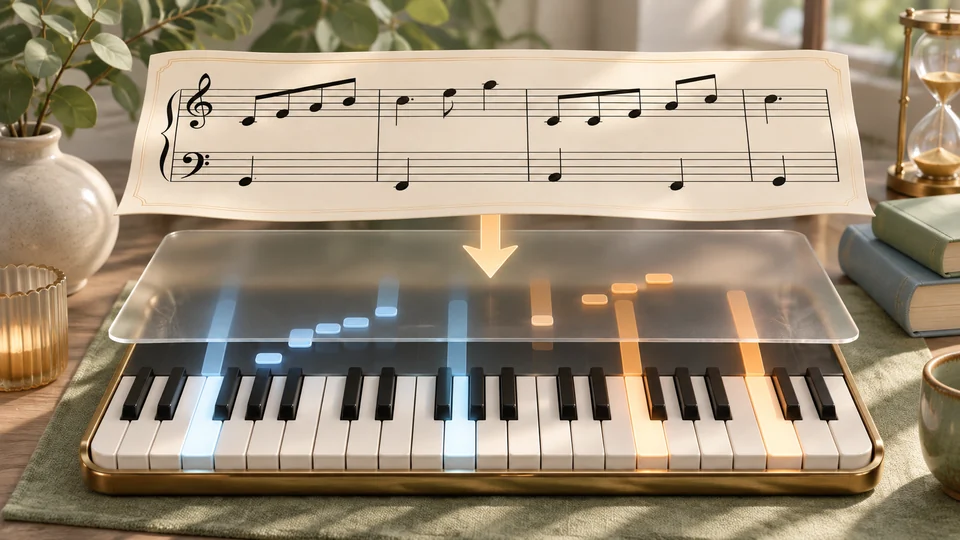
How to add a MusicXML score to a video in SeeMusic
Prepare a MusicXML score, import it into SeeMusic and arrange it alongside the keyboard and notes. Check repeats and tempo changes against the MIDI or audio before exporting a test video.
Read the guide
How to change note colors and keyboard lighting in PianoMira
Start with a simple reference video, then adjust hand colors, brightness and keypress effects one at a time. Compare the same busy passage so you can judge whether the change improves readability.
Read the guide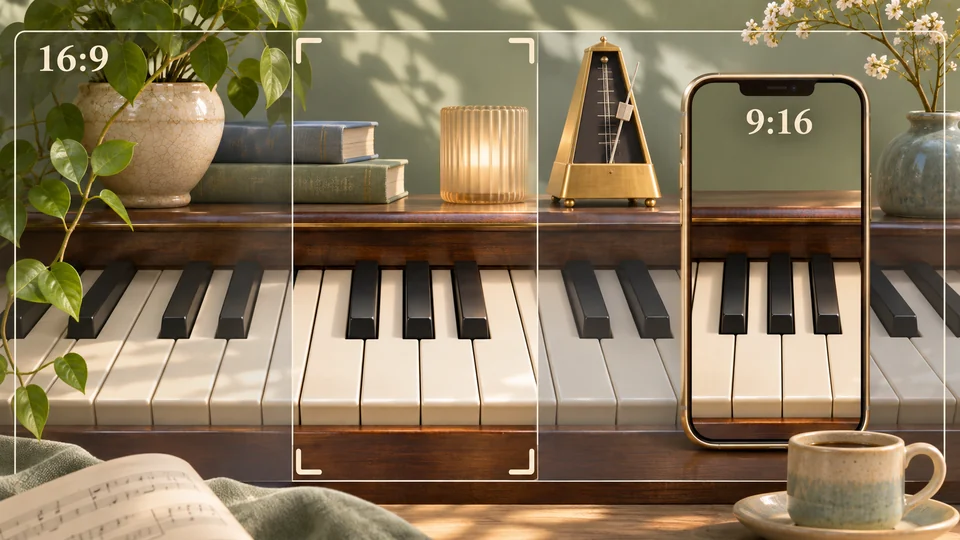
How to crop a landscape piano video to portrait without losing the hands
A portrait crop can cut off the low and high ends of a piano keyboard. Check the full performance before choosing between filling the frame and fitting the whole landscape video inside it.
Read the guide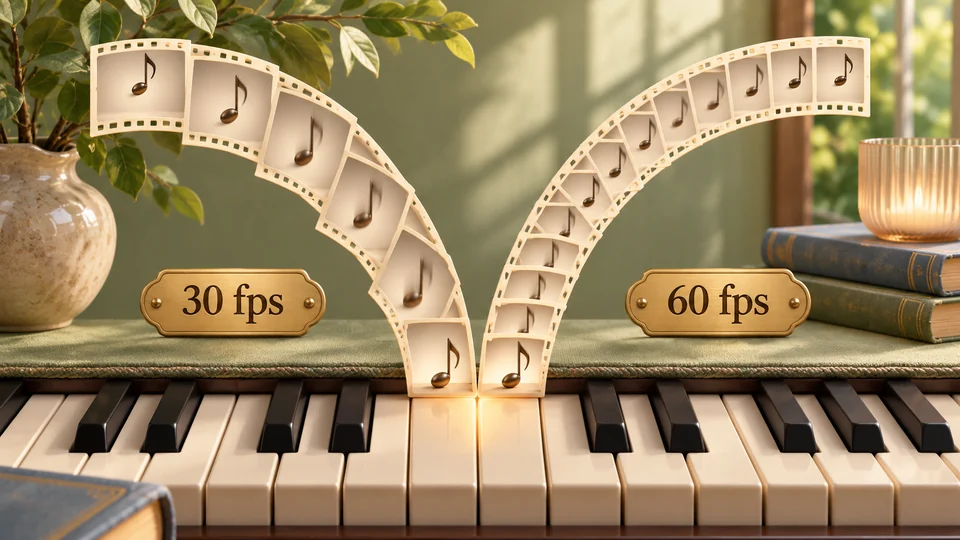
30 fps or 60 fps? OBS Studio settings for recording piano videos
Record the same short piano passage at 30 fps and 60 fps in OBS Studio. Compare motion and recording stability while keeping resolution and quality settings the same.
Read the guide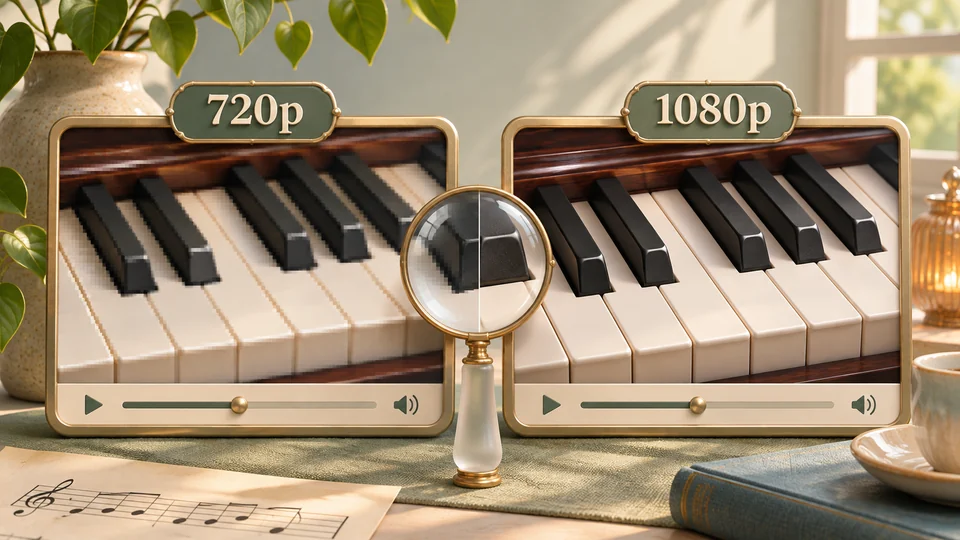
720p or 1080p in PianoMira: how to compare video clarity
Compare the same MIDI, colors and note display at each available resolution. In PianoMira, 1080p is a Pro option; readability also depends on contrast and how much information is on screen.
Read the guide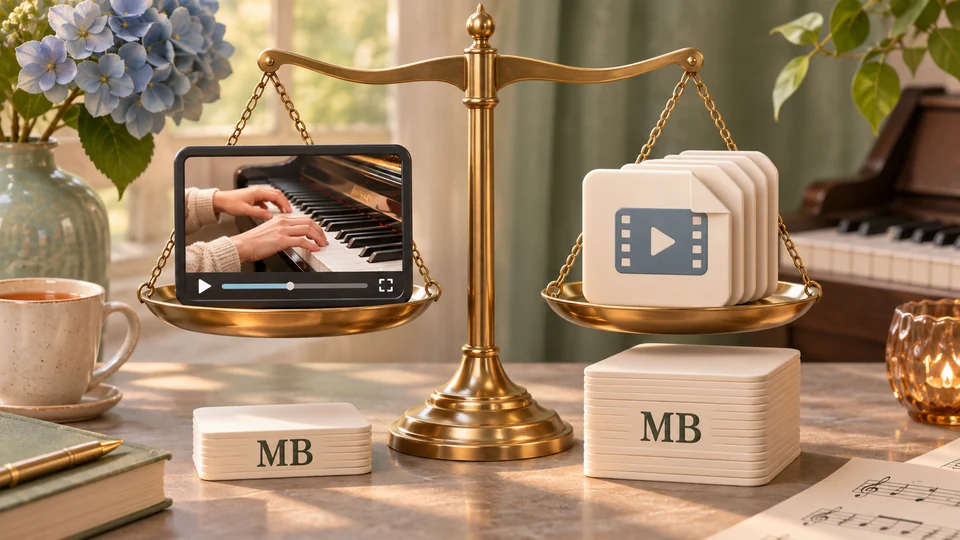
How to reduce OBS Studio recording file size for piano videos
Start with a short test and adjust recording quality, resolution or frame rate one at a time. Keep enough detail for keyboard lines and note labels to remain readable.
Read the guide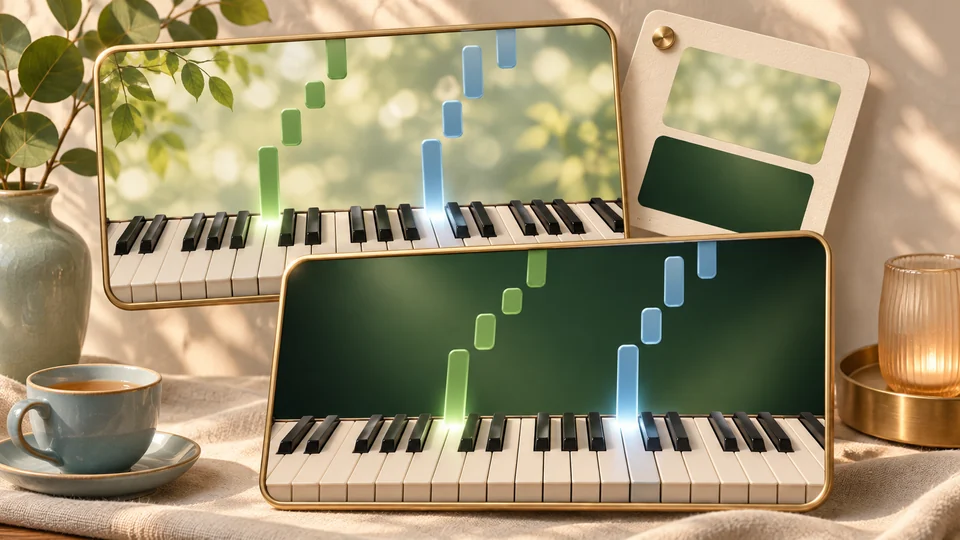
How to choose a readable background image for a PianoMira video
Choose a background that leaves the hands, moving notes and labels easy to see. Test a busy chord passage before generating the whole song; a beautiful still image can become distracting behind moving notes.
Read the guide