
PIANOMIRA JOURNAL
YouTube
Set up your piano video for YouTube, from thumbnails to visibility and HD processing.
Articles 1–10 of 10
Add YouTube chapters to a piano practice video
A viewer who wants the left hand should not have to hunt along the scrub bar. Label chapters by the musical task they lead to.
Read article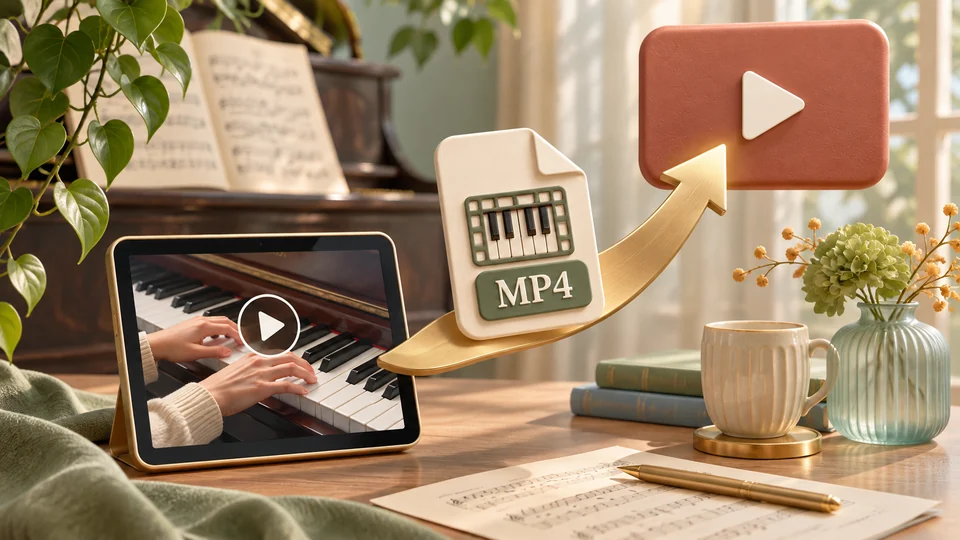
How to upload a piano video in YouTube Studio
Start with a finished MP4, upload it in YouTube Studio, then set the title and visibility. Check the actual playback page on your phone after higher-resolution processing finishes.
Read the guide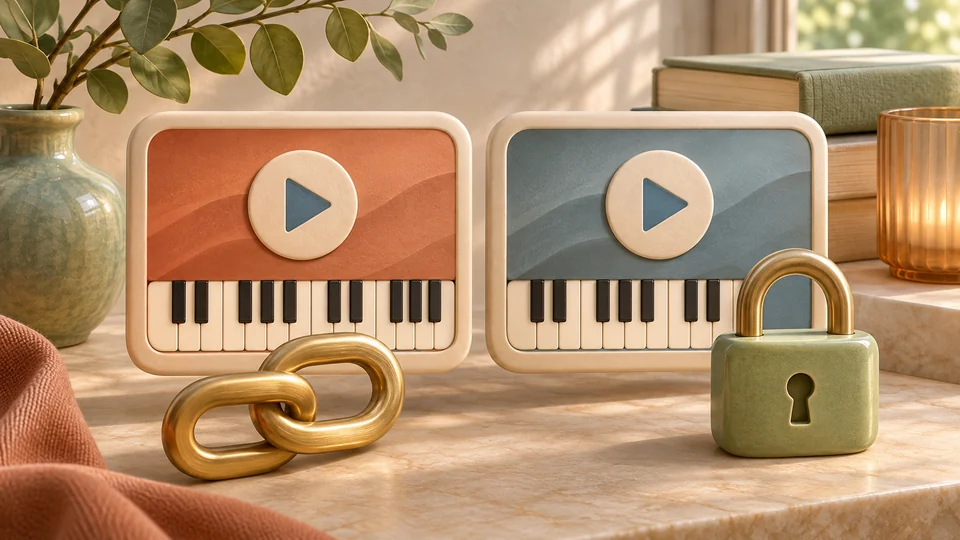
How to make a piano video unlisted or private in YouTube Studio
Choose Unlisted when people with the link should be able to watch, or Private when you want to specify the viewers. Review the saved visibility setting before sharing a lesson recording.
Read the guide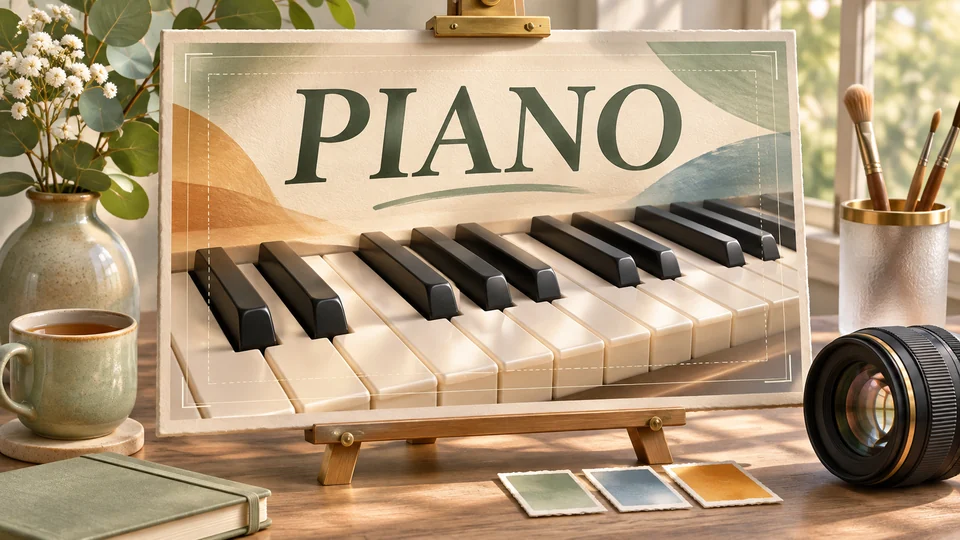
How to design a clear YouTube thumbnail for a piano video
Use a frame that shows the actual piano video, add a readable song name and highlight one useful distinction such as a slower tempo. Check the thumbnail at phone-list size before uploading it.
Read the guide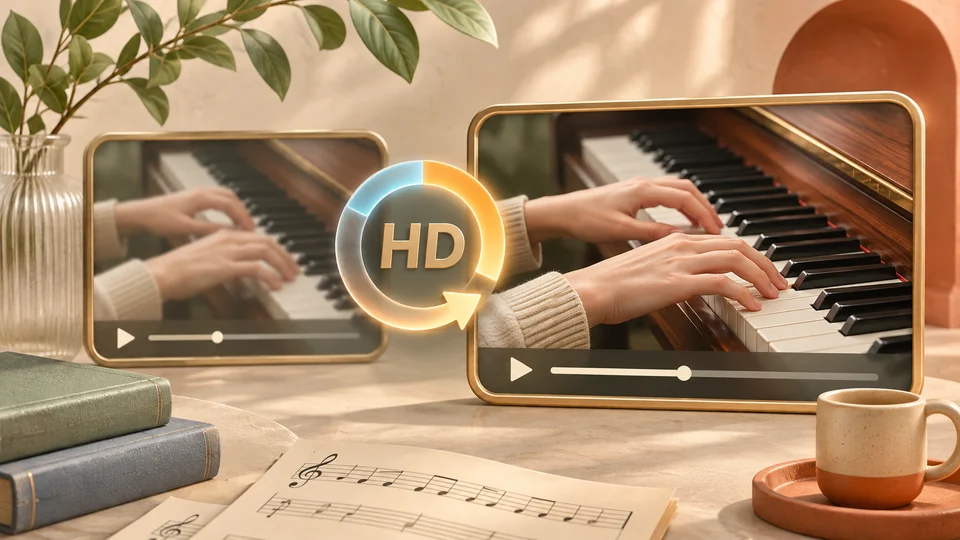
Why a YouTube piano video looks blurry: HD processing and playback quality
First compare the uploaded video with the original MP4. YouTube may finish lower-quality playback before HD processing, and the player's automatic quality setting may still select a lower resolution afterward.
Read the guideOrganise left- and right-hand piano lessons in a YouTube playlist
Three nearly identical thumbnails do not tell a learner where to start. Give each performance a role and put the playlist in practice order.
Read articleUse a pinned YouTube comment as a piano practice cue
Repeated questions about where the left hand starts are a sign that viewers need a direct route into the lesson. A pinned comment works well for one short instruction.
Read articleCorrect note names in captions for a piano tutorial
Automatic captions can turn short note names into ordinary words, particularly beneath a ringing piano. Check note names and bar numbers against the score before publishing.
Read articleKeep YouTube end screens off the final piano chord
A recommendation card can cover the last key release. Reserve picture space after the musical action when planning the finished edit.
Read articleRead the audience-retention graph for a piano lesson
View totals cannot tell you whether people left in the introduction or returned to practise a difficult leap. Map changes in retention back to the music itself.
Read article