
PIANOMIRA JOURNAL
MuseScore
Export scores from MuseScore and adjust tempo and repeats for your video.
Articles 1–10 of 18
Sync a pickup bar to the first downbeat
A tune can start before its first full bar. Treating that pickup as four complete beats adds a silence that was never part of the performance.
Read article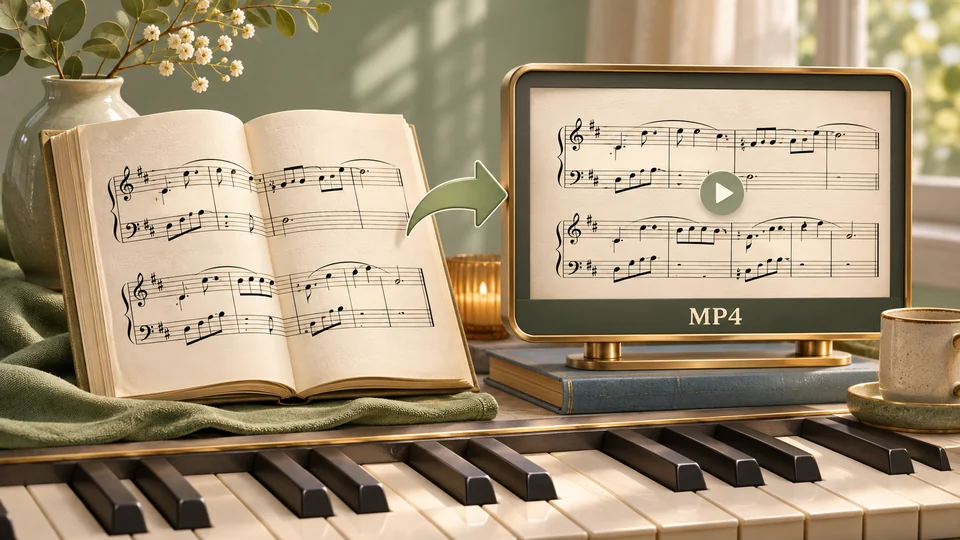
How to export a score as an MP4 in MuseScore Studio
MuseScore Studio can export a video of your score with playback audio. Open the score, choose MP4 in Export, configure FFmpeg if needed, then select a layout and save the video.
Read the guide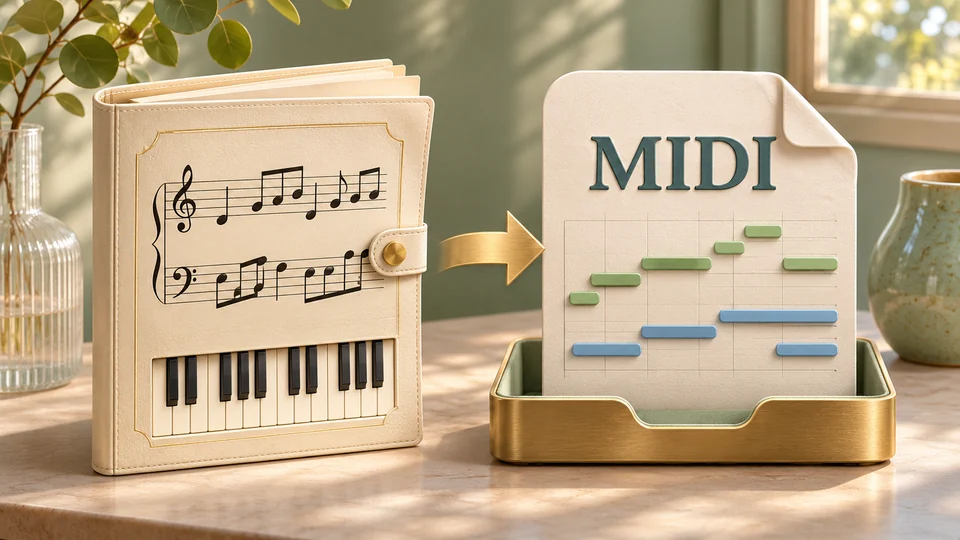
How to export MIDI from MuseScore Studio
Use File → Export in MuseScore Studio, select the full score and choose MIDI file. Check the repeat settings, save the file and test its playback in the app where you will use it.
Read the guide
How to export WAV audio from MuseScore Studio
Check playback and the mixer first, then export the score as WAV. Keep matching MIDI and audio on the same tempo and repeat settings if they will be used together in a video.
Read the guide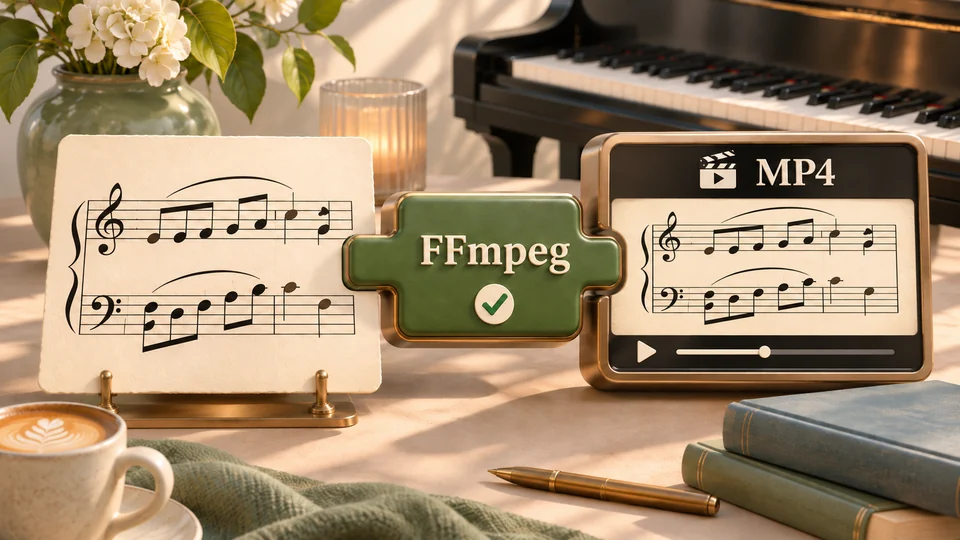
MuseScore Studio cannot export MP4: checking FFmpeg
First distinguish a missing MP4 format from a disabled Export button. Check the MuseScore version, install the FFmpeg libraries described in the official handbook, restart the app and test a short export.
Read the guide
How to change tempo in MuseScore Studio and export MIDI
Edit the tempo marking in the score, play across the change and export a new MIDI. If the video uses external audio, export that audio from the same revised score too.
Read the guide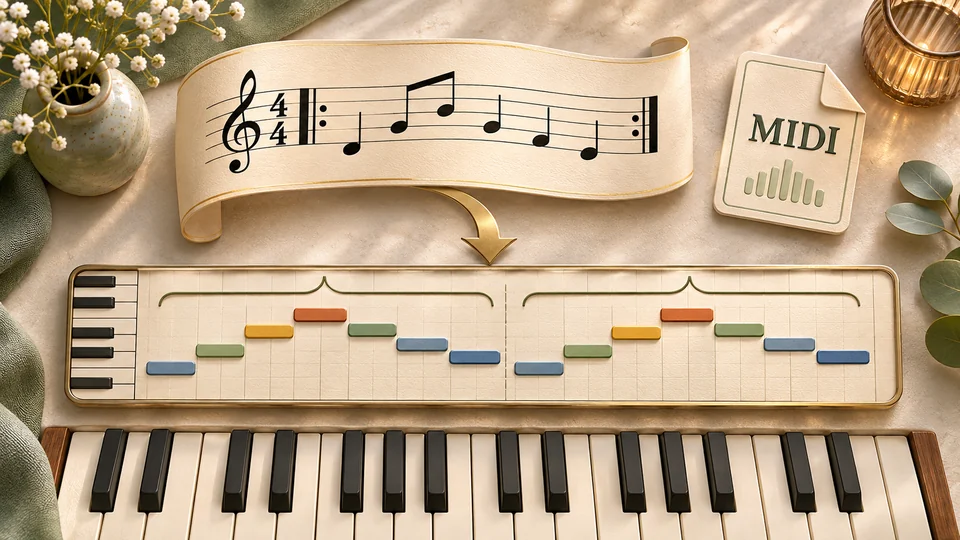
How to include repeats in a MuseScore MIDI export
Check the score's playback order, enable Expand repeats when exporting MIDI, then listen across the repeat in the saved file. Any separate audio must follow the same order.
Read the guide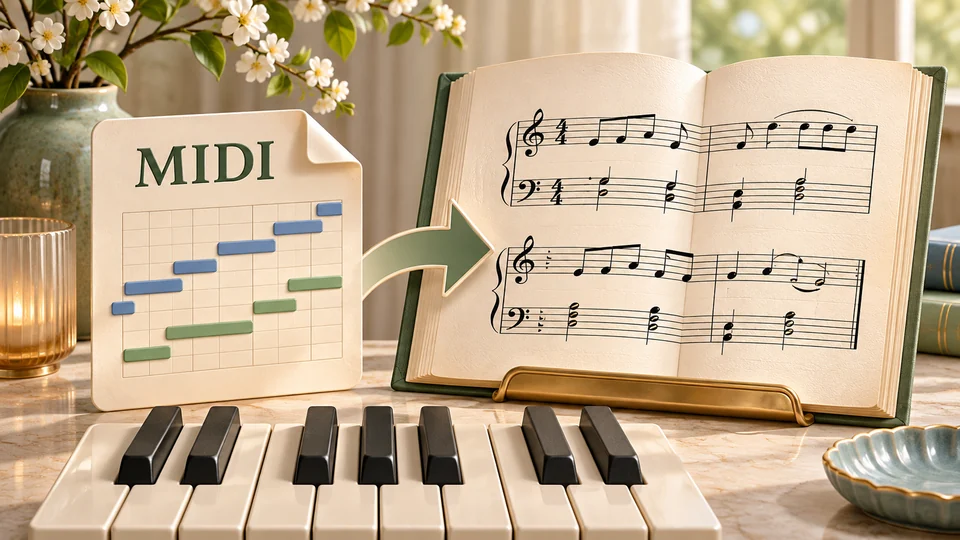
How to turn a MIDI file into notation in MuseScore Studio
Open MIDI in MuseScore and listen before cleaning up the notation. Performance timing can create complex-looking notes and rests, so distinguish an accurate performance from a readable printed score.
Read the guide
Why does a tied piano note strike twice in the video?
A curved mark across a bar line can look right on paper while the exported file still asks for two attacks. The distinction shows up immediately on a falling-note keyboard.
Read articleCheck eighth-note triplets in a MIDI export
A triplet can look evenly spaced in a score but sound lopsided after another editor snaps it to a straight grid. The next downbeat is a better reference than the length of the drawn notes.
Read article