Listen to the score's repeat order
Play from the beginning and check repeat signs and first and second endings. Correct the notation first if playback takes the wrong route.
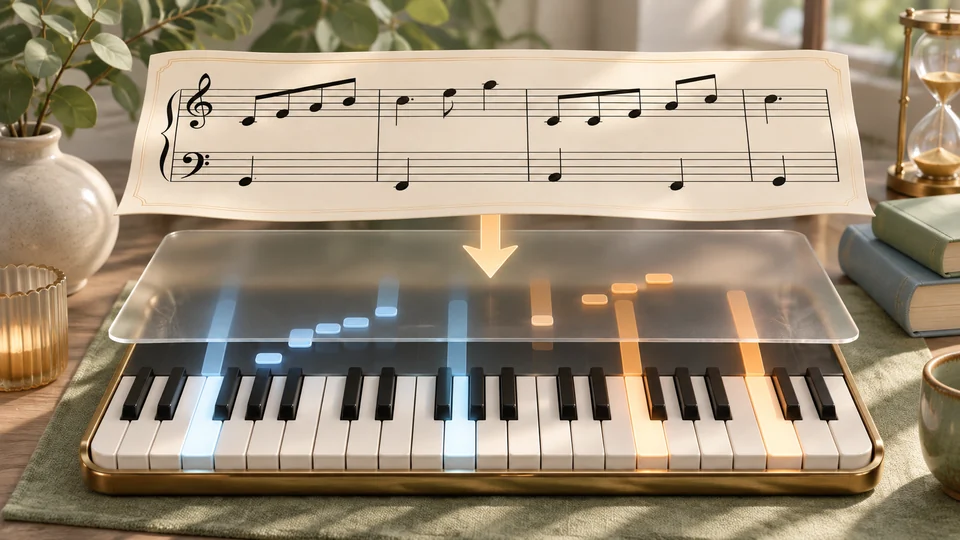
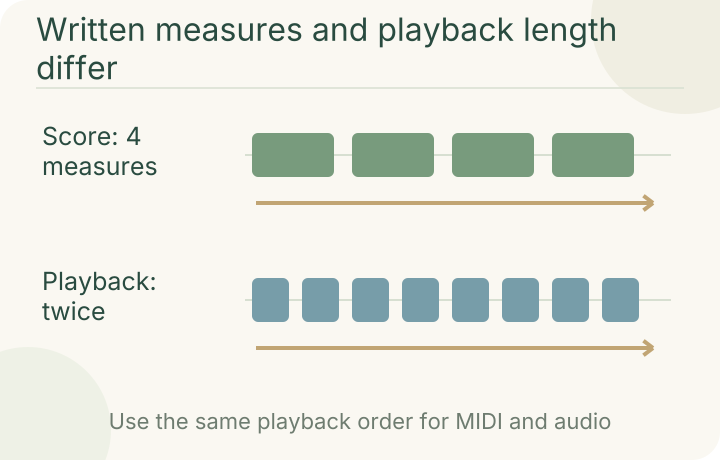
Four printed bars played twice occupy eight bars of performance time. Judge the expected video duration from actual playback, not only the number of bars on the page.
Enable Expand repeats for MIDI
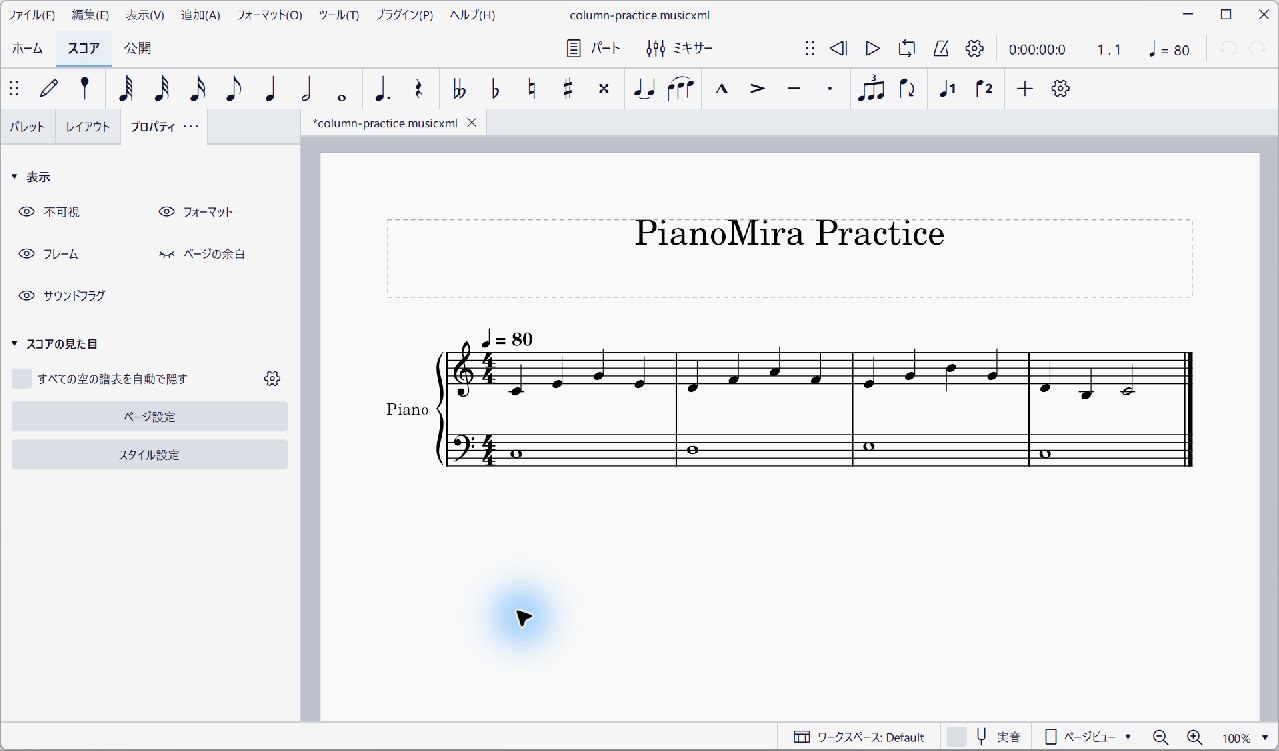
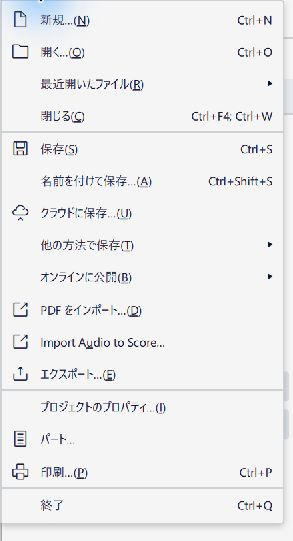
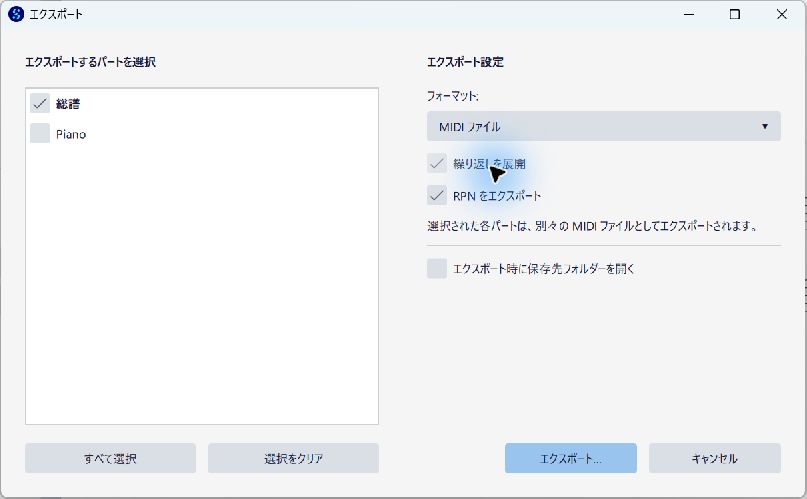
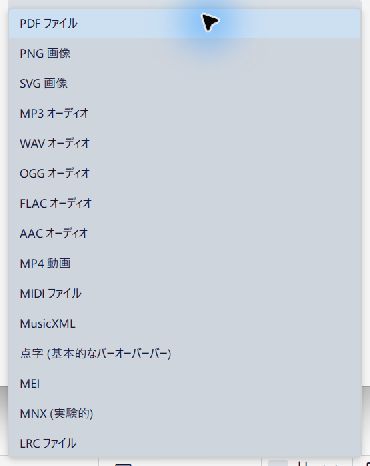
Open File → Export and choose MIDI file. Enable Expand repeats, then save the export.
If you want to compare versions with and without repeats, use different filenames. This avoids importing the wrong version during the video test.
Open the exported MIDI separately
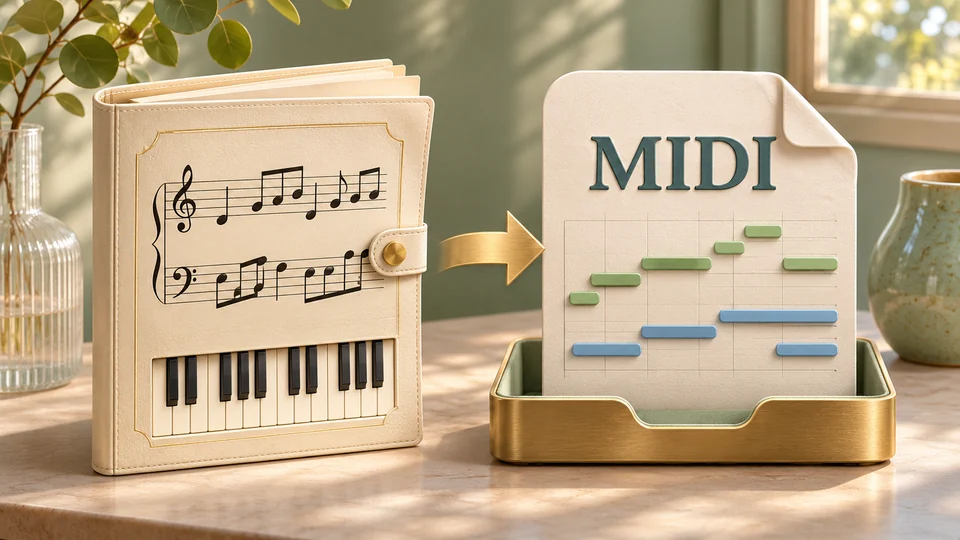
Open the MIDI in MuseScore or import it into the video application. Play across the repeat and check for missing notes or an extra return.
When expanded MIDI is imported as notation, the repeated music may appear as additional written bars. That can be the expected result of storing the played sequence.
Prepare audio in the same order
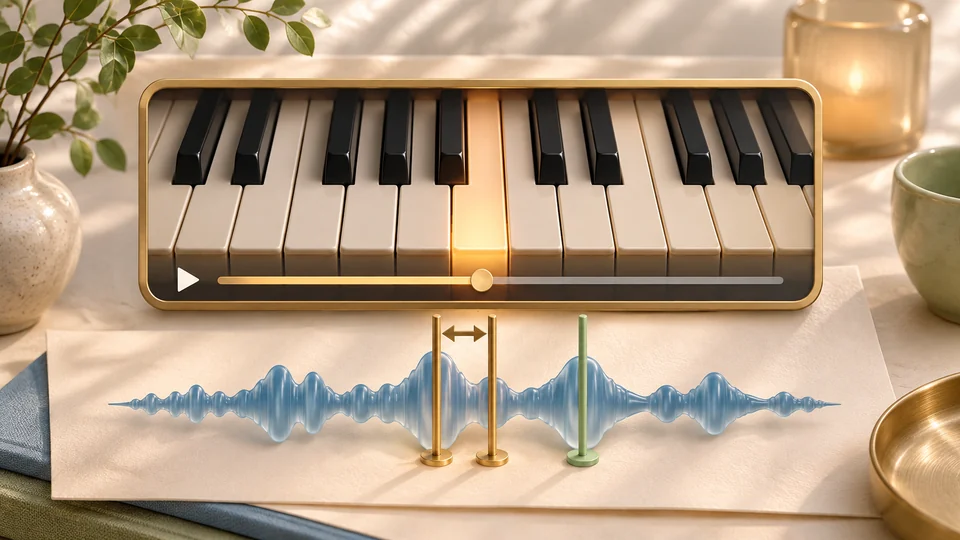
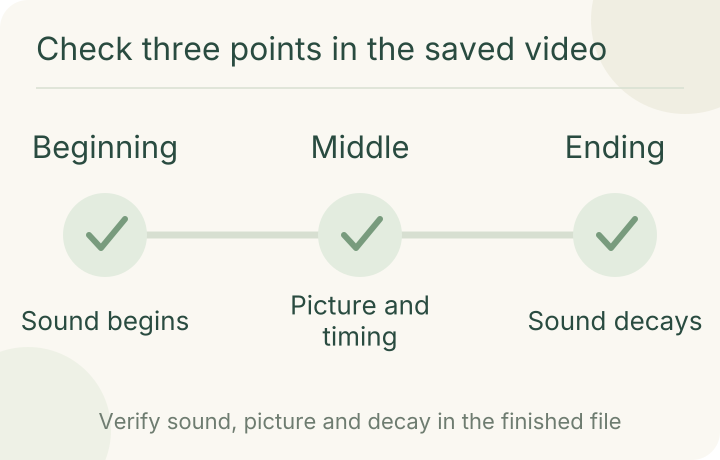
Any WAV or MP3 used alongside the MIDI must contain the same repeats. Compare the opening, the first note after the repeat and the ending.
For an eight-bar repeat, listen continuously from bar eight back to bar one. Note the route through first and second endings too. Fix an order mismatch before stretching or shifting the entire performance, which could spoil an already aligned opening.
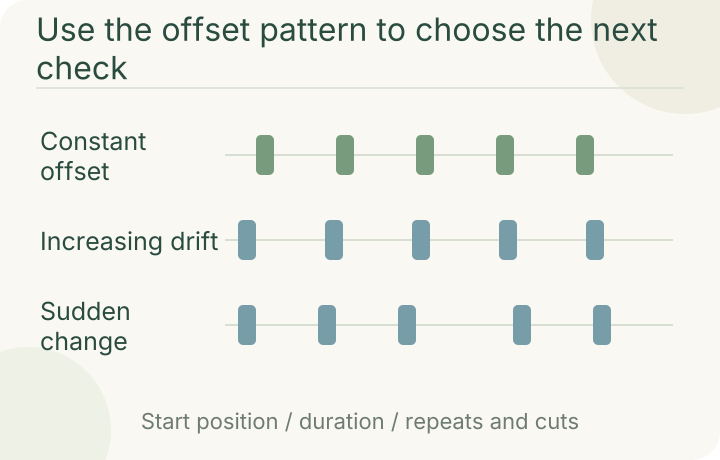
Investigate a sudden change in synchronization
If the files align at first but disagree suddenly at one bar, compare repeat counts before changing tempo. Also check for omitted bars, rests, an introduction or a cut.
After correcting the source, export MIDI and audio again and replace both files in the video workflow. Moving the opening repeatedly will not repair a missing repeated section.
Check the second ending by listening
Start slightly before the repeat and listen through the return. When the second pass leads to different notes, confirm those notes appear in the exported MIDI.
If the lengths differ, trace the original score and the MIDI bar by bar. Compare the same route in the WAV. A large change after a repeat is a reason to inspect that repeat before making small timing adjustments.
Frequently asked questions
Will Expand repeats fix every piece automatically?
No. Results depend on the repeat notation and application support. Listen to the actual exported sequence.
Can I cut the video to match?
You can edit a known difference, but matching the source files first usually makes later corrections easier.