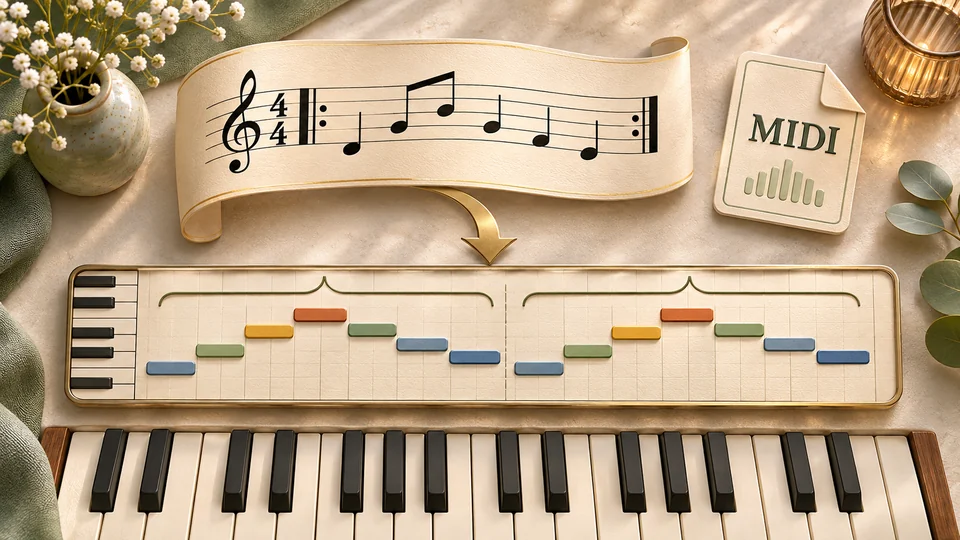
Play the score before exporting
Play from the beginning and correct wrong pitches, note lengths or tempo markings. MIDI carries these performance details into the receiving application.
If you do not have a score yet, open the four-bar example. A short piece makes the first note, repeat order and final note easy to check.
Download the matching MusicXML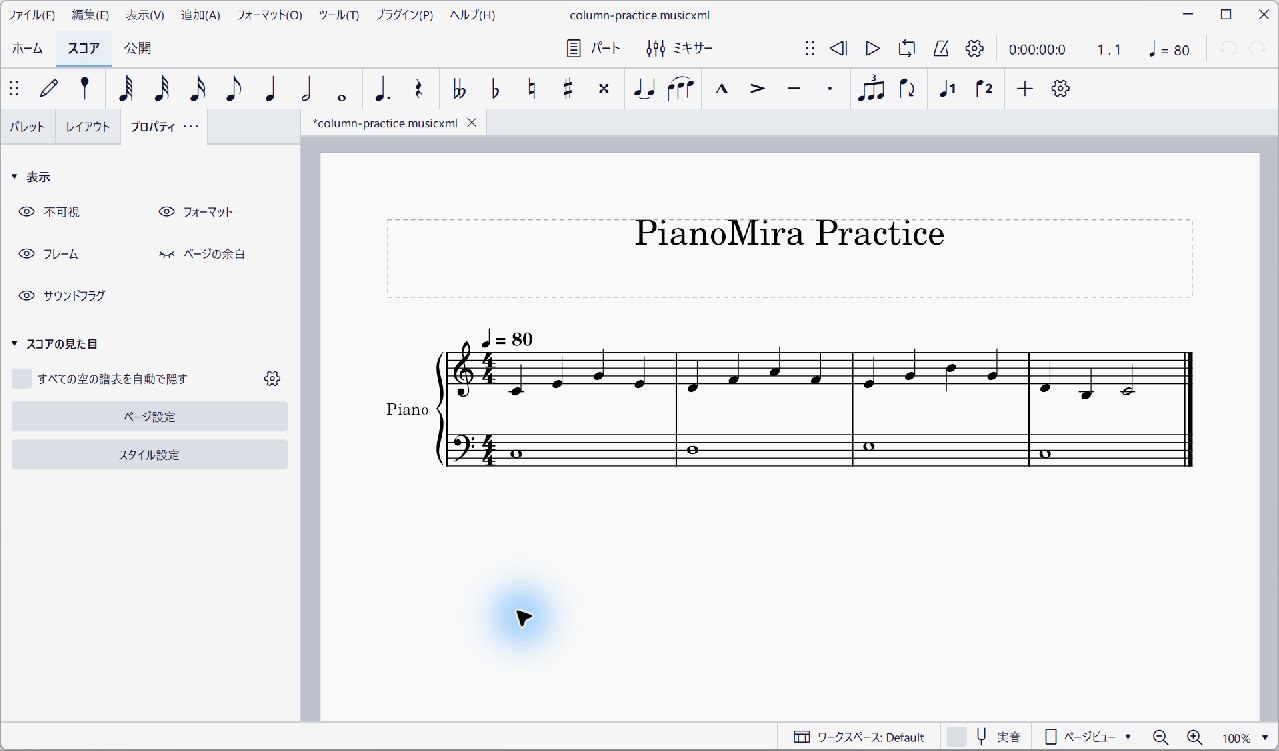
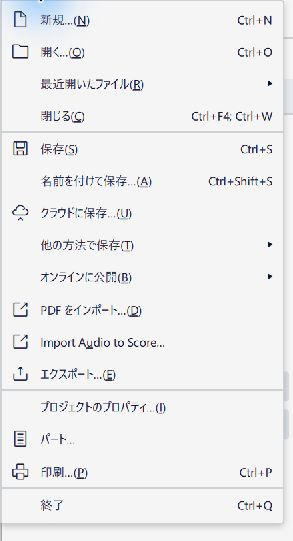
Open File → Export
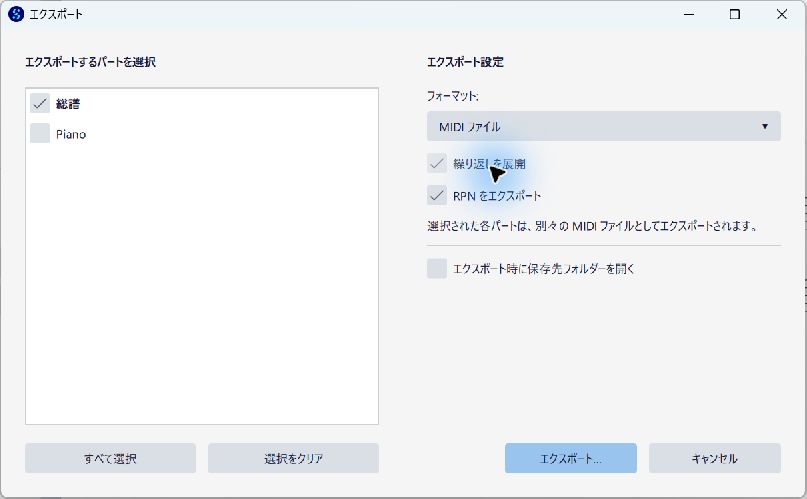
Choose File → Export from the menu. Use this command when you need a MIDI file for another app.
Save As keeps an editable MuseScore score; it is a different operation. Keep that editable score too, but do not mistake it for the exported MIDI.
Select the full score and MIDI format
Select the full score on the left and MIDI file on the right. Selecting several individual parts can create separate files. Choose the full score when you want the entire piece in one file.
Enable Expand repeats when the exported performance should include repeats. If you will combine MIDI with audio, make sure both follow the same musical order.
Save a clearly named version
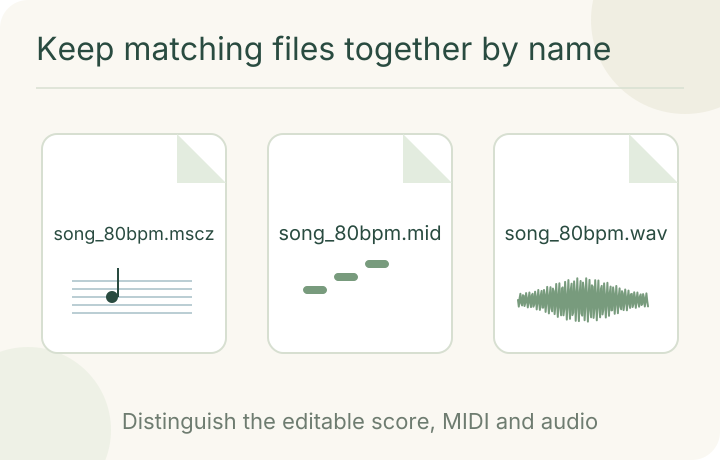
Click Export and choose the destination. A name such as song-80bpm.mid helps distinguish tempo versions. Let the export create the format; changing a filename extension is not conversion.
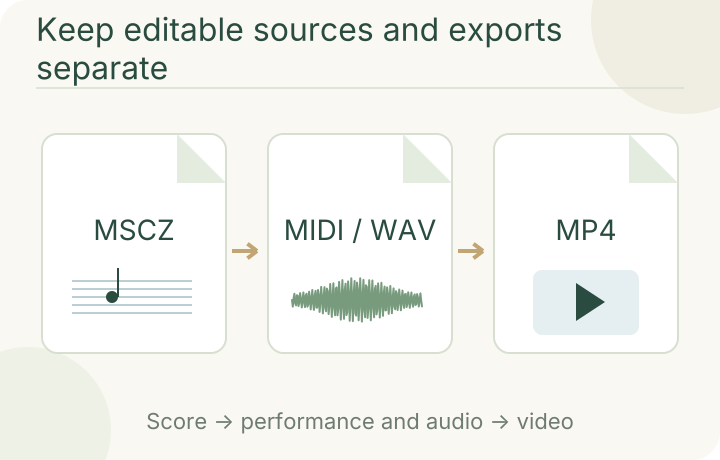
If you also need the original piano sound, export WAV from the unchanged score and keep the two files together. After changing tempo or repeats, update both files and use a new version name rather than relying only on modification dates.
Test the beginning, repeat and ending
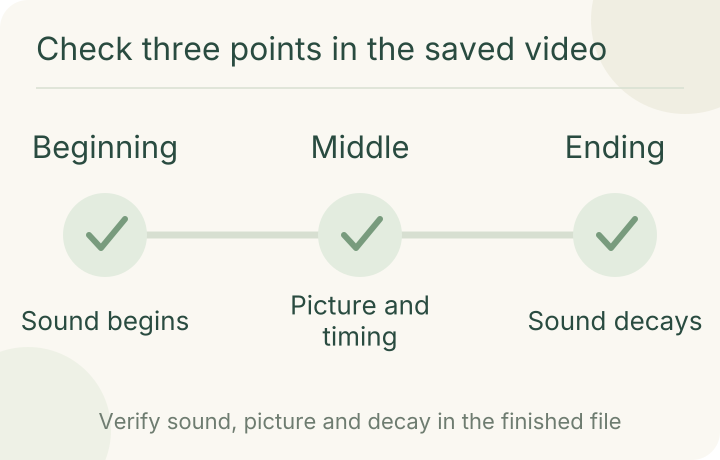
Import the saved MIDI into the receiving app, such as Synthesia or PianoMira. Check the opening, the first note after a repeat and the ending, including tempo and note timing.
A different piano sound can come from the receiving app's sound source rather than a MIDI export fault. Export matching WAV from MuseScore if the video should retain MuseScore's rendered sound.
Keep MIDI separate from the editable score
Save an MSCZ copy for future notation edits. MIDI transfers performance information; it is not intended to preserve every layout choice and notation symbol. A score re-imported from MIDI may look different without the export being broken.
Give matching MIDI and audio the same base name, such as song_80bpm.mid and song_80bpm.wav. Check the filename and modification date before importing a revision so you do not accidentally use an older file.
Frequently asked questions
Can I rename MSCZ to MIDI?
No. Open the score in MuseScore and export it in MIDI format.
Will another app play exactly the same piano sound?
Not necessarily. The receiving app supplies the MIDI sound source. Export audio too when you want to keep the original sound.