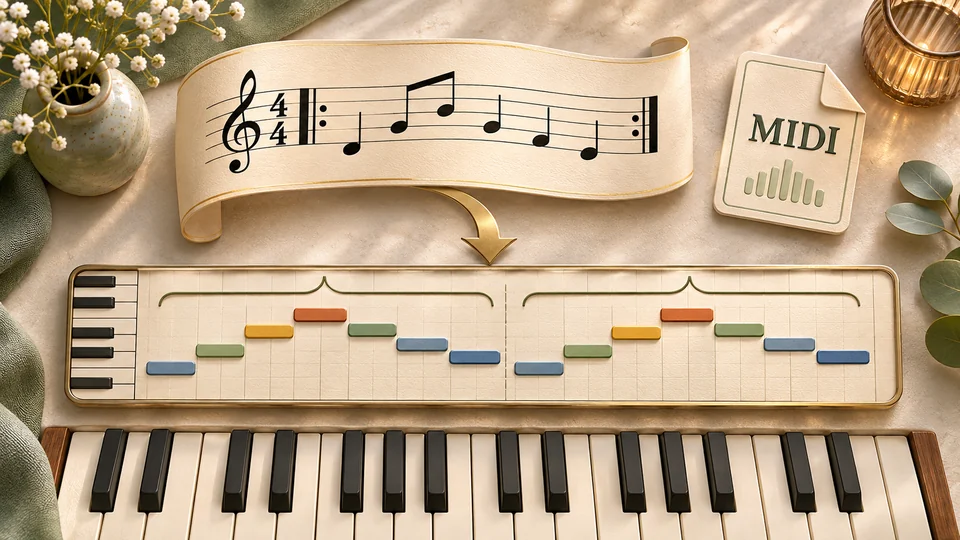
Find the same attack in picture and sound
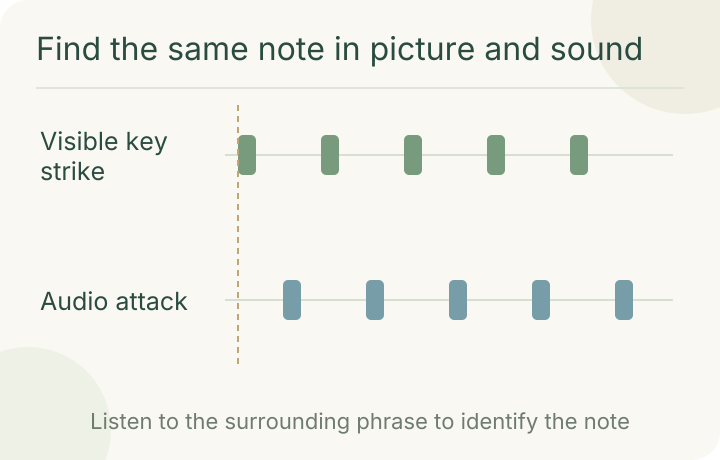
Use the key moving down in the picture and the start of the corresponding sound in the waveform. A clear single note after a rest is often easier to locate than a sustained chord.
Zoom into the waveform in Audacity or your video editor. Listen to the surrounding phrase to avoid comparing the second visual note with the first audio note.
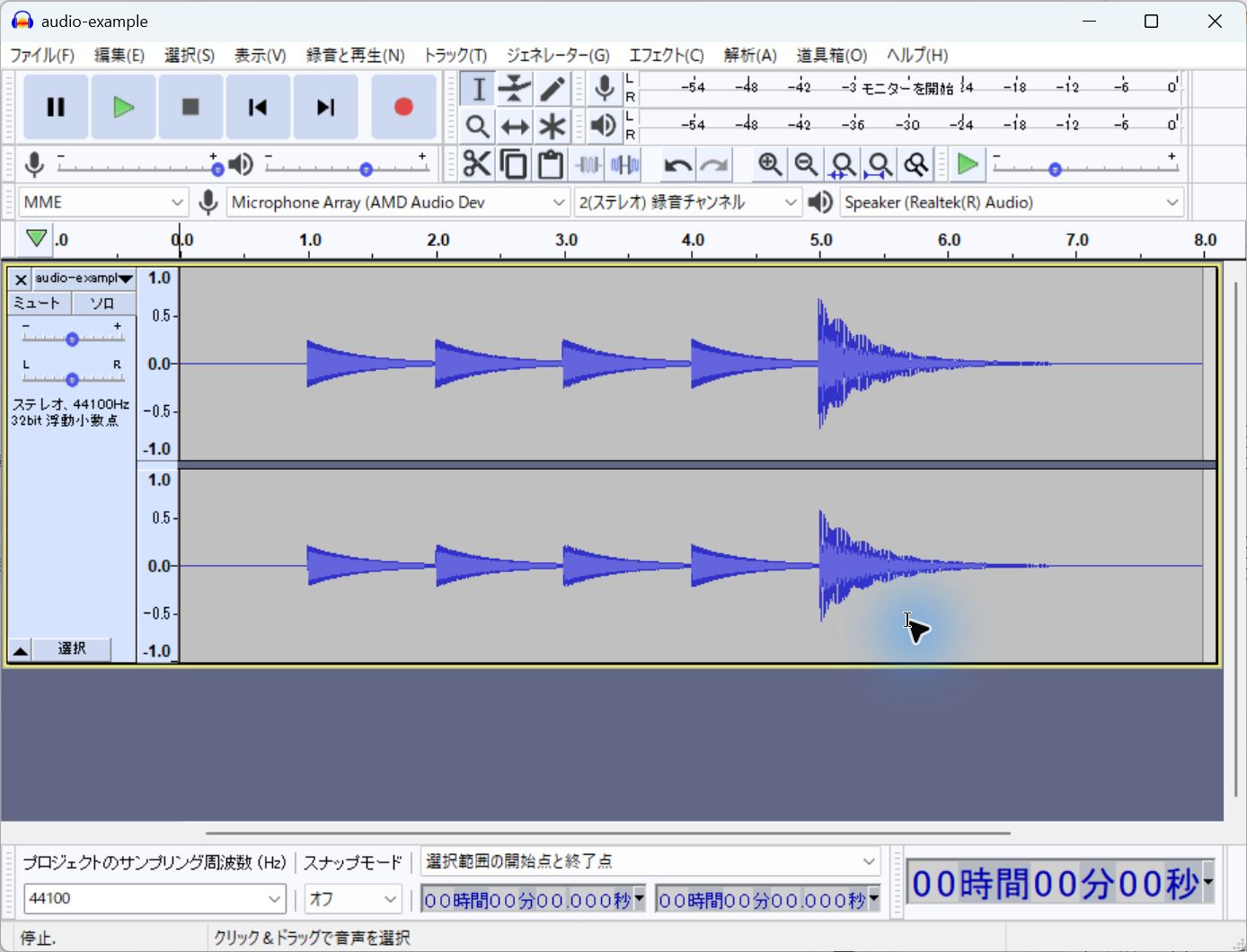
Measure at the start, middle and end
Calculate audio time minus video time at three clear notes. A positive value means audio is late; a negative value means it is early.
If both the beginning and ending are +0.20 seconds, try moving audio 0.20 seconds earlier and check the same three landmarks again. Growing or sudden differences call for a different investigation.
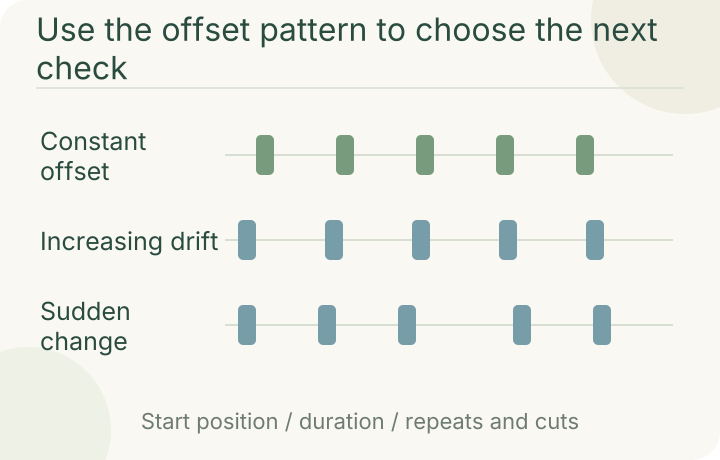
| Offset pattern | Check first |
|---|---|
| +0.20 seconds throughout | Audio track start position |
| +0.02 seconds at the start → +1.00 seconds near the end | Tempo and passage duration |
| Sudden change from one measure onward | Cuts, repeats and rests |
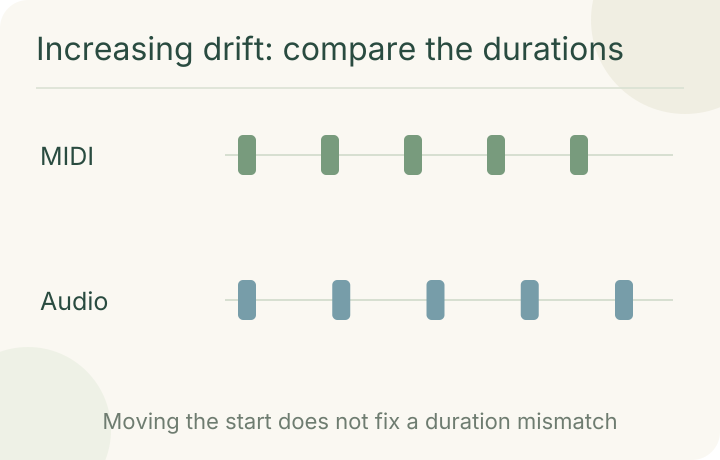
Compare durations when drift grows
If the start matches but the ending differs by a second, compare performance duration. Different MIDI tempo, another recorded take or recording-clock differences are possible causes.
Consider a uniform speed correction only when the difference grows at a consistent rate. Two endpoints alone cannot describe all tempo changes or edits in the middle. Use the time calculator as a measurement aid, then inspect intermediate notes.
Inspect repeats and cuts after a sudden change
If synchronization changes immediately after a repeat, one file may contain extra bars. Compare cuts, rests and introductions too.
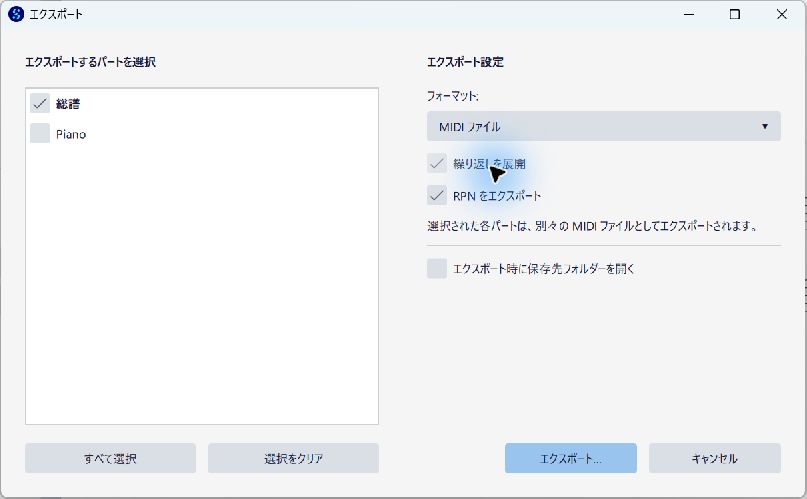
When both files can be exported from the same score, recreating them with matching tempo and repeat order may be simpler than correcting incompatible materials in the editor.
Check the exported MP4 in another playback setup
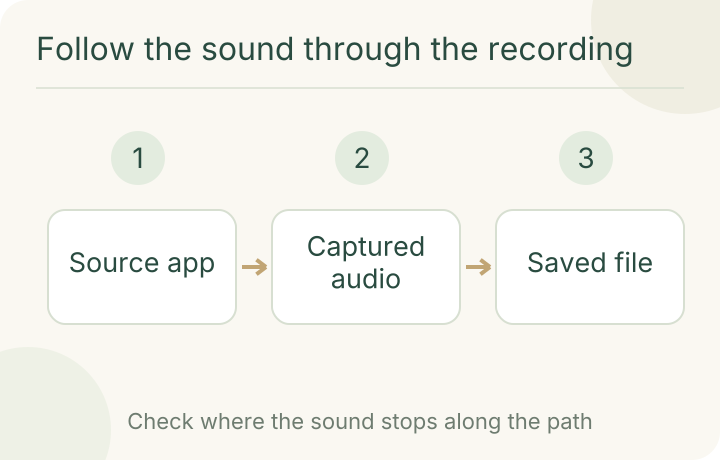
After the edit looks right, export MP4 and replay the three landmarks in the saved file. If delay occurs only through Bluetooth headphones, compare wired listening or the device's speakers.
Do not compensate the video for a delay specific to one playback setup. If the file aligns through another player or output, investigate playback before editing it again.
Separate initial offset from additional drift
A 0.2-second delay at both ends may be a start-position problem. A nearly correct start and a one-second late ending suggest a duration or tempo mismatch.
Choose clear attacks after rests, record their positions and reuse the same landmarks after correction. Comparing different musical events between tests can make the diagnosis appear to change.
Frequently asked questions
Will a 0.2-second shift fix every video?
No. Measure the offset for the actual files and check whether it stays constant.
Why does synchronization change suddenly partway through?
Compare tempo changes, repeats and cuts. Verify the musical order before changing the speed of the whole file.