Identify the bars where speed changes
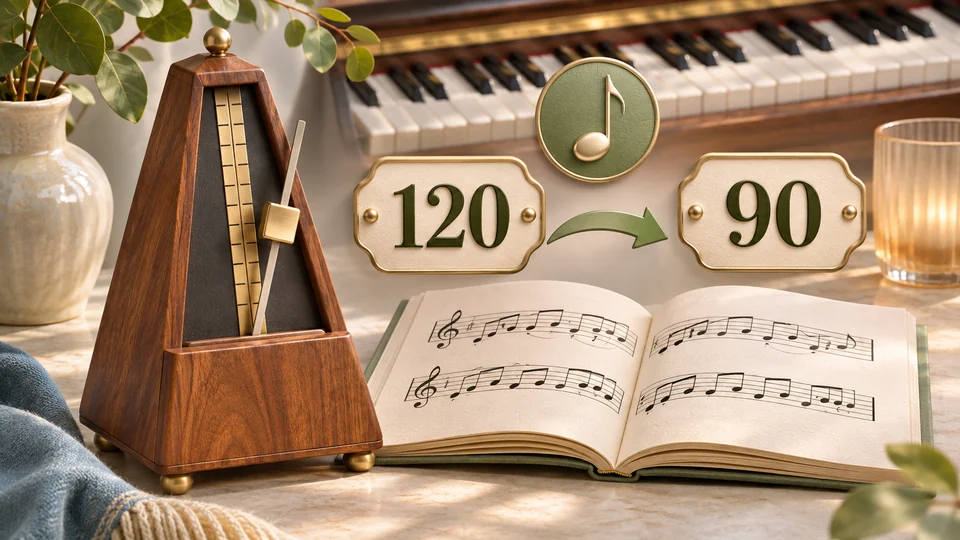
Decide where each tempo begins, such as 80 BPM at the start and 60 BPM later. The initial BPM alone cannot describe a piece that changes speed.
Listen from just before the planned change so you know how the original phrase flows.
Edit the marking at the correct position
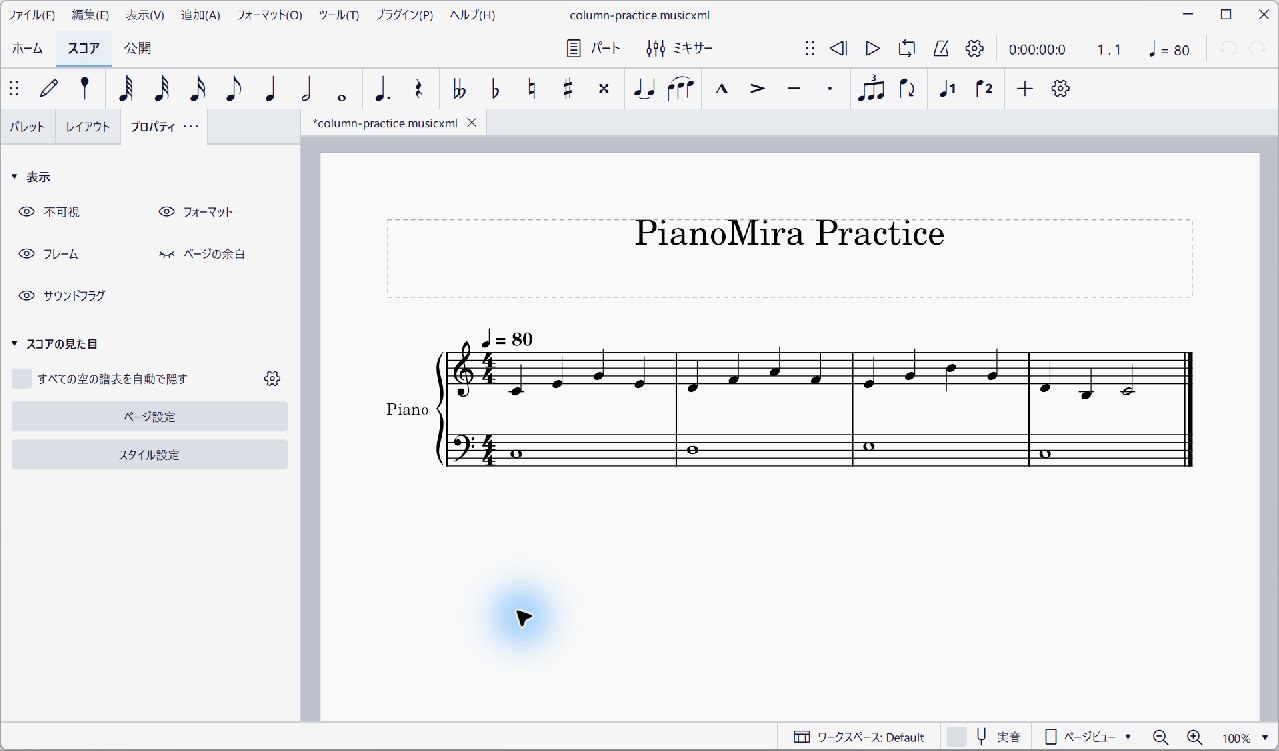
Select the note or rest where the new tempo should start and add or edit its tempo marking. Inspect the value in Properties.
For a change within a bar, select the intended note rather than the bar in general. A marking placed one bar early changes that earlier bar too; compare the selected location with playback.
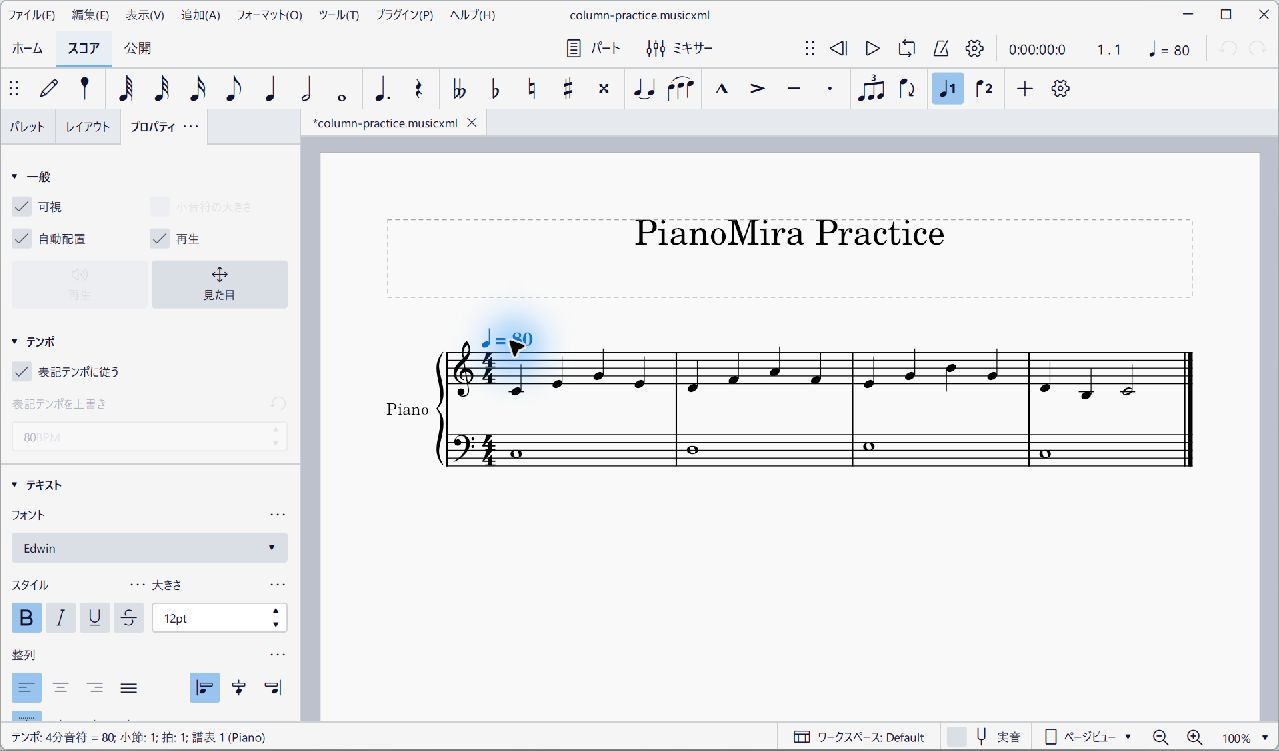
Play across the change
Start one bar before the change and listen through it. Check whether the size of the tempo difference matches your intention.
A gradual slowing and an immediate change to a new fixed tempo are different musical instructions. Use playback to confirm the behavior you want.
Export and test the MIDI
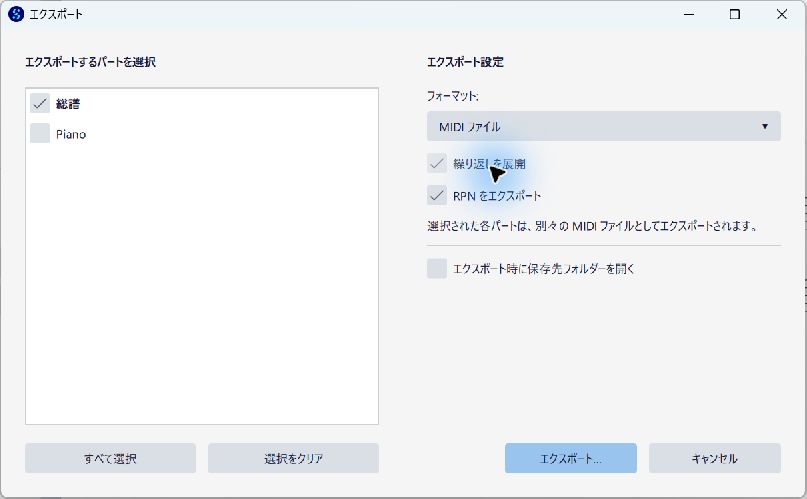
Export MIDI, then open it in the application used for the video. Listen before and after the edited bar.
An initial BPM display that looks correct does not prove that later changes were transferred. Check the saved file because the receiving app's handling of tempo information also matters.
Compare audio at several points
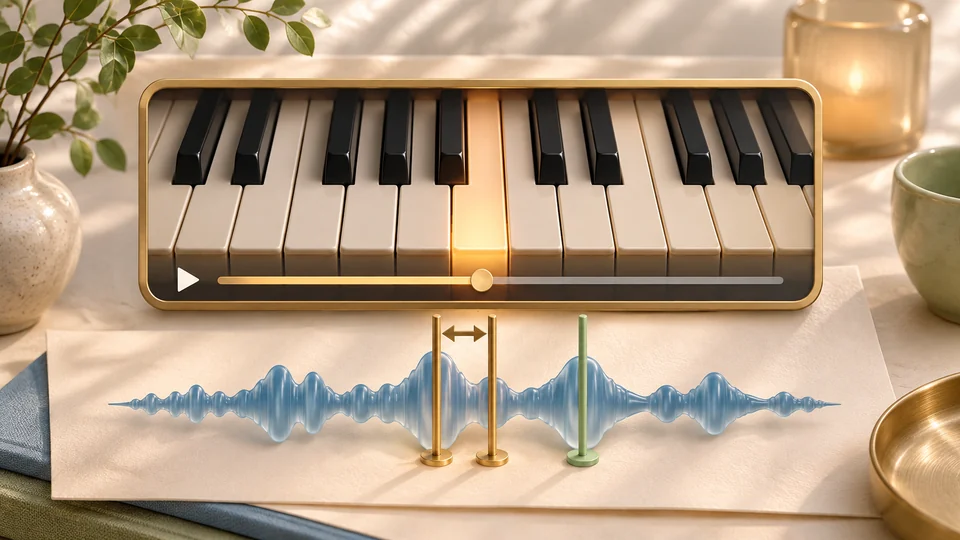
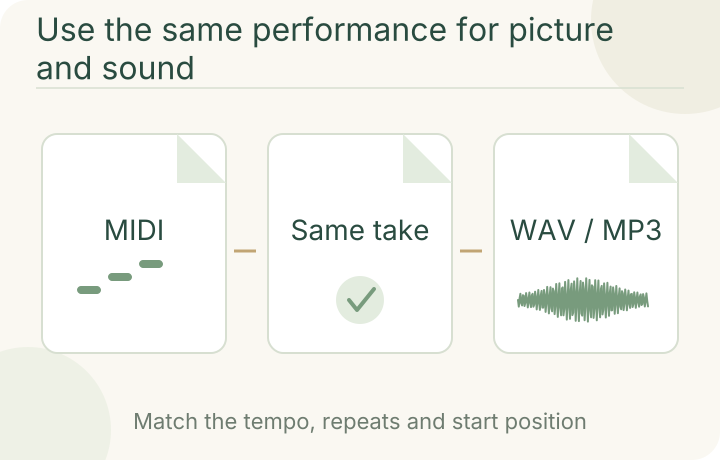
When combining MIDI and WAV, compare the first note, a clear note after the tempo change and the ending.
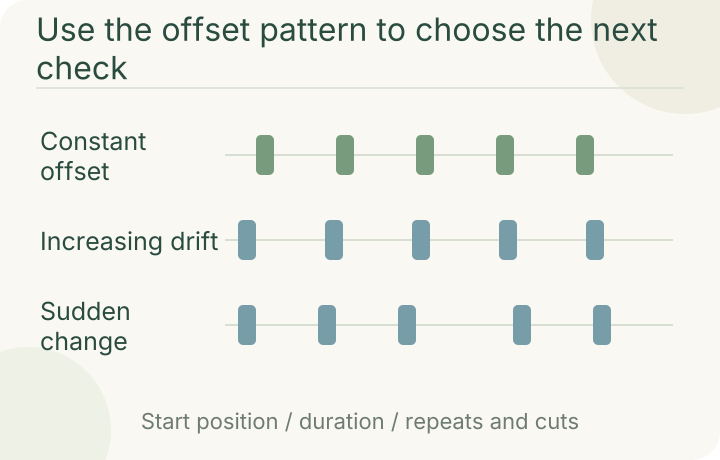
If the files match only at the start, shifting the opening alone will not fix the later timing. Export audio from the same revised score, or adjust the MIDI to the intended recorded performance.
Use a recognizable note as a landmark
Note the changed bar and choose a chord or sustained note just before it. Find the same landmark in the exported MIDI, then compare another note immediately after the change.
If drift begins there, one source may lack that tempo change. Re-exporting matched materials can be more reliable than repeatedly moving the display's starting position.
Frequently asked questions
Is 50% playback speed the same as a BPM value?
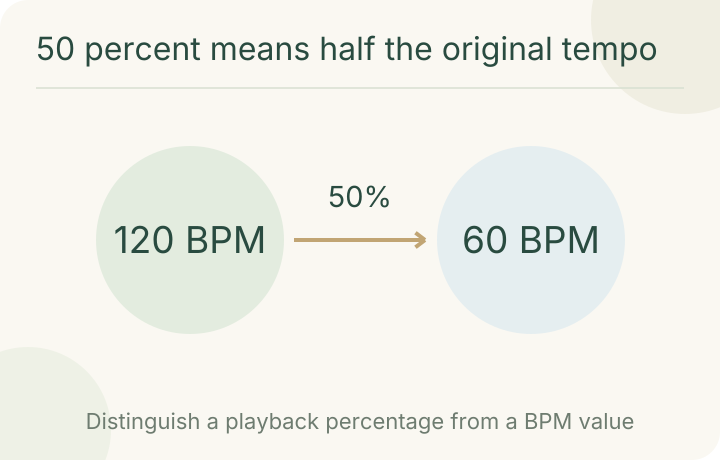
No. BPM describes beat rate; 50% is a proportion of the original speed. Half of 120 BPM is 60 BPM, while half of 80 BPM is 40 BPM.
Can I slow only the audio for a video?
You can edit audio speed, but the displayed notes must follow the same timing, including changes within the piece.