
PIANOMIRA JOURNAL
MIDI
Prepare MIDI files, fix silent playback, and adjust hands, timing and velocity.
Articles 1–10 of 23
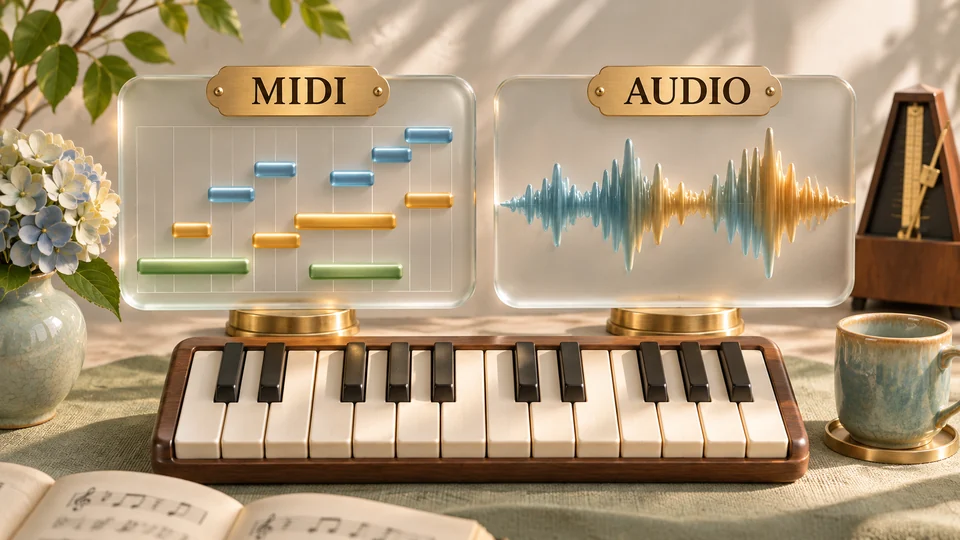
What is MIDI? How it differs from MP3 and WAV
MIDI stores performance instructions, such as pitches, timing and note strength. WAV and MP3 store sound. Knowing the difference helps you choose the right files for editing notes, keeping a recording or creating a piano video.
Read the guide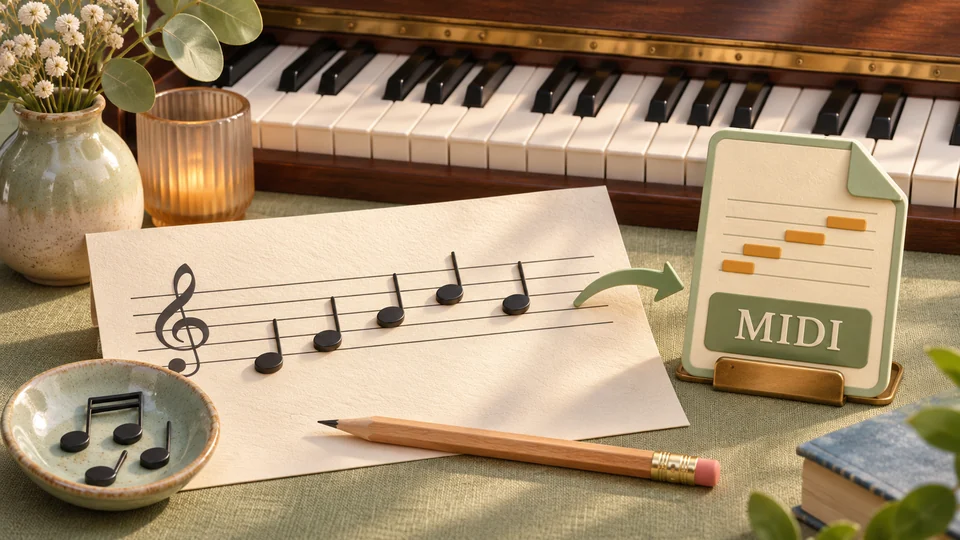
How to create a MIDI file in MuseScore Studio
You can create a short MIDI in MuseScore Studio without a MIDI keyboard. Add a piano score, enter a few notes with your computer, listen to them and export MIDI for another app.
Read the guide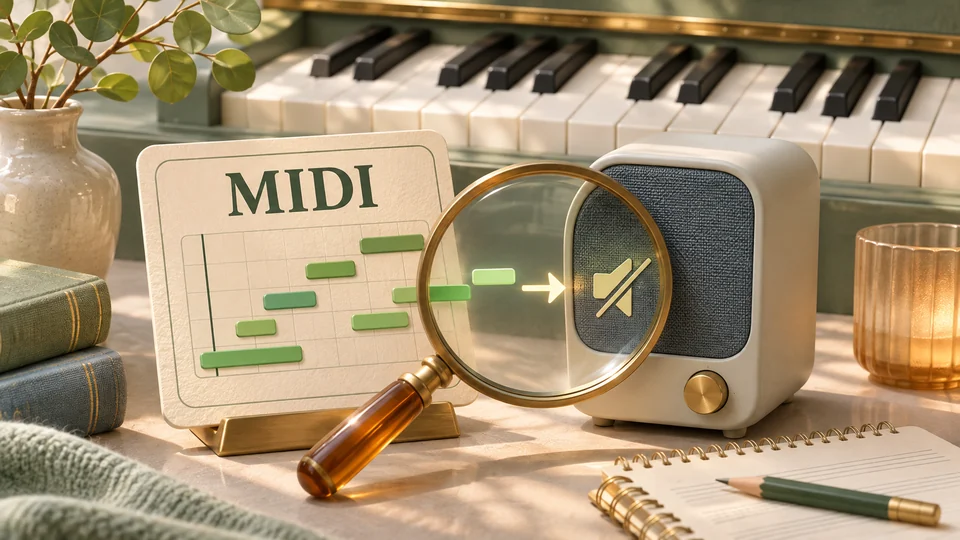
MIDI has no sound in MuseScore Studio: what to check
Check that the MIDI contains notes, then follow the sound path through playback, the mixer, the instrument and the computer's output device. Use a short known file to separate a file problem from an audio-setting problem.
Read the guide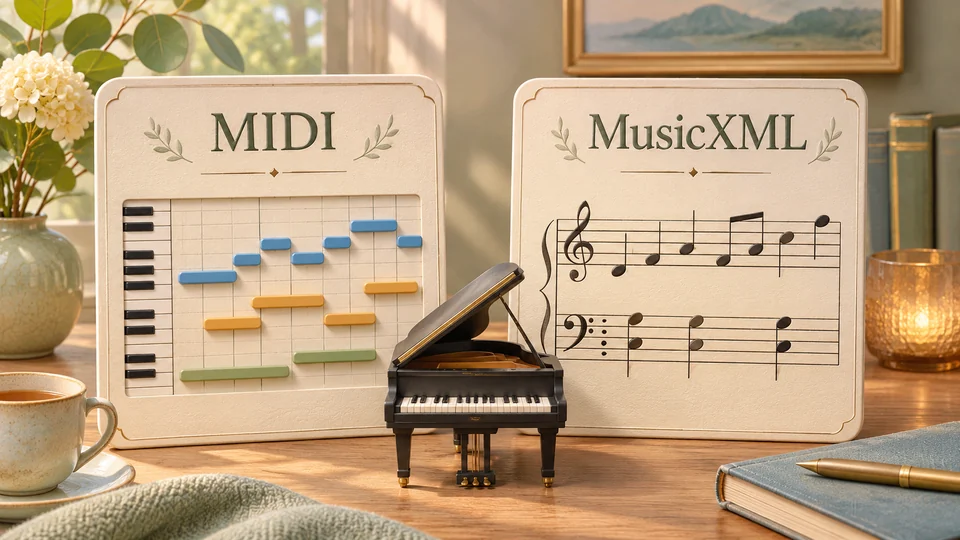
MIDI or MusicXML? Performance data and score data explained
Use MIDI for note timing and performance-driven visuals. Use MusicXML to transfer structured notation between score applications. Keep the original editable score and check the result in the receiving app.
Read the guide
How to assign MIDI notes to left and right hands in Synthesia
Open Hands, Colors, and Instruments in Synthesia, listen to each part and assign the hands. If both hands are stored together, use Custom to correct the assignments note by note.
Read the guide
MIDI tracks and channels: what is the difference?
A track groups MIDI information for organization and editing. A channel identifies a destination for MIDI messages. Neither a track number nor a part name automatically tells you which hand plays its notes.
Read the guide
How to adjust MIDI velocity in SeeMusic
Use SeeMusic's MIDI editor to select an overly strong or weak note and adjust Velocity. Listen to the surrounding phrase after each change. A separate WAV recording will not change when you edit MIDI velocity.
Read the guide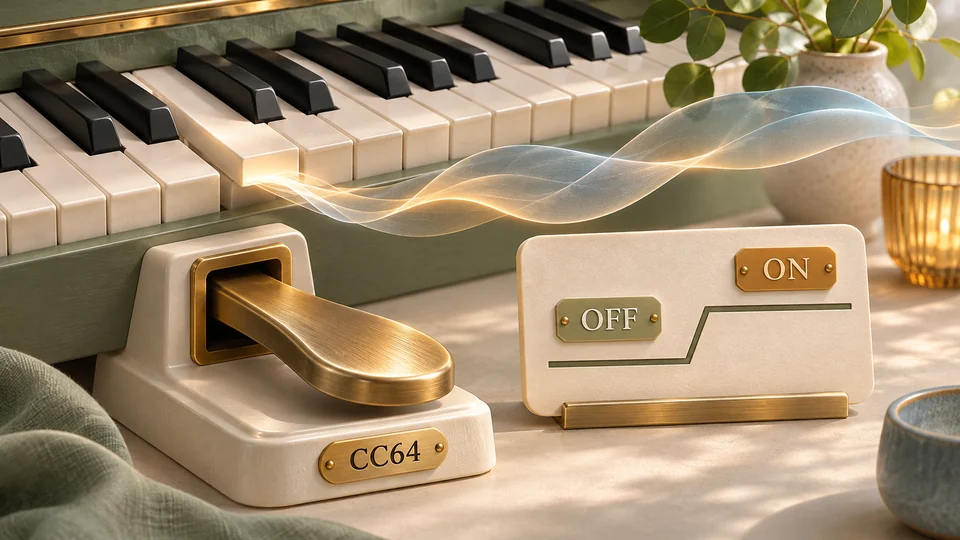
Why MIDI sustain will not stop: CC64 and note endings
Check note duration and sustain-pedal messages separately. A missing pedal-off event can leave notes ringing, while a sound source's reverb can continue naturally after the pedal is released.
Read the guide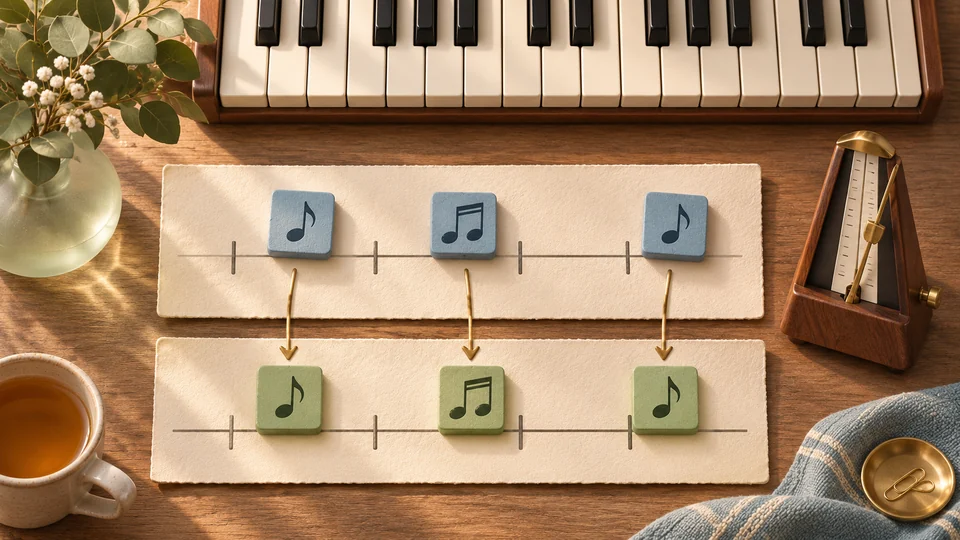
MIDI quantization: eighth notes, triplets and expressive timing
Quantization moves notes toward a rhythmic grid. Choose a grid that matches the phrase and decide whether to change starts, lengths or both. Test a short copy before applying it to the whole performance.
Read the guide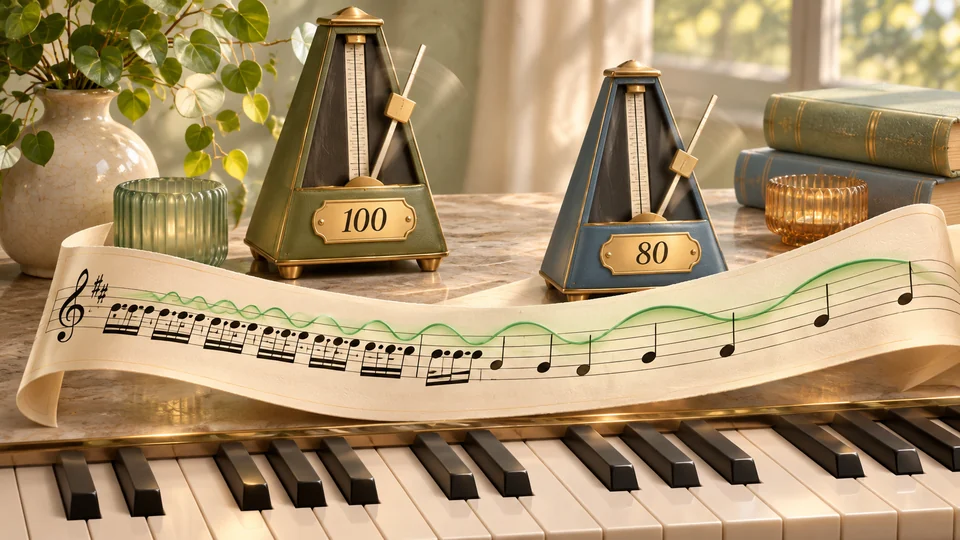
How to check mid-song tempo changes in MuseScore Studio
Place tempo changes at the intended notes, listen across each change and test the exported MIDI in the receiving app. When using separate audio, compare positions after the change as well as at the opening.
Read the guide