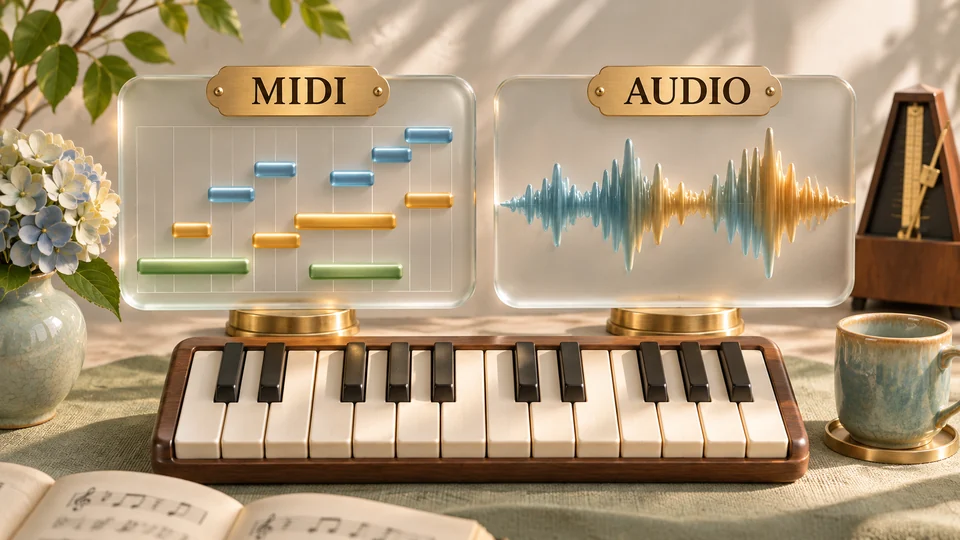
Locate the note before editing
Play the MIDI and identify a note that stands out within its phrase. Start with one clear problem rather than changing the entire piece.
Open the editor from the pencil icon on the right of the playback screen. Check whether the extra loudness comes from a strong note or duplicated overlapping notes before adjusting velocity.
Zoom in and select the note
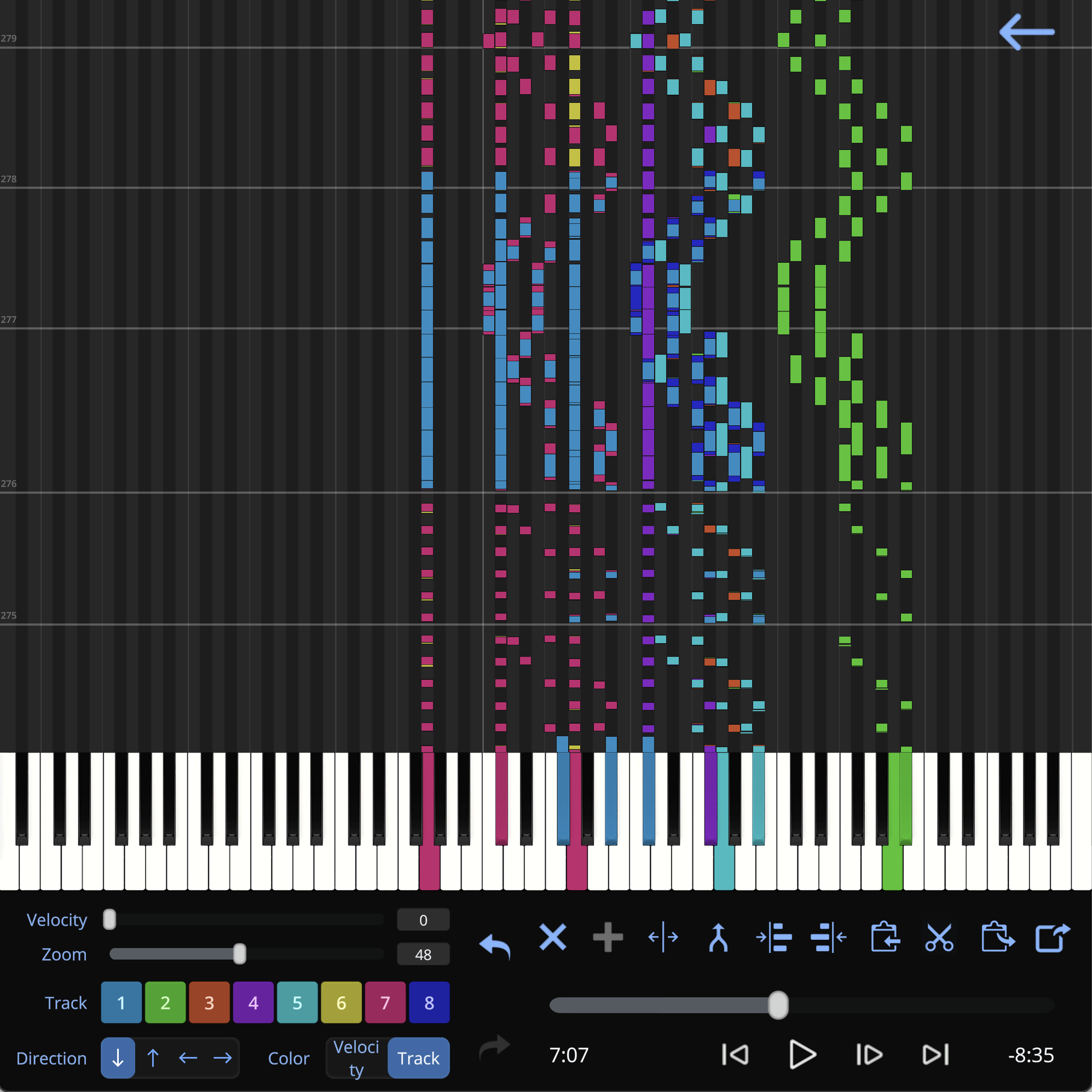
Use Zoom to make the target note easy to select alongside the keyboard. Check that you have not selected several notes unintentionally.
Velocity controls note strength; Track identifies the part, and Color affects its visual grouping. Select the intended note before changing the value.
Make a small velocity adjustment
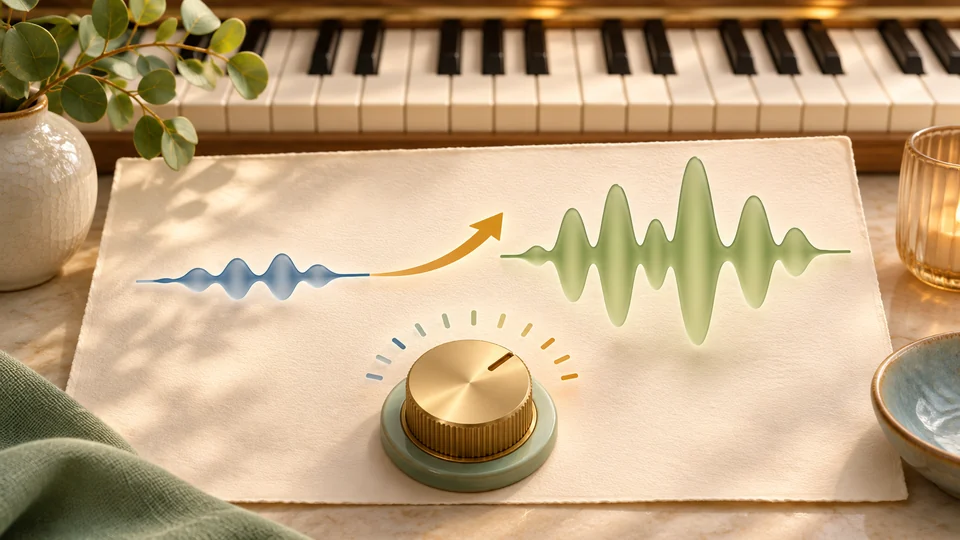
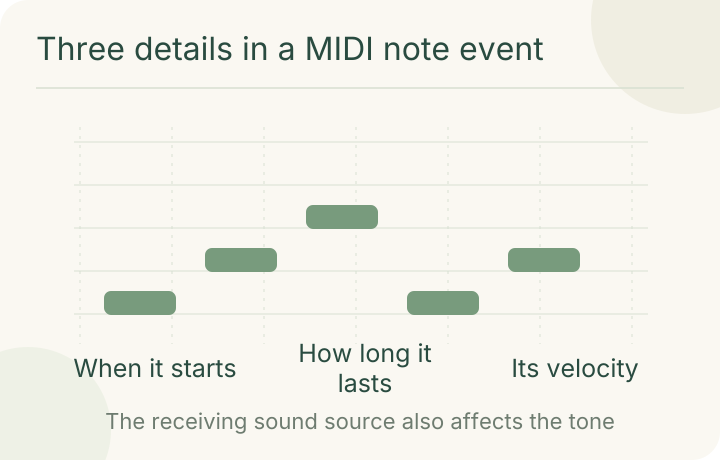
Lower Velocity slightly for an overly strong note, or raise it for a weak note. Depending on the sound source, velocity can change timbre as well as loudness.
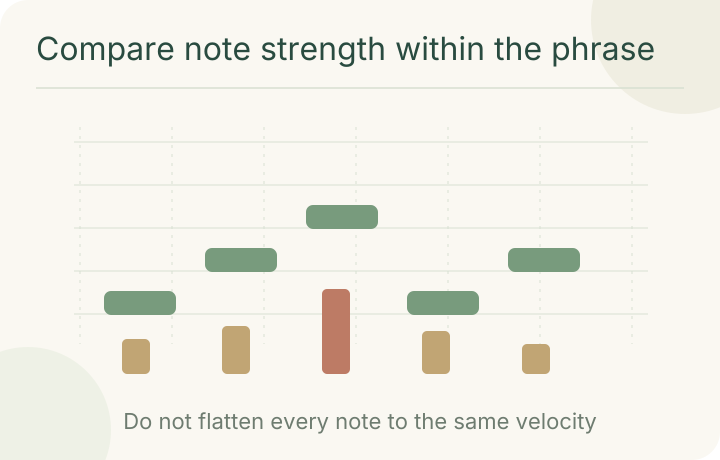
Compare nearby notes and preserve the difference between a melody and a quiet accompaniment. Setting every note to one value can flatten the musical expression.
Listen to the surrounding phrase
Play the phrase continuously, including notes before and after the edit. Restore some of the original value if the note becomes too weak.
Track colors can help distinguish melody from accompaniment, but color and velocity are separate controls. Do not judge note strength from its color alone.
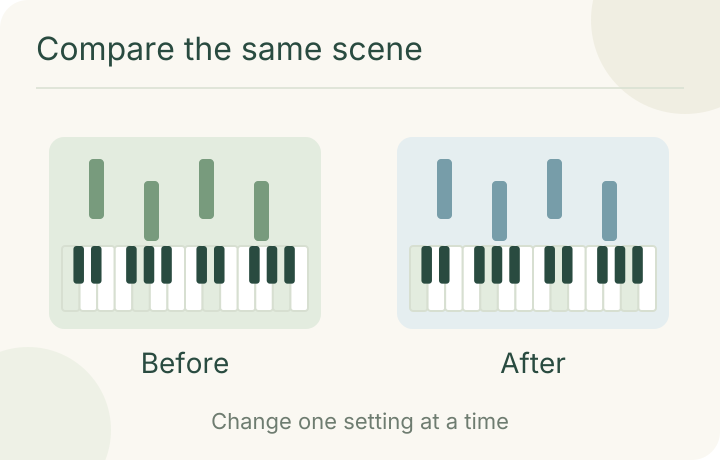
Check which audio the video uses
When a sound source renders the edited MIDI, the velocity change can affect that sound. If the video instead plays an independently recorded WAV, changing MIDI velocity does not rewrite the recording.
Create a short video using the intended final audio and compare its audible dynamics with the displayed notes.
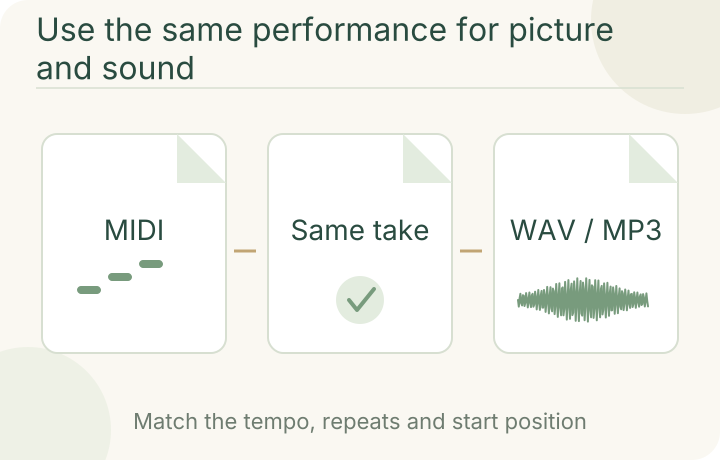
Keep the original value for comparison
Write down the initial velocity and compare small changes at the same point in the phrase. Repeatedly playing one isolated note can hide how weak or strong it feels within the melody.
Choose whether you are correcting MIDI-rendered sound or editing recorded audio before starting. Use the appropriate tool for that source rather than expecting a MIDI control to change a separate WAV.
Frequently asked questions
Does doubling velocity double the volume?
Not in a fixed proportion. Each sound source can respond differently in both loudness and timbre.
Will equal velocity make the performance more natural?
It can remove useful dynamics. Start by correcting only notes that clearly stand out.