Locate the unwanted note's time
Find the unusual note during playback and listen around it. Decide whether it is also audible or only a visual concern.
Note a time such as around 12 seconds, then open the editor with the pencil icon and return there. A two-bar comparison makes duplicates or wrong pitches easier to find than repeatedly playing the whole song.
Zoom in on short and overlapping notes
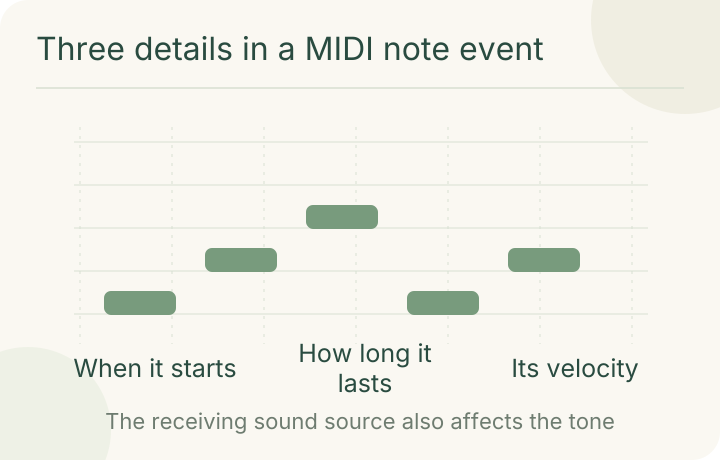
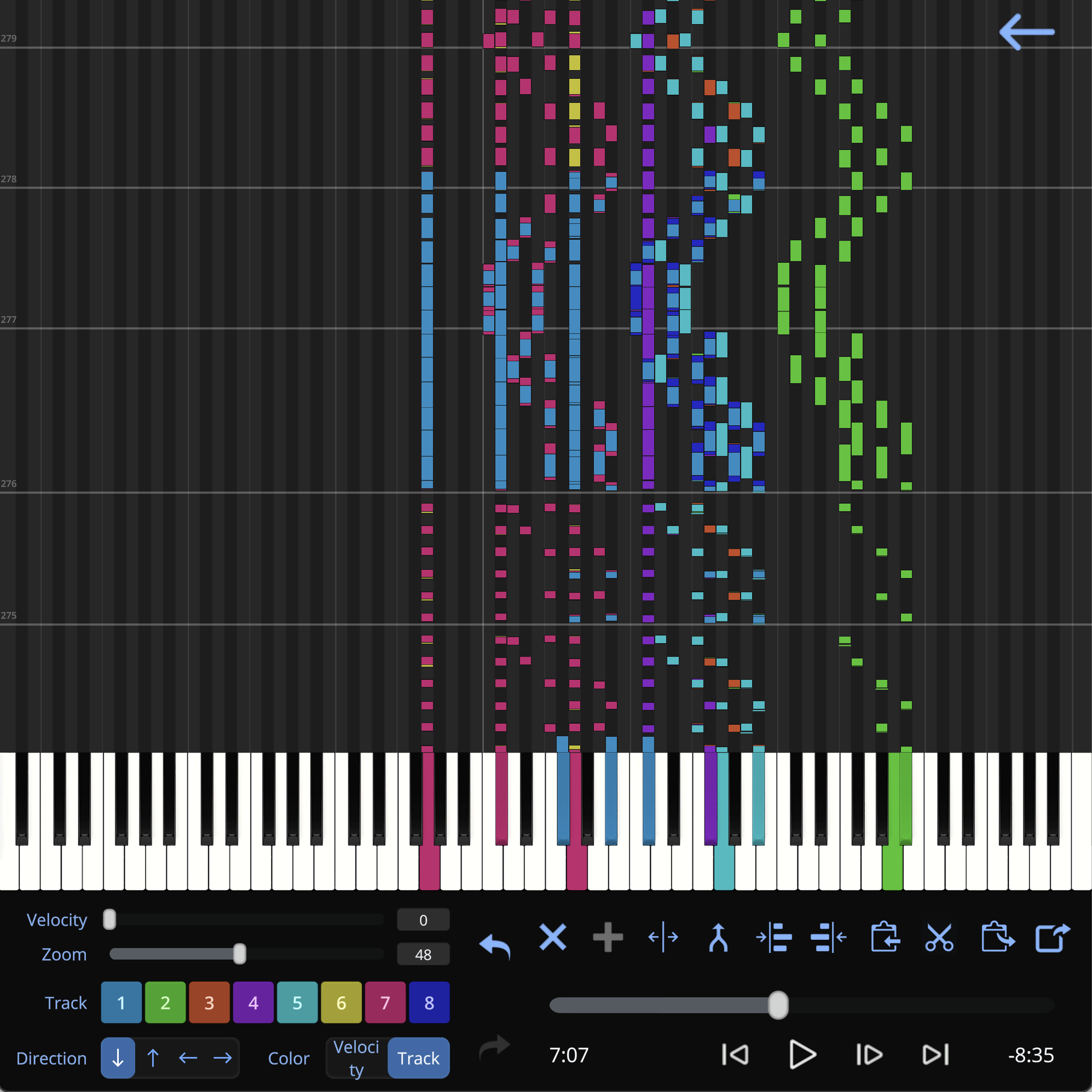
Increase Zoom around the passage. Look for a short note beside a long one or two notes overlapping at the same pitch.
Check Track to identify the part containing the note. Zoom out to recover the surrounding phrase if the close view makes you lose your place.
Compare the selected note with the phrase
Select a possible mistake and compare it with the original score or recording when available.
A short note may be an ornament, grace note or deliberate repeated note. Decide from the musical context rather than deleting every short bar.
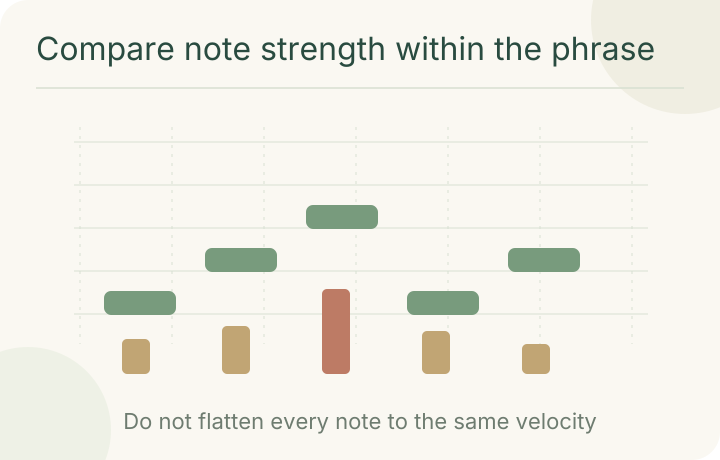
Delete only the unwanted note
Confirm that only the intended note is selected, then use the delete X. Reselect if neighboring notes have been included.
Correct one location and play it before moving on. Undo the change if the phrase becomes incomplete or a chord loses a needed pitch.
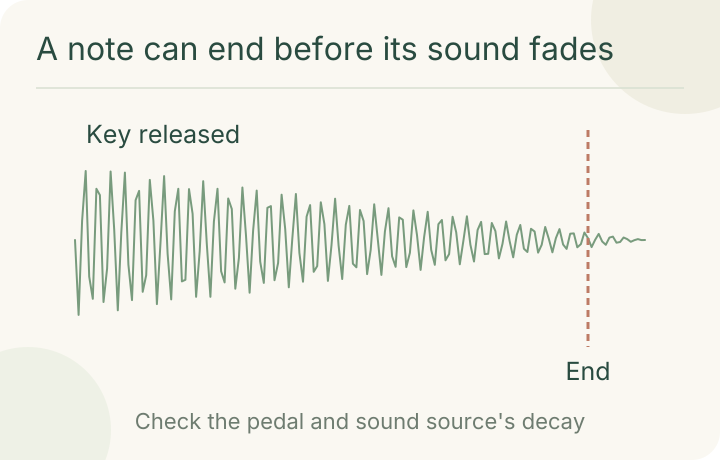
Listen again before creating the video
Play slowly across the edited location and check that the phrase still flows. If you use separate recorded audio, compare that too.
Deleting a MIDI note does not delete it from a WAV. Decide whether a visual-only change is acceptable or whether the audio source also needs attention, then check both in the exported MP4.
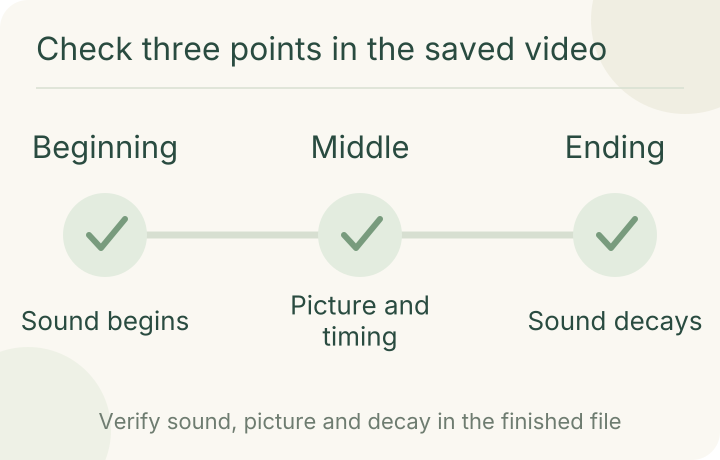
Distinguish ornaments from mistakes
Quick repetitions and ornaments can appear as very short bars. Listen to the surrounding phrase at a slower speed and compare the original performance.
Zoom in, confirm the selected pitch and position, and check that an adjacent long note is not selected. If the edit causes a gap or an incomplete chord, undo and reconsider the target.
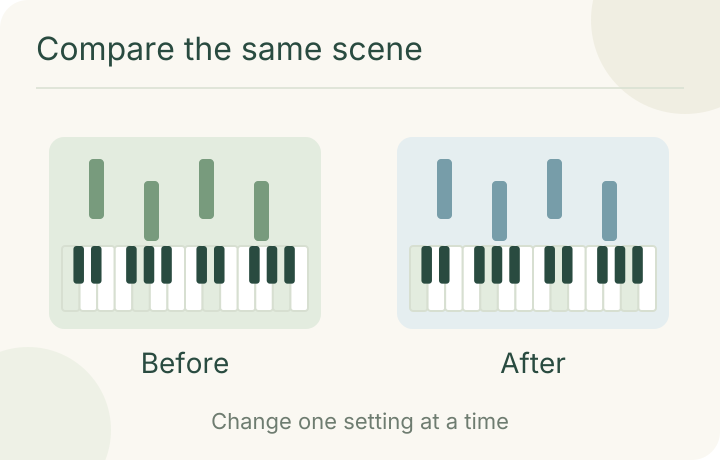
Frequently asked questions
Can I delete all short notes at once?
That can remove ornaments or staccato notes. Test on a copy and compare playback before using the result.
I hear a doubled note but see only one. Why?
Check another track for duplicates, the instrument effects and whether MIDI audio and external audio are playing together.