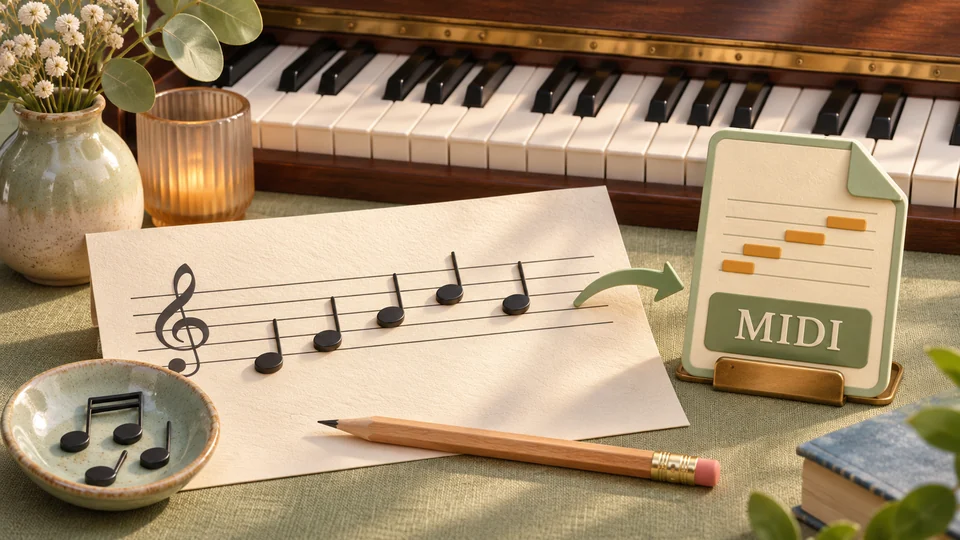
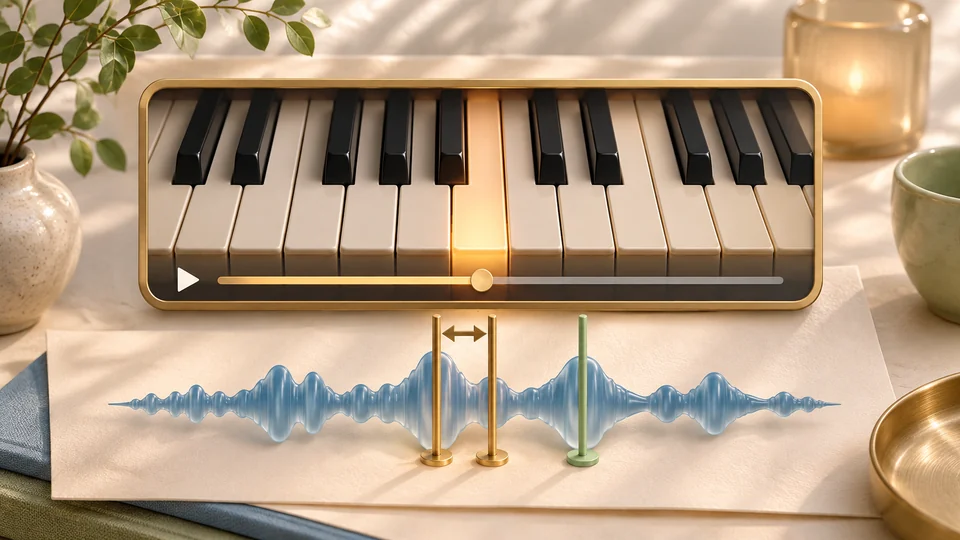
Decide which timing needs correction
Identify a note that is audibly late or early, rather than correcting every note that falls slightly off a grid line.
A delayed melody entrance or gently spread chord can be part of the performance. Listen to the phrase and decide what expression should remain before aligning all its notes.
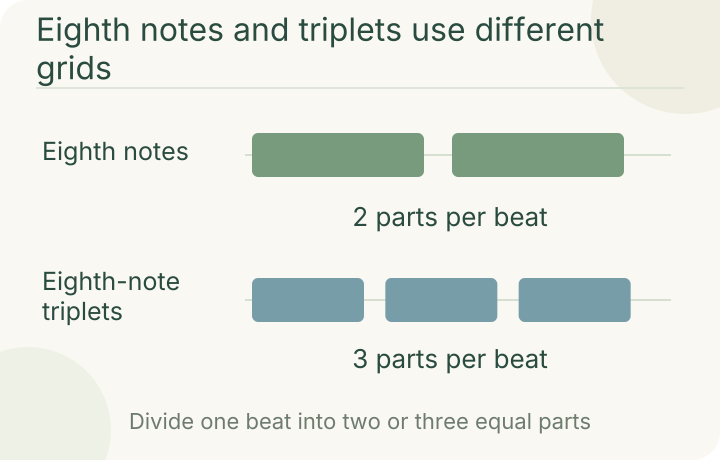
Choose an eighth-note or triplet grid
In this example, ordinary eighth notes divide a quarter-note beat into two parts, while eighth-note triplets divide it into three. Moving triplets to a straight eighth-note grid changes the rhythm.
Select one or two bars and inspect the smallest note values and any tuplets before choosing the grid. A finer straight grid is not automatically the correct choice.
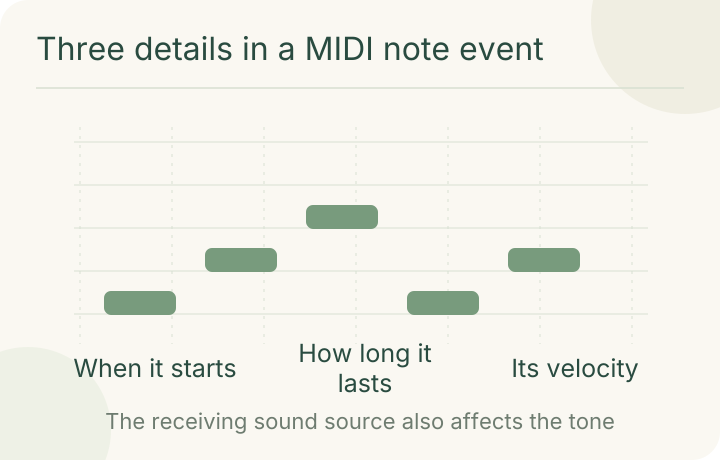
Zoom in on starts and lengths
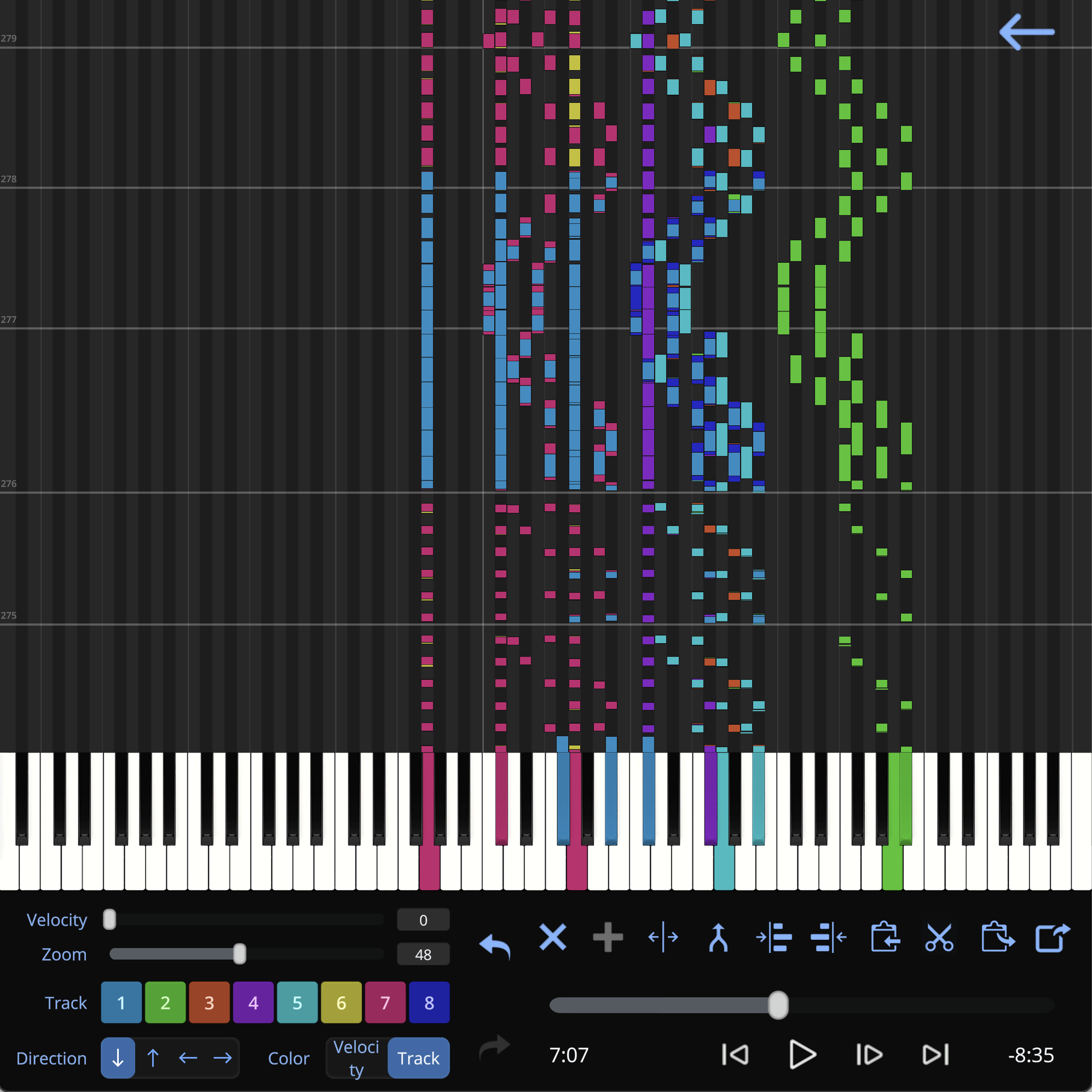
Use a piano-roll view to inspect note starts and durations. The SeeMusic editor example shows how Zoom helps reveal short notes.
Locate the events that need attention before processing them. Perform the actual quantization in an editor that provides that feature; the illustration does not establish that every pictured editor offers the same command.
Process a short selection and compare
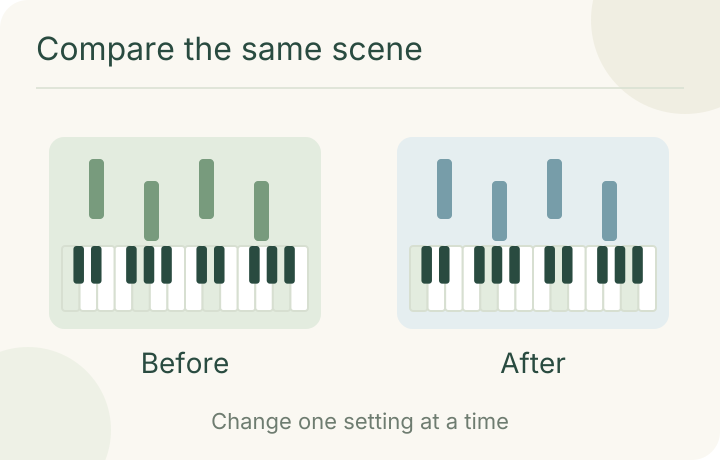
Apply quantization only to the selected bars first. If the editor provides strength controls, try a partial adjustment before fully snapping notes to the grid.
Alternate with the original using the same sound source and level. Listen for lost melodic flow or chord spread. Check whether the command changes only starts or also note endings.
Check against any separate recording
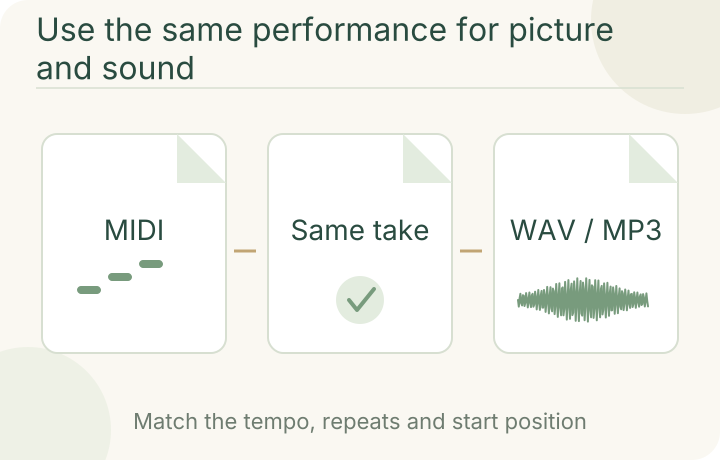
Editing MIDI timing without editing a matching recording can make the visuals disagree with the sound. The two sources need to describe the same performance.
For a video using the untouched recording, keeping the original MIDI timing may be the better choice. Decide which source must remain unchanged before moving notes.
Choose whether note lengths should change
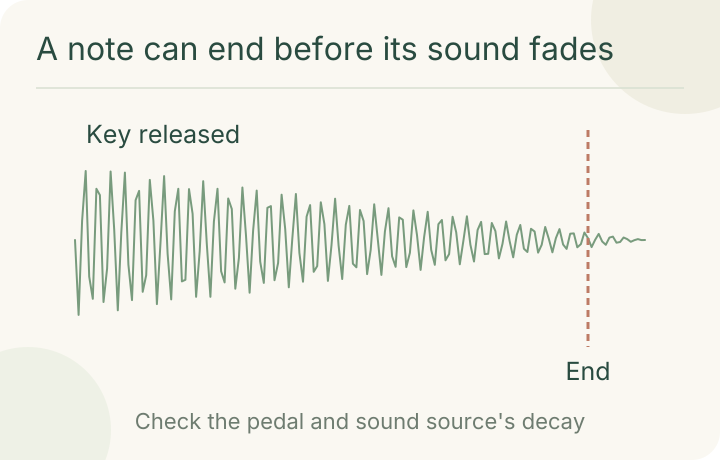
Some commands align note starts; others also change endings or durations. Select the operation that matches the actual problem.
Unintentionally shortening connected notes can alter the phrase. Test one or two bars, then listen to starts, connections and chord shape. Keep the original and expand the correction only where it helps.
Frequently asked questions
Does every MIDI need quantization?
No. Keep the original timing when its expression is wanted or when it already matches the recording.
Is a sixteenth-note grid always safe?
No. Triplets, ornaments and expressive timing may not fit it. Choose a grid appropriate to the phrase.