A track groups performance information
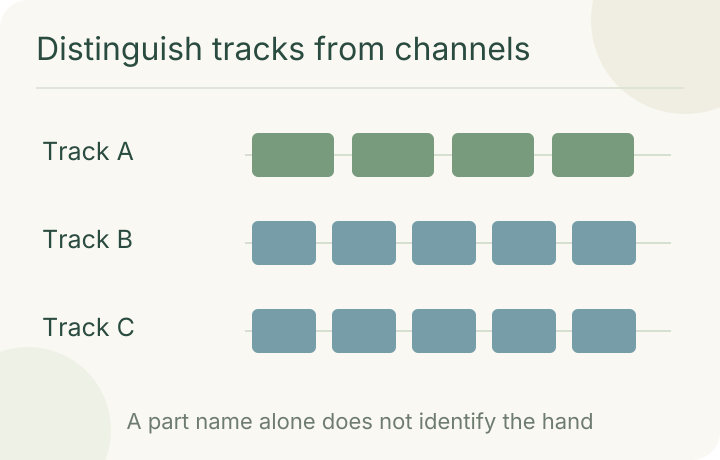
Separate tracks can make melody and accompaniment easier to organize. However, one track can contain messages for more than one channel.
Track 1 is not automatically the right hand. The contents depend on how the file was created. Listen to each track or part before deciding whether the hands are separated.
A channel identifies MIDI messages
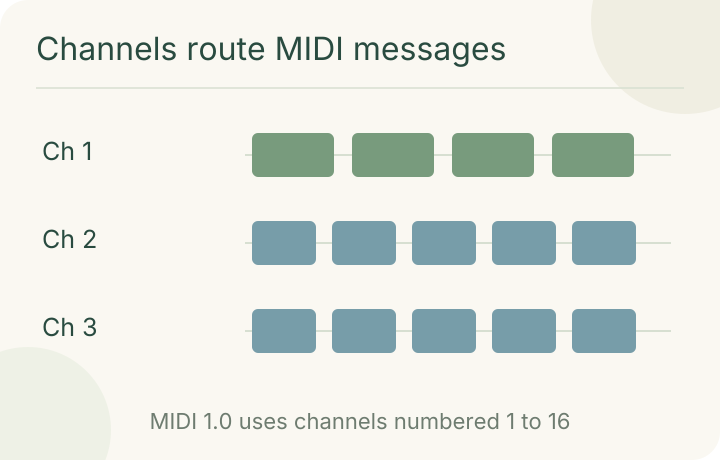
MIDI 1.0 provides channels 1 through 16. Instrument and volume information can apply at channel level, so settings may remain linked even after notes are placed in separate tracks.
Two tracks using the same channel may be played through the same instrument. Inspect channel assignments as well as track names when editing the file.
Inspect the parts in Synthesia
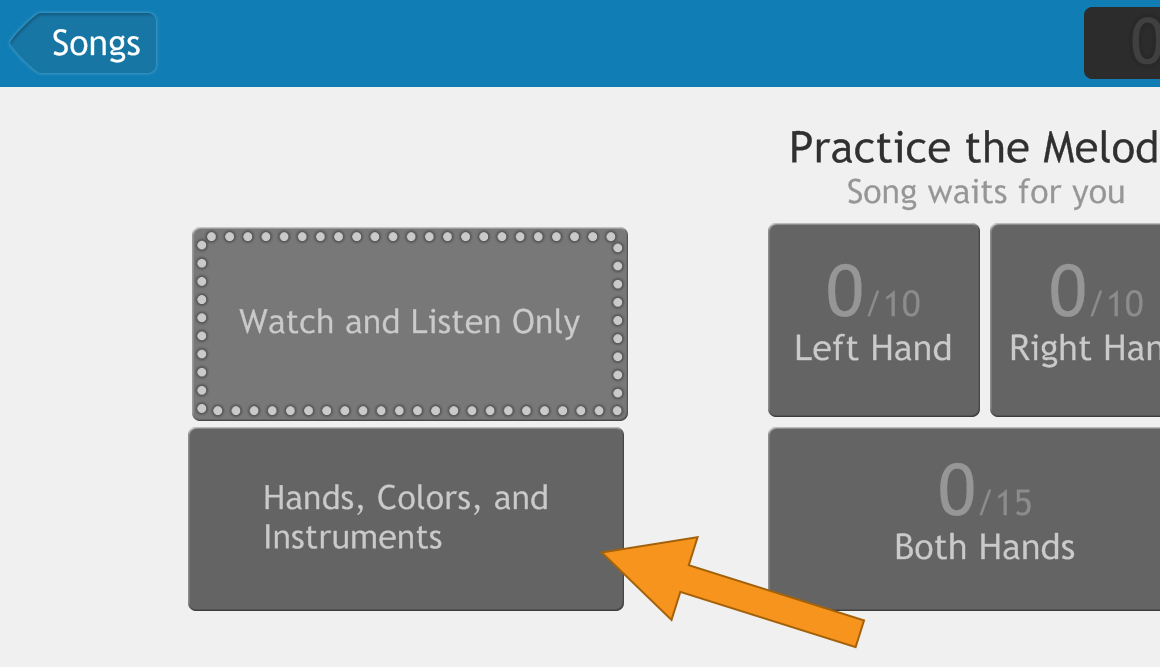
Choose a song and open Hands, Colors, and Instruments. Listen to the listed parts individually.
Identify where the melody and accompaniment actually are. A name such as Piano 1 or Piano 2 is only a label assigned when the file was created.
Choose display assignment or MIDI editing
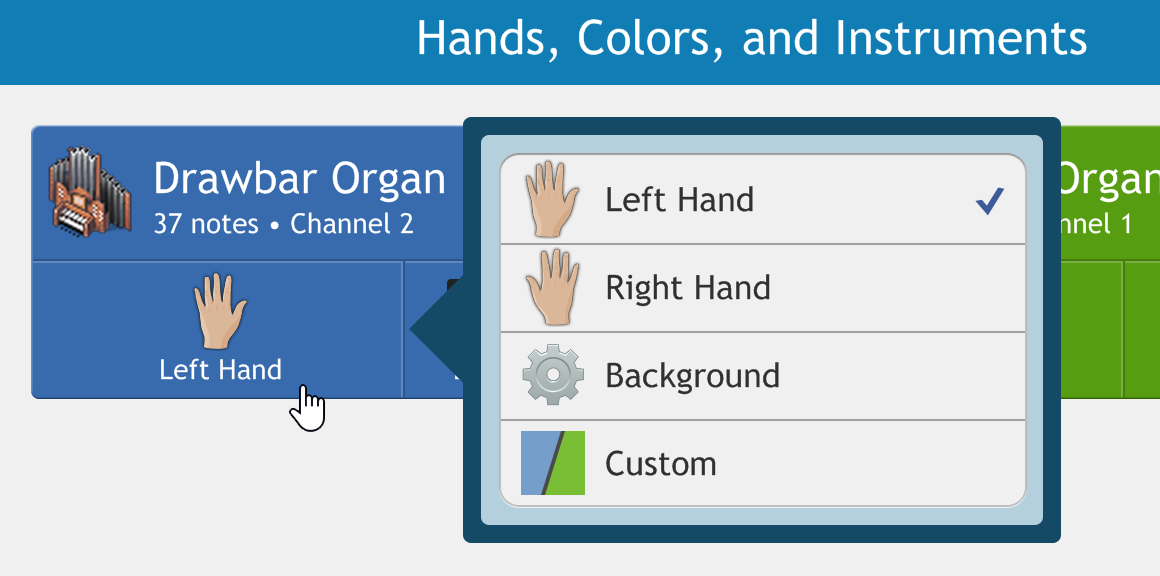
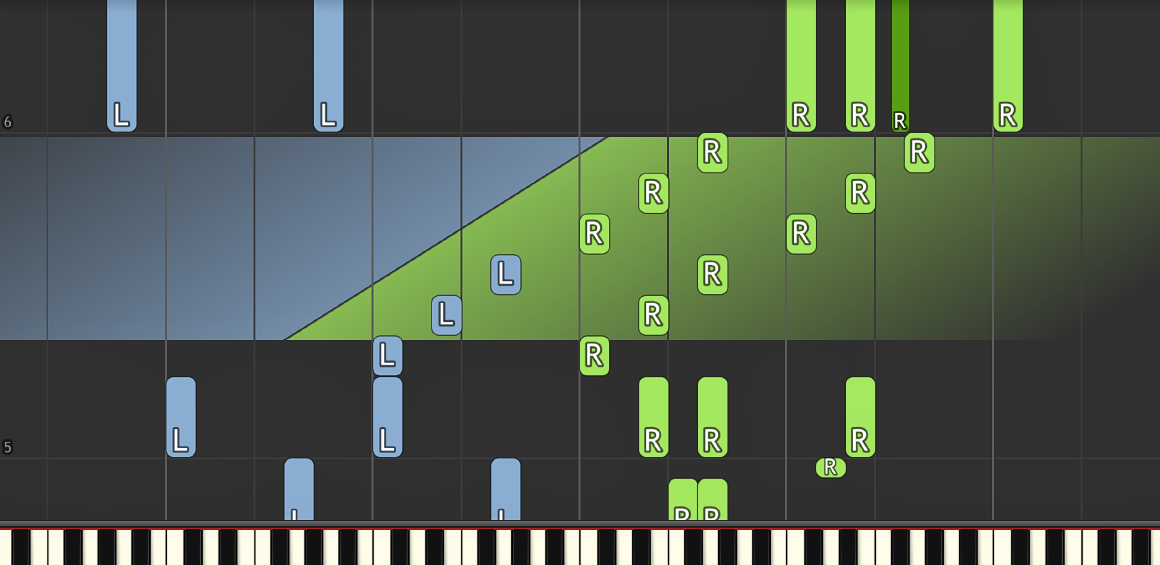
Use Synthesia's Custom hand assignment when you want different hand colors for practice. Use a MIDI editor when you need separate tracks or files for another application.
Changing a display assignment is different from rebuilding the MIDI's track or channel structure. Decide which result you need before editing.
Check why sound remains after hiding a part
Hidden changes the display; Sounded and Muted control sound. Hiding a part without muting it is not evidence that the track separation failed.
The same phrase may also be duplicated in another part. Listen to the parts one at a time before reducing volume or assuming one mute control should remove every occurrence.
Trust the notes rather than the part name
Mute one part and listen to what remains. Melody and accompaniment can share a part even when the names appear to suggest separate hands.
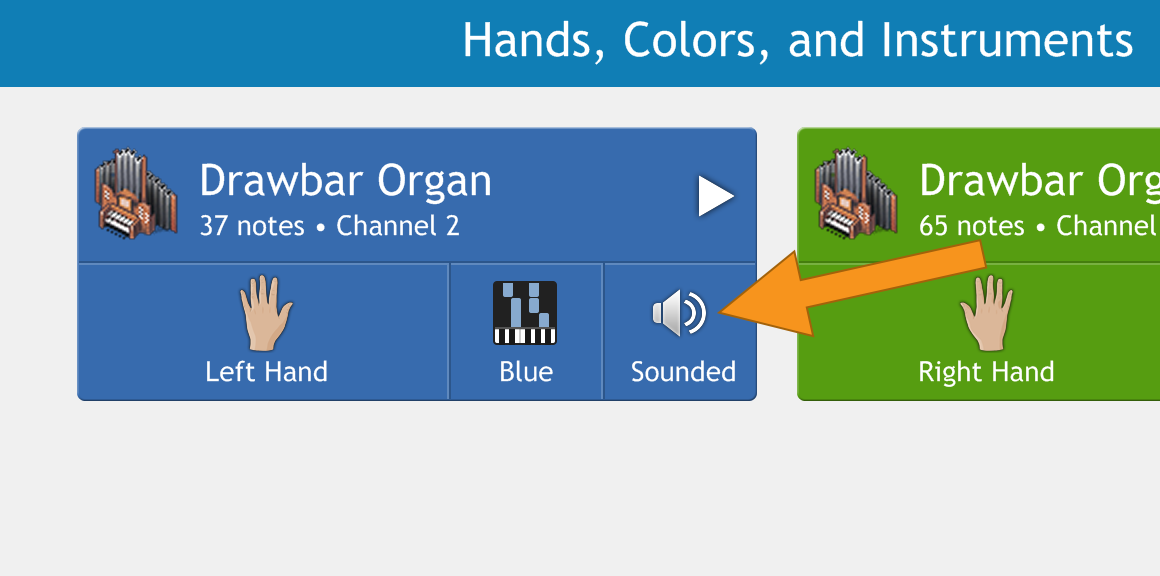
Use the Hand, Color and Sounded controls to inspect the playback in Synthesia. If the file itself must be reorganized for another app, return to the MIDI editor and change its data structure there.
Frequently asked questions
Can I separate hands just by changing a channel number?
No. Changing the number does not decide which notes belong to each hand. Inspect note membership and the application's hand assignments.
Can I delete an apparently silent track?
It may contain tempo or other useful information. Inspect it first and retain an original copy.