What happens when you play one note
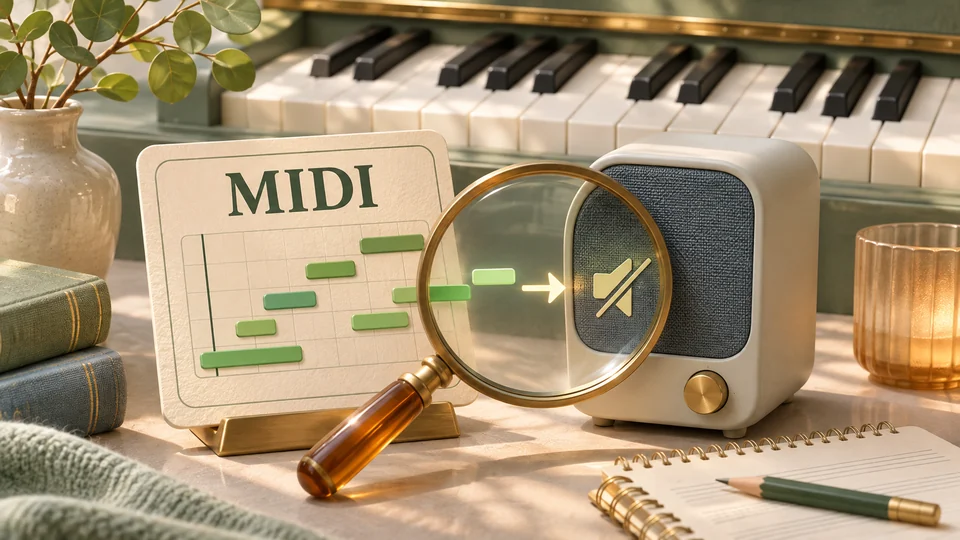
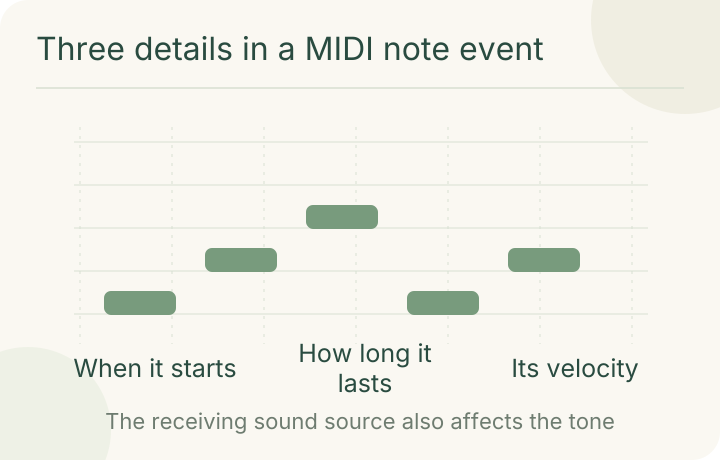
MIDI can record when a C note starts, when it is released and how strongly the key was played. It does not record the room sound or the piano's actual audio. Play the same MIDI through different instruments and the timbre can change.
The note's start, release and velocity are separate pieces of information. A long audible decay does not necessarily mean the key was held for that entire time: the pedal and the sound source also affect what you hear.
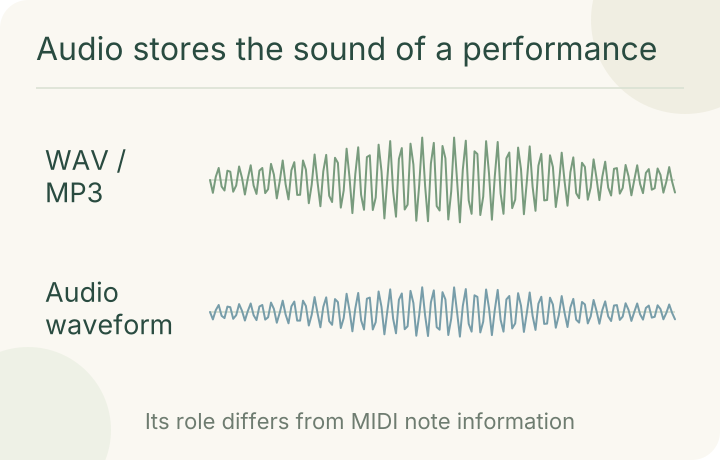
WAV and MP3 contain the sound
WAV and MP3 contain recorded or rendered audio. Use audio when you want to preserve the sound of your piano. MIDI is more useful for editing notes, changing tempo and driving falling-note animation.
Renaming an MP3 to .mid does not create note data. Converting audio to MIDI requires transcription, and dense chords or heavy pedaling may need correction afterward. WAV is useful for saving and editing recordings; MP3 is useful when a smaller playback or sharing file is needed.
| Format | Contents | Useful for |
|---|---|---|
| MIDI | Note pitches, timing and velocity | Editing notes, changing tempo and generating note visuals |
| WAV | Recorded sound | Keeping recordings and editing audio |
| MP3 | Compressed audio | Smaller listening and sharing copies |
Open a MIDI in MuseScore
Download the practice MIDI, then choose File → Open in MuseScore and select it. When the notation appears, press Play and listen to the phrase.
Unlike an audio file, the MIDI contains note information that can be edited and exported again. Start with this short example so you can hear and see what each change does.
Download the four-bar MIDI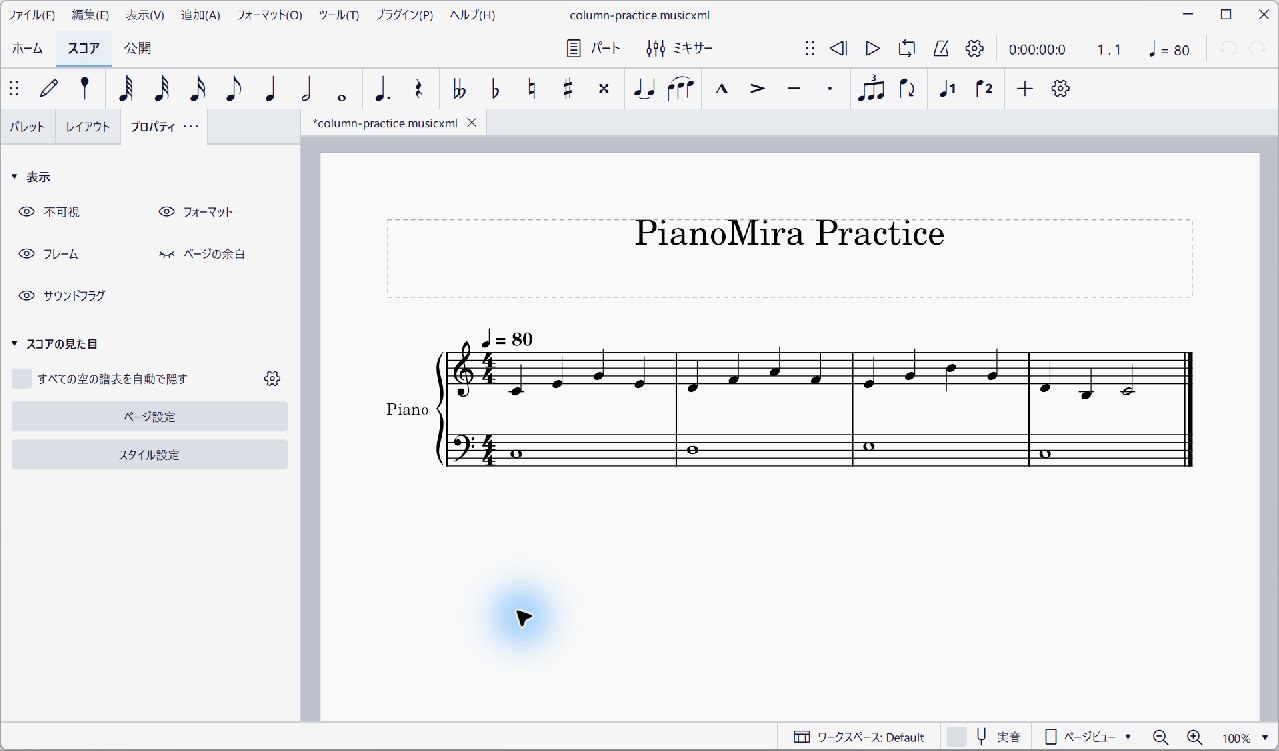
Choose files for a piano video
MIDI gives the visualizer the notes directly. With audio, it estimates them from the sound. Sustained pedal can make the inner notes of a chord hard to distinguish.
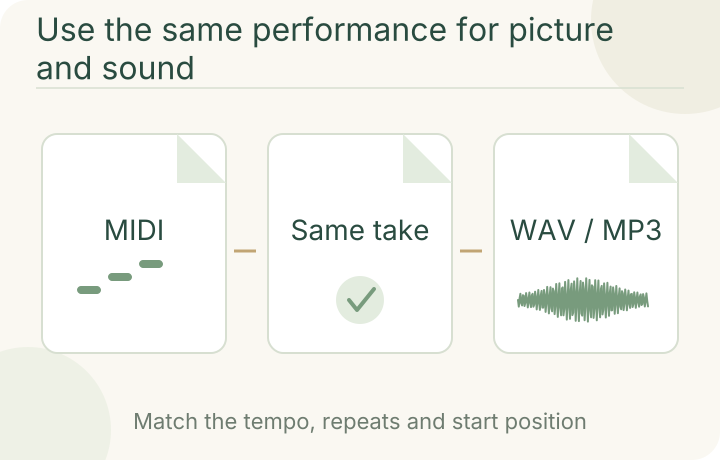
Export the pair with the same tempo and repeat order. A MIDI is an instruction to play a particular pitch, strength and duration; the receiving app chooses the sound source. Keep the MIDI and audio together with matching names so you do not accidentally combine different takes.
Start without an existing MIDI
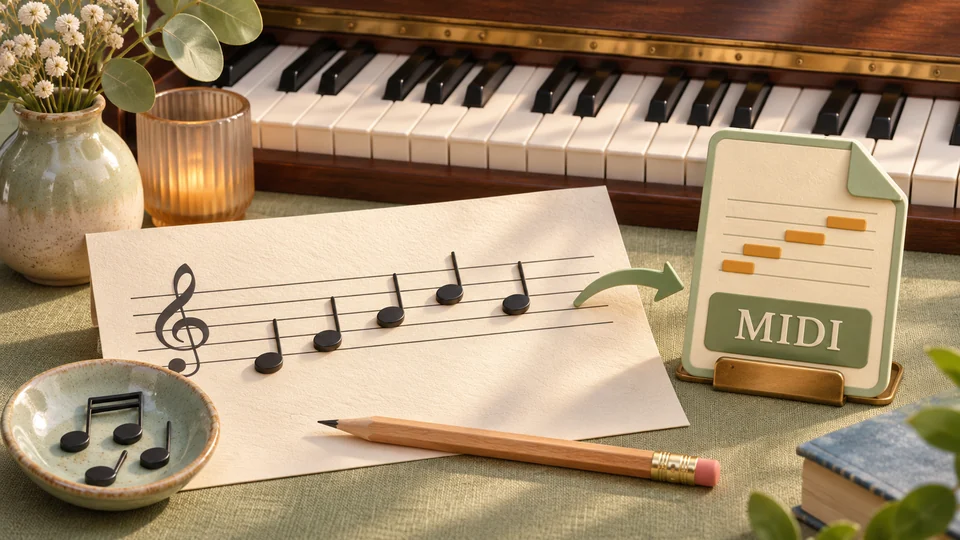
If you have sheet music, create a short score in MuseScore and export MIDI. For a digital piano recording, check the instrument manual for MIDI recording or MIDI export.
For a recording, select Audio file, then Choose a piano recording. Load your solo piano MP3, WAV or M4A. The recording also supplies the soundtrack, so you only need to select it once.
How to turn a piano recording into a video: MP3, WAV or M4A?
Different playback sounds do not always mean a fault
The same MIDI may sound different in two apps because each app renders it with its own instruments. If the pitches and timing match, check the instrument or sound source before treating the file as broken.
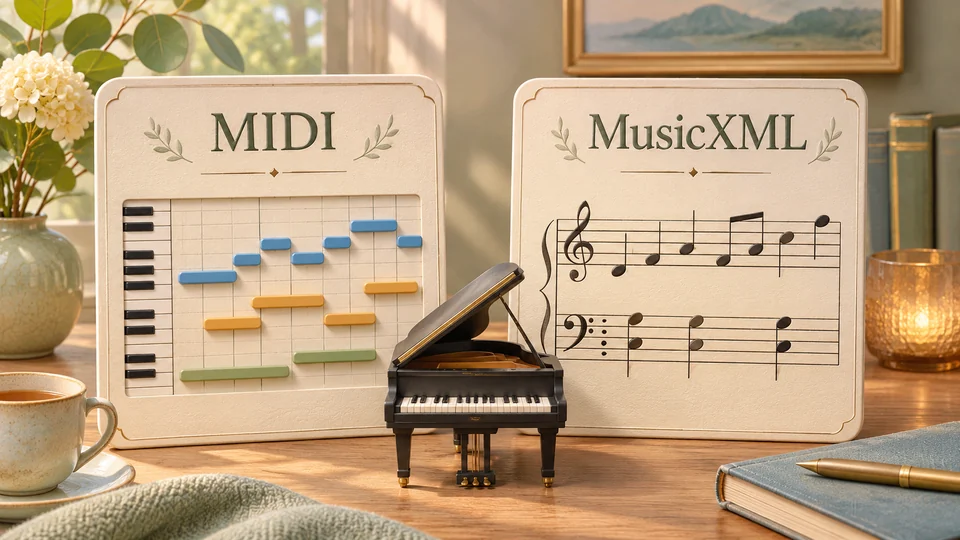
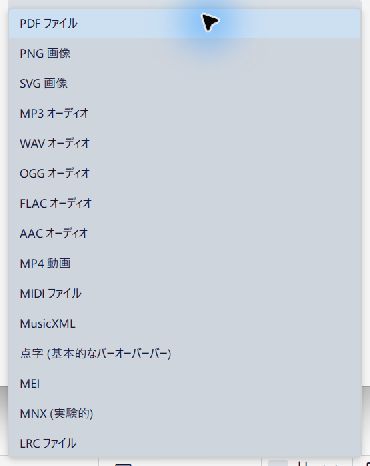
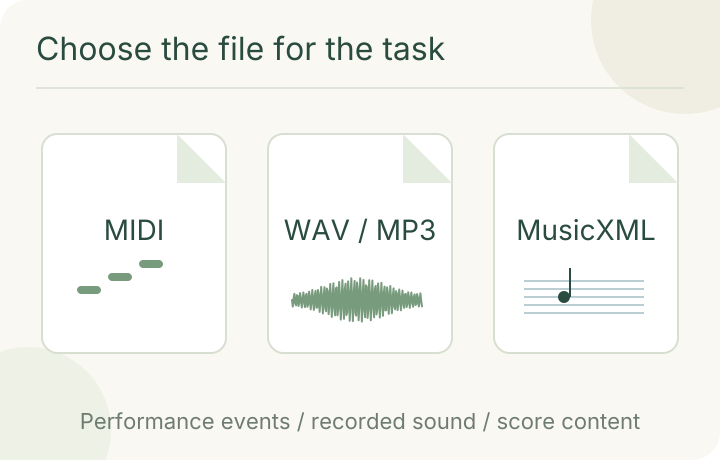
To preserve the original piano sound, share its WAV or MP3 as well. Choose MusicXML when someone needs to edit the score, MIDI when they need performance instructions, and audio when they should hear the recording.
Frequently asked questions
Does converting MIDI to WAV improve the sound?
The sound source used to render MIDI matters. Saving as WAV alone does not improve the performance or the instrument.
Can I rename an MP3 to .mid?
No. Turning a recorded waveform into notes requires transcription; changing the extension does not do that.