Choose MIDI for performance information
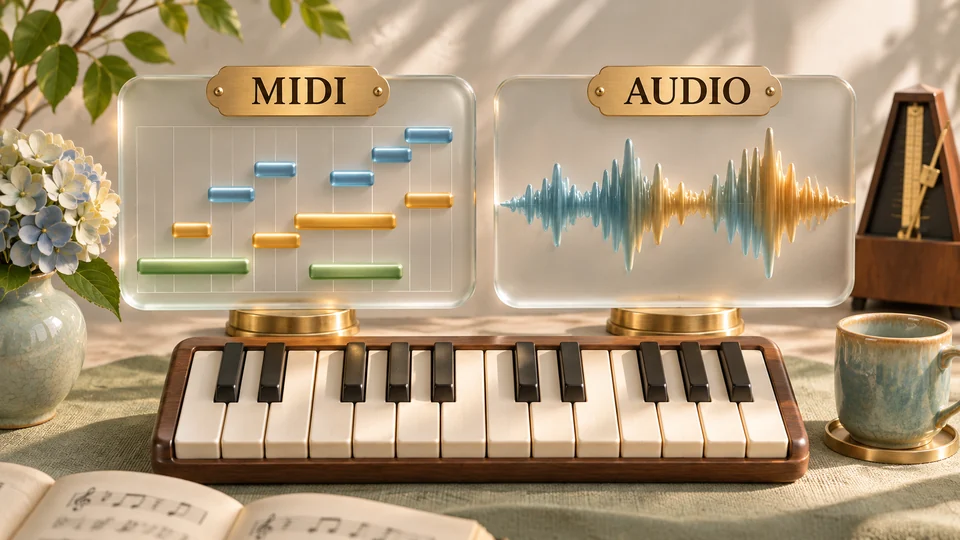
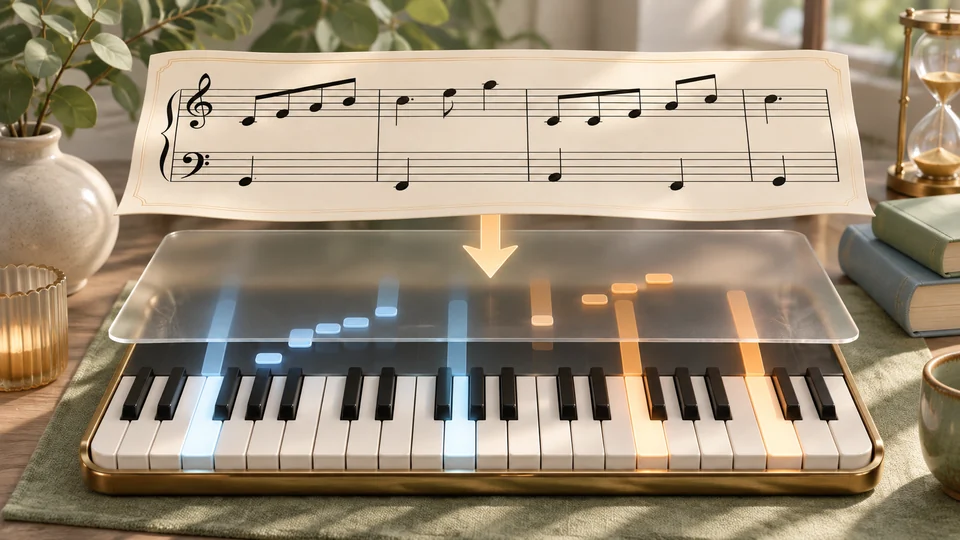
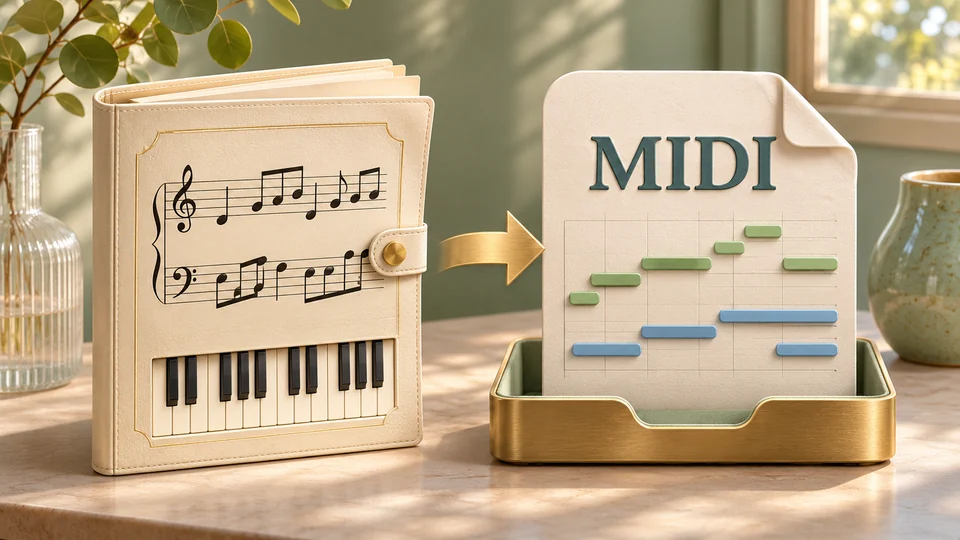
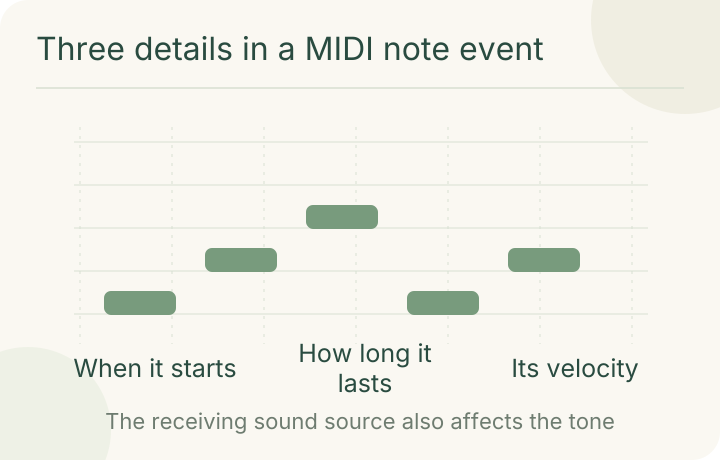
MIDI stores information such as note timing and strength. It is useful for driving notes in Synthesia or PianoMira.
It does not necessarily preserve the original score's line breaks, finger numbers or every symbol. Small performance-timing differences may become short notes or rests when imported as notation, so judge playback and readability separately.
Choose MusicXML for notation
MusicXML transfers score information such as notes, rests, time signatures and key signatures between applications.
Check layout and symbols after import because applications can render them differently. A PDF is useful for a fixed visual appearance, but it is not directly editable note data.
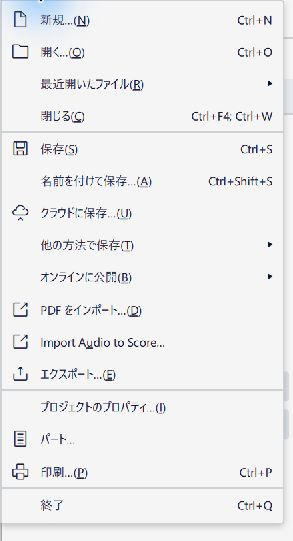
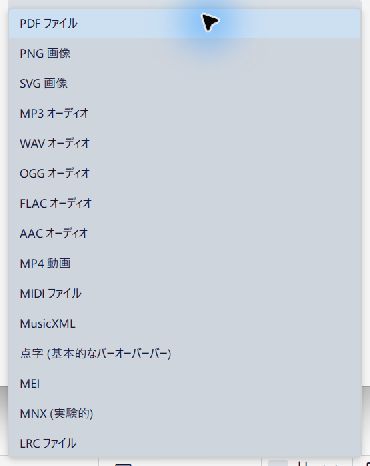
Select the format in MuseScore
Open File → Export and choose MIDI or MusicXML from the format list.
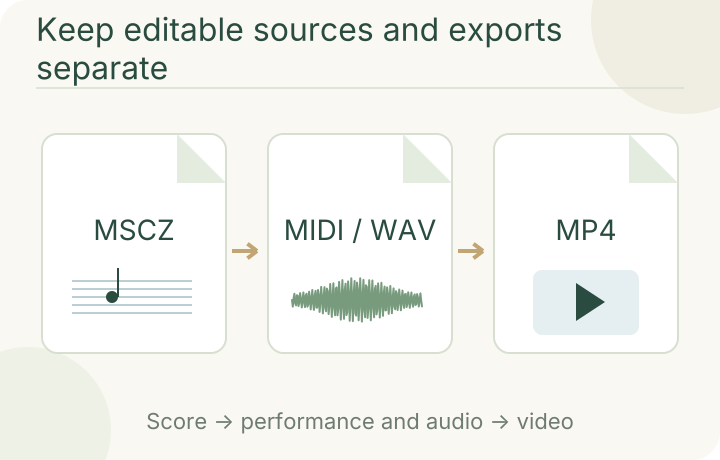
Save a MuseScore-format copy separately for continued editing. An interchange file should not become your only editable original.
Compare the same short score in both formats
Open the supplied MIDI and MusicXML in MuseScore and compare the notation and playback. Both examples represent the same short piece.
MIDI import reconstructs notation from performance timing, so its written appearance may differ from the original. MusicXML is intended to retain more of the score's structure.
Download the four-bar MIDIDownload the matching MusicXML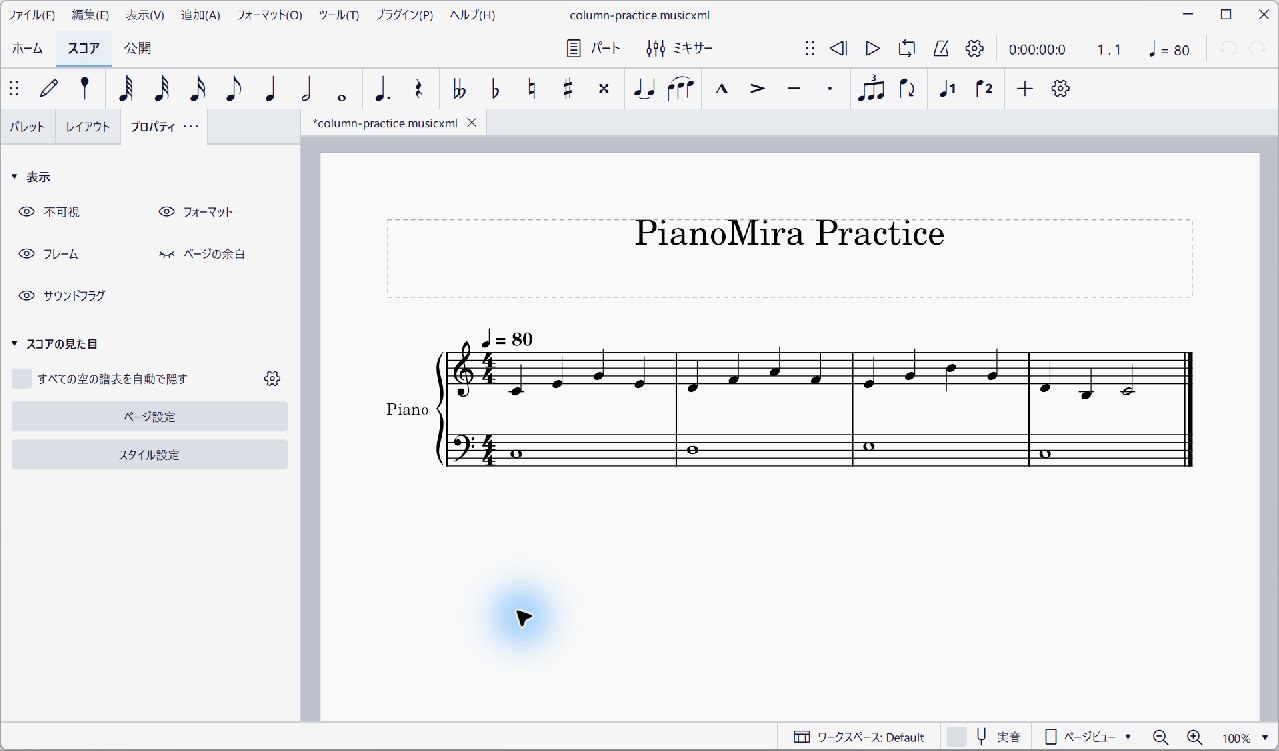
Use matching files for a score-and-notes video
Check the formats supported by the receiving app. A workflow such as SeeMusic can use MusicXML for score display and MIDI for performance-driven visuals.
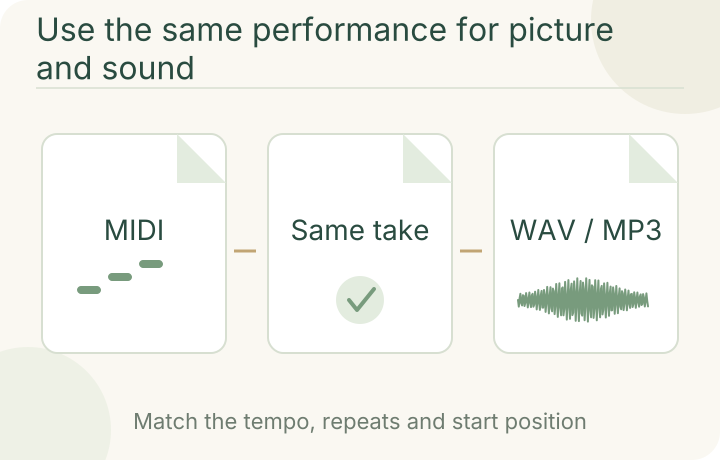
Export both from the same score version. Transposing only the MIDI or changing repeats only in MusicXML makes them disagree even when the filenames use the same song name.
Ask whether the recipient needs performance or notation
For note timing in a video, MIDI is a likely choice. For editing staff notation, symbols and layout, MusicXML is a likely choice. Confirm what the receiving app accepts before sending files.
When unsure, export a short passage in both formats. Compare timing in MIDI and bars, staves and symbols in MusicXML. Keep the original MuseScore file so you can correct the source without relying only on a converted copy.
Frequently asked questions
Is MusicXML better for transferring notation?
Usually it is the appropriate format for that job, but check the layout after opening it in the receiving app.
Does MusicXML contain the recorded performance?
It is not a recording format like WAV or MP3. Prepare audio separately when you need to retain the exact sound.