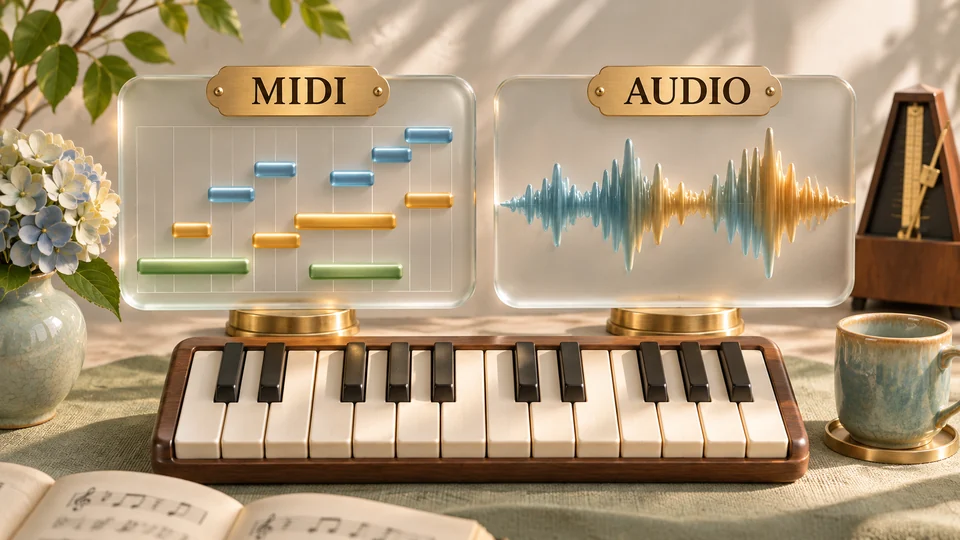
Check that the MIDI contains notes
Choose File → Open and select the .mid or .midi file. Visible notes show that note data was imported; an empty score or long opening rests need a different check.
Start from the first bar containing notes. A successful import does not guarantee that there is sound at the beginning. Check other tracks and compare the original file if the score appears empty.
Download the four-bar MIDI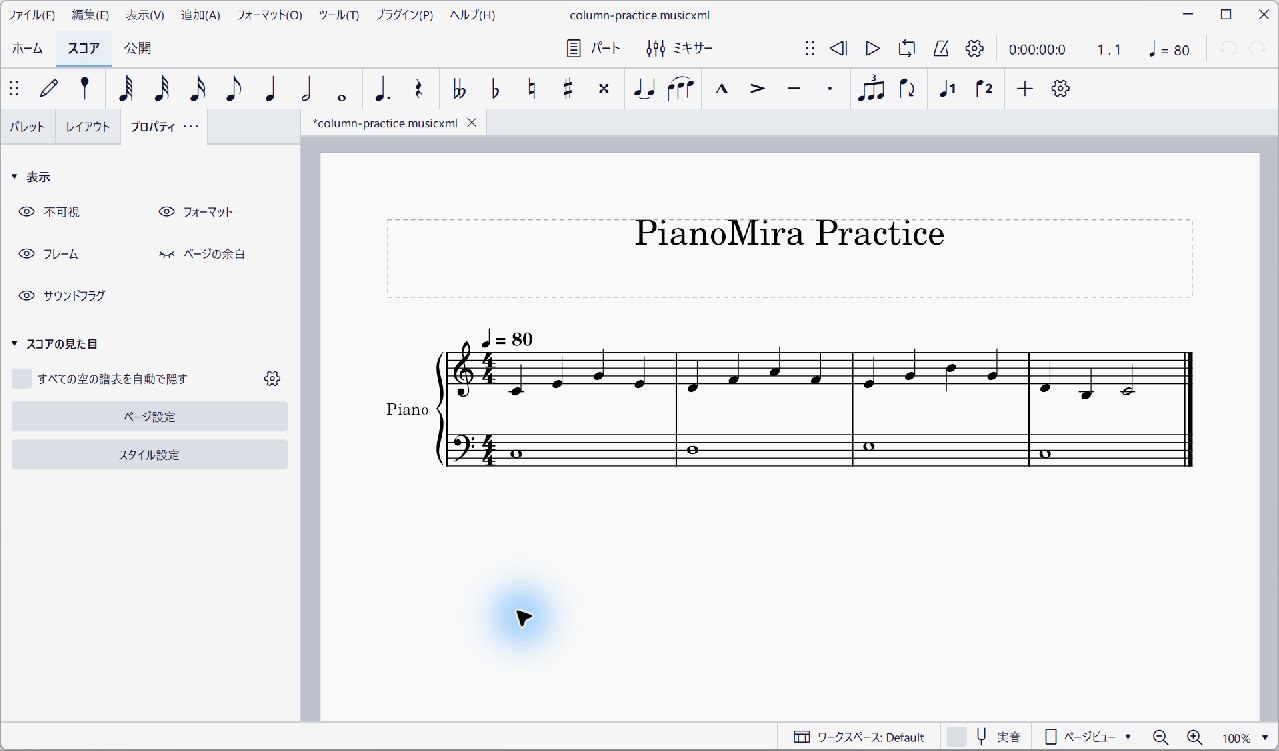
Watch the playback cursor
Select the first note and press Play. If the cursor does not move, check the playback operation and whether import has finished.
If the cursor moves but you hear nothing, continue to the mixer. You can also click a single note to test whether that pitch sounds.
Check mute, solo and volume
Open the mixer. Make sure the piano's M mute control is not enabled, and check whether another instrument has its S solo control enabled.
Check both the instrument and master volumes. A solo setting on another track can exclude the piano even when the piano itself is not muted. Play again and watch the meters.
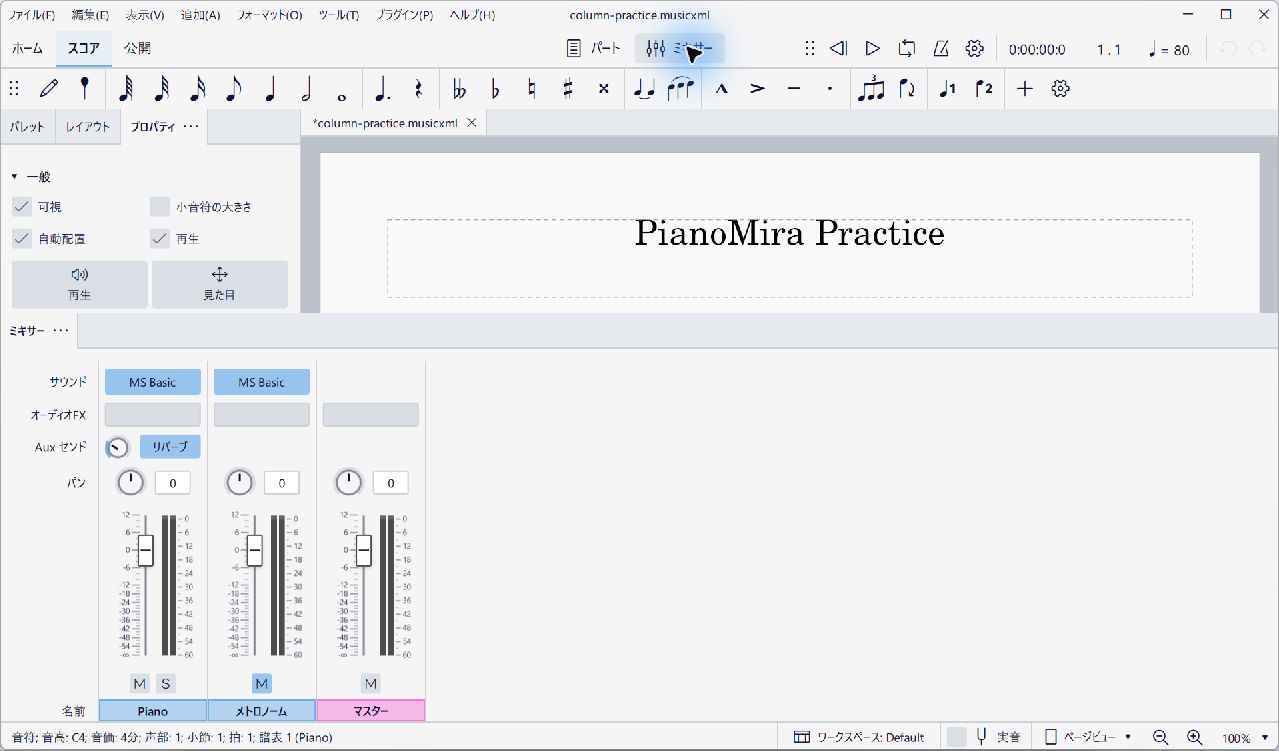
Check the instrument and output device
Select an available piano sound source in the mixer. If the chosen source is missing or still loading, try an available source first.
If meters move but nothing is audible, check the computer's selected output, headphones, external monitor and per-app volume. Sound may be going to a device you are not listening to.
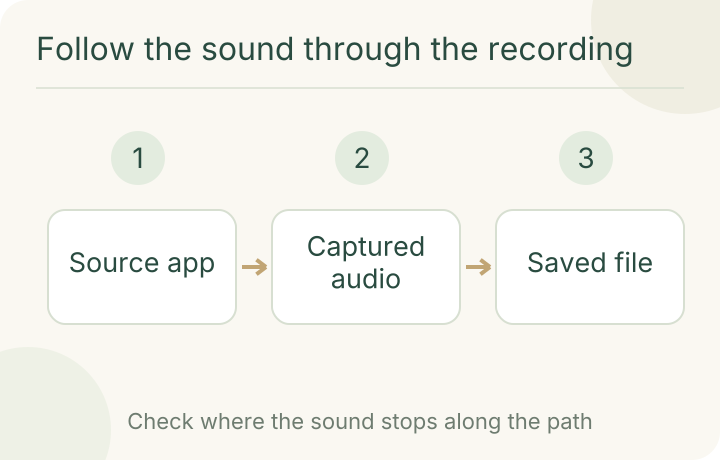
Compare a short known MIDI
If the example works but your MIDI does not, inspect your file's notes, instrument and volume information. If no MIDI works, concentrate on the sound source and output settings.
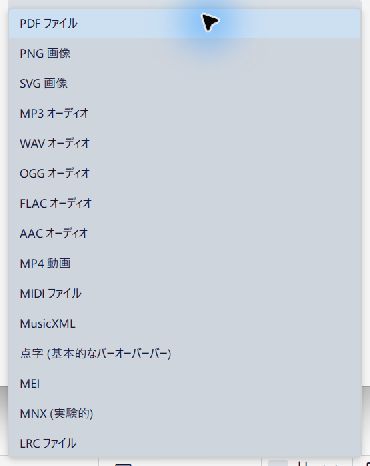
Once playback works, export a short WAV and play it independently. This also confirms that you can prepare audio for the video workflow.
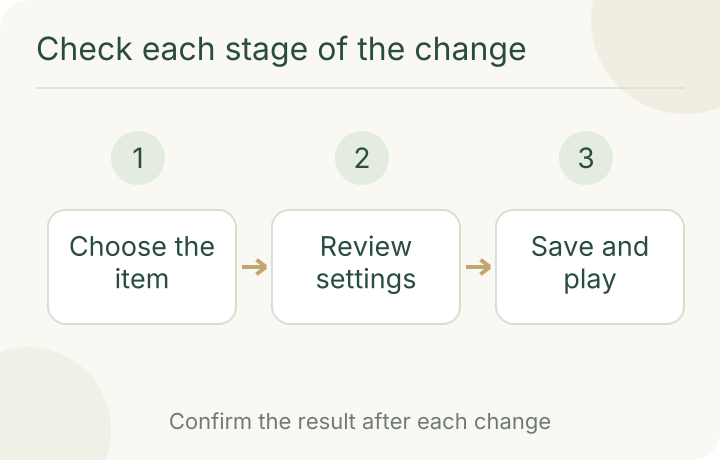
Change one part of the sound path at a time
After checking mute, solo and volume, confirm the computer's actual output device. Connecting Bluetooth headphones or an external display can change that selection.
Test other audio on the computer and a short sample MIDI separately. If all sound is missing, investigate the device; if only one MIDI is silent, inspect that file. Record which setting restored the sound rather than changing everything together.
Frequently asked questions
Will renaming MIDI to MP3 make it play?
No. Render the MIDI with an instrument and export audio; renaming does not change the format.
The keys move but I hear nothing. What next?
The note data may already be loaded. Check the sound source, mute settings and the app's and computer's output devices.