Check the actual file format
Choose a .mid or .midi file. Extract it from ZIP first and make sure a cloud file has finished downloading to your device.
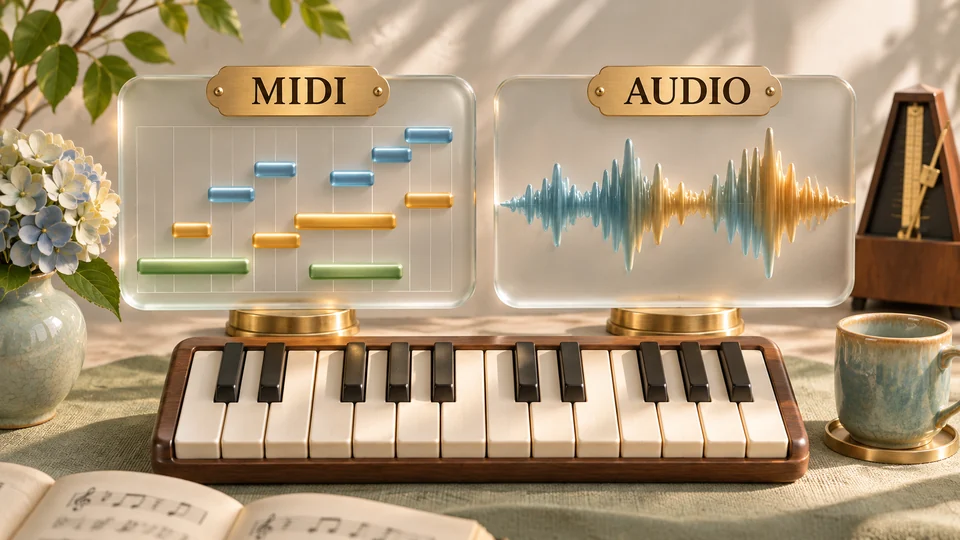
If extensions are hidden, check the file details. A name such as song.mid.mp3 can still identify an audio file. Renaming MP3 or PDF to .mid does not turn it into MIDI.
For a recording, select Audio file, then Choose a piano recording. Load your solo piano MP3, WAV or M4A. The recording also supplies the soundtrack, so you only need to select it once.
How to turn a piano recording into a video: MP3, WAV or M4A?

Try the short example MIDI
Download and select the practice MIDI. If it opens, the file-selection workflow is working and your original file needs further inspection.
If both fail, check the connection and the error shown on the page, then reopen the page and try again. Do not assume every failure comes from the MIDI contents.
Download the four-bar MIDI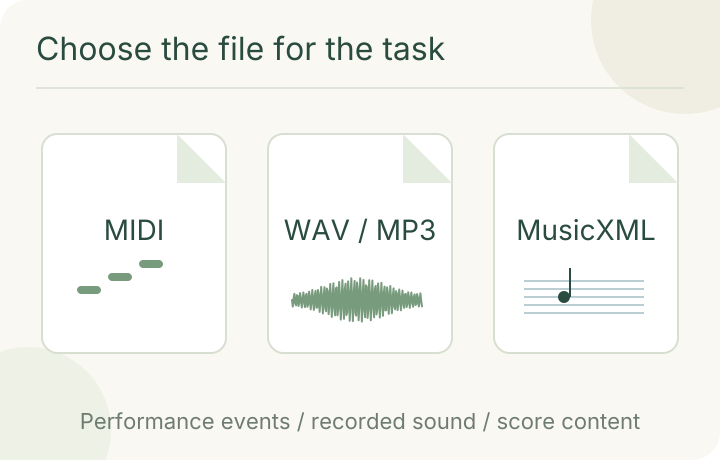
Open the original in MuseScore
Choose File → Open in MuseScore and select the original MIDI. Check that notes appear and that playback works from the start.
If MuseScore cannot open it either, download the source again or export it again from the application that created it. Check for an empty or incomplete file.
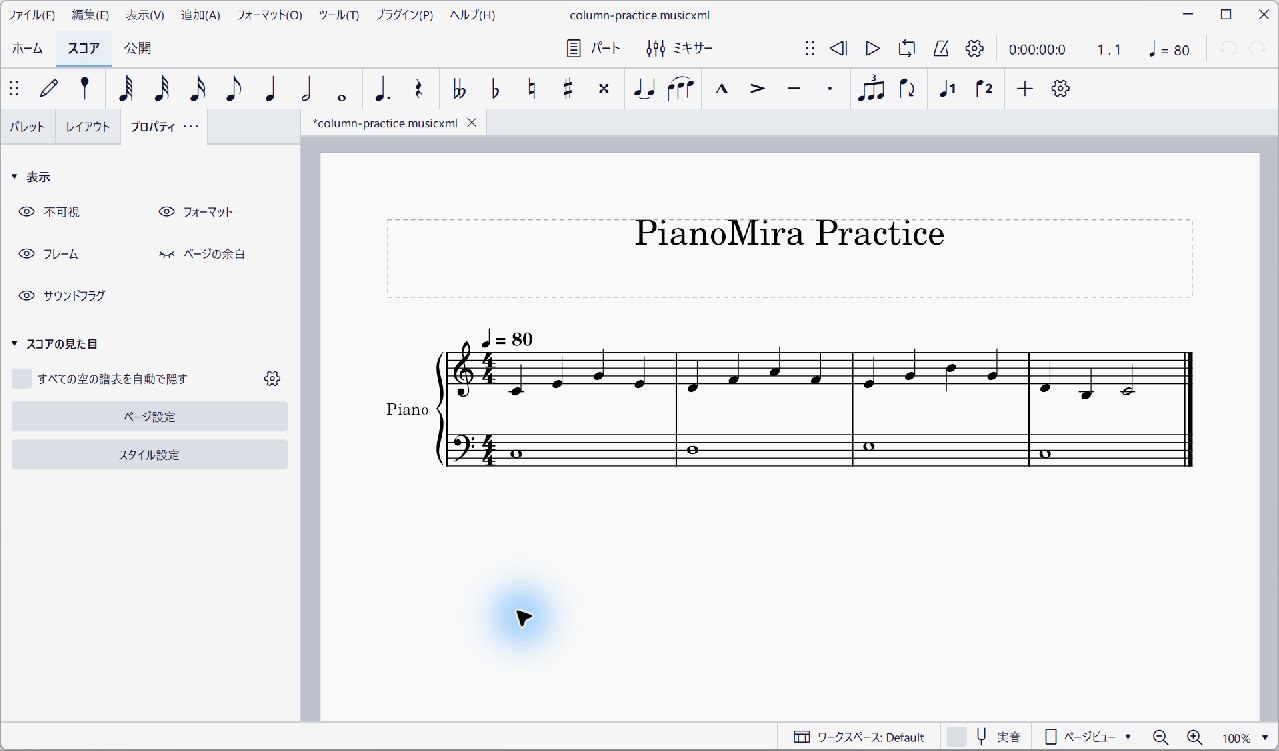
Export a separate MIDI copy
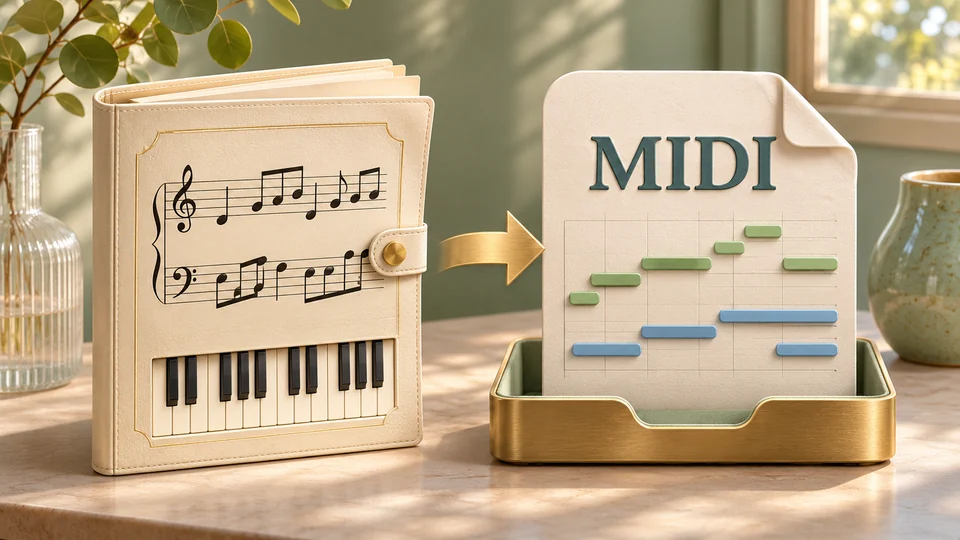
If it opens, use File → Export, choose MIDI file and save under a different name. Keep the original.
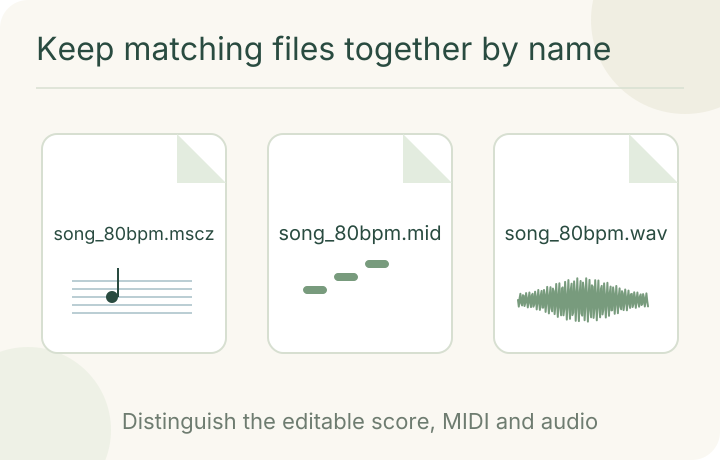
Import and re-export can change timing or notation interpretation, so compare playback with the original. Save the new file in a clear location to avoid selecting the old version again.
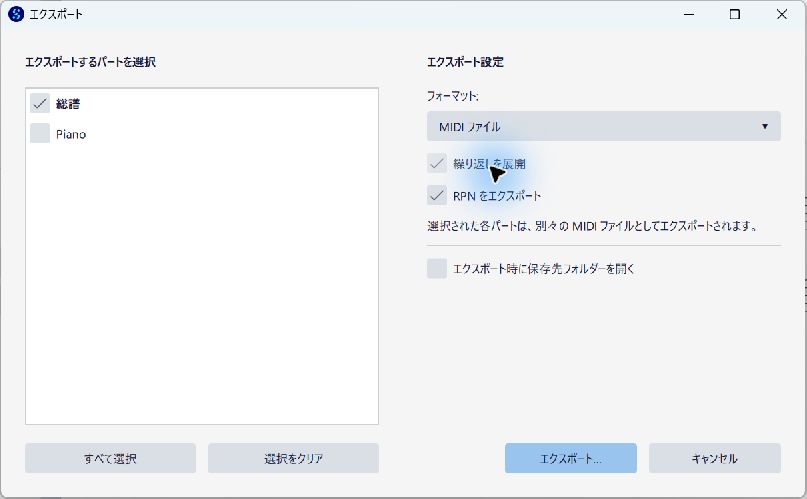
Import the new file into PianoMira
Choose the freshly exported MIDI in PianoMira and check its filename and folder.
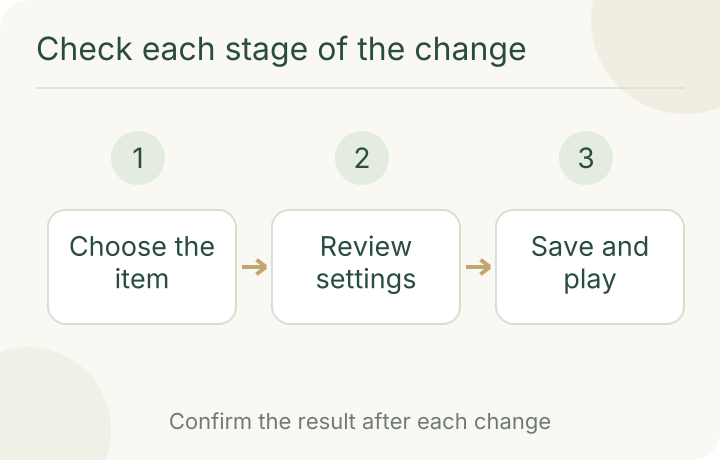
If it opens but the performance has changed, prefer a standard MIDI export from the original authoring application. Check the opening, a middle passage and the ending before using it for the full video.
Separate a file-specific problem from a general failure
If the example opens but your file still does not, inspect its parts and playback and test a shorter score exported as MIDI.
If the example also fails, recheck format support, the displayed error, ZIP extraction and local download completion. Use a real MIDI export rather than trying different filename extensions.
Frequently asked questions
Can I rename an MP3 to .mid?
No. Audio needs transcription or manual note entry before it becomes MIDI data.
The MIDI opens but has no sound. Is that an import failure?
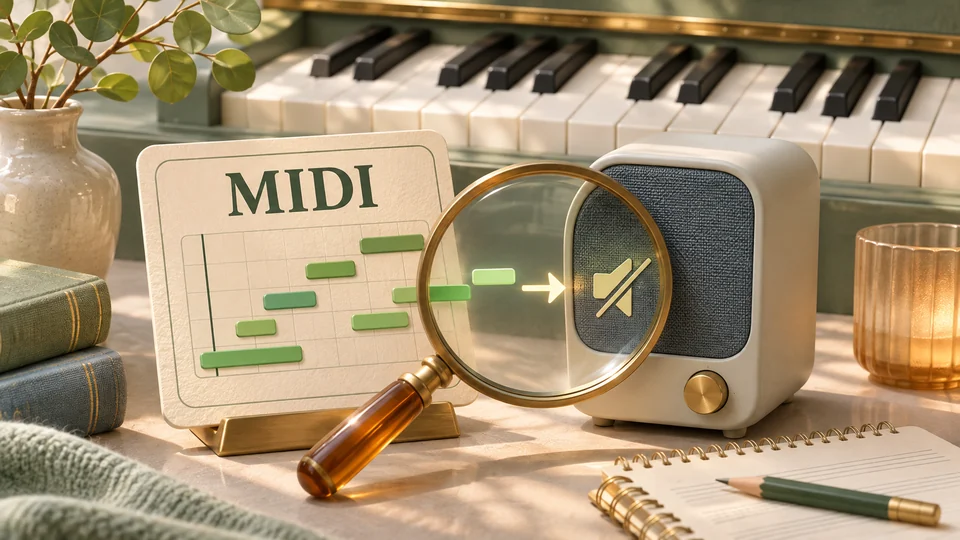
It may be a separate issue. Check whether notes exist, whether parts are muted and which sound source is selected.