Open the hand settings
Open the song and choose Hands, Colors, and Instruments. If the MIDI is missing from the library, add its folder through Settings → Songs.
Confirm that the file is in the registered folder, then select the song. Work with a short passage first rather than correcting the entire piece at once.
Download the four-bar MIDI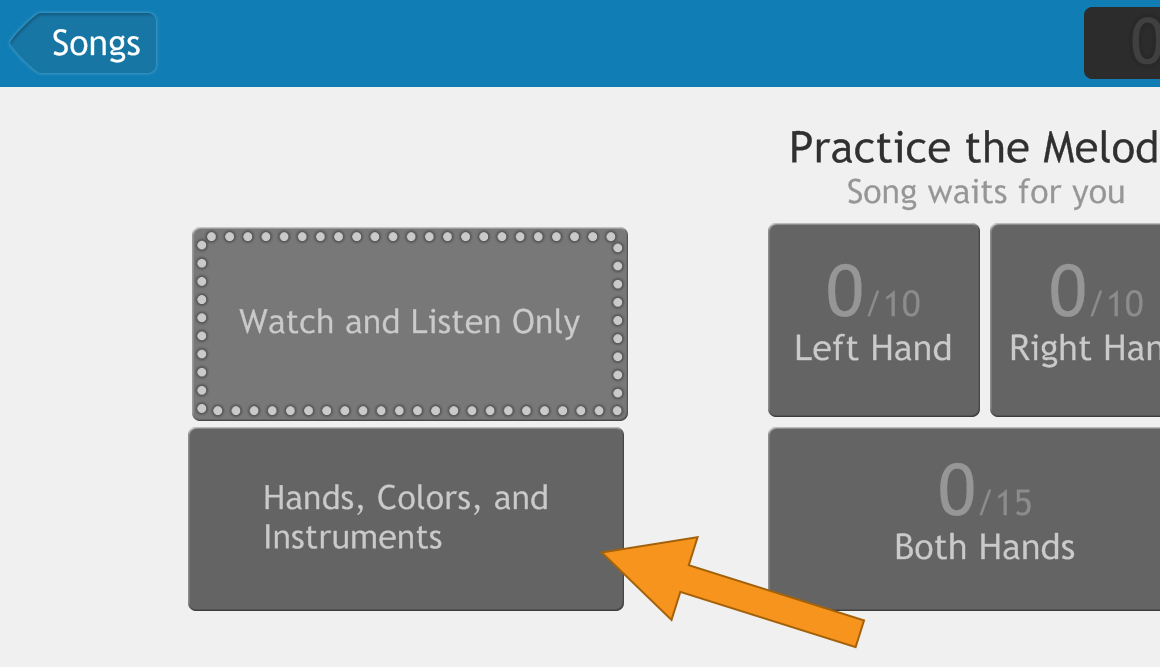
Listen to each existing part
If several parts are listed, play them separately to identify melody and accompaniment. Use the hand icon to assign Right Hand or Left Hand where the parts already match.
Two parts do not automatically mean two correctly separated hands. Higher pitches can belong to the left hand in a crossing passage, so confirm the musical contents rather than relying on names or pitch alone.
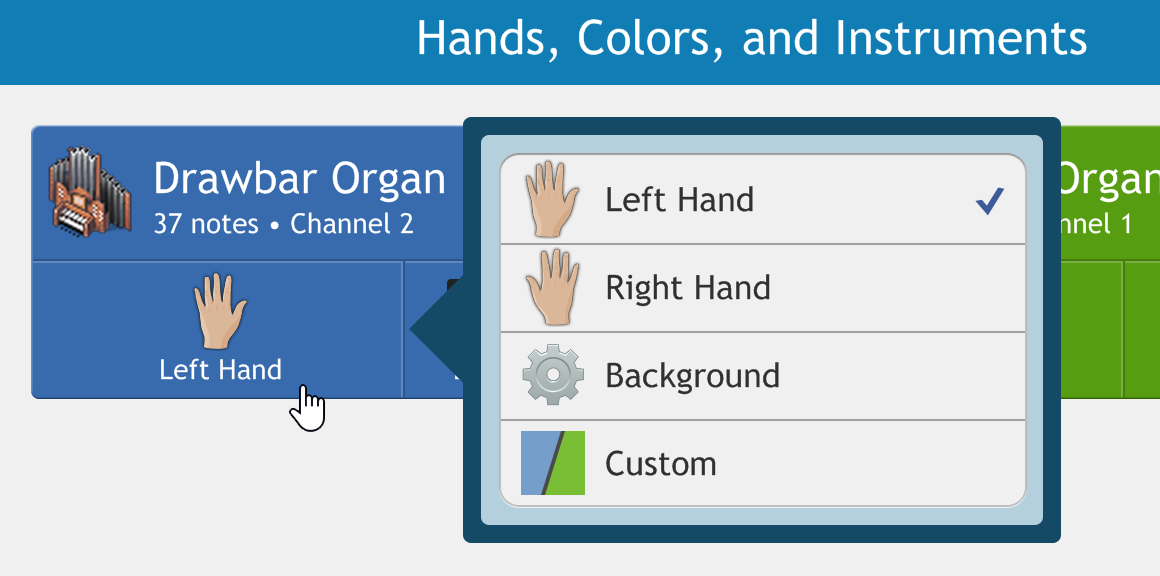
Use Custom when both hands share one part
Choose Custom in the hand assignment and inspect individual notes. A rough low/high split can provide a starting point, followed by corrections for exceptions.
A fixed split at middle C cannot handle every crossing phrase. Slow down a difficult bar and compare it with the score or actual performance to choose the intended hand.
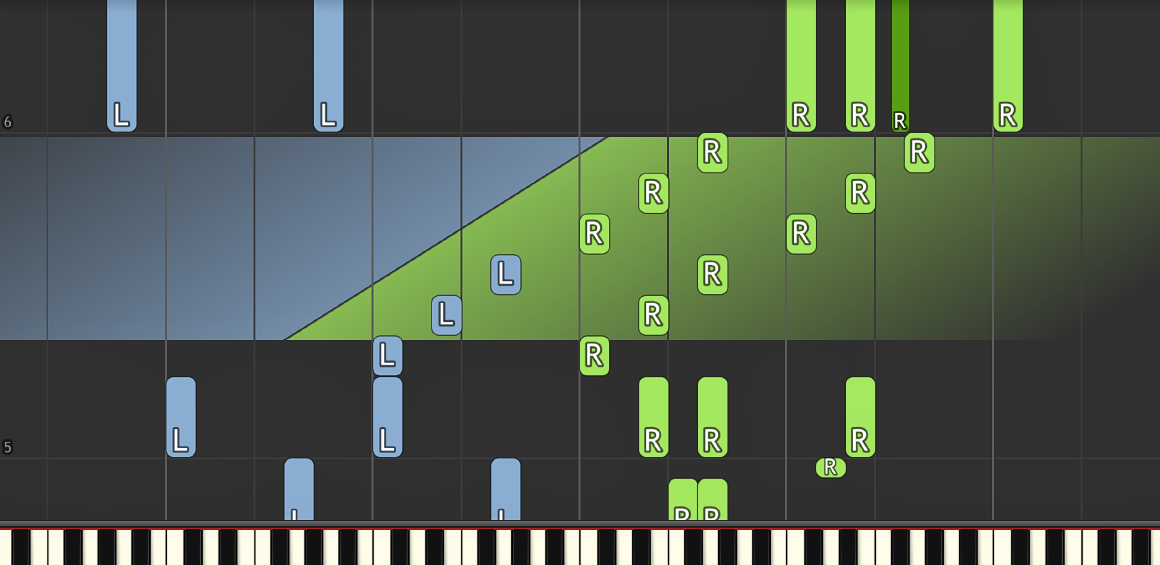
Check color and sound separately
Return to the settings and give the hands different colors. Use Hidden to hide a part's notes and Muted to remove its sound.
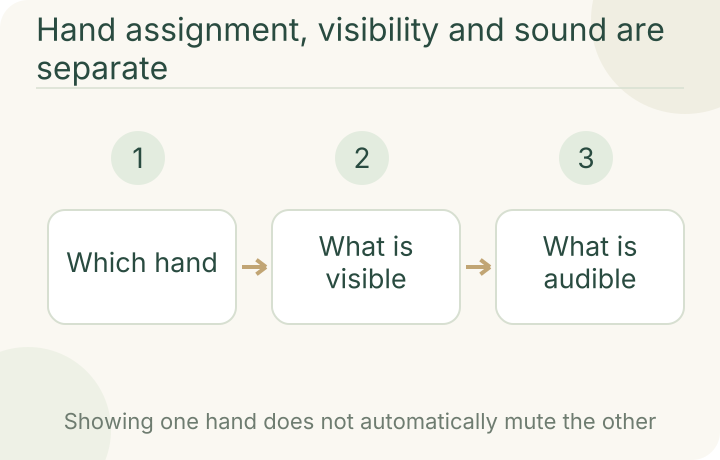
You can hide the accompaniment's notes while keeping its audio. Listening to one hand at a time also helps find misplaced notes. Restore the Sounded and Muted settings you want for practice after checking.
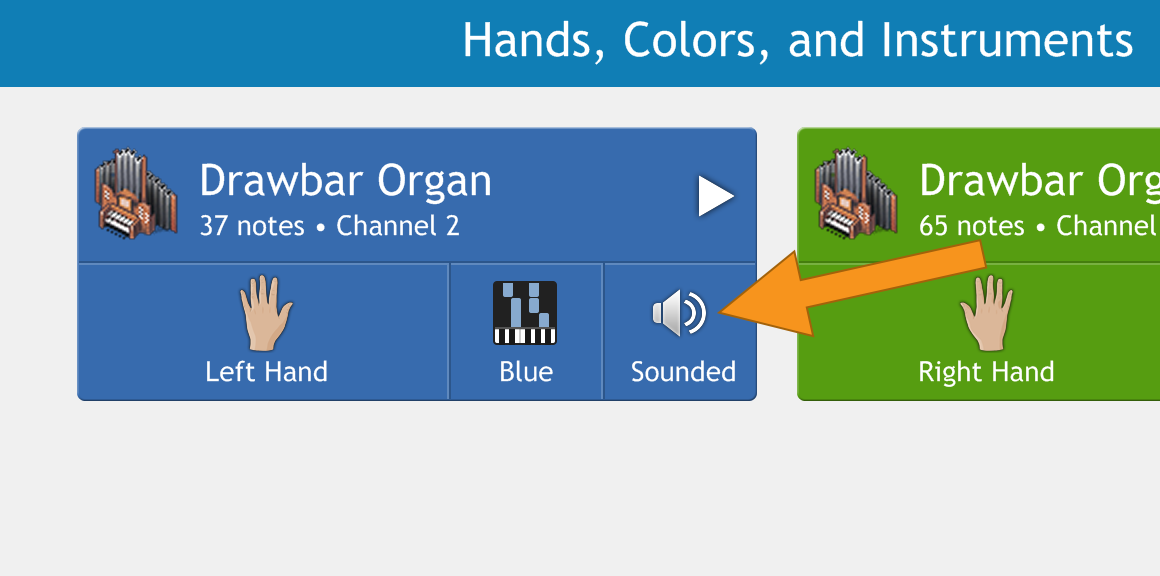
Review the assignments during slow playback
Reduce playback speed and watch a passage where the hands cross. Return to Custom if a note changes hand color unexpectedly.
These are assignments used within Synthesia. If another app needs a MIDI with separate hand tracks, edit and save the track structure in a MIDI editor.
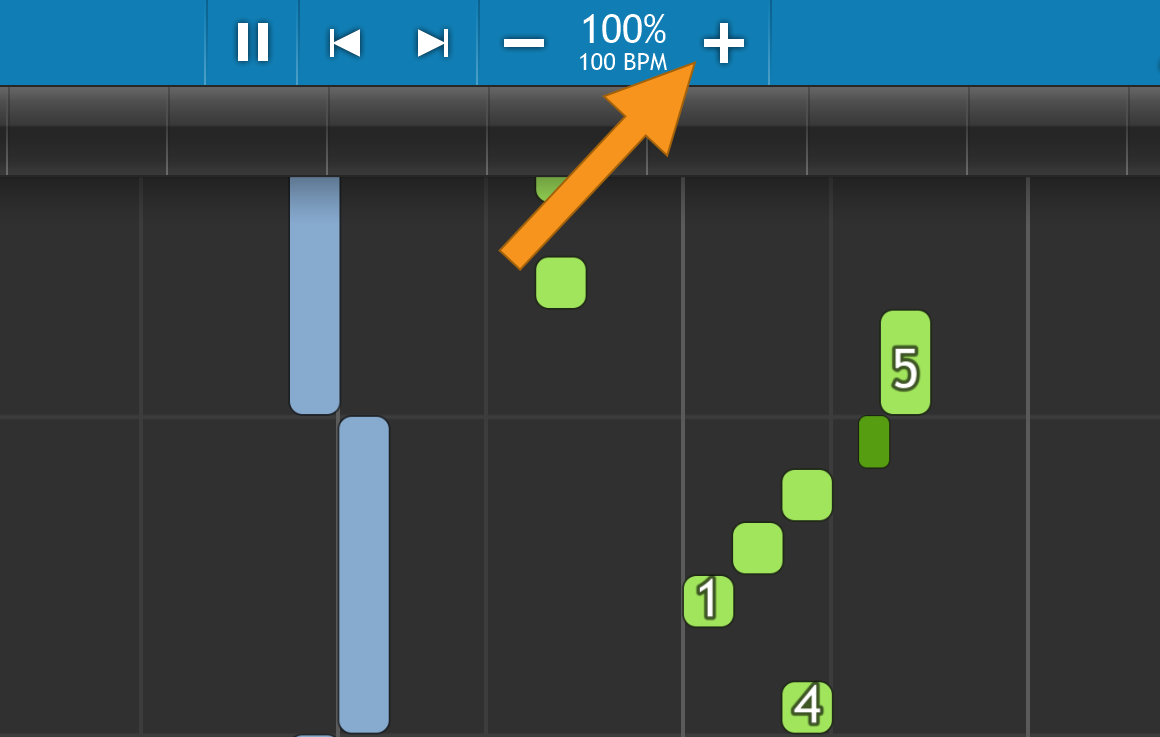
Check crossings instead of trusting a pitch boundary
A simple high/right and low/left split may fit straightforward accompaniment, but it cannot establish the hand for every note. Compare the surrounding phrase and the intended fingering.
Correct two to four bars, check their colors and listen with one part muted before continuing. Neatly separated colors and physically sensible fingering are different tests.
Frequently asked questions
Can I assign every note above middle C to the right hand?
It can be a rough starting point for a simple piece, but crossing hands and lower melodies need corrections.
Does separating the hands change the performance?
If pitch, timing and duration are preserved, the assignment itself need not change the performance. Check sound-source and volume settings separately.