Open the song near the passage you want to practice
Load the MIDI and use the top timeline to move a little before the target phrase. Reusing the same starting point makes each speed easier to compare.
Choose a manageable passage rather than recording the entire piece immediately. Include the lead-in to a difficult measure so the practice also covers its transition.
Download the four-bar MIDI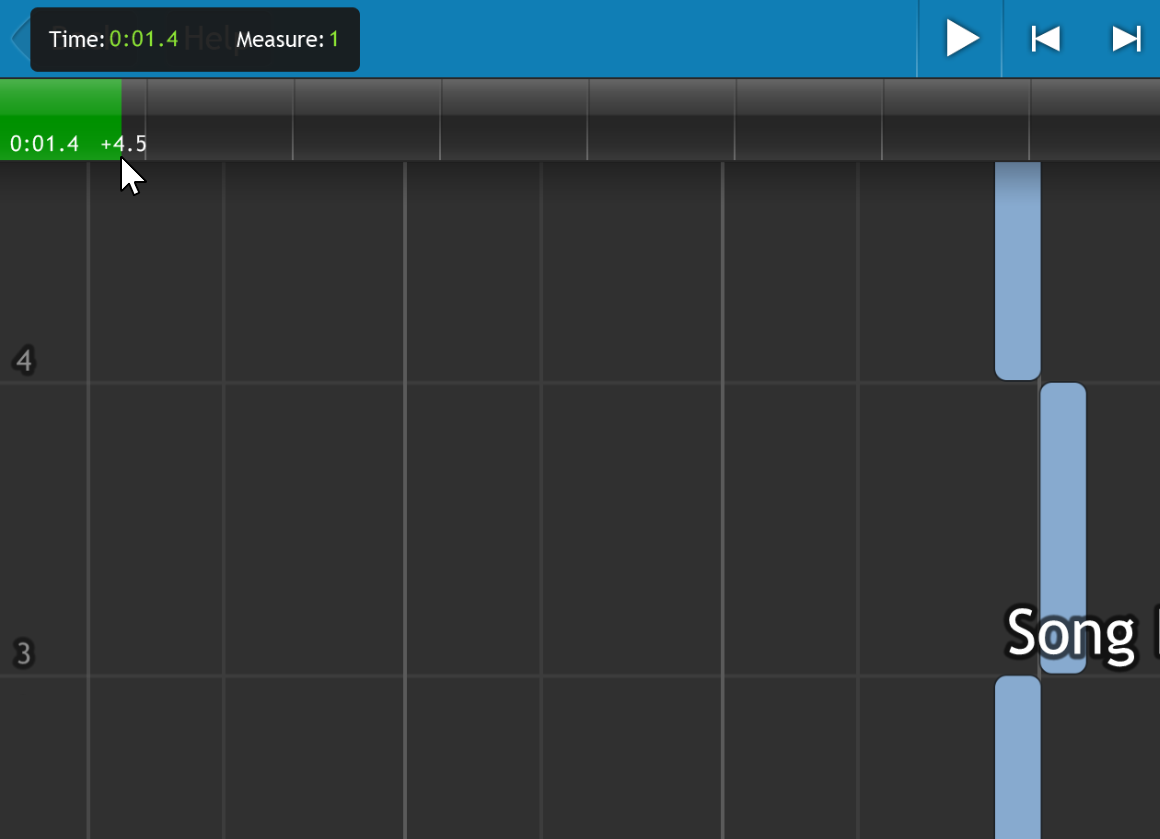
Lower Synthesia's playback speed
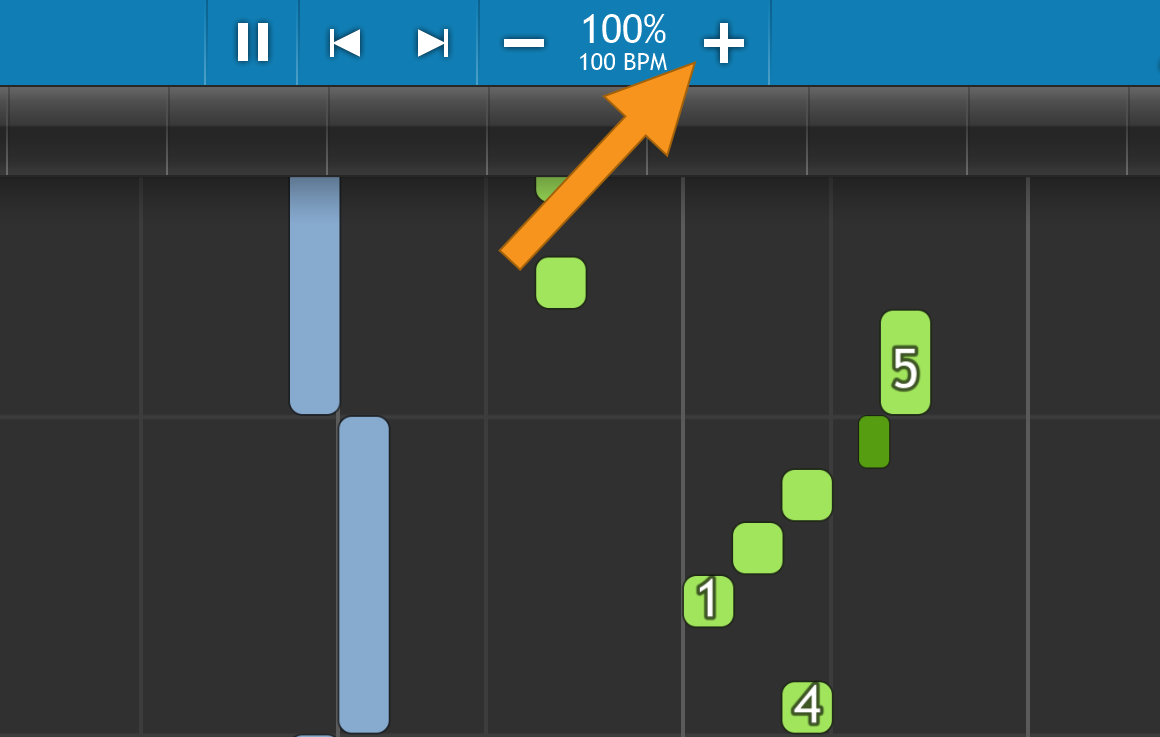
Use the minus button in the playback speed controls and listen until the phrase reaches a manageable tempo. Use the plus button to increase it again.
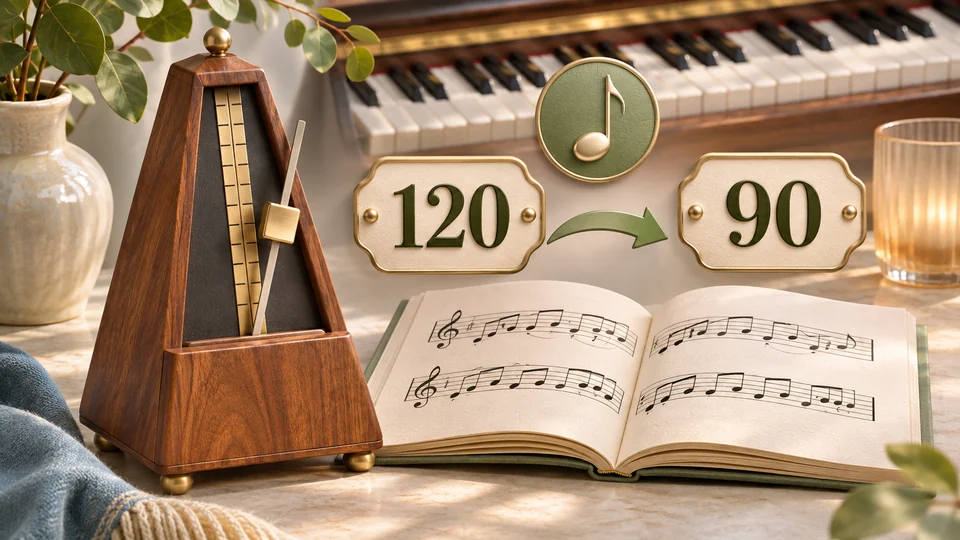
Check whether the display shows a percentage or BPM. At 50 percent, a passage originally at 120 BPM plays at an equivalent 60 BPM, not 50 BPM. Notes and audio slow together.
Choose which parts remain visible and audible
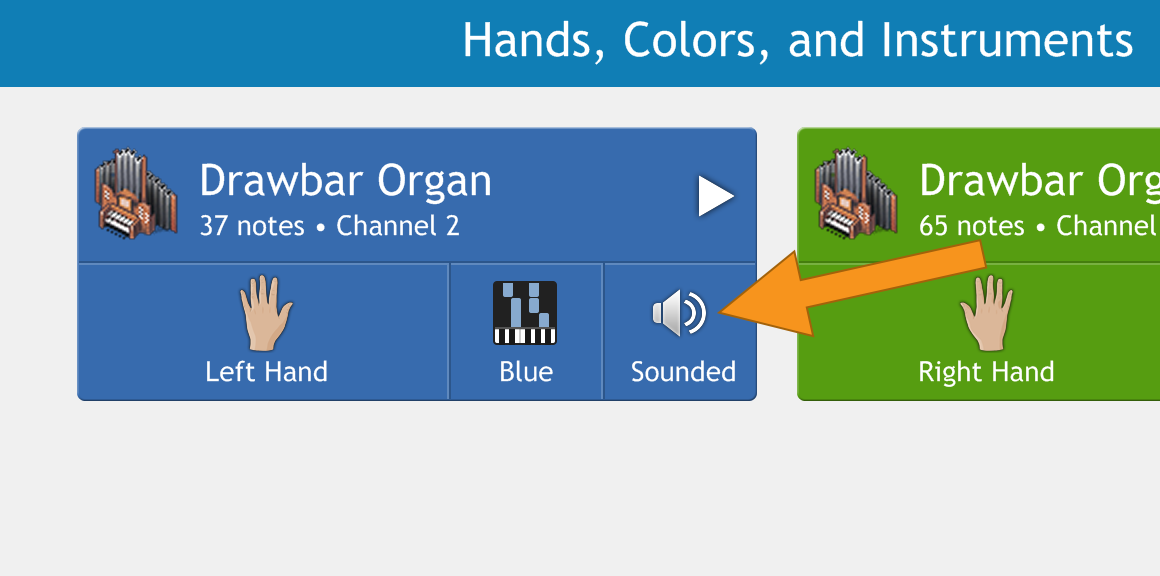
In Hands, Colors, and Instruments, use Hidden for parts you do not want to display and Muted for parts you do not want to hear.
For right-hand practice, you might keep its notes visible but mute its sound, leaving the left hand as accompaniment. Check each setting separately before recording.
Check the OBS preview and audio meter
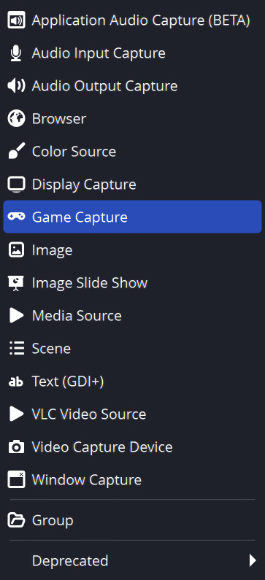
Add Synthesia as a Window Capture source in OBS. Play the phrase and confirm both the preview and the appropriate audio meter respond.
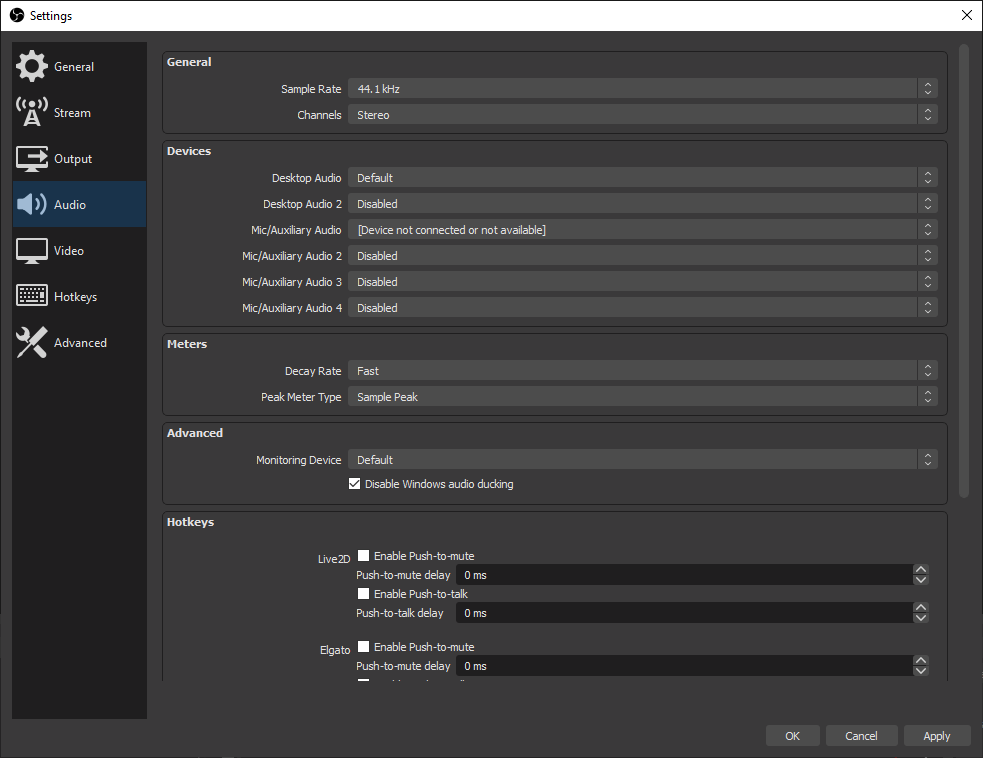
If the picture appears but the audio meter does not move, revisit Settings → Audio and select the desktop audio device carrying Synthesia's sound.
Save a short test before recording the full passage
Set the speed and playback position before starting OBS recording. Leave a little time before the first note, record about ten seconds and listen to the saved result.
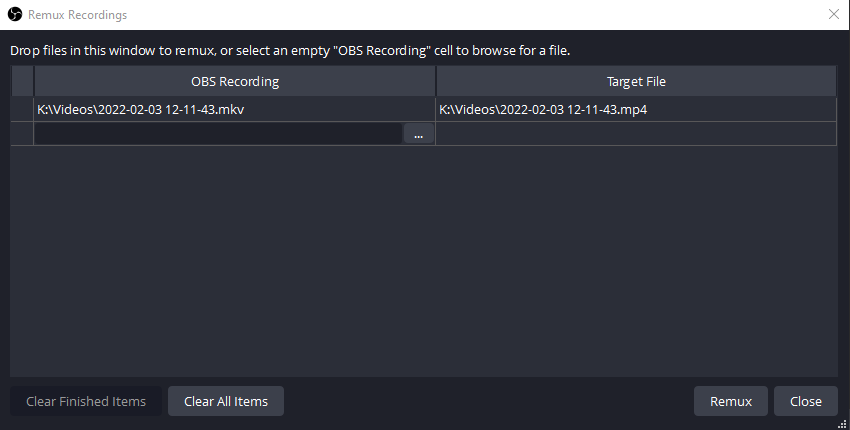
If it is correct, record the required length with the same settings. For an MKV recording, use File → Remux Recordings to create an MP4 without rerecording the performance.
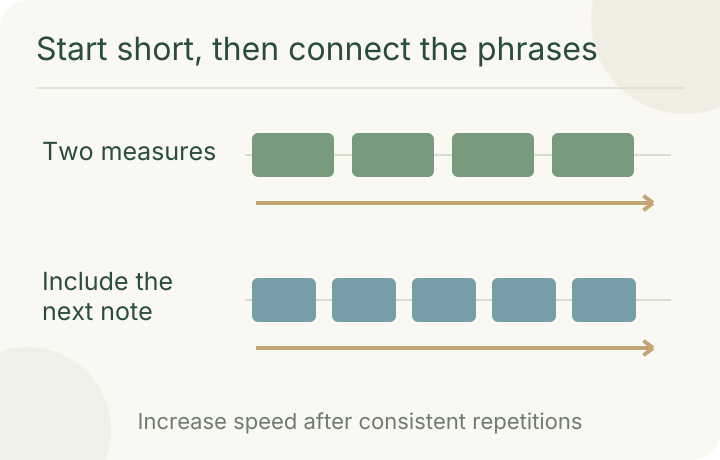
Build a short continuous phrase before increasing the speed
If you still stop midway at a slow tempo, shorten the exercise to two or four measures. Include the transition into the difficult section and use consistent fingering.
Increase the speed gradually and step back when the rhythm breaks down. Name each saved video with the song, passage and speed so you can distinguish it from versions slowed later in a video player.
Frequently asked questions
Does slowing playback lower the pitch?
MIDI tempo and note pitch are separate information. For recorded audio, whether pitch changes depends on the playback or processing method and its pitch-preservation setting.
What starting BPM should I use?
Choose a speed at which you can play a short passage continuously and accurately, then increase it gradually. The appropriate value depends on the piece and the difficult section.