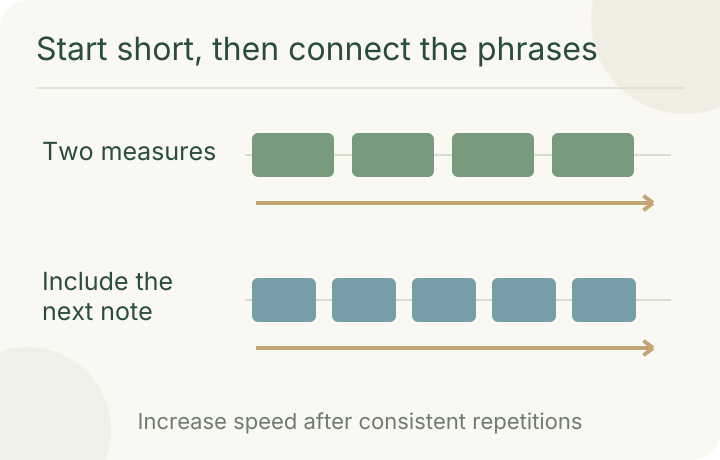
Choose two to four measures around the difficulty
Play the song once and identify the movement that causes trouble. Include a little of the preceding measure so you can practice entering the phrase at the right time.
For a leap, include the note before the hand moves. For a finger crossing, include the preceding notes. A useful practice range covers the movement into the difficulty as well as the difficult note itself.
Move to the starting point on the timeline
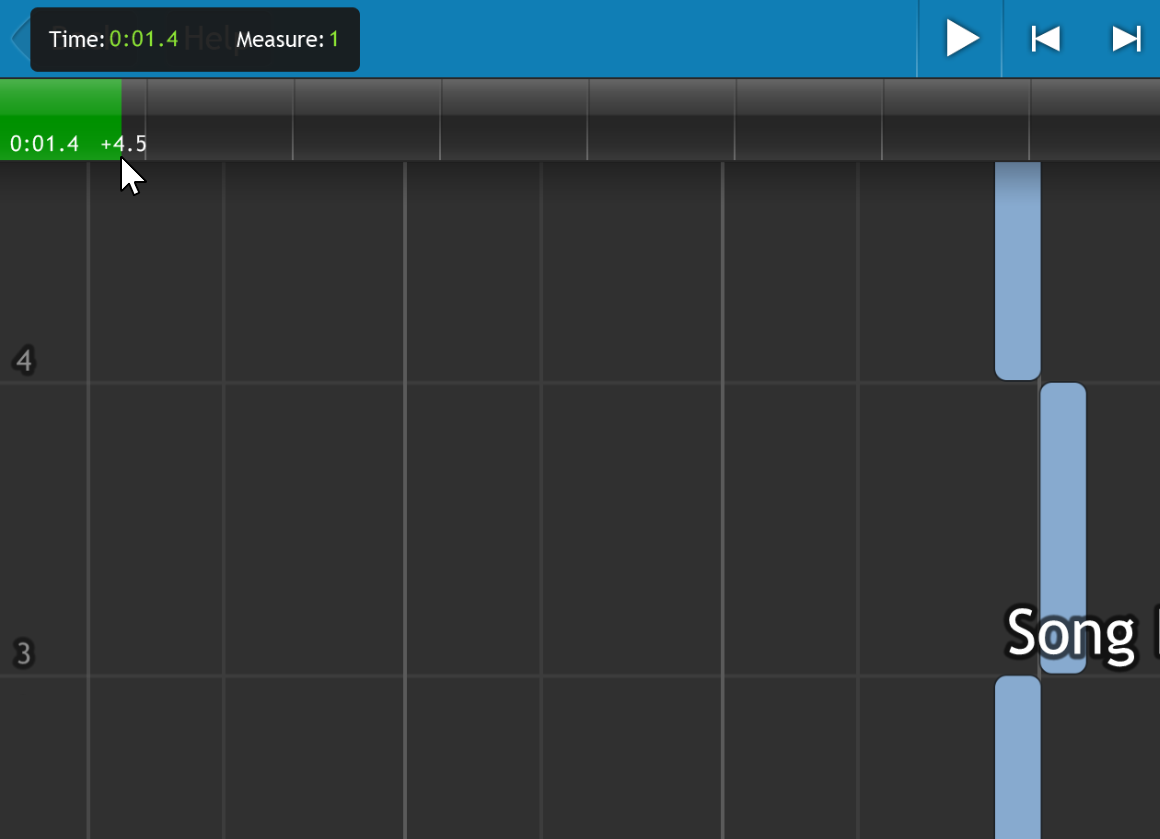
Click the timeline at the top of the playback screen near the desired starting point. Pause and identify the first notes shown above the keyboard.
If the position lands in the middle of the phrase, move slightly earlier. After each attempt, return to that same point to repeat the passage consistently.
Lower the speed and play through once
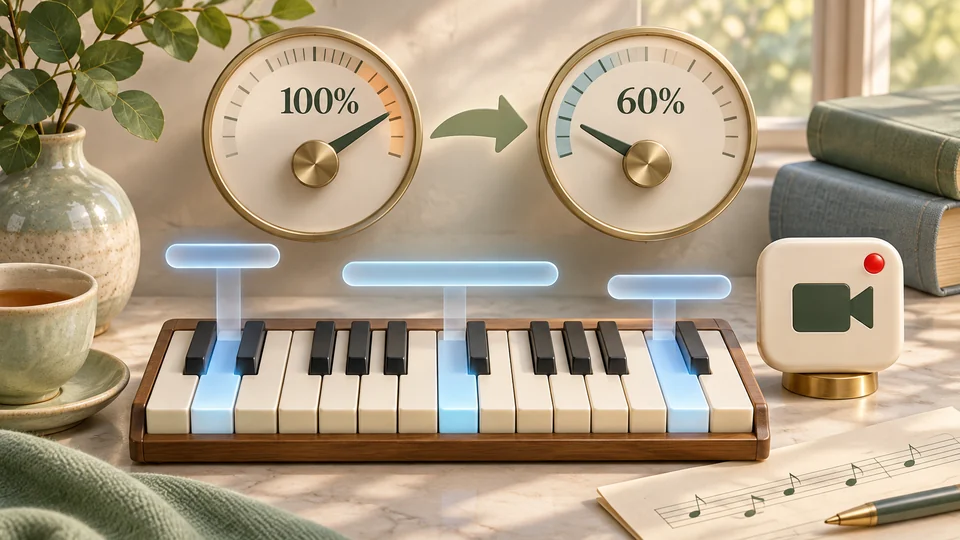
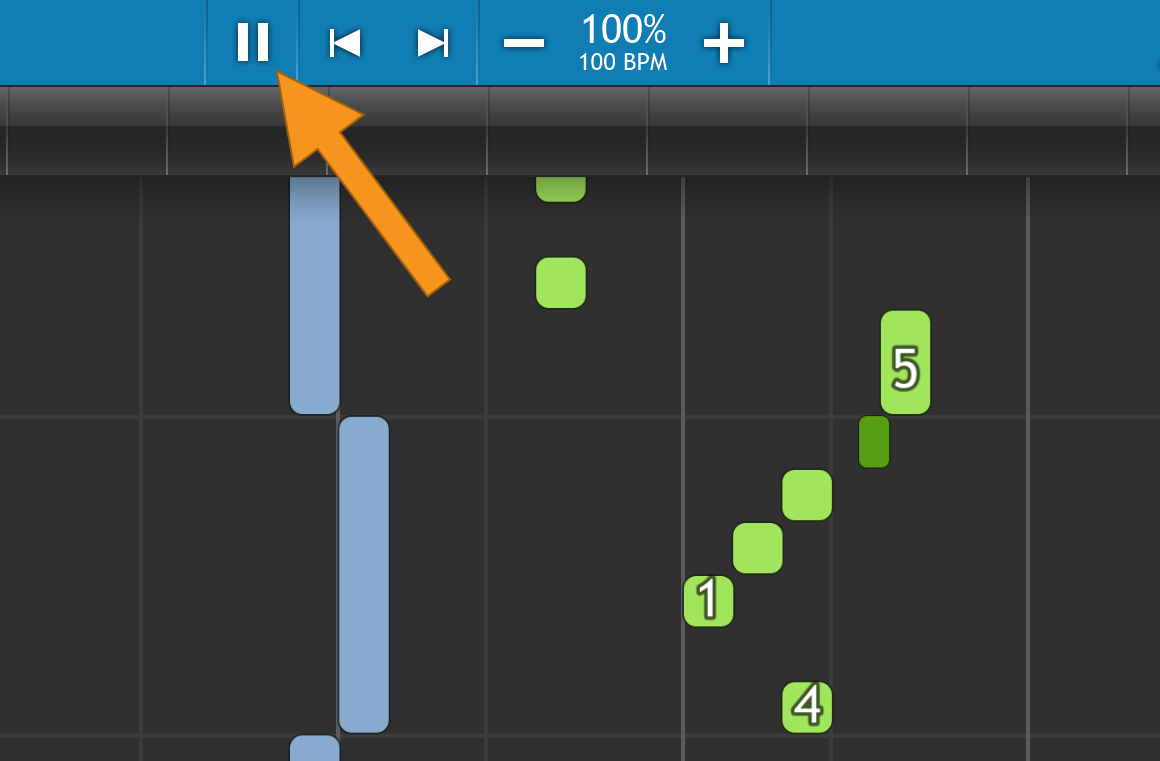
Use the speed minus button to choose a tempo you can maintain without stopping. Try each hand separately before combining them if the movement is unfamiliar.
Pause at the end and return to the start with the timeline. Follow the same return, play and pause sequence so the controls do not interrupt the practice more than necessary.
Increase the speed after consistent repetitions
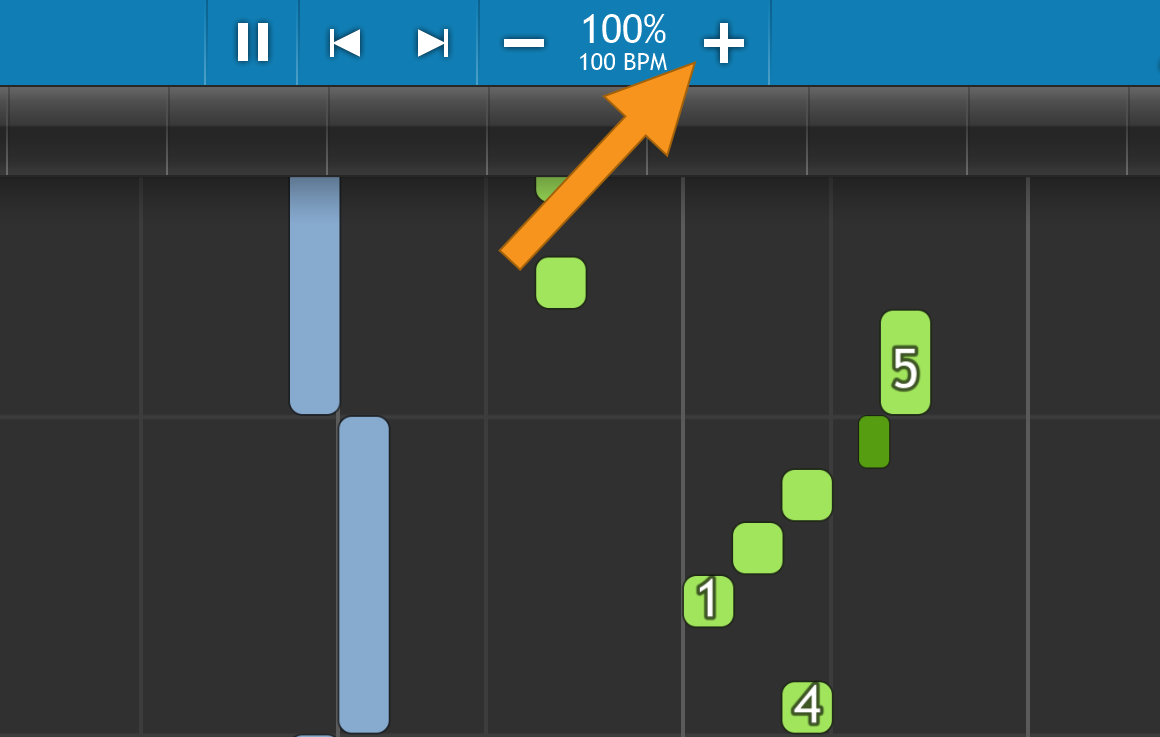
When you can play the passage several times at the same speed, raise the tempo a little with the plus button. Shorten the range or return to one hand if you start stopping at different points.
Check that the rhythm stays even and the movement stays comfortable. One successful attempt is less informative than repeating the same phrase reliably.
Record a practice reference when useful
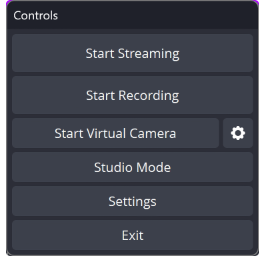
To save the passage as a video, choose Watch and Listen Only so playback proceeds without waiting for your performance, then record it with OBS Studio.
Save an MP4 and use the playback app's repeat function when you want that file to loop. Practicing inside Synthesia and repeating a finished video are separate operations.
Practice the transition into the following measure
Once a short range is comfortable, shift the range by a measure or include the first note that follows it. This helps the practiced phrase connect to the rest of the piece.
Start a little before the first target note so you can hear the beat and enter calmly. Gradually widen the context instead of always beginning and ending at exactly the same boundaries.