Open the MIDI file
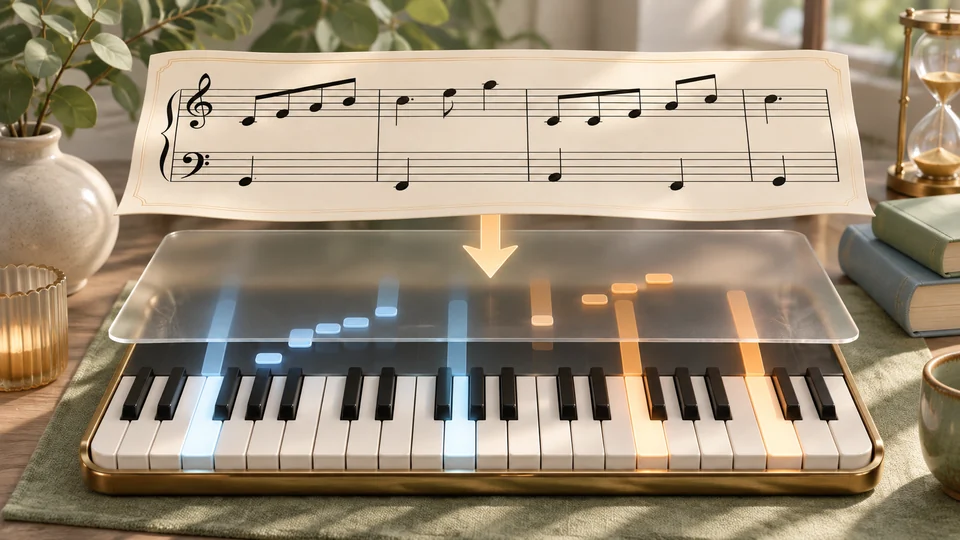
Choose File → Open and select MIDI. When the notation appears, play it from the beginning before editing details.
Use the short practice file if you want to compare a simple, known example. Hearing the imported result helps identify whether the initial problem is musical or only visual.
Download the four-bar MIDI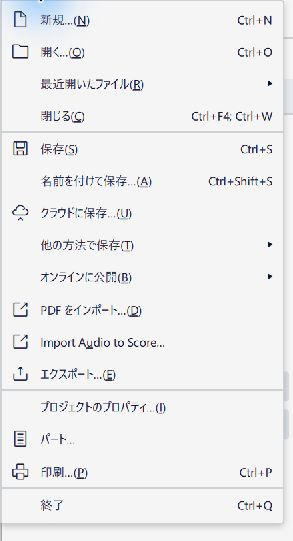
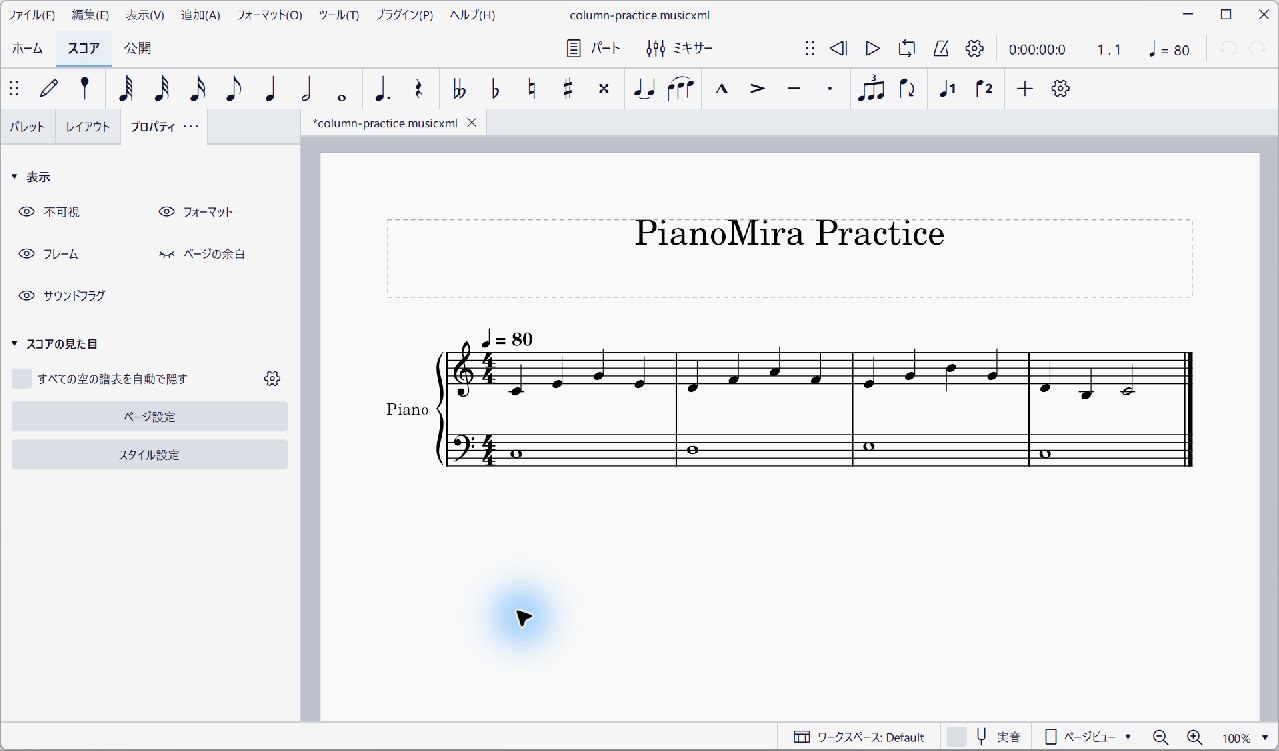
Inspect staves, hands and instruments
Check whether the piano appears on two staves and whether other instruments are separated as expected. MIDI track and channel structure affects the result.
Listen to where the bass and melody ended up. One staff can contain both hands, and unexpected part names do not identify the actual musical contents. Pitch-only splitting can misassign crossing hands.
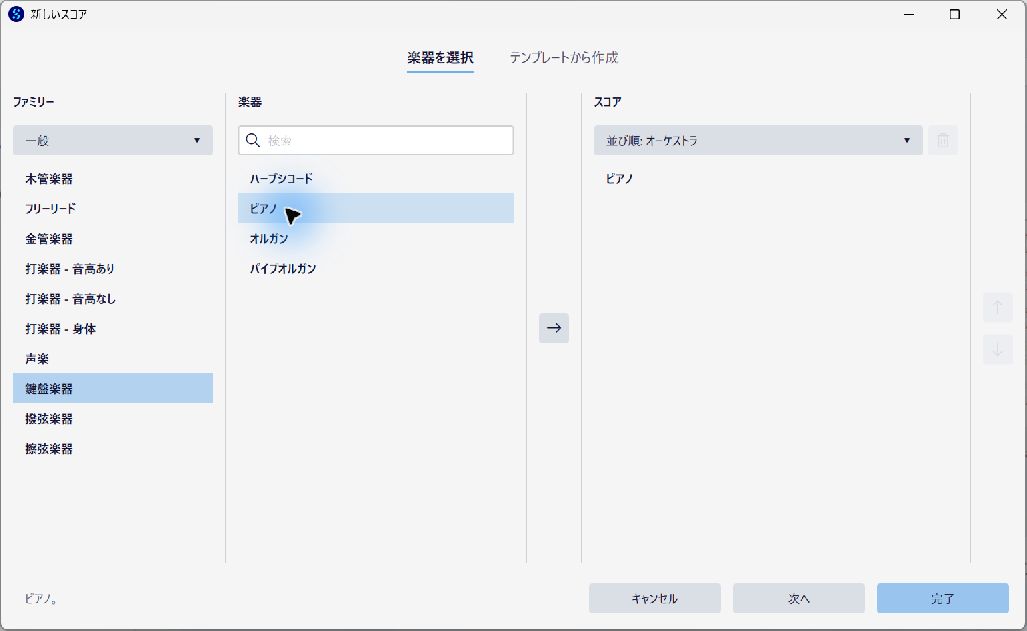
Review tiny rests and complex rhythms
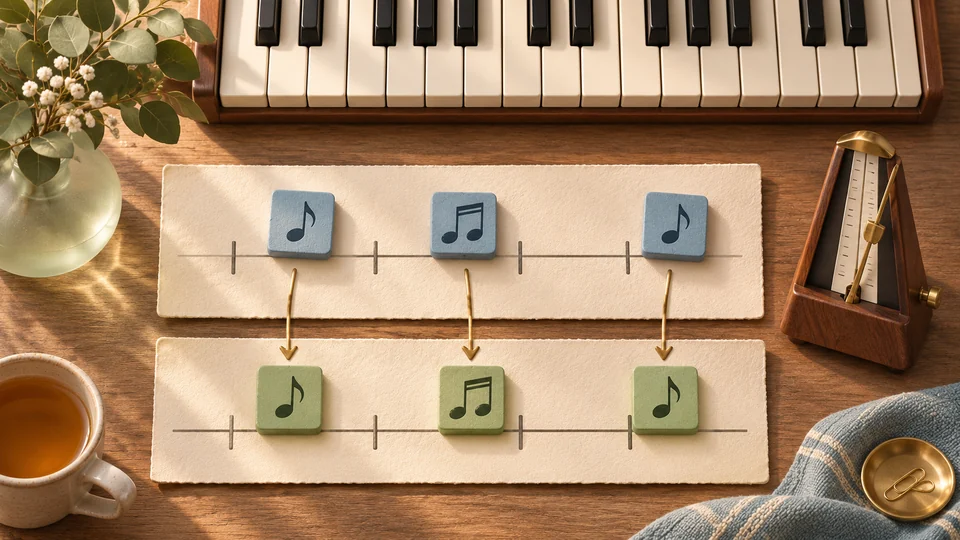
Small timing differences in a performance can become short notes or rests. A readable practice score may need rhythmic cleanup, while a video synchronized to the recording may need the original timing.
Decide the purpose before editing. Do not overwrite the video source MIDI merely to make the imported notation look neater.
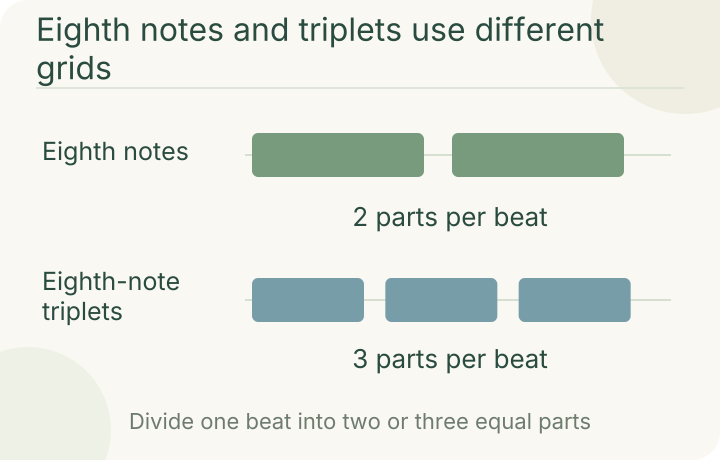
Compare tempo and note durations
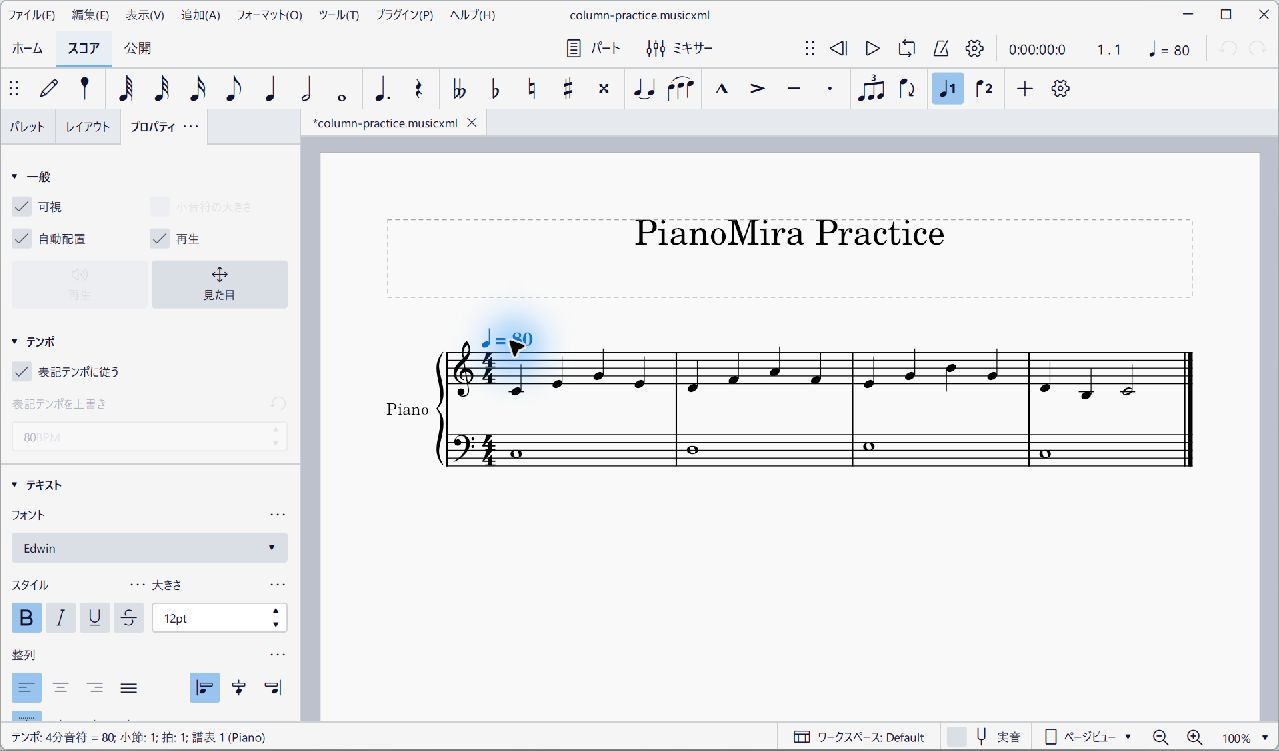
Check tempo markings at the start and later in the piece. Listen for notes that end too early or last too long and adjust the selected notes where appropriate.
A clean-looking score does not prove that pedal or timing information matches the original. Compare by ear as well as by sight.
Save the score and export for its purpose
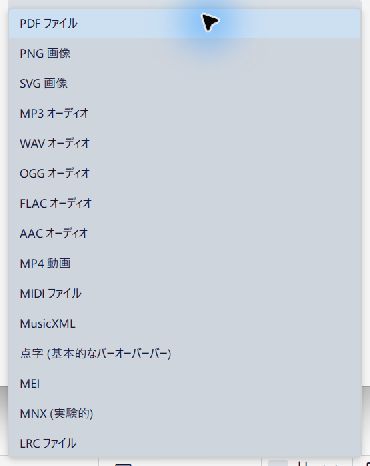
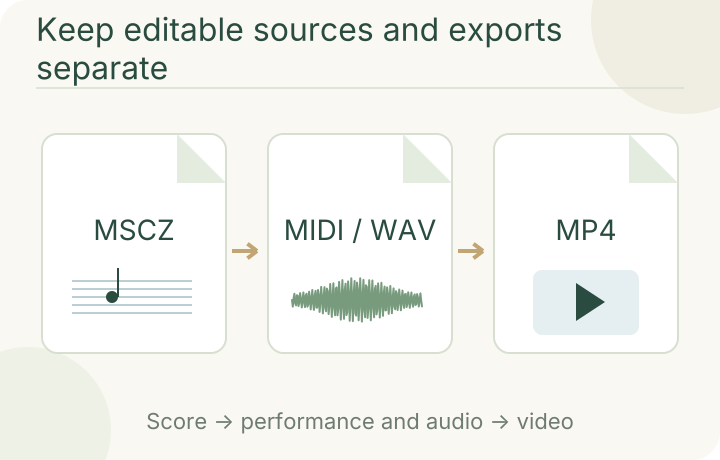
Save a MuseScore-format editing copy. Export MIDI for performance-driven visuals, MusicXML for another notation app or WAV for the rendered sound.
Use names that distinguish edited outputs from the original MIDI. Make it clear which version should be imported into the video workflow.
Separate notation cleanup from performance correction
An initially complex score can still sound close to the original performance because it represents small recorded timing differences.
Changing note positions or lengths can change synchronization with recorded audio. Keep the original MIDI, save a separate MuseScore project and work through short passages according to whether the goal is a readable score or a matching performance.
Frequently asked questions
Can MIDI reproduce the original score exactly?
Not necessarily. Page layout, fingering and notation choices may be missing, and the imported score may need cleanup.
Should I use MIDI when I also have MusicXML?
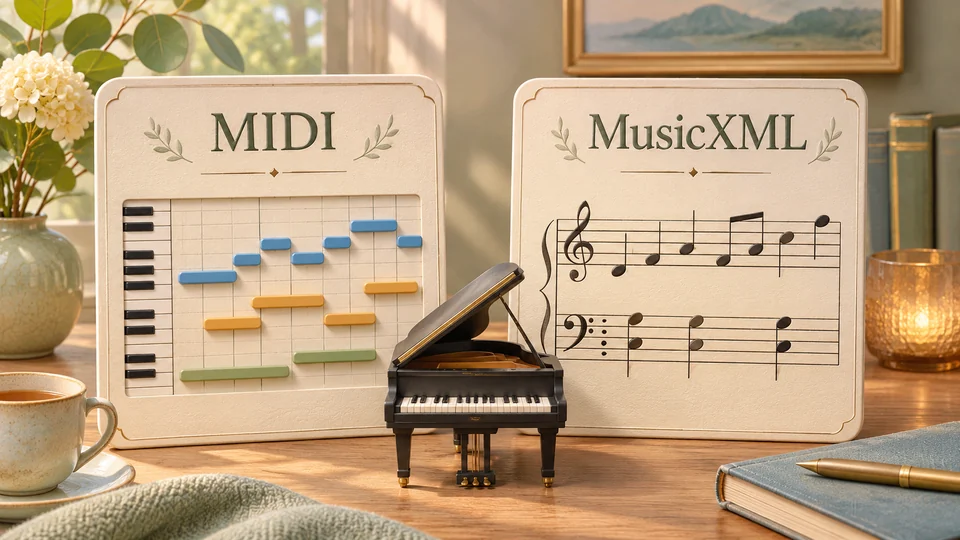
Try MusicXML first when transferring notation is the goal. MIDI is useful for transferring performance information.