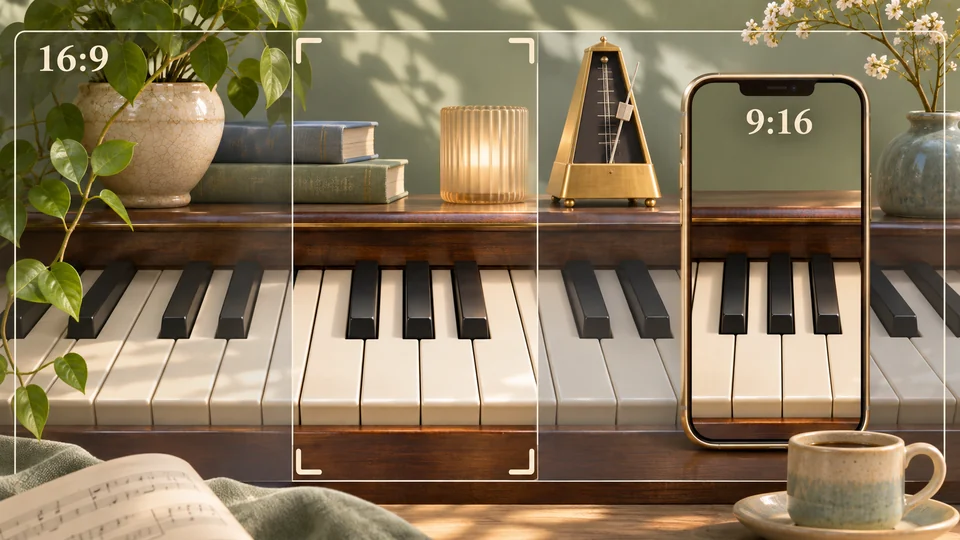
Choose a representative frame from the video
Find a frame where the hands and keyboard are visible without menus or effects obscuring the fingertips. Avoid a blank opening frame when the performance itself communicates the content better.
Use an image that accurately represents the video. Do not imply that the clip includes a performance, feature or practice mode that viewers will not find after opening it.
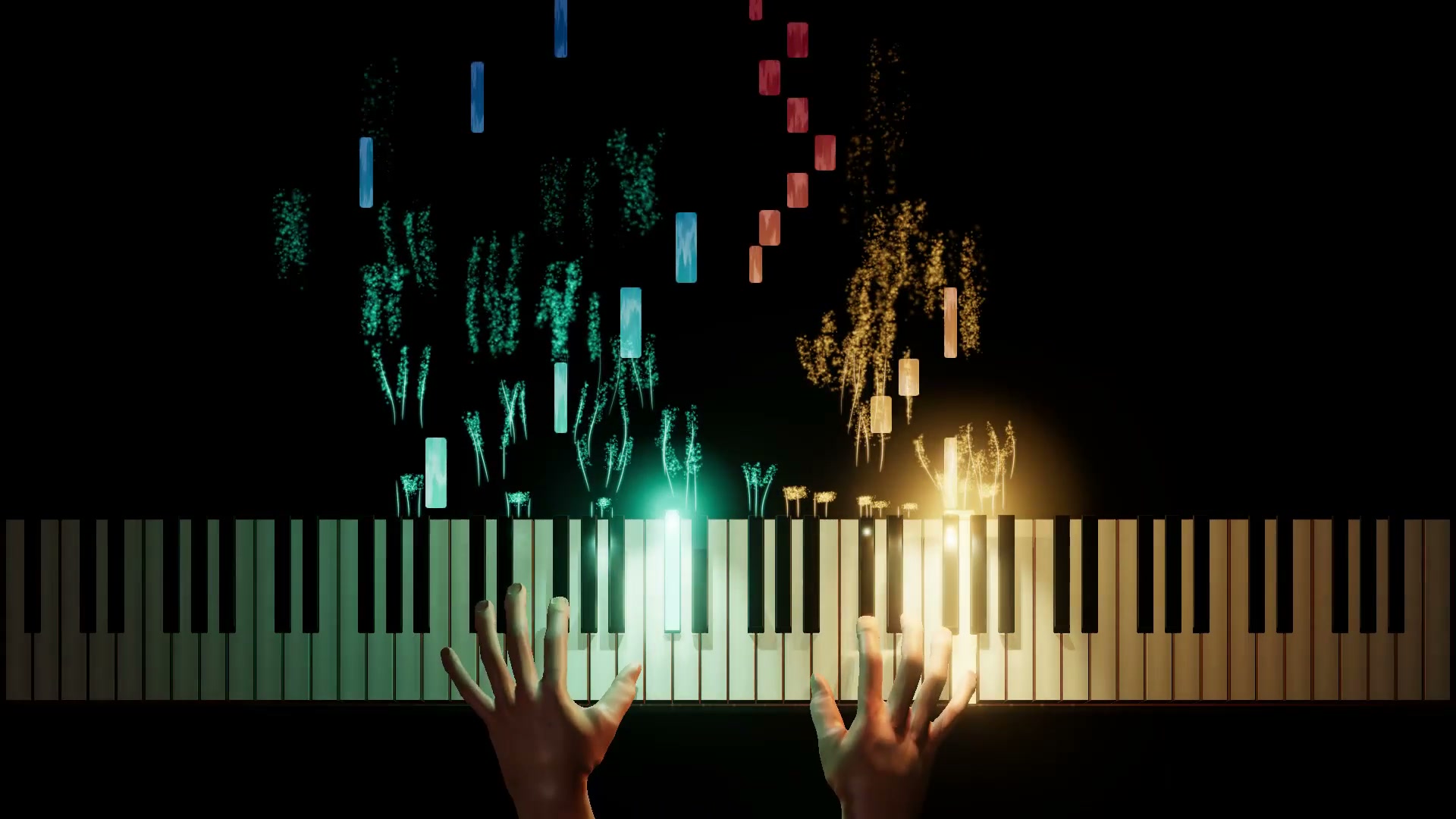
Place a short, readable song title
Add the song name in your image editor. Break a long title at a natural point and make the composer name or secondary information smaller.
Use open background space instead of covering the important keyboard area. A simple solid area behind the text can help when the picture is visually busy.
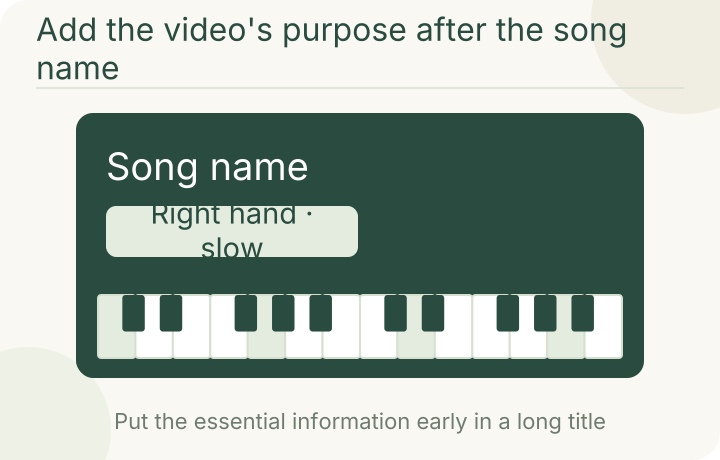
Add one useful practice detail
Choose one distinction that helps the viewer decide, such as right-hand practice, slow tempo or note labels. Too many competing labels make both the song name and the benefit smaller.
Match the wording to the actual picture and sound. A video showing only the right hand while both hands remain audible should not be described ambiguously as right-hand audio only.
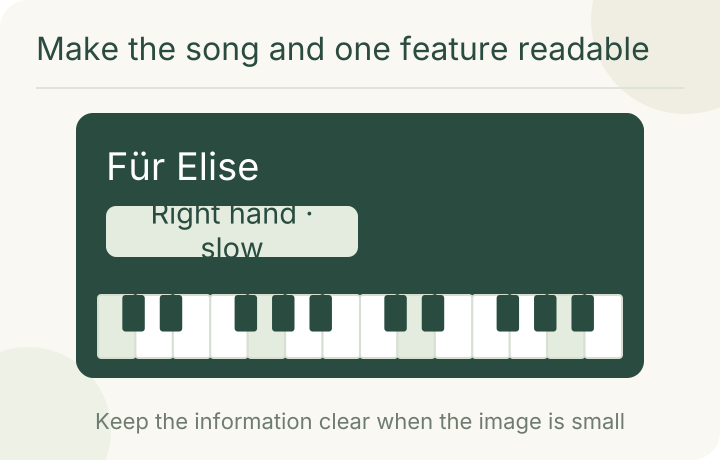
Check the thumbnail at a small size
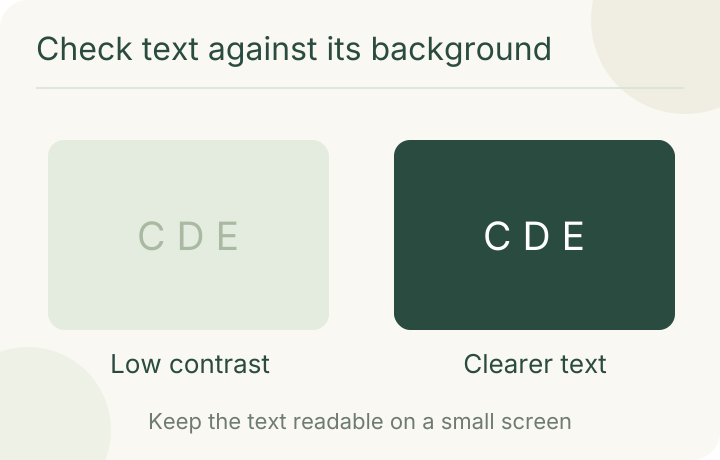
Reduce the image to roughly the size of a video-list thumbnail. Confirm that the song name and the selected practice detail remain readable without zooming in.
If they do not, shorten the text, calm the background or remove a secondary detail. Judge the image at its viewing size rather than only on the large editing canvas.
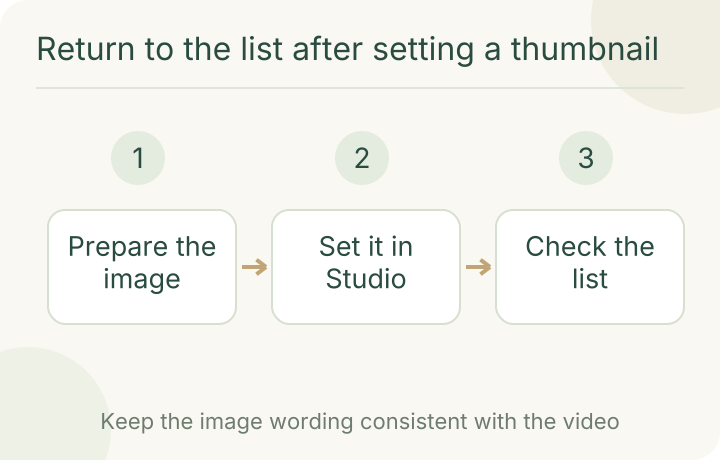
Set the thumbnail in YouTube Studio
Open the video from Content in YouTube Studio and select the image in the thumbnail area of its details. Save the change and check the video list.
If custom thumbnails are unavailable, check the channel's feature eligibility. If the list still shows the old image, confirm the save and refresh later before uploading repeated copies.
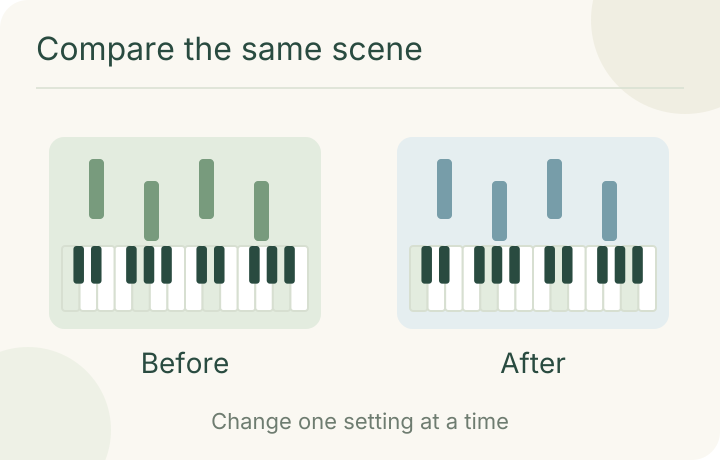
Distinguish different versions of the same song
When you publish normal-speed, slow and hand-specific versions, use one short prominent label to distinguish each. Keep the song identity consistent so the set is easy to recognize.
Check the final image on a phone and avoid placing essential text at the bottom-right edge, where a duration badge can appear. The picture should communicate a clear, accurate reason to open this particular video.
Frequently asked questions
Does adding more text to the image increase search traffic?
More image text alone does not guarantee search traffic. Make the thumbnail, video title and description communicate the actual content clearly.
Can I use a plain frame from the performance?
Yes. When the title already explains the song and purpose, a clear frame can be an effective, uncluttered choice.