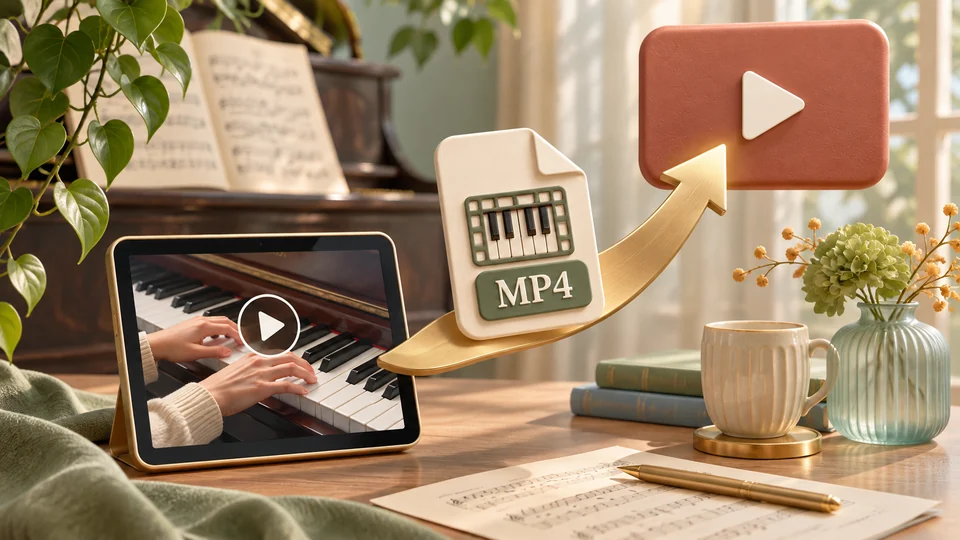
Find the lowest and highest notes used in the performance
Watch the passages where the hands reach furthest left and right. Choosing the crop from the opening alone can leave a hand outside the frame later in the song.
For a right-hand practice clip, prioritize that hand's range. For a full performance, consider whether the complete keyboard area must remain visible.
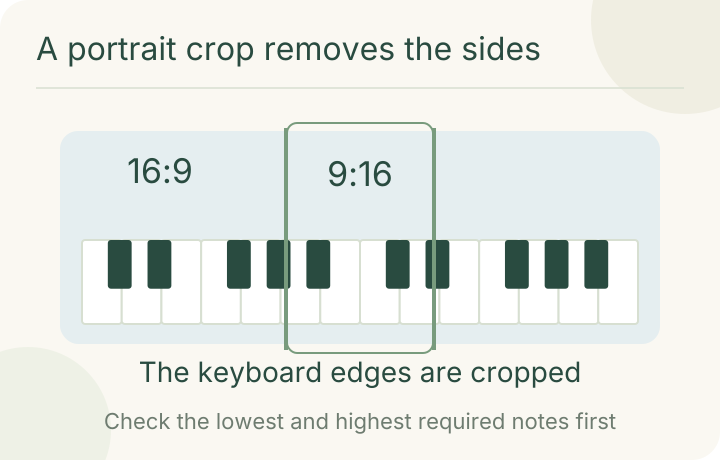
Choose between filling the frame and keeping the whole picture
Filling a portrait frame with a landscape video cuts off the sides. Fitting the entire landscape picture keeps the sides but leaves space above and below.
Use that space for a title or a short practice instruction if helpful. Compare the actual size of the keyboard on a phone before deciding which arrangement is clearer.
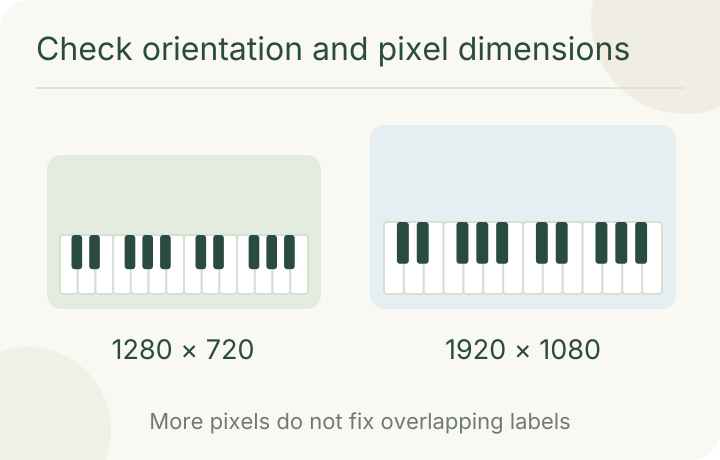
Place the MP4 on a 9:16 canvas
Create a portrait project in your editor and add the MP4. Adjust its scale and horizontal position so the important hand movements remain visible.
Replay the entire timeline, including the lowest and highest notes. Also check the export dimensions: a portrait editing canvas and a landscape export setting can produce an unexpected result.
Create a new portrait video from MIDI when appropriate
In PianoMira, choose a portrait orientation and select which hand to display. This generates a new MIDI-based video; it is not an editor for cropping an existing MP4.
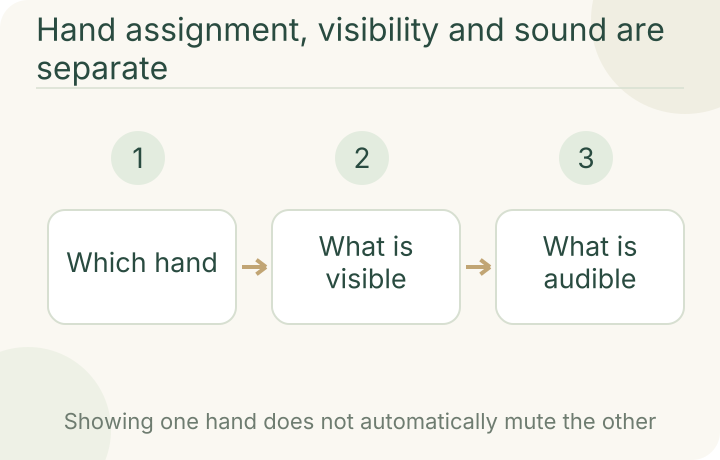
Displaying one hand in portrait mode does not remove the other hand from the audio. If you need one hand muted for practice, use a workflow with separate audio-part controls.

Review the exported video full-screen on a phone
Open the portrait MP4 on your phone. Check the fingertips, both ends of the required keyboard range and any text that might overlap the notes or playback controls.
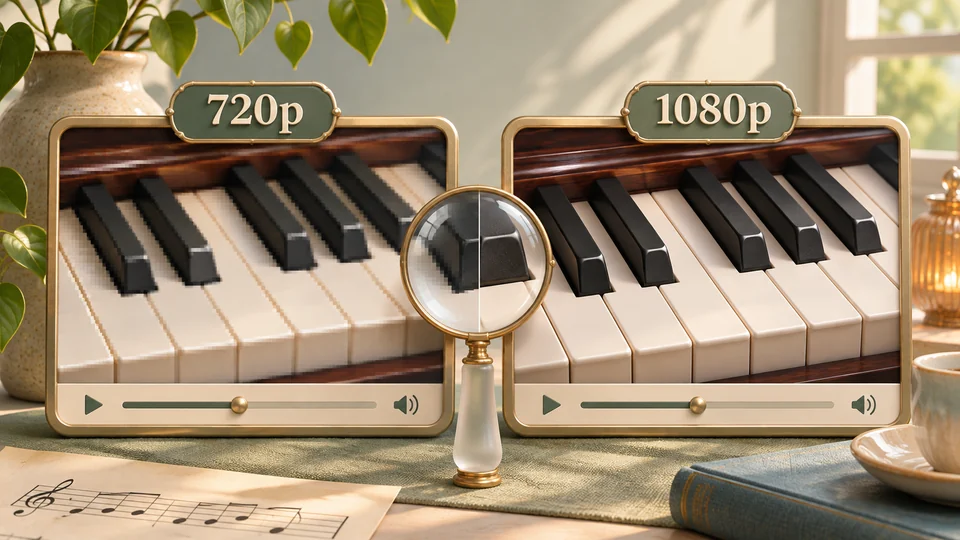
If enlarging the landscape source makes the image too soft, try fitting the whole picture or rebuilding the video from the original MIDI instead.
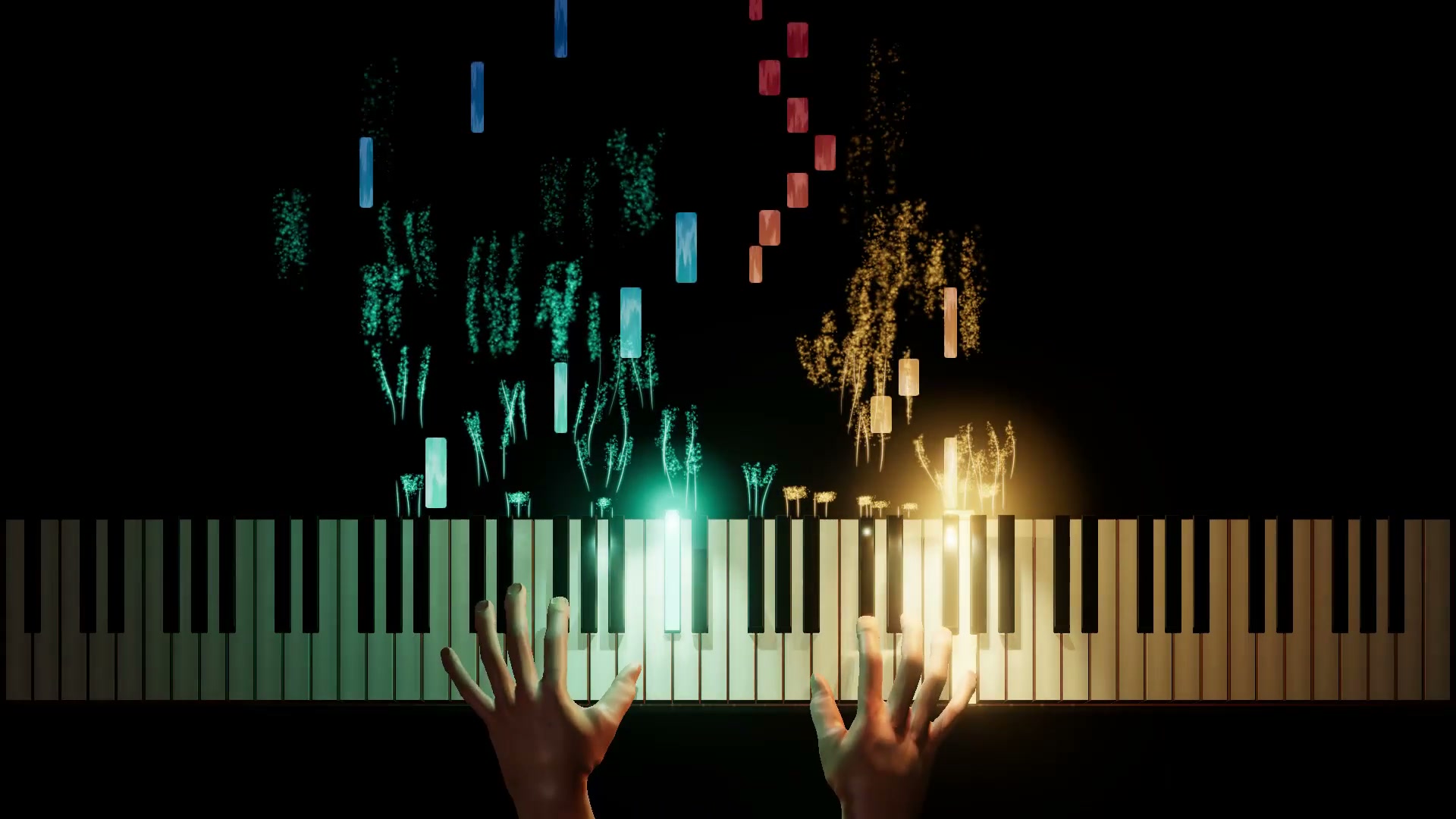
Check the musical range before committing to the crop
Review the most extreme hand positions again in the final version. A centered crop can look balanced while still removing the notes that make a particular phrase useful to the viewer.
Keeping margins is reasonable when the full keyboard matters. Compare that layout with a newly generated portrait video, and check the audio separately from the hand visibility.
Frequently asked questions
Can I simply rotate the landscape video by 90 degrees?
That also rotates the keyboard and text sideways. Usually you want to place the upright picture on a portrait canvas instead.
Are empty margins always a problem?
No. Margins can help retain the full keyboard and provide room for a title. Check whether the playing remains large enough to follow on a phone.