Create a simple reference video
Import MIDI and make a short video using normal falling speed and a simple display. Keep the MIDI and orientation the same in later comparisons.
A fixed reference makes it easier to identify the effect of each setting. Choose a passage with the kind of notes and hand movement you want viewers to see.

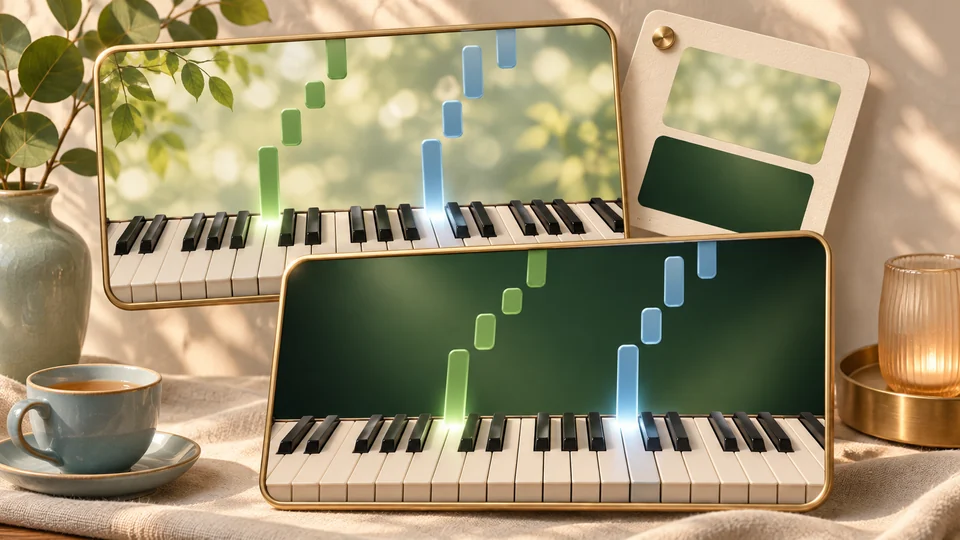
Choose two distinct hand colors
Set one color for each hand. Against a dark background, try brighter colors; against a light background, choose colors with a clear outline. First make the hands distinguishable, then add decoration.
Two different hues can still look similar on a small screen if their brightness is close. Check a chord played by both hands and make sure note-name or finger-number labels do not disappear into the colors.

Use brightness to show hands clearly
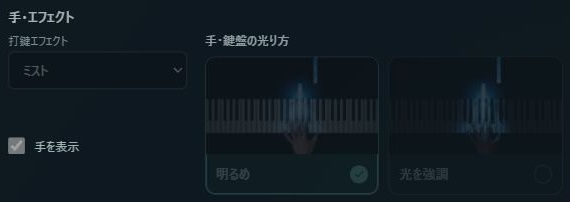
For a fingering-focused video, choose brightness that keeps the keys and fingertips visible, including during chords.
Use the finished example as a reference for what needs to remain readable. Judge the moving hands and contact with the keys, not only the attractiveness of a still frame.

Add keypress effects one change at a time
Use the effect to draw attention to the sounding key. Make a version with only the effect changed, then compare a brightness change separately.
Glow can work well with a dark background, but busy passages produce more overlapping light. Compare the same dense chord in both versions. Decide whether the priority is the hands or the stream of notes before choosing the balance.

Leave space for a title added in an editor
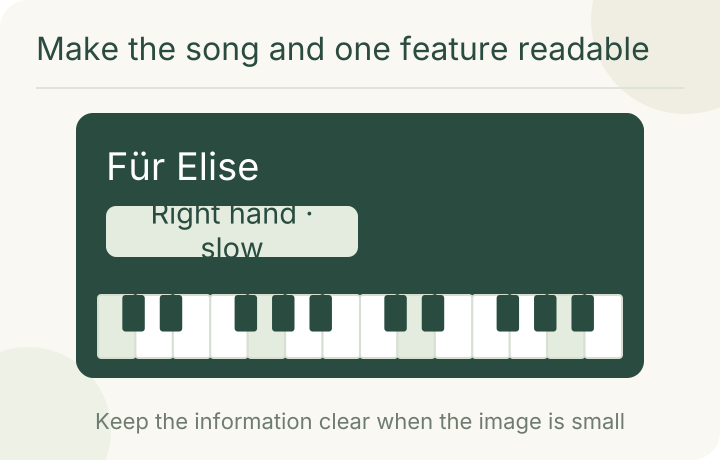
If you want a title overlay, open the exported MP4 in a video editor and place a short song name away from fingers, keys and note labels. Check its size on a phone.
PianoMira handles the visual colors and lighting in this workflow; the editor handles captions and cuts. A space that looks empty in a still image may contain moving notes later, so check the title area throughout the song.
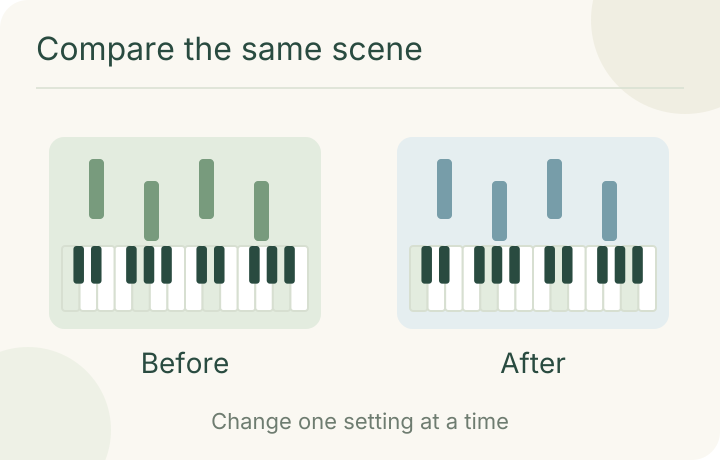
Compare the same musical moment
Pause the candidate videos at the same bar. Comparing a quiet single note with a large chord makes note density look like a settings difference. Use busy or crossed-hand passages to judge readability.
For note names, compare contrast against the background. For fingering, compare the light around the keyboard. Record the settings you chose so the next song can start from a consistent appearance.