Choose the image and video orientation together
Select an image you have permission to use. A landscape composition is often easier to fit to a landscape video, while a portrait composition can suit a portrait output.
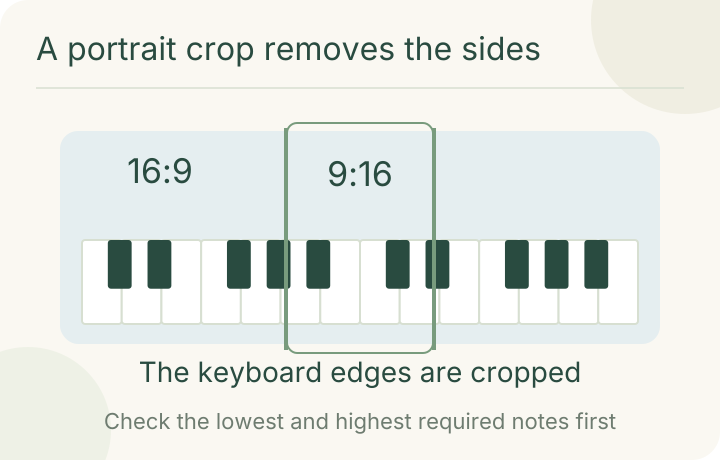
Load the MIDI and decide the orientation first. Changing it later changes the visible portion of the background and can crop an important subject near the edge.
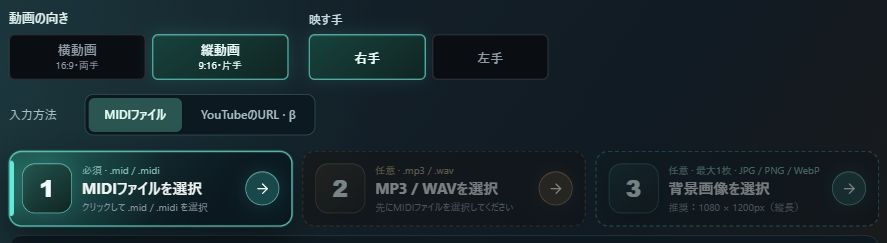
Select the file in the background image controls
Use the background image setting to select your file. On a phone, choose it from the photo or file picker and confirm that the selection appears in the form.
Follow the current format and size guidance beside the upload control. In the generated video, check whether a prominent face, building or other subject sits behind the hands or keyboard.
Create contrast between the background and the notes
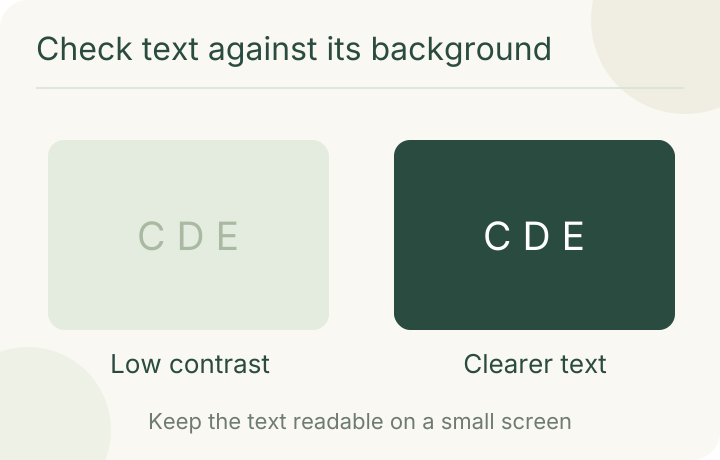
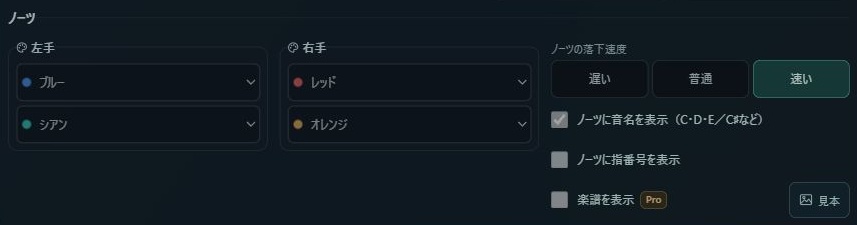
Try a darker background for bright notes or a lighter one for dark notes. When a photo contains many colors, a simpler note palette can be easier to follow.
Check labels separately from the colored notes. Note names or finger numbers should remain distinct wherever the notes cross different parts of the image.
Balance the lighting and key-press effects
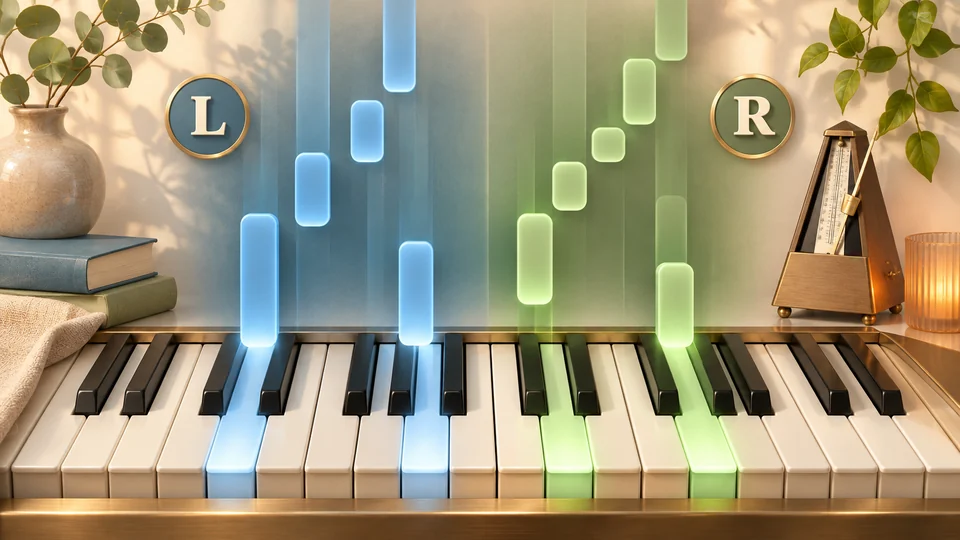
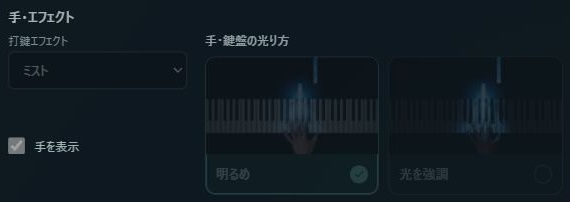
Choose lighting that keeps the hands visible if the movement is the main subject. Strong glowing effects over a detailed photo can make both layers harder to understand.
Generate a second short version with a more restrained effect setting. Compare the fingertips and labels in the same passage before deciding which version to keep.
Test the densest part of the performance
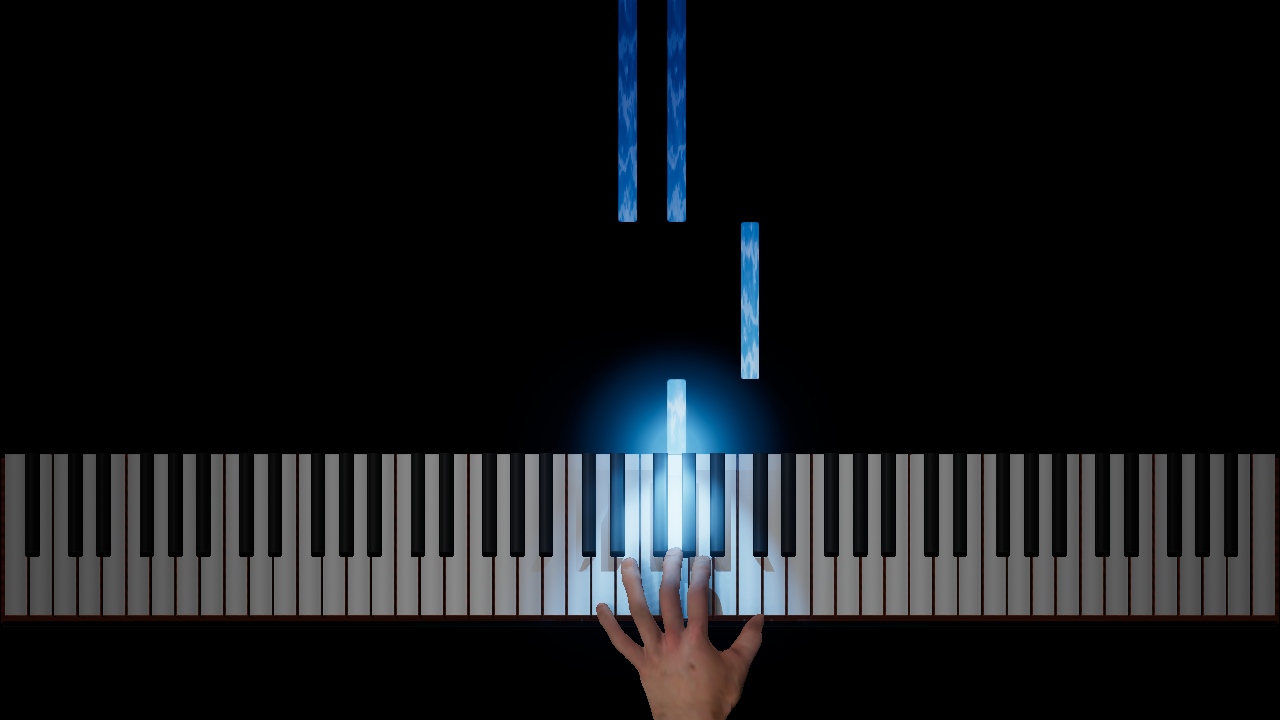
Generate a short MP4 and play a passage with several notes at once. A quiet opening does not reveal how the background behaves under dense notes and stronger effects.
Also watch passages spanning the low and high registers. Moving notes pass over different areas of the photo, so a readable center does not guarantee readable edges.
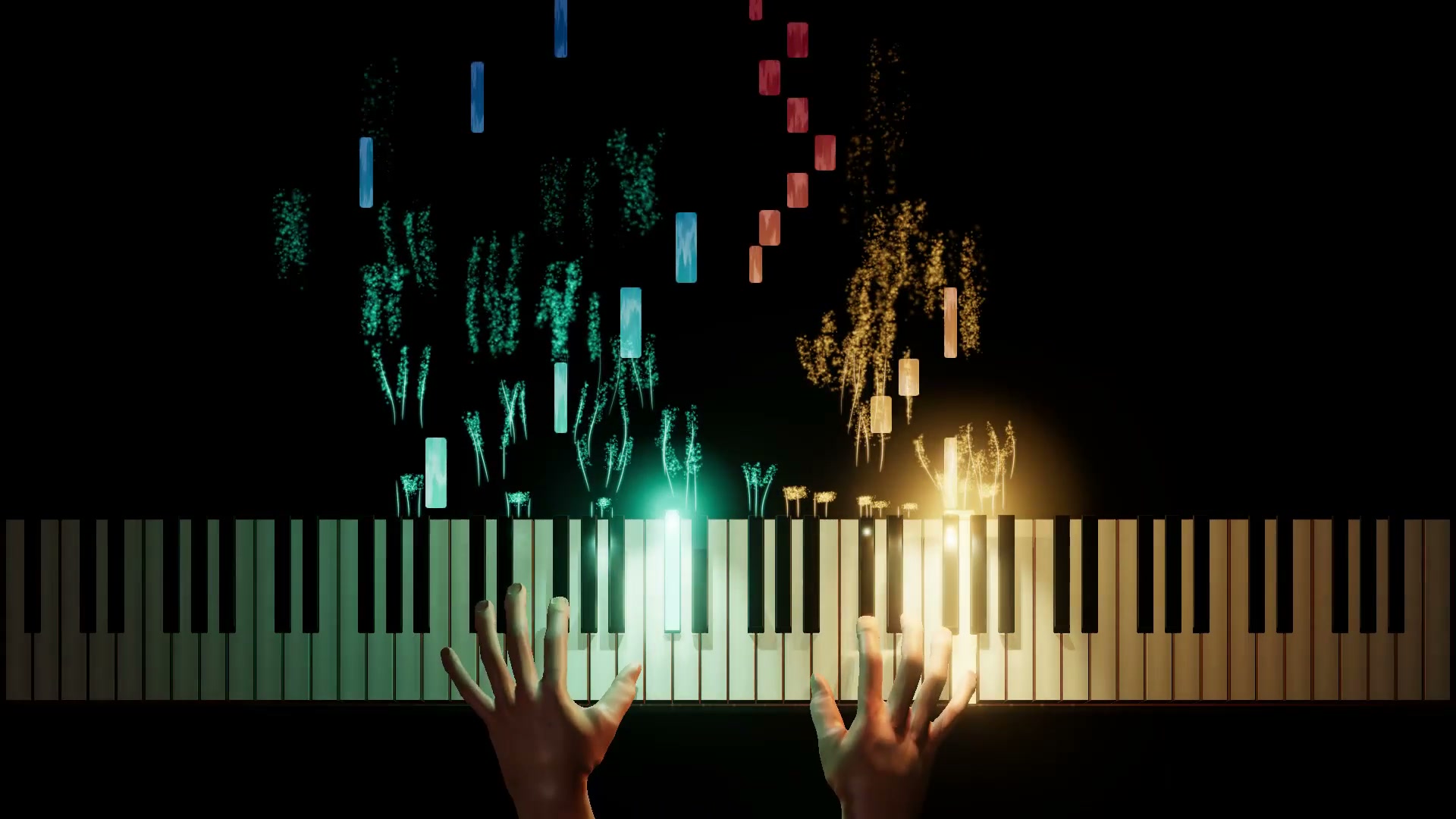
Prioritize the hands and labels over background detail
If a patterned or high-contrast photo makes the labels hard to find, try a calmer background and compare the same chord. Changing the image itself can be more effective than adding more glow.
Decide whether the video is primarily for following the performance or for atmosphere. For a teaching video, preserve the keyboard, hand movement and text at the size a phone viewer will actually see.