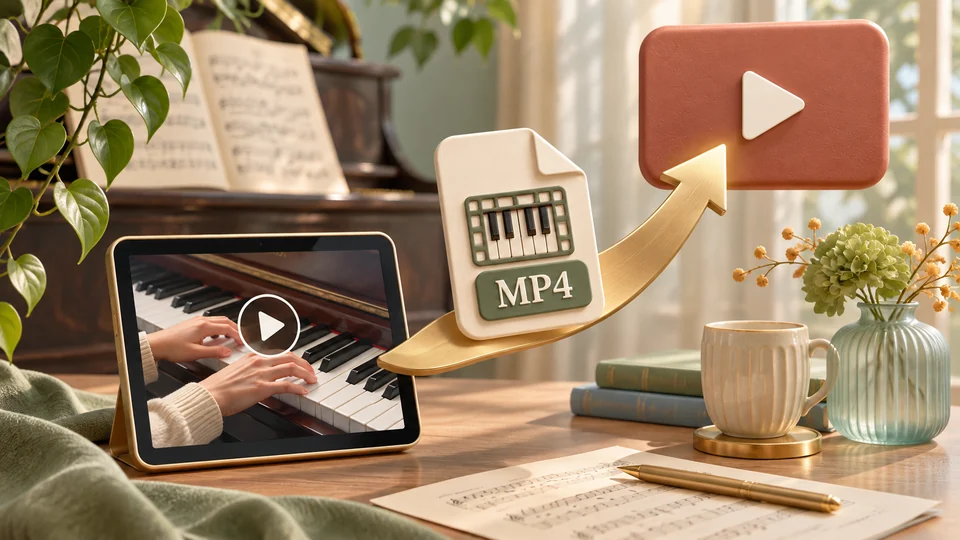
Identify the occupied frames
Mark the last attack, release and any teaching text before placing end-screen elements in Studio. YouTube sets eligibility and timing conditions for end screens.
Use the natural decay
After the pianist releases the final key, cut to a plain end frame while the recorded resonance continues. A link to the one-hand exercise can now appear without hiding the playing.
| During the performance | Keep the final attack and key release visible |
|---|---|
| After the performance | Place the next-video element while the audio decays |
For a short exercise
A standard video needs to be at least 25 seconds long to use an end screen. A playlist or description link can guide viewers onward without padding a short lesson.
Plan the last seconds of a forty-second lesson
Consider a forty-second lesson with the final strike at 34 s, key release at 36 and audible decay until 39. An element covering the last five seconds starts at 35, potentially hiding a second of the release. Mark the final teaching action, not just the end of the music.
Move the element away from the hand’s path, cut to a frame with space during the decay, or allow a few more seconds of picture in the edit. If release or pedalling is the lesson, preserve that demonstration before reserving space for recommendations.
Pick a destination that continues the exercise
If the frame promises “left hand next”, link to the actual left-hand edition of that piece. An automatically selected recommendation can conflict with a fixed hand or song title. Preview the wording and destination together.
End screens can appear differently across viewing contexts. Keep essential practice directions available in the description too. Check both the viewer who taps through and the listener who wants to watch the final chord uninterrupted.
What if viewers should pause on the final exercise?
Reserve an unobstructed question frame. Hold it briefly before introducing the answer or next-video element elsewhere. This lets a learner pause on the keys while still giving continuous-play viewers a clear route onward.