
PIANOMIRA JOURNAL
Making videos
Choose an app and set up your video’s look, resolution and export options.
Articles 11–20 of 21
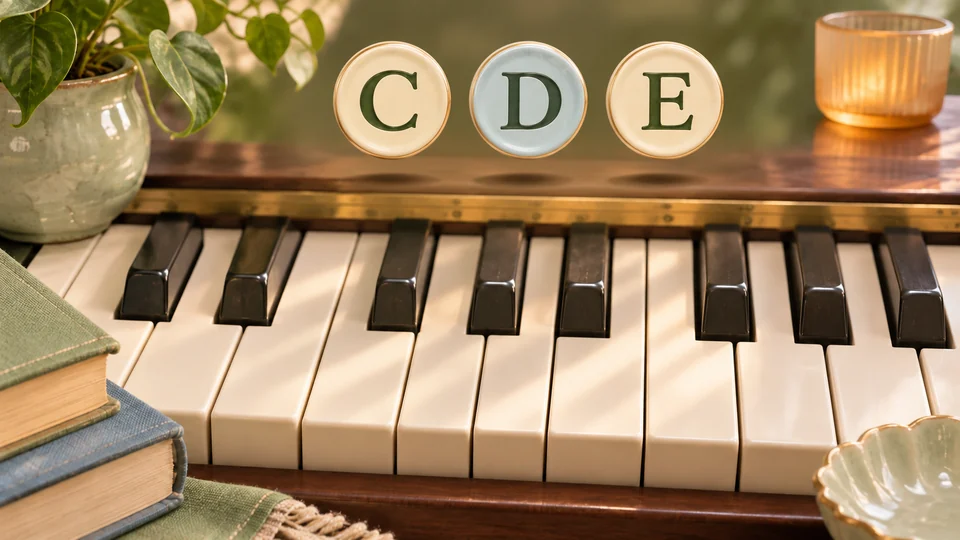
How to show note names and fixed-do labels in Synthesia
Use Synthesia's La menu to choose labels for the keyboard and falling notes separately. Select English for C, D, E names or Fixed Do for a fixed-do naming system.
Read the guide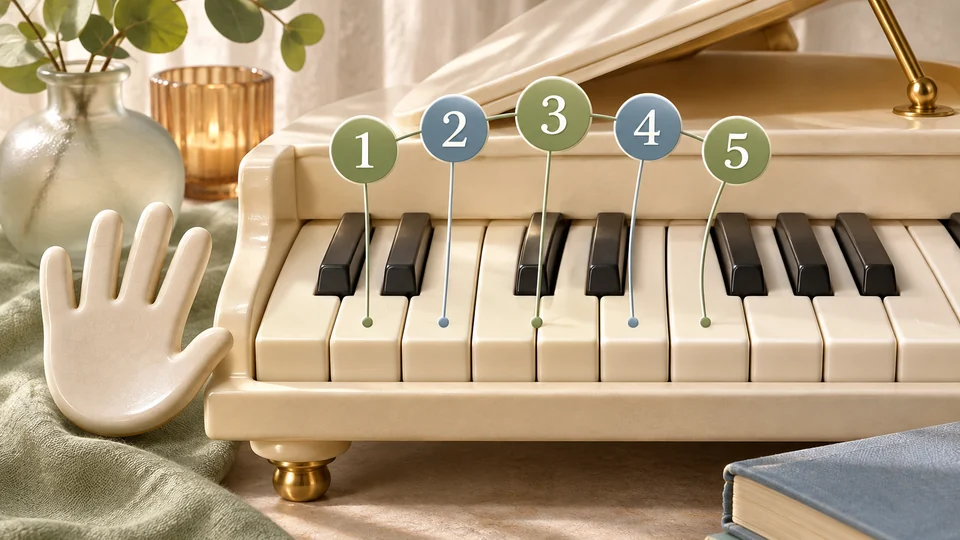
How to show finger numbers in PianoMira and check the result
Switch the label display from note names to finger numbers in PianoMira. Check difficult crossings and chords before using the video as a teaching example, because a MIDI file normally does not record the pianist's fingering.
Read the guide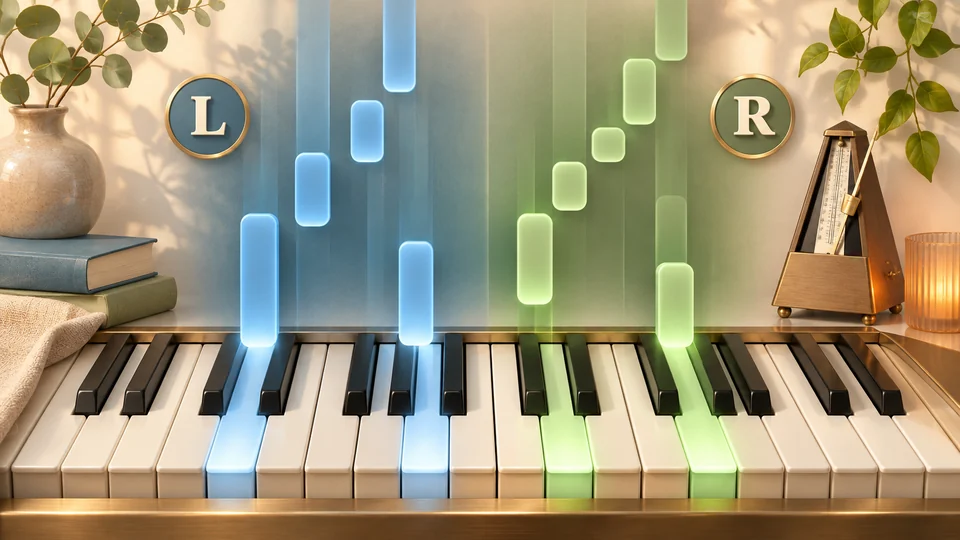
How to color the left and right hands in Synthesia
Assign each MIDI part to a hand in Synthesia, then choose its color in Hands, Colors, and Instruments. Check the hand assignments before using Auto Color.
Read the guide
Measure piano video sync one frame at a time
A few dozen milliseconds are hard to judge at normal speed. A sharp, isolated note gives you a repeatable point to check in a video editor.
Read article
Choose portrait framing for piano pieces with large leaps
The opening chord is a poor test of a portrait crop. The first clipped fingertip may appear only when the bass drops in the chorus.
Read article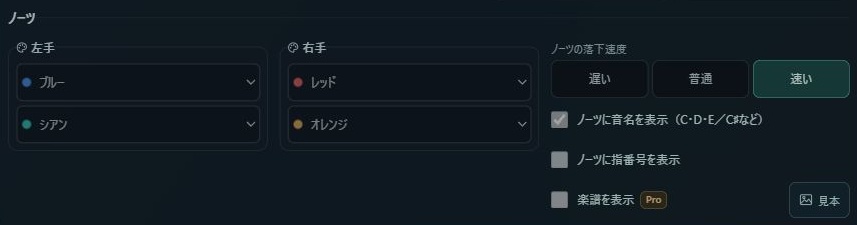
Keep note names readable in fast piano passages
A label that reads beautifully on a single note can disappear into a run of sixteenths. Use the busiest bar as the test case rather than the opening chord.
Read articleMake left and right hands distinguishable beyond colour alone
Colours that look distinct in a palette may merge on a small screen or against a photograph. Check brightness, position and movement together.
Read article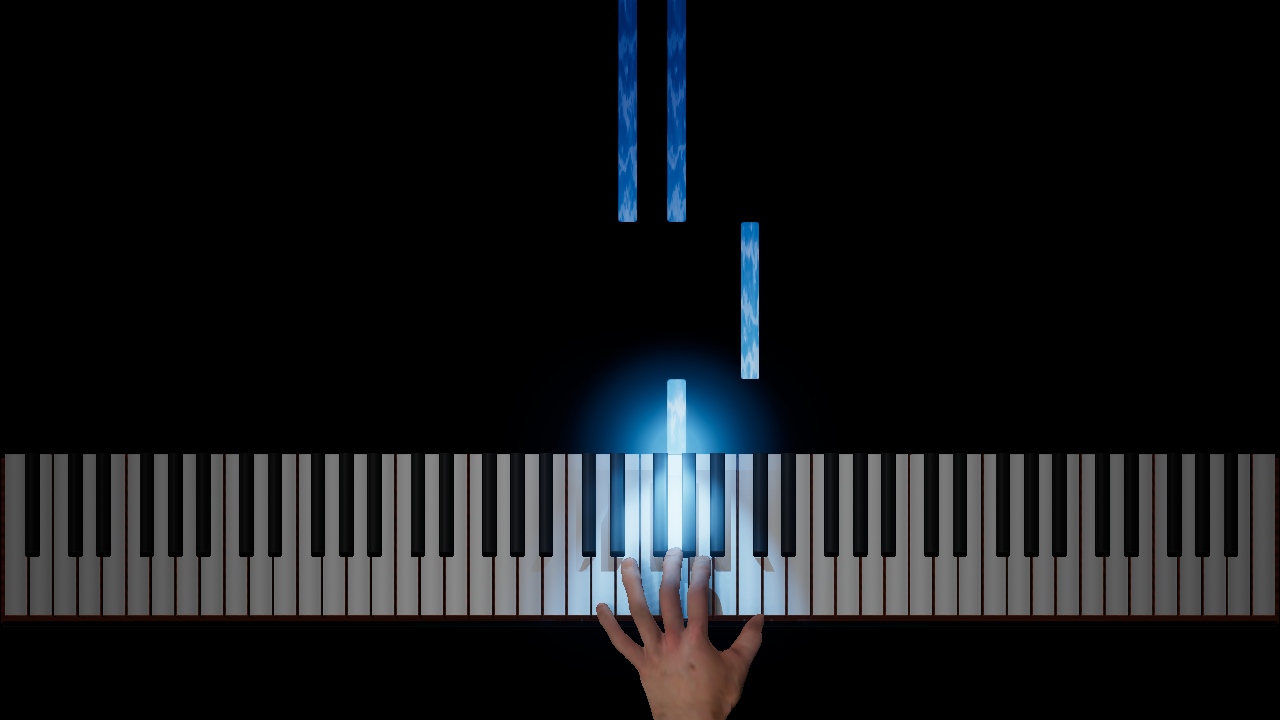
Prepare a piano tutorial for a recital projector
Faint light and small lettering can disappear on a wall even when they are clear on a laptop. Check the result from an audience seat under the planned room lighting.
Read articleStack live piano footage above a keyboard tutorial
A stacked frame can show one attack from two perspectives. Orientation and timing matter more than giving each picture exactly half the height.
Read article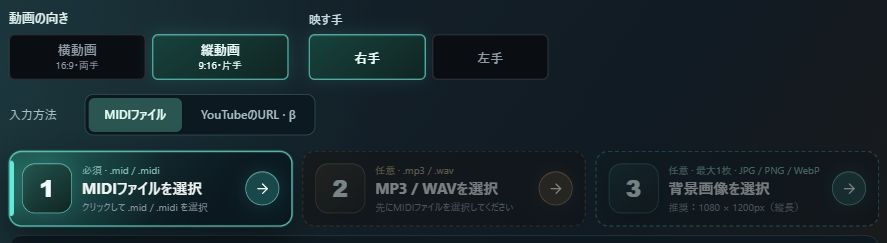
Add a count-in that lets viewers play along
An immediate first note gives viewers no time to put their hands on the keyboard. A short, metrical count-in prepares both their hands and their sense of pulse.
Read article