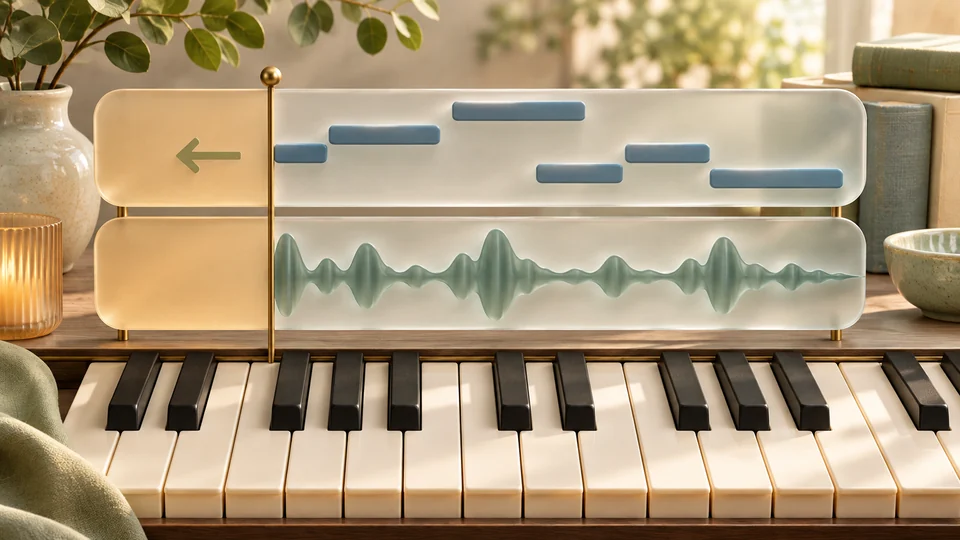
Establish the entrance
Try one bar: four counts in common time or three in a waltz. For a pickup, count backwards from the first strong beat to place the actual entrance correctly.

Four beats at 96 BPM
Each beat lasts 0.625 s. Place clicks at 0, 0.625, 1.25 and 1.875 s. The next downbeat falls at 2.5 s. Offset both the picture and backing track by the same amount.
Check the first chord
Adding clicks only to the audio leaves the notes falling early. Play once from the very beginning and check the chord against the end of the count-in.
Place a pickup inside the count rather than after it
With a four-beat count at 96 BPM the next downbeat is at 2.5 s. An eighth-note pickup enters 0.3125 s earlier, at 2.1875 s. Adding a pickup after the full count and then waiting an extra beat puts the strong beat somewhere other than the learner expects.
Try the spoken cue “come in on the and of four”. If the last click masks the pickup, compare a quieter final click. Adjust the cue sound before removing or shortening the musical note.
Let a muted viewer prepare too
A purely audible count can look like a frozen opening to someone watching muted. Overlay a visible count or show the starting hand position until playback begins. Watch through the last numeral and first strike rather than checking the two as separate stills.
For performance and teaching editions, retain one synchronised master and prepend the count only in the teaching timeline. Read chapter timestamps from that final cut; the original performance timestamps will now be early.
Should the click continue through the performance?
For pulse independence, provide one bar of count and remove the click so the learner carries the beat. An introductory tempo drill may warrant a quiet continuing click. Choose its endpoint according to the exercise rather than leaving it on by accident.