Choose the first clear musical note
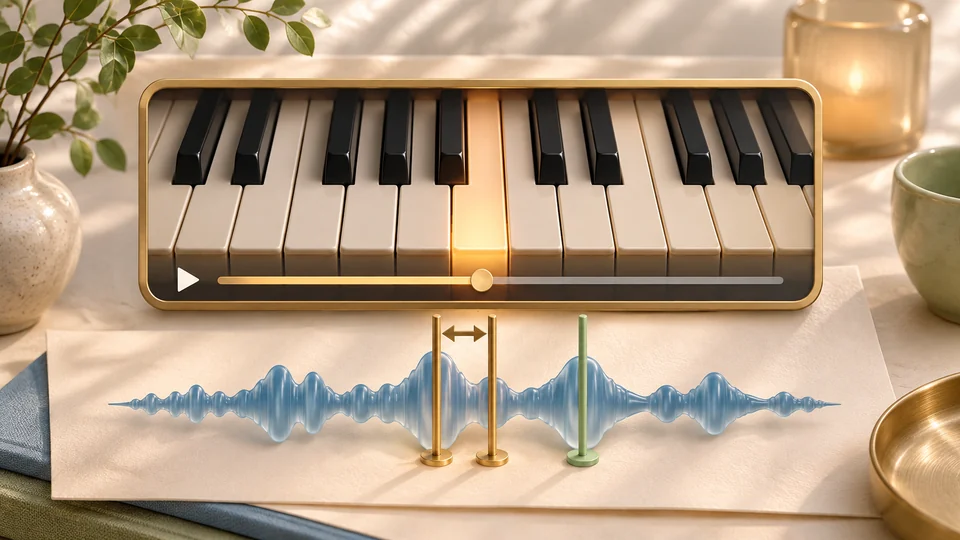
Find the same unmistakable keypress in both files. Avoid using a small background noise or a spoken count-in as the musical reference.
If an unwanted short MIDI note appears before the real opening, inspect it before moving the start position. Otherwise the wrong event can become your alignment point.
Inspect the MIDI's leading gap
Open the MIDI editor and go to the beginning. Check the gap before the first note, using Zoom to inspect it.
If no note is visible, zoom out to find the whole piece first, then zoom in around the first note. An excessively close view can hide the relevant location.
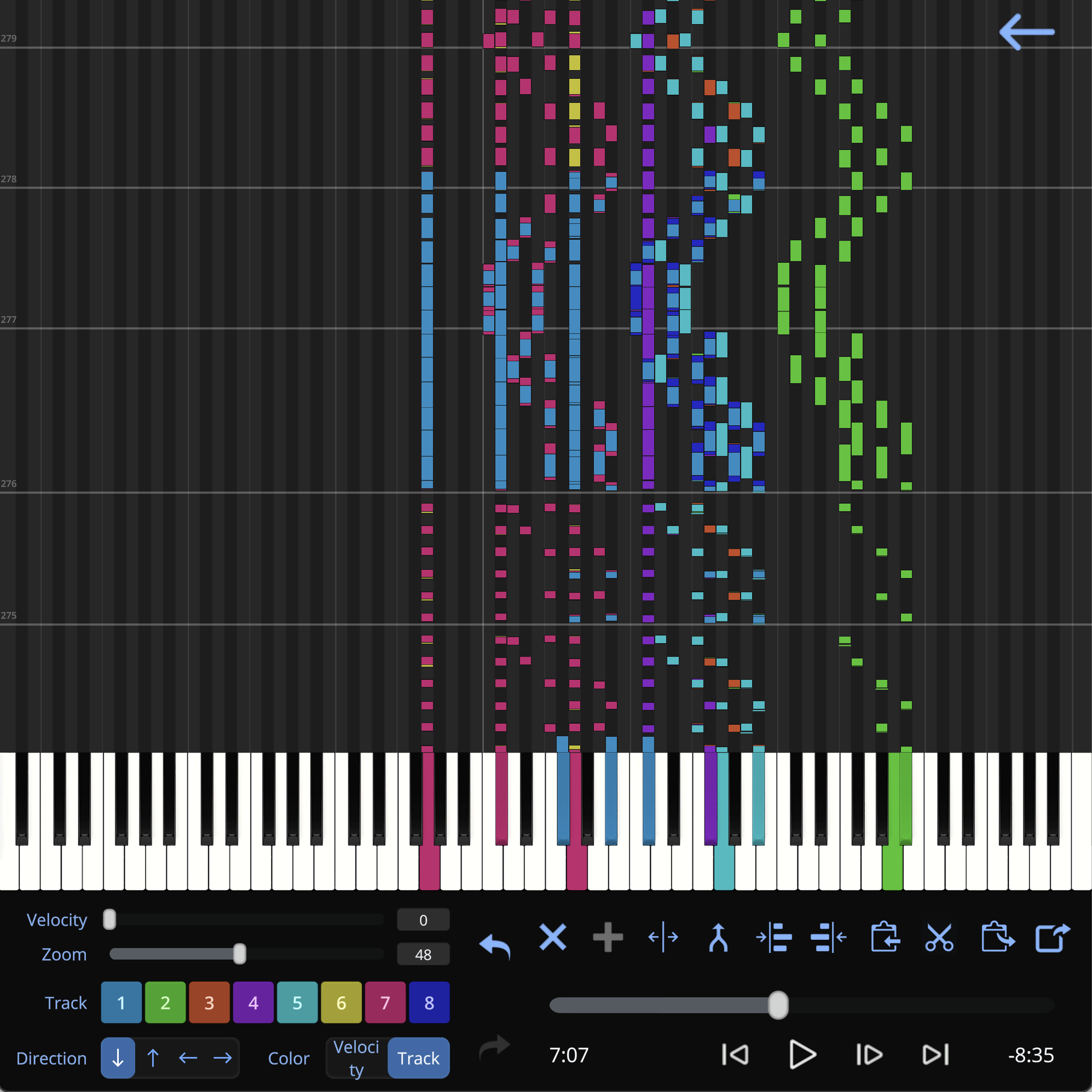
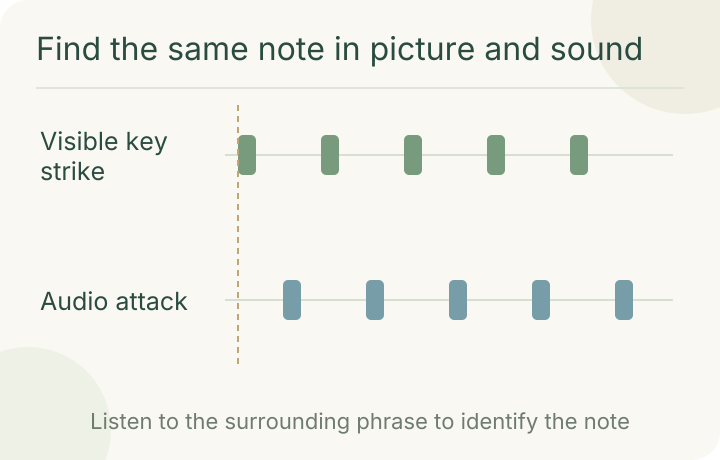
Align the same keypress in picture and sound
Use SeeMusic's synchronization controls to align the recorded attack with the note reaching the keyboard. Late audio needs to move earlier; early audio needs to move later.
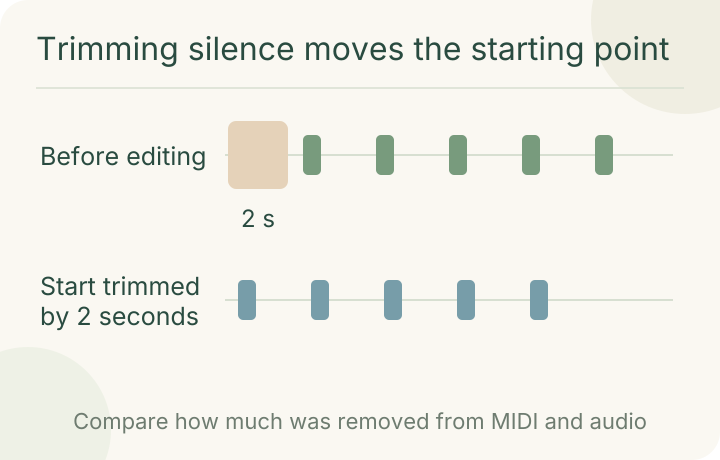
Trimming only the MIDI's leading silence also changes the relative position. Decide which source you are moving and note the change so it can be traced.
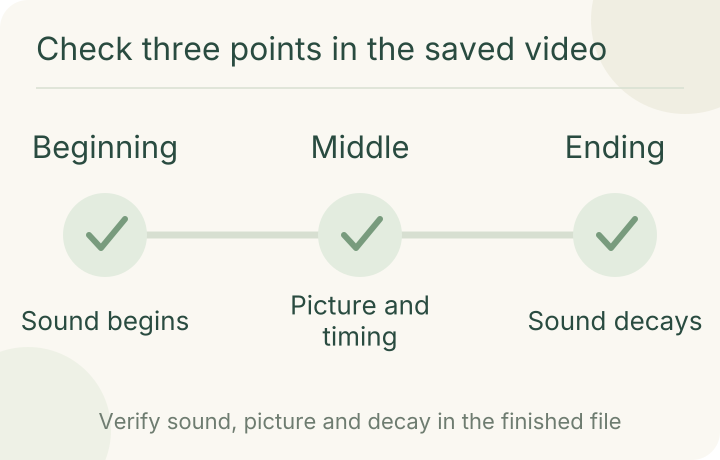
Compare the middle and ending too
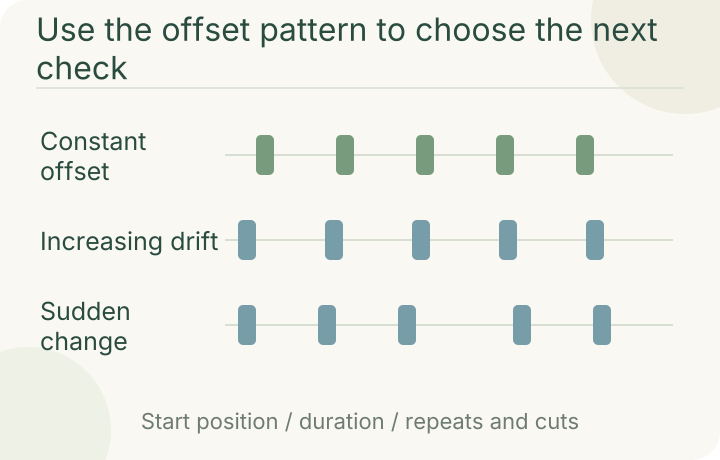
After matching the start, check clear notes in the middle and near the end. A constant offset may be corrected by shifting the start.
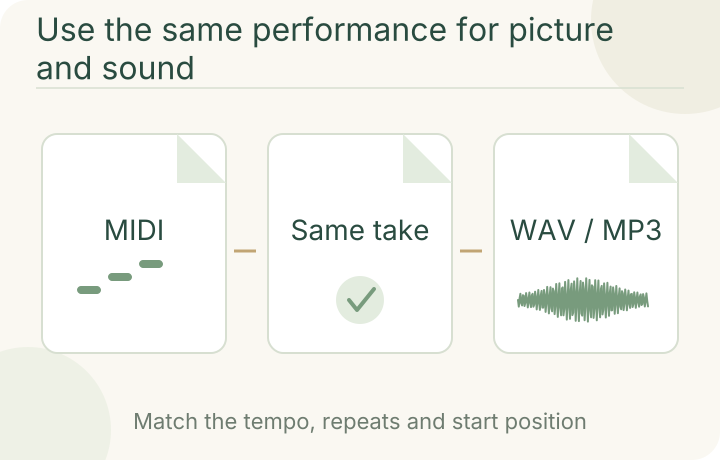
Increasing drift suggests different tempo or performance duration, possibly from a different take. A sudden change can point to a repeat or cut. Identify the pattern before applying another shift.
Export a short test with some lead-in
Include a little time before the first note and several notes after it. Open the exported file and check that the attack is not cut off by the output range.
A test containing only the exact keypress cannot show whether the lead-in feels comfortable. A small pause can give viewers time to start playback or prepare to practise.
Record how much silence you remove
If you remove two seconds from the audio but leave MIDI unchanged, their relative start positions differ by two seconds even though the performance is the same.
Leading silence is not itself a failure. Remove only the unwanted wait, preserve the first attack and compare the middle and ending again. Keep the original files in case a trimmed version also loses initial instrument or controller information.
Frequently asked questions
Must the first note be at zero seconds?
No. A performance upload and a practice video may benefit from different amounts of lead-in.
Why did the sound change after trimming?
Initial instrument or controller messages may have been removed. Compare with the original and preserve the needed setup information.