Open the MIDI and pause the playback screen
Open the MIDI with Synthesia, or add its folder under Settings → Songs. Choose the song and confirm that it plays before adjusting its labels.
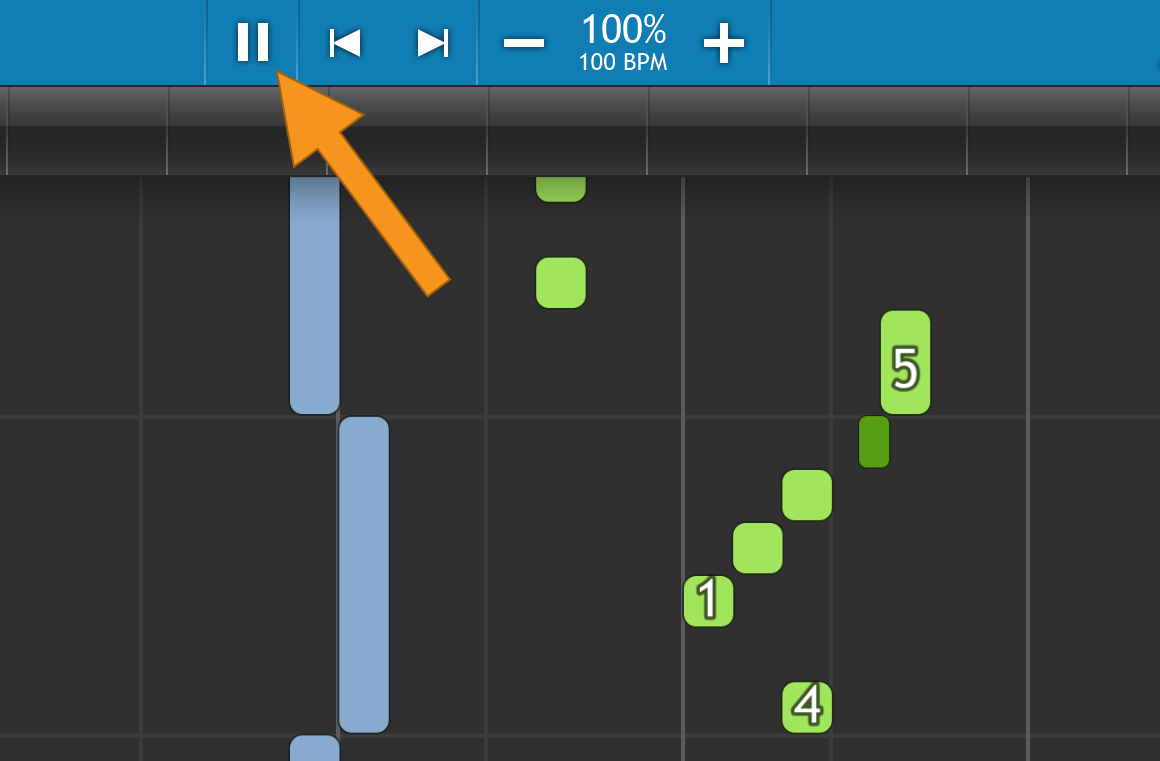
Pause where the keyboard and notes are visible. A still passage makes it easier to identify the label settings and compare them with the keys you expect.
Download the four-bar MIDI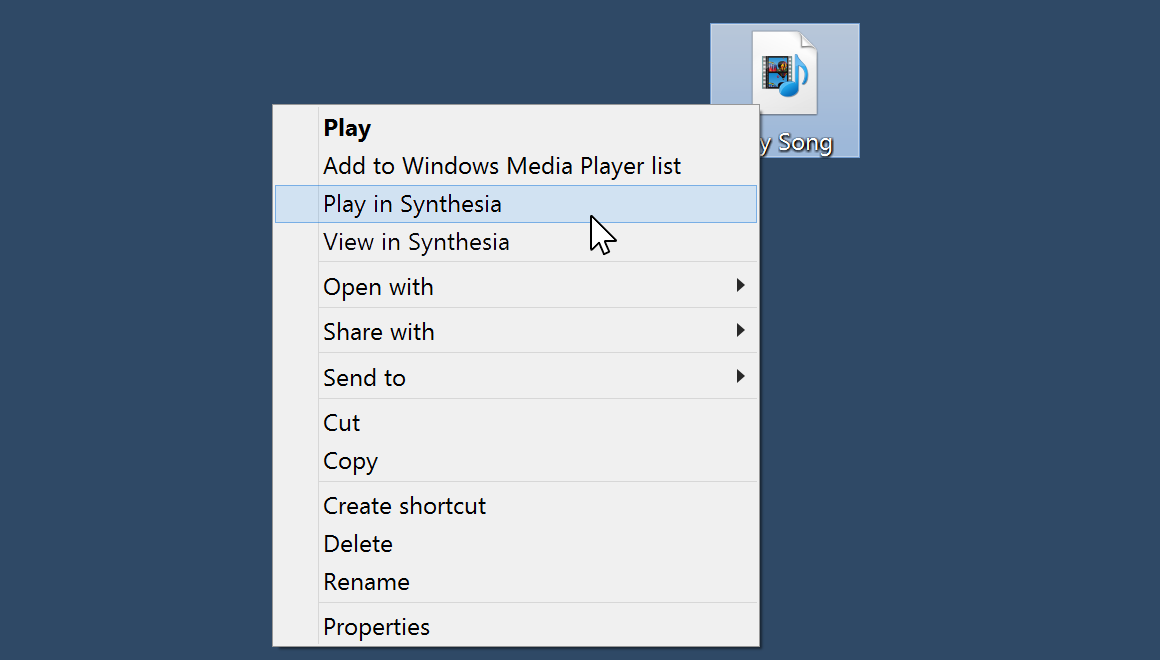
Open the La label menu
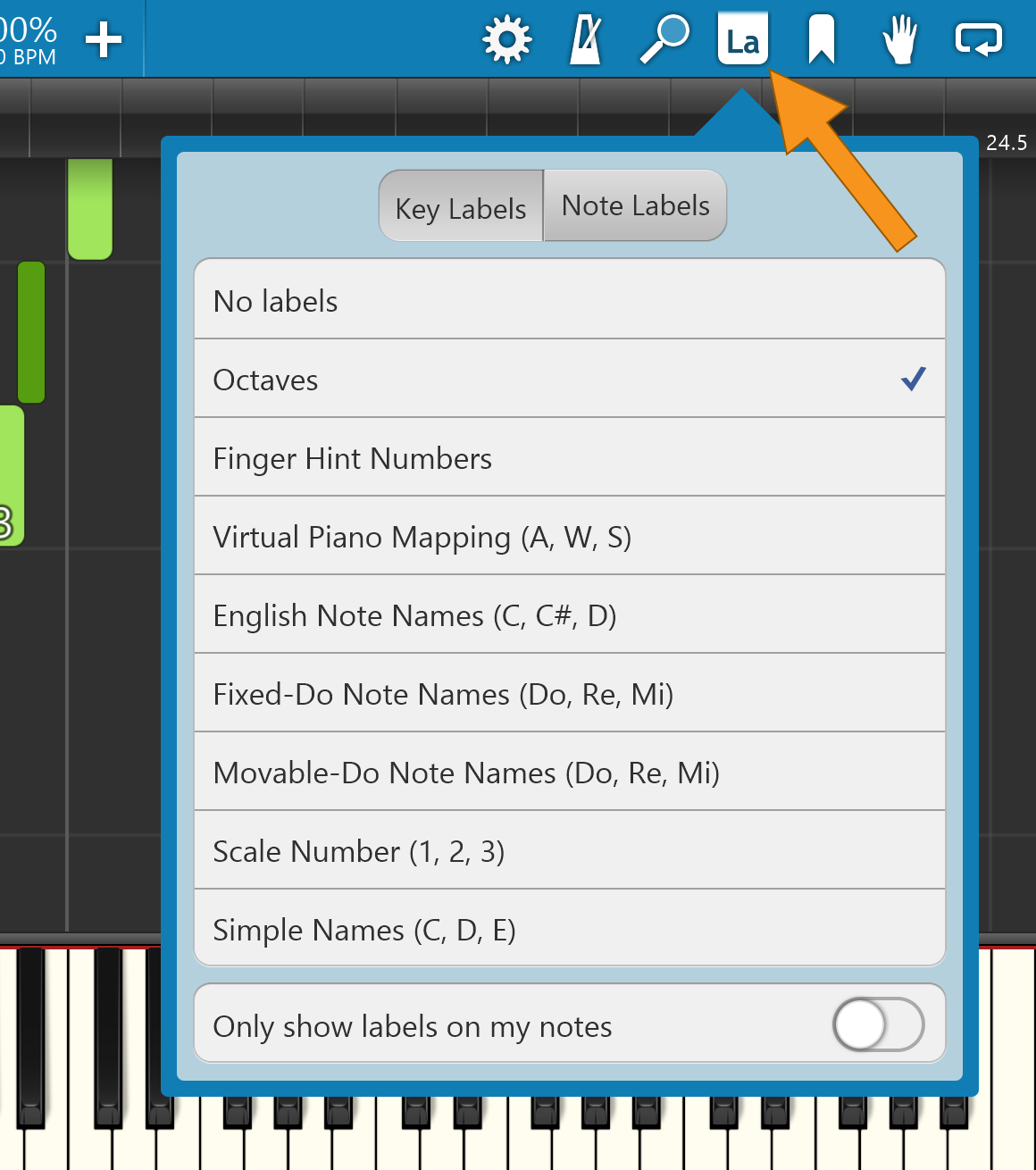
Click La on the playback screen. Key Labels controls text on the keyboard, while Note Labels controls text on the falling notes.
Choose the location first, then the label type. You can keep information in only one place if showing it on both the keys and notes makes the picture crowded.
Choose English or Fixed Do
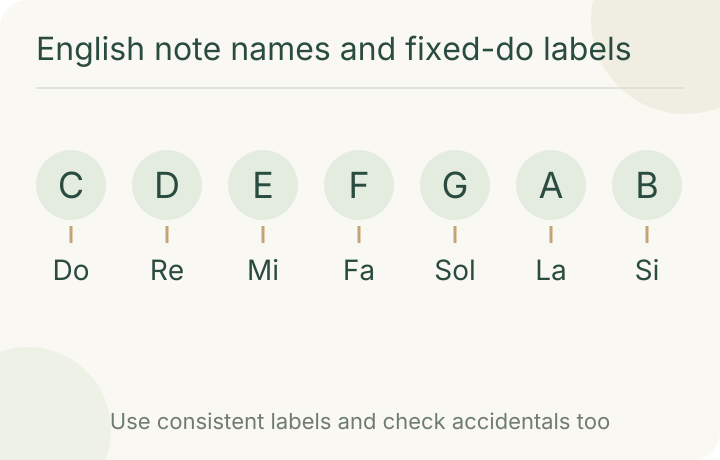
Select English for letter names such as C, D and E. Choose Fixed Do when you want the same key to retain its fixed-do name.
Movable Do is a different, key-relative system. Play a short familiar phrase and check the names rather than assuming that every do-based setting means the same thing.
Zoom to the song's keyboard range
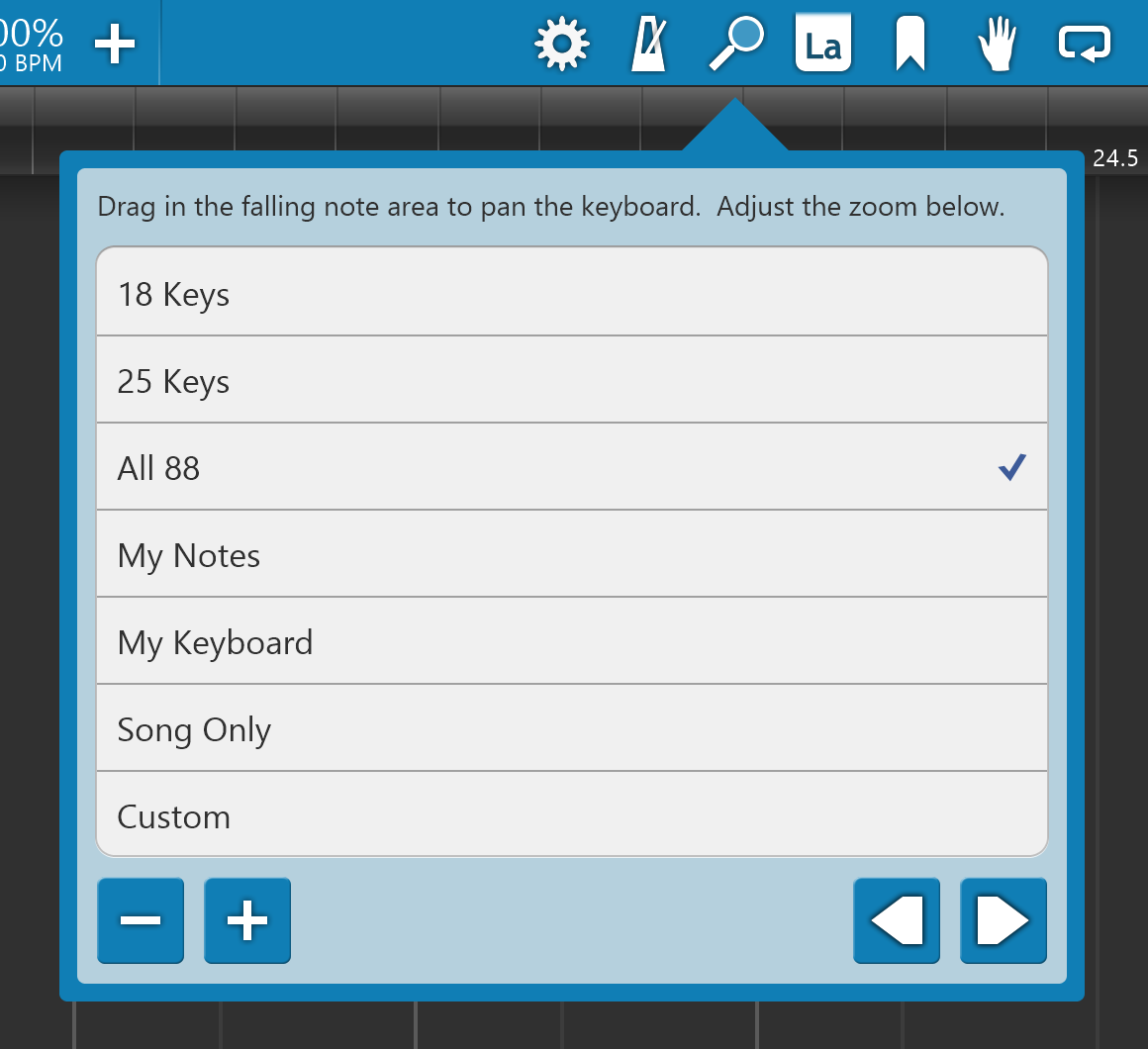
If the labels are too small, open the magnifying-glass menu and try Song Only. Showing the range used by the song can make keys and text larger than displaying all 88 keys.
Check that the lowest and highest required notes remain visible. In a dense passage, try keyboard labels alone instead of adding text to every falling note.
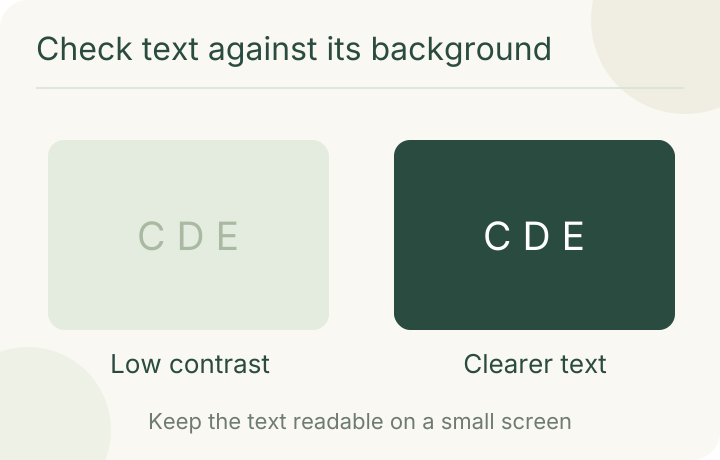
Check a short recording on a phone
Record a brief test with OBS Studio and open the saved video on a phone. Confirm that the text remains readable while the notes are moving.
If it is difficult to read, adjust the keyboard range or composition before adding more text. Make sure OBS captures the application sound as well as the picture.
Match the labels to the purpose of the practice
Keyboard labels help viewers locate keys; falling-note labels help them read approaching notes. Choose the information needed for this exercise instead of filling both areas automatically.
Keep the naming system consistent in the video's explanation. Include a phrase with sharps or other accidentals in your test, since a white-key-only passage can hide label problems.
Frequently asked questions
Does showing every note name make a video better for beginners?
Not necessarily. Overlapping labels can be harder to follow than a short, slower passage with only the needed information.
Are note names the same as finger numbers?
No. Note names identify the pitches to play; finger numbers identify the fingers. They serve different purposes.