
PIANOMIRA JOURNAL
Piano video guides
Practical piano video guides, with real screens to follow along.
Articles 41–50 of 100
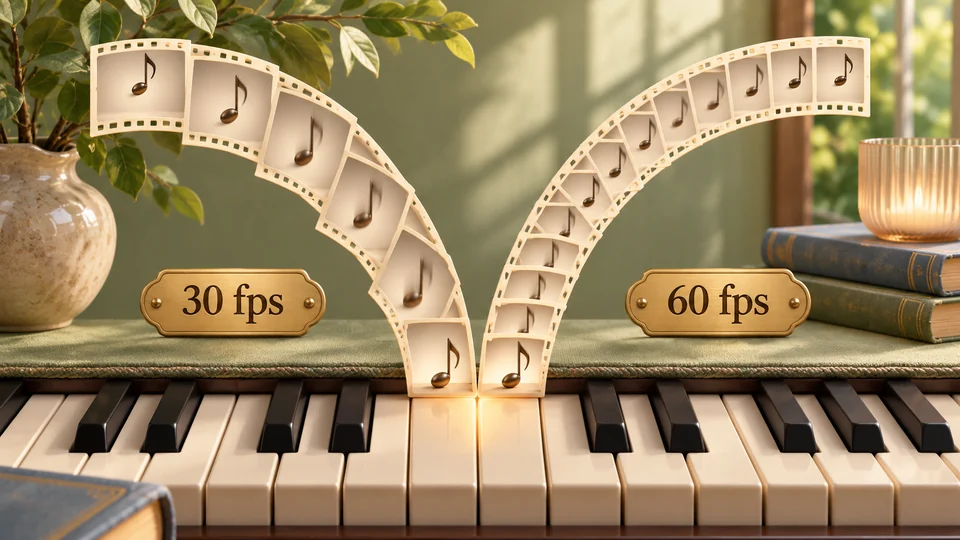
30 fps or 60 fps? OBS Studio settings for recording piano videos
Record the same short piano passage at 30 fps and 60 fps in OBS Studio. Compare motion and recording stability while keeping resolution and quality settings the same.
Read the guide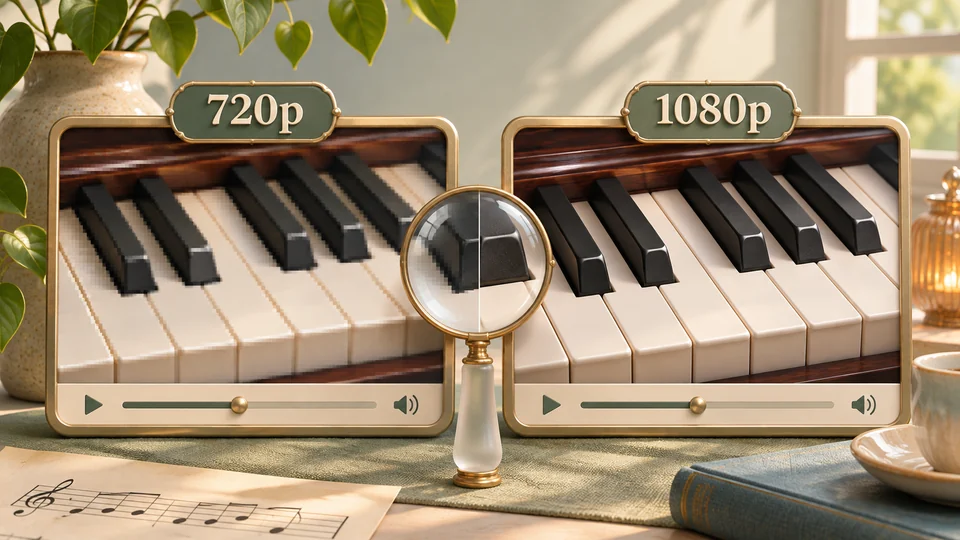
720p or 1080p in PianoMira: how to compare video clarity
Compare the same MIDI, colors and note display at each available resolution. In PianoMira, 1080p is a Pro option; readability also depends on contrast and how much information is on screen.
Read the guide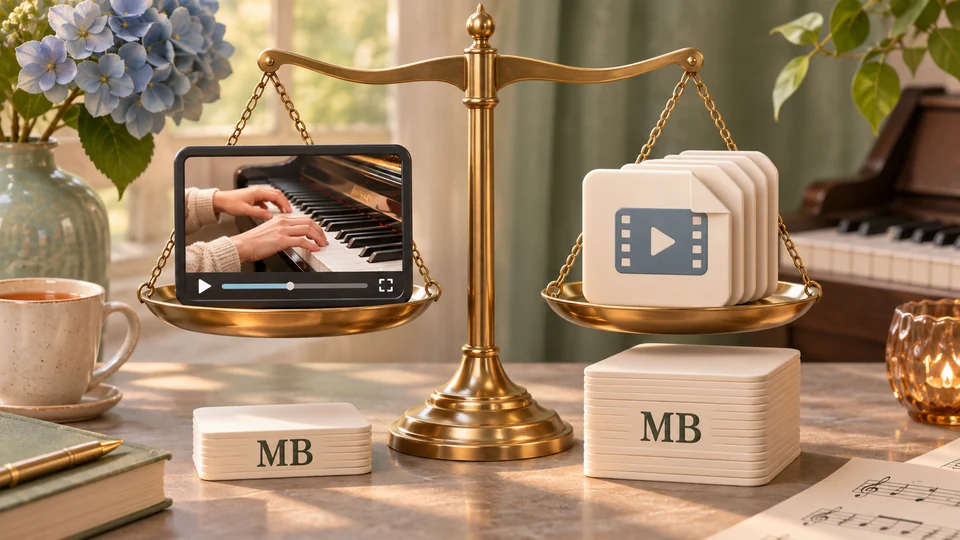
How to reduce OBS Studio recording file size for piano videos
Start with a short test and adjust recording quality, resolution or frame rate one at a time. Keep enough detail for keyboard lines and note labels to remain readable.
Read the guide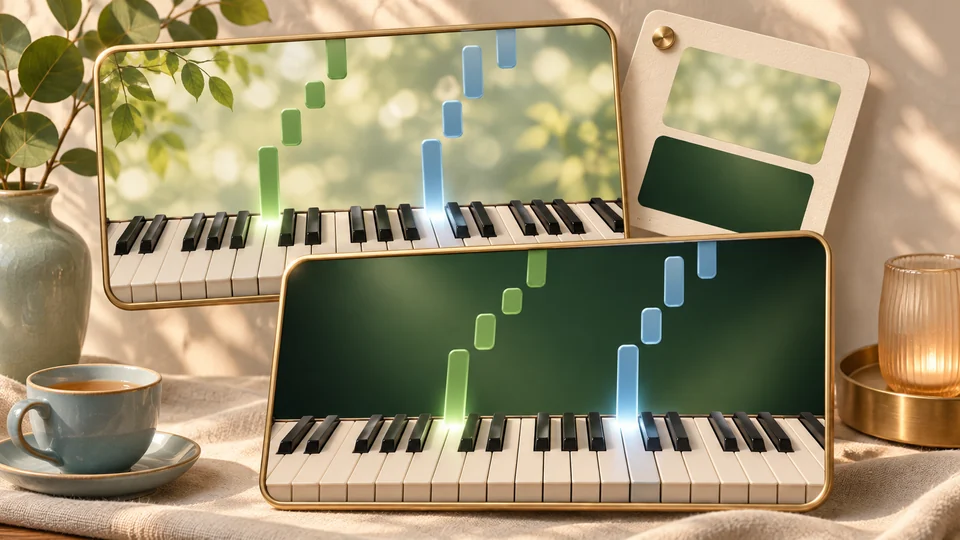
How to choose a readable background image for a PianoMira video
Choose a background that leaves the hands, moving notes and labels easy to see. Test a busy chord passage before generating the whole song; a beautiful still image can become distracting behind moving notes.
Read the guide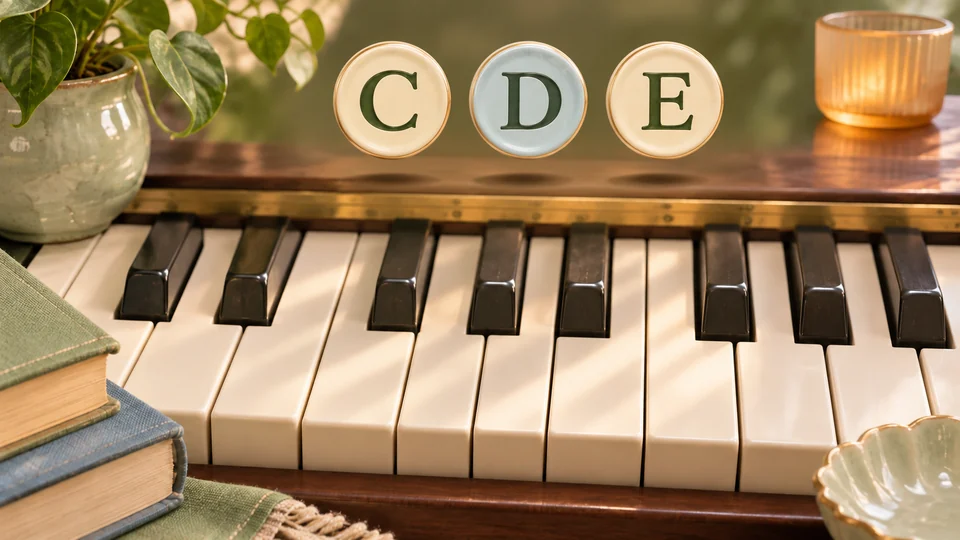
How to show note names and fixed-do labels in Synthesia
Use Synthesia's La menu to choose labels for the keyboard and falling notes separately. Select English for C, D, E names or Fixed Do for a fixed-do naming system.
Read the guide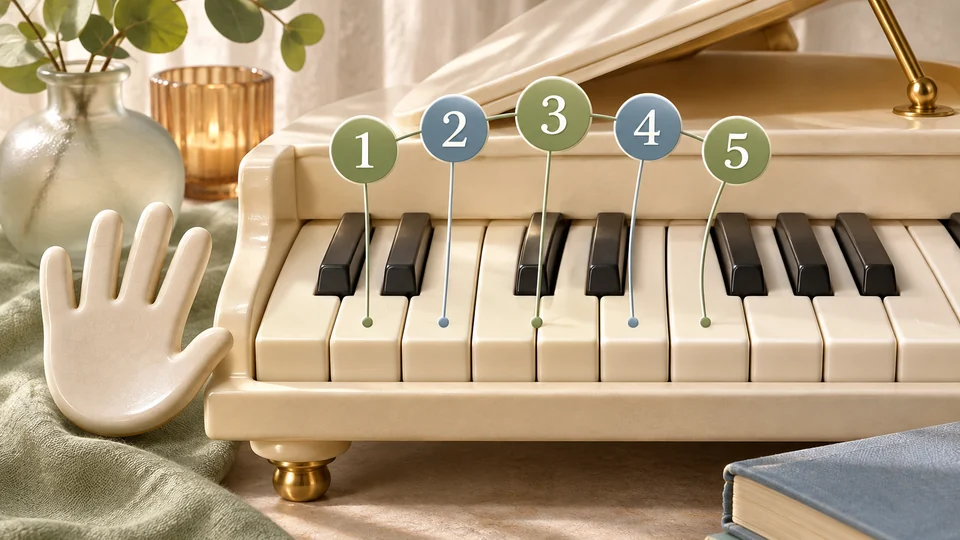
How to show finger numbers in PianoMira and check the result
Switch the label display from note names to finger numbers in PianoMira. Check difficult crossings and chords before using the video as a teaching example, because a MIDI file normally does not record the pianist's fingering.
Read the guide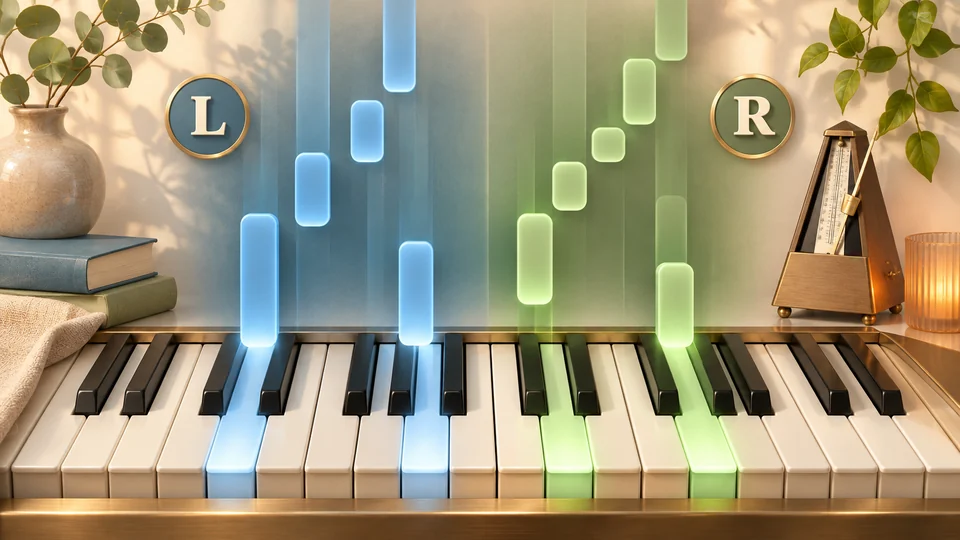
How to color the left and right hands in Synthesia
Assign each MIDI part to a hand in Synthesia, then choose its color in Hands, Colors, and Instruments. Check the hand assignments before using Auto Color.
Read the guide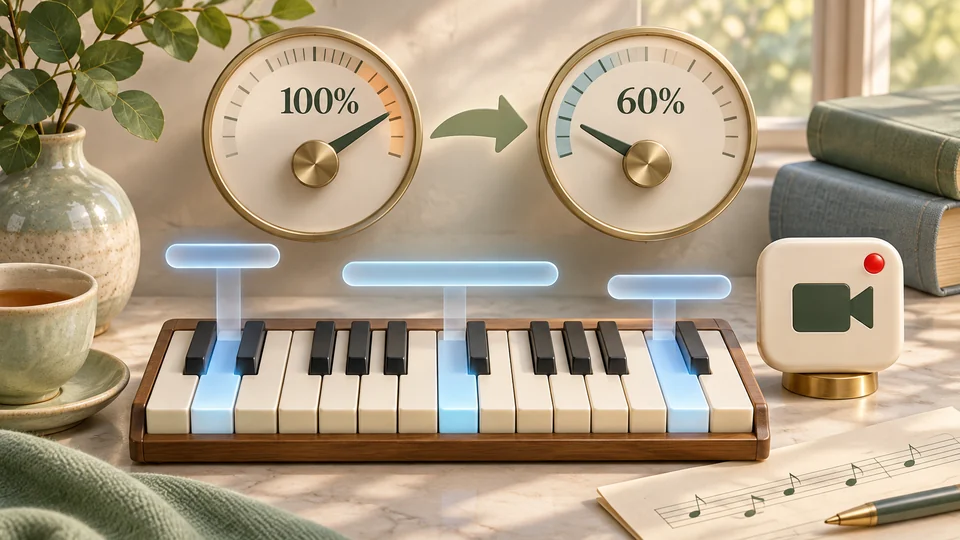
How to record a slow practice video from Synthesia with OBS
Lower the playback speed in Synthesia, then record the resulting picture and sound with OBS Studio. This changes musical playback speed, unlike a visual falling-note speed setting.
Read the guide
How to repeat a short practice passage in Synthesia
Use Synthesia's timeline to return to the same short phrase, then practice it at a manageable speed. This walkthrough uses manual playback repositioning; repeating a saved MP4 is controlled by your video player.
Read the guide
How to make a piano video unlisted or private in YouTube Studio
Choose Unlisted when people with the link should be able to watch, or Private when you want to specify the viewers. Review the saved visibility setting before sharing a lesson recording.
Read the guide