
PIANOMIRA JOURNAL
Piano video guides
Practical piano video guides, with real screens to follow along.
Articles 31–40 of 100
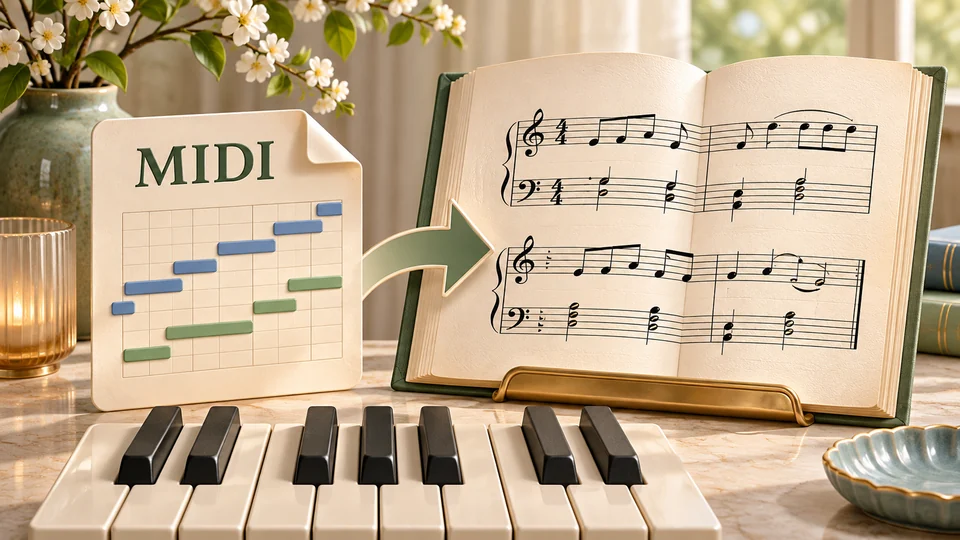
How to turn a MIDI file into notation in MuseScore Studio
Open MIDI in MuseScore and listen before cleaning up the notation. Performance timing can create complex-looking notes and rests, so distinguish an accurate performance from a readable printed score.
Read the guide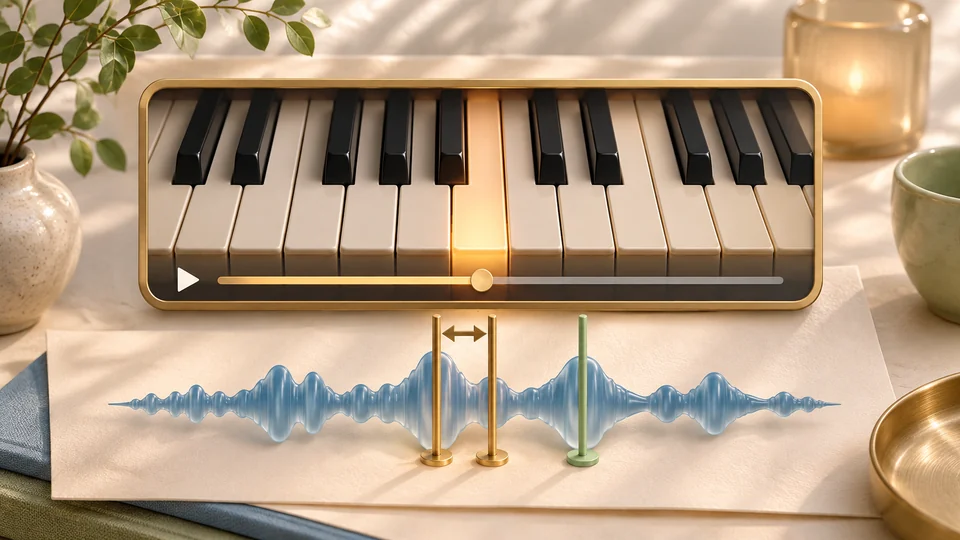
How to diagnose piano-video audio sync problems
Compare the same keypress near the start, middle and end. A constant offset, increasing drift and a sudden timing change point to different causes and need different corrections.
Read the guide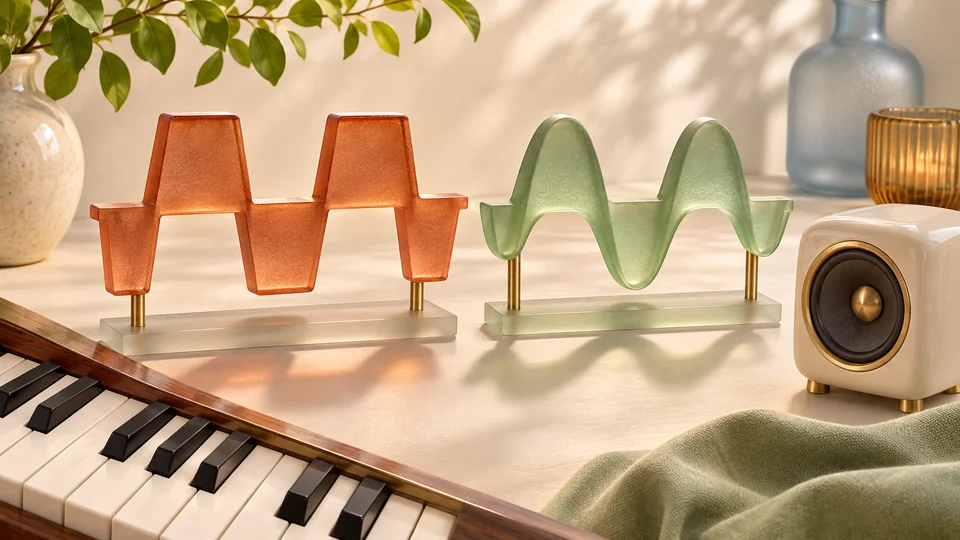
How to check distorted piano audio in Audacity
Listen to the loudest passage, inspect the waveform and distinguish an overly loud output from distortion already recorded into the file. Lowering volume cannot restore waveform detail lost during recording.
Read the guide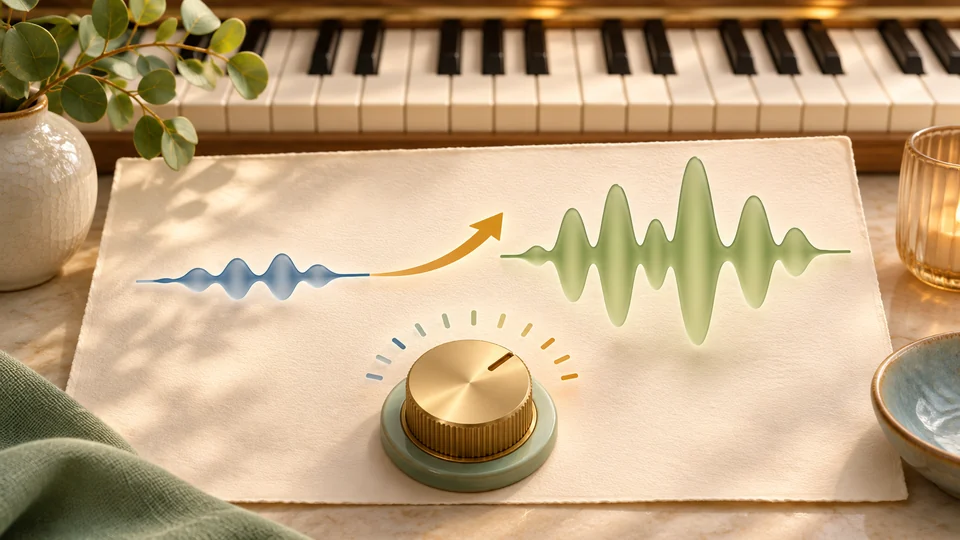
How to normalize piano audio in Audacity
Use Audacity's Normalize effect to adjust the peak level of a quiet piano recording. Check the loudest chord and the quiet decay before exporting a new WAV file.
Read the guide
How to reduce noise in a piano recording with Audacity
Audacity's Noise Reduction works best when you can first select a short sample of the background noise alone. Apply a gentle reduction and judge the result on quiet piano notes.
Read the guide
How to fix audio playing in only one ear with Audacity
If a stereo file contains the useful recording on only one side, Audacity can split it into mono tracks so that the recorded side plays from the center. First check that the other side really is empty.
Read the guide
How to turn a piano recording into a video: MP3, WAV or M4A?
A phone may save a piano take as M4A while a recorder saves WAV. Both can go straight into a piano video. Here’s how to use the recording on its own, or pair audio with MIDI captured during the same take.
Read the guide
How to fix a silent MP4 recorded with OBS Studio
Check the sound at three points: the source app, the OBS audio mixer and the saved recording. A moving meter alone does not prove that the sound was included on the recording's audio track.
Read the guide
How to fade out piano audio in Audacity
Select the end of the piano's decay in Audacity, then apply Fade Out. Preserve the final note's attack and listen from before the fade to make sure the ending feels natural.
Read the guide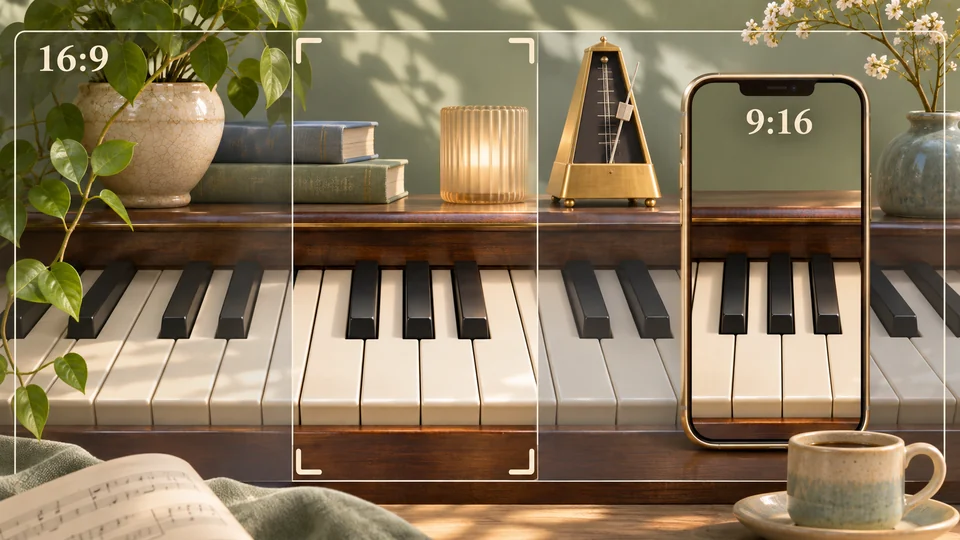
How to crop a landscape piano video to portrait without losing the hands
A portrait crop can cut off the low and high ends of a piano keyboard. Check the full performance before choosing between filling the frame and fitting the whole landscape video inside it.
Read the guide