
PIANOMIRA JOURNAL
Piano video guides
Practical piano video guides, with real screens to follow along.
Articles 51–60 of 100
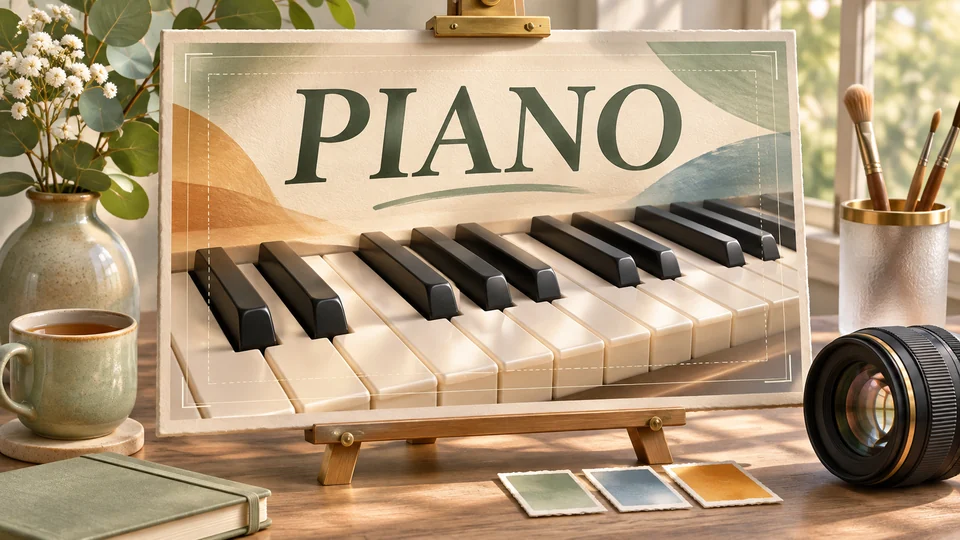
How to design a clear YouTube thumbnail for a piano video
Use a frame that shows the actual piano video, add a readable song name and highlight one useful distinction such as a slower tempo. Check the thumbnail at phone-list size before uploading it.
Read the guide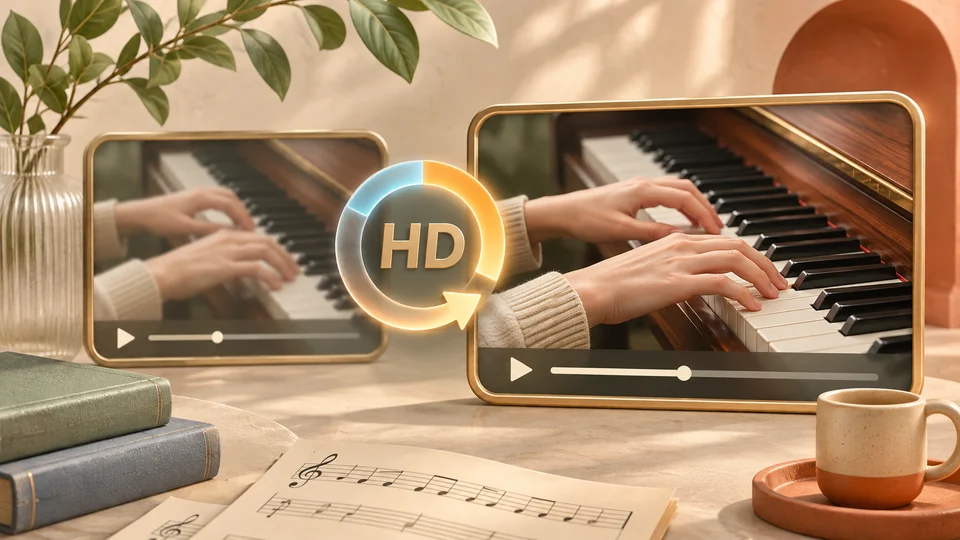
Why a YouTube piano video looks blurry: HD processing and playback quality
First compare the uploaded video with the original MP4. YouTube may finish lower-quality playback before HD processing, and the player's automatic quality setting may still select a lower resolution afterward.
Read the guide
How to check and preserve a piano recording's ending in Audacity
Listen from the final key strike through the complete decay before trimming the recording. If the WAV is complete but the MP4 cuts off, check the video editor's export range separately.
Read the guide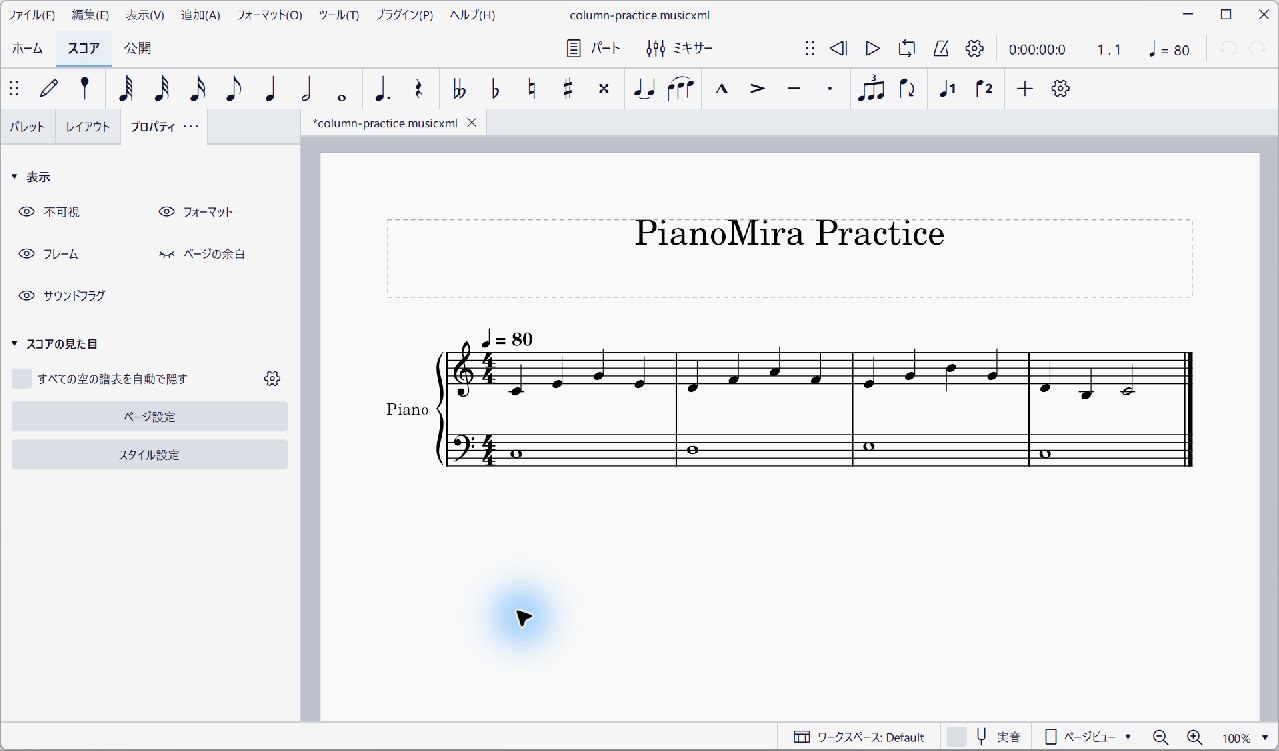
Why does a tied piano note strike twice in the video?
A curved mark across a bar line can look right on paper while the exported file still asks for two attacks. The distinction shows up immediately on a falling-note keyboard.
Read articleCheck eighth-note triplets in a MIDI export
A triplet can look evenly spaced in a score but sound lopsided after another editor snaps it to a straight grid. The next downbeat is a better reference than the length of the drawn notes.
Read article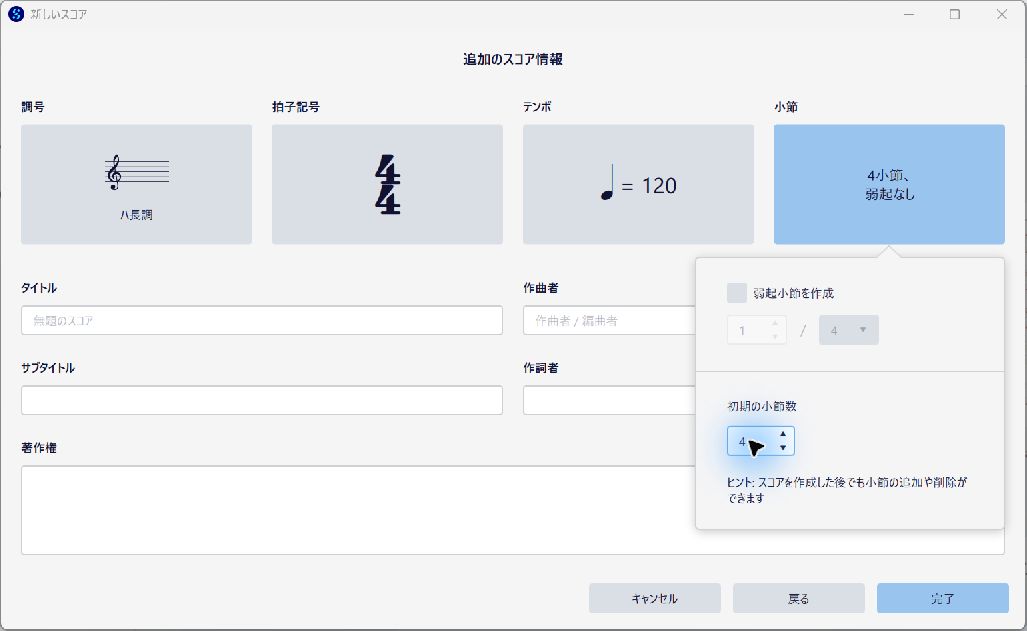
Check first and second endings before rendering a piano score
A wrong ending may only become audible halfway through a performance. Mark the first note that distinguishes each ending before exporting the whole score.
Read article
Export only the piano from an ensemble score
Exporting the full ensemble can turn a flute solo into a line of piano keys. Decide which staves belong on screen before assigning the hands.
Read article
Sync a live fermata without slowing the whole piece
If the keyboard matches before a pause and stays a fixed distance ahead afterwards, measure the held passage before touching the rest of the performance.
Read article
Make a rolled chord appear as separate key presses
An arpeggio mark occupies one chord in a score. A keyboard video follows the individual attacks that actually made it into the MIDI file.
Read articleLine up grace notes without moving the main beat
A tiny note before a melody can make the whole animation appear early. First decide which attack in the recording is the ornament and which is the principal note.
Read article