Listen to the ending of the source audio
Play from a little before the final key strike in Audacity. If the source file ends abruptly, changing video settings cannot restore the missing sound.
Use a longer original recording if available. For audio exported from MuseScore or another music app, try a fresh export that includes enough time after the last note.
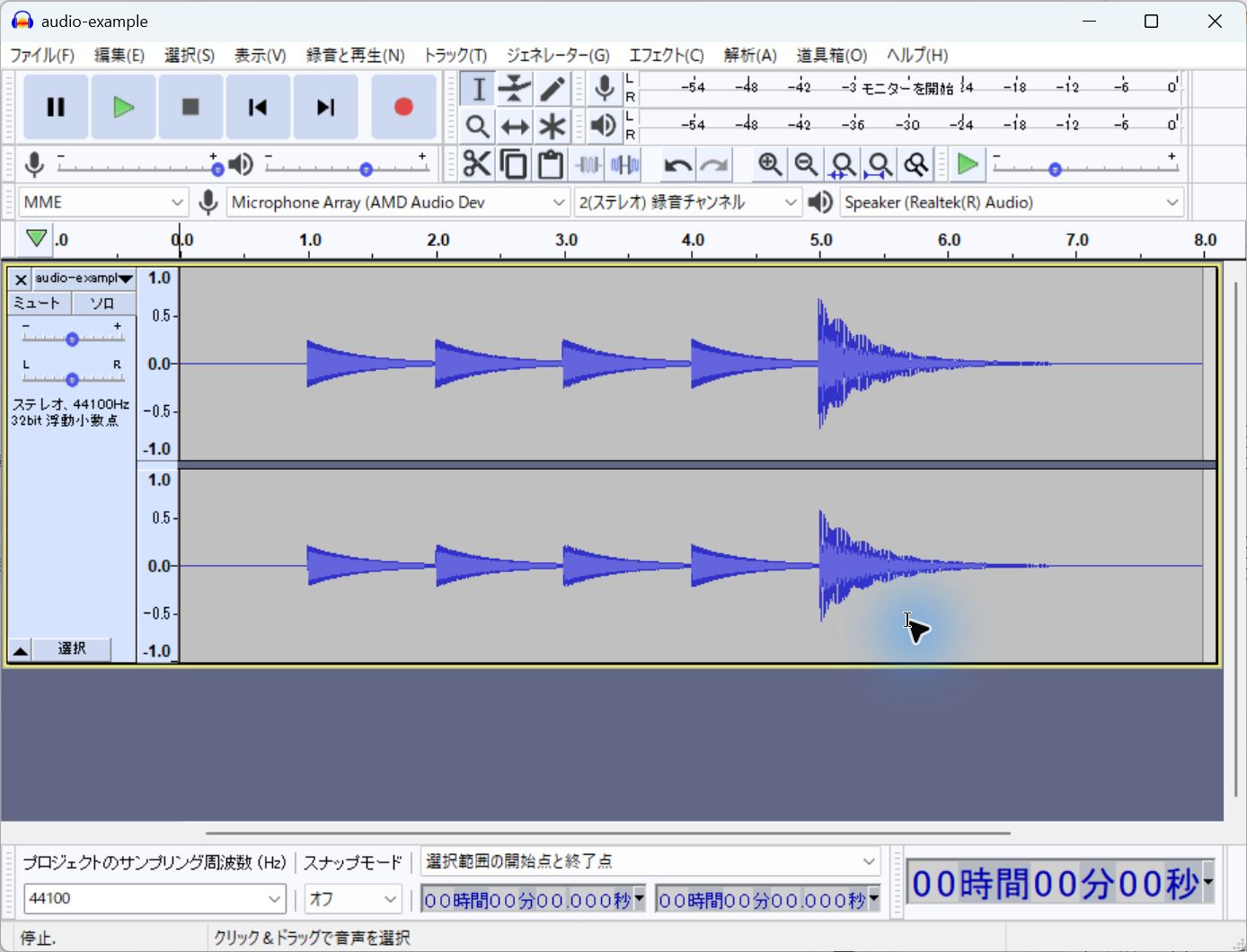
Zoom to the end of the waveform
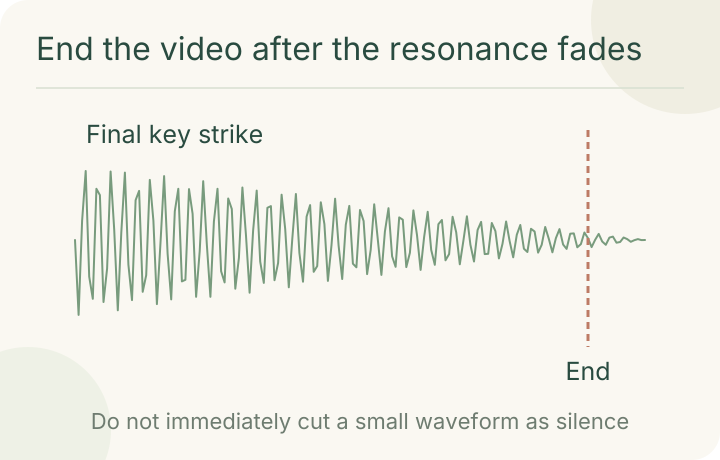
Inspect the final waveform and listen while it becomes quieter. Check whether the file ends while audible piano resonance is still fading.
A waveform that looks nearly flat can contain quiet sound. Use both the display and your ears before deciding that the passage is empty.
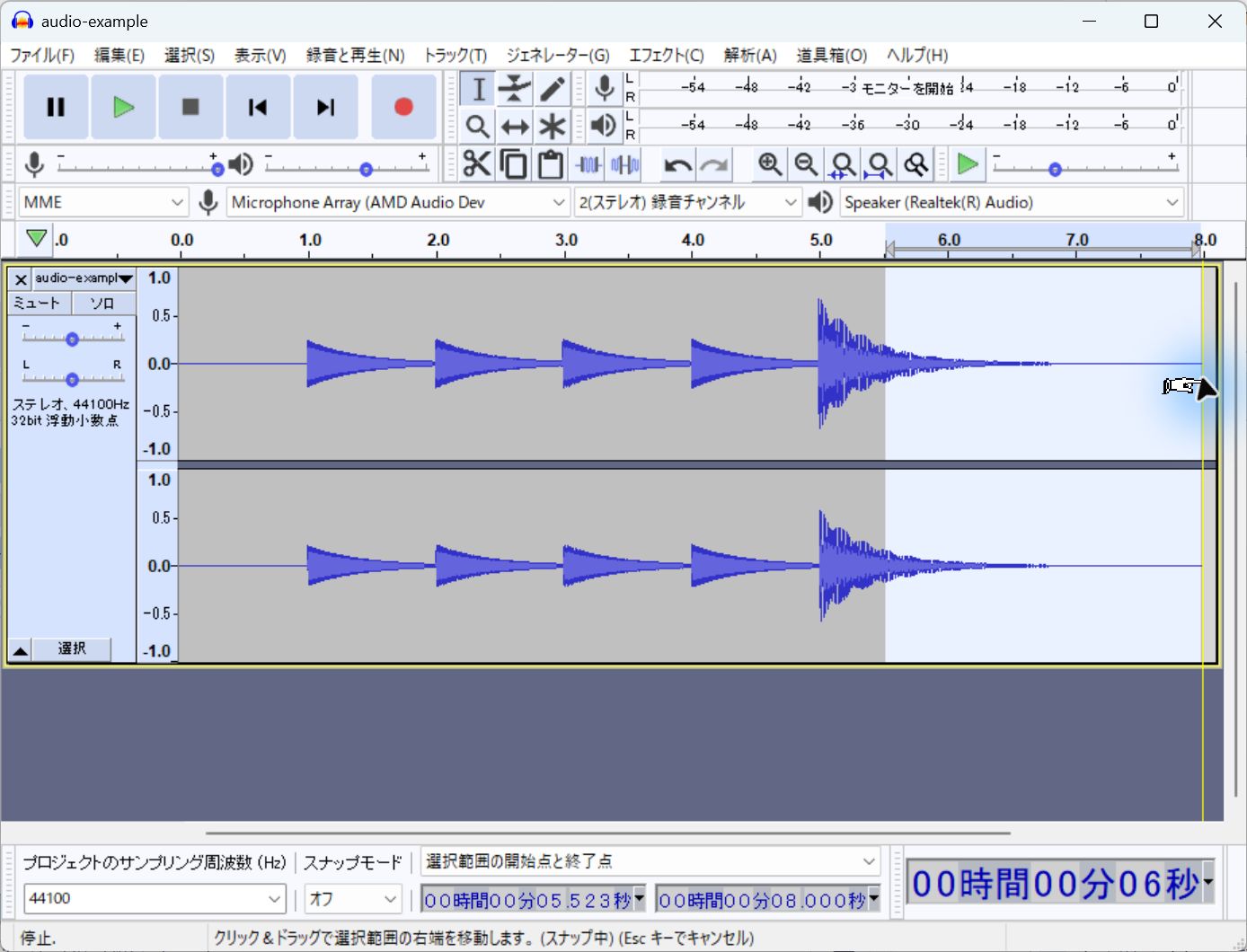
Remove only unnecessary silence
If there is a long wait after the sound has fully ended, select that unused silence and delete it. Listen before and after the edit to make sure the decay remains intact.
Leave a little room after the resonance when appropriate. Do not cut a tiny remaining waveform solely because it looks small; identify whether it is piano sound or background noise.

Check the video editor's export endpoint
If the audio file retains the decay but the MP4 does not, inspect the video editor's timeline and export range. The range must include the end of the audio clip.
Audacity edits the audio, not the video's endpoint. Also check whether an audio export included the whole song or only a selection before importing that file into the video.
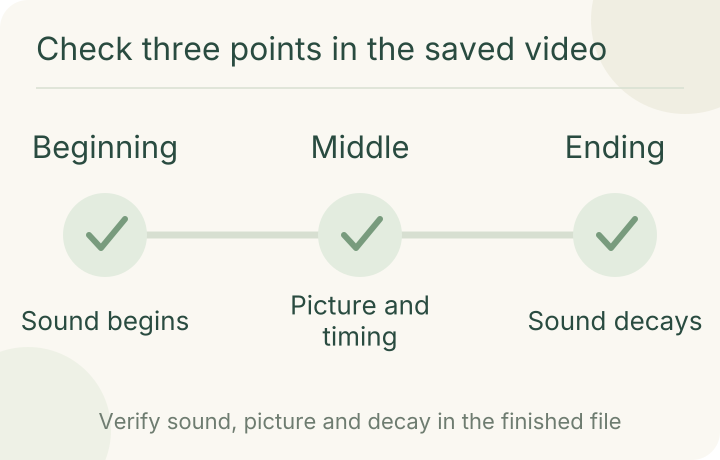
Play the finished MP4 through its final seconds
Open the exported MP4 in a separate player. Watch the last key strike, listen to the decay and observe when the picture ends.
If the ending feels too long, shorten only the unnecessary wait. If it feels abrupt, revisit the export range or apply a carefully chosen fade to the audio.
Keep the sound after the final key release
Pedal resonance and the sound source's release can continue after the last visible note ends. Do not automatically end the video at the instant the last key or note disappears.
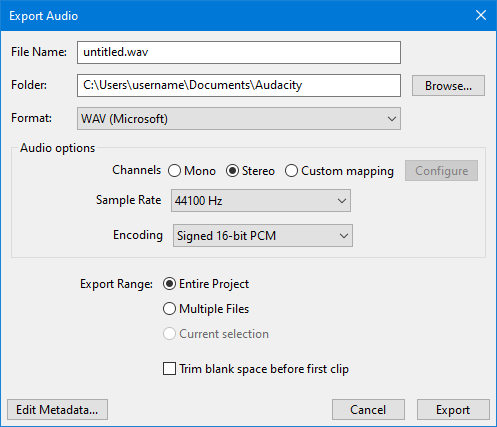
After editing in Audacity, export the complete WAV and return it to the video project. Check the final MP4 for both a complete decay and an appropriate amount of silence afterward.
Frequently asked questions
Can adding silence restore a cut-off ending?
Silence cannot recreate resonance already missing from the file. Return to the original recording or export the source again with more room at the end.
Should the video end exactly with the last MIDI note?
If you want to preserve the piano's decay, include the sound that continues afterward. Check the last note and the audio endpoint separately.