Listen around a loud chord
Select a range beginning slightly before the distorted passage and play it. Check whether the same chord sounds rough each time.
Lower the device's listening volume and compare another pair of headphones. If the same passage remains distorted at a lower level, the source recording may contain the problem.
Inspect peaks and clipping indicators
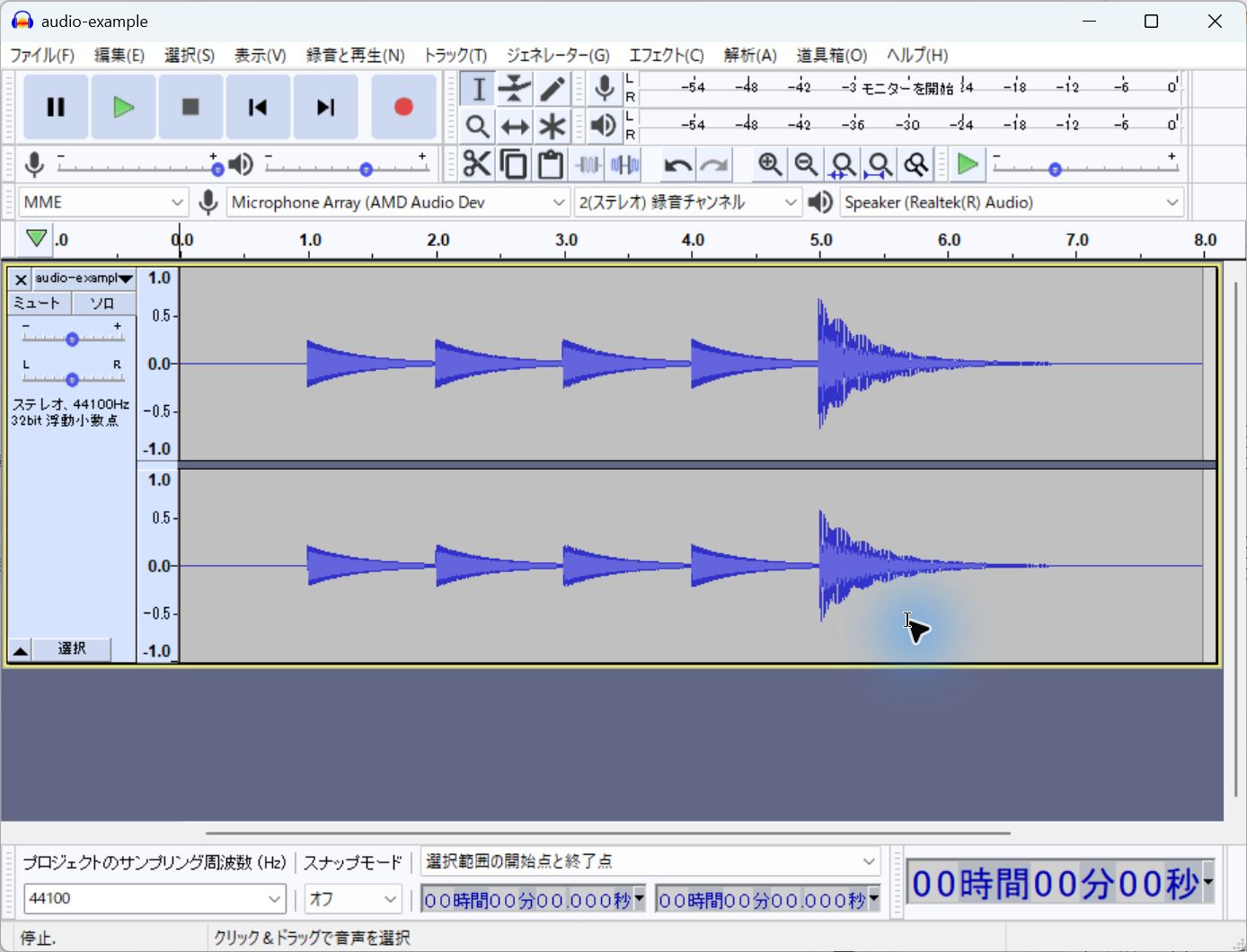
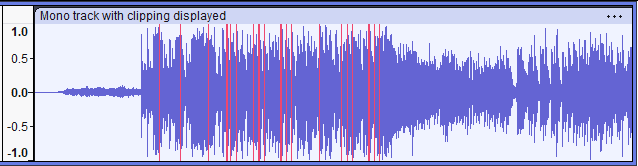
Zoom into the waveform. Flat peaks pressed against its upper or lower limit can indicate that the recorded level exceeded the available range.
Use Audacity's clipping display to locate possible problems, but confirm them by listening. A visual marker alone is not a reason to delete a passage.
Reduce excessive level with Amplify
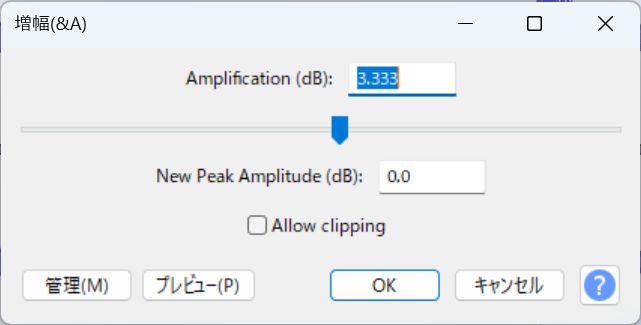
Select the whole recording when the whole track should become quieter, then open Effect → Amplify. In newer versions, find it within the volume-related effects submenu.
Enter negative amplification to reduce level and compare playback. If only part of the track is selected, only that range changes, so check its boundaries. Lowering already clipped audio does not restore the lost waveform.
Test the strongest passage before recording again
Lower the recording input gain and record the loudest chord you expect to play. Leave headroom, listen to the short test and then check that quiet notes remain audible.
Do not set the gain using only a quiet introduction. A later chorus or strong chord may exceed the recording limit.

Export a new WAV
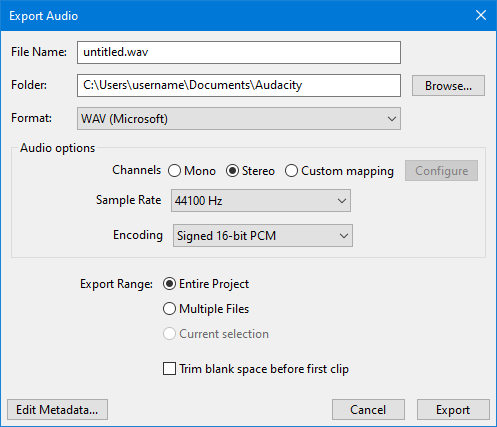
Use the File export controls to save WAV under a new name, then play that saved file independently.
Replace the audio in the video editor and mute the old track so both do not play together. Confirm the intended source before exporting the next MP4.
Return to the source if distortion remains
If the recording's peaks were clipped, lowering volume later does not bring the missing shape back. Listen to the same chord at a reduced level and check whether a better original or a new recording is available.
For a new take, test the loudest passage first. Speaker playback volume and recording input level are separate controls; making the speakers quieter does not necessarily lower the level being recorded.

Frequently asked questions
Does reducing volume remove clipping?
It can help when a later stage is too loud, but it does not restore distortion already present in the recording.
The quiet passages become quieter too. What should I do?
First obtain an undistorted source. Treat dynamic-range adjustments as a separate edit so their effect can be compared clearly.