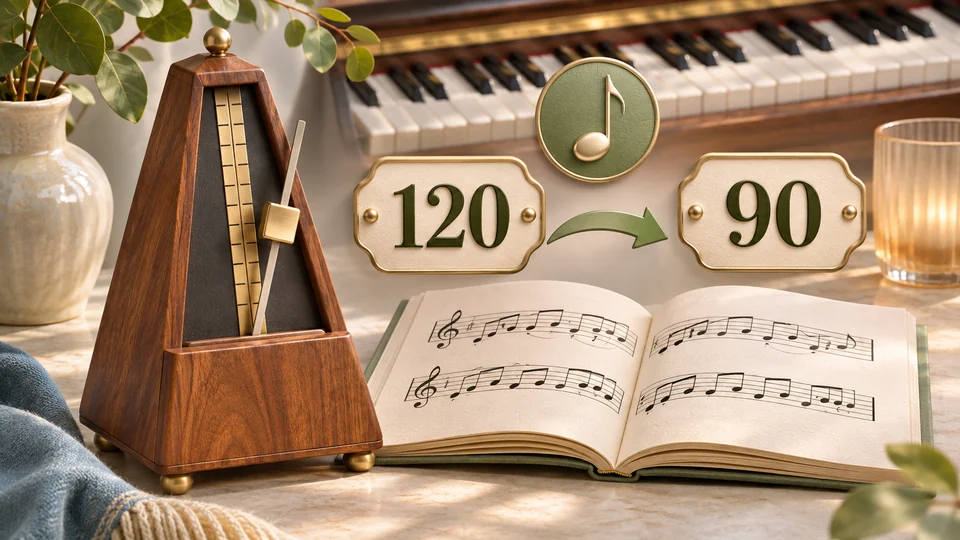
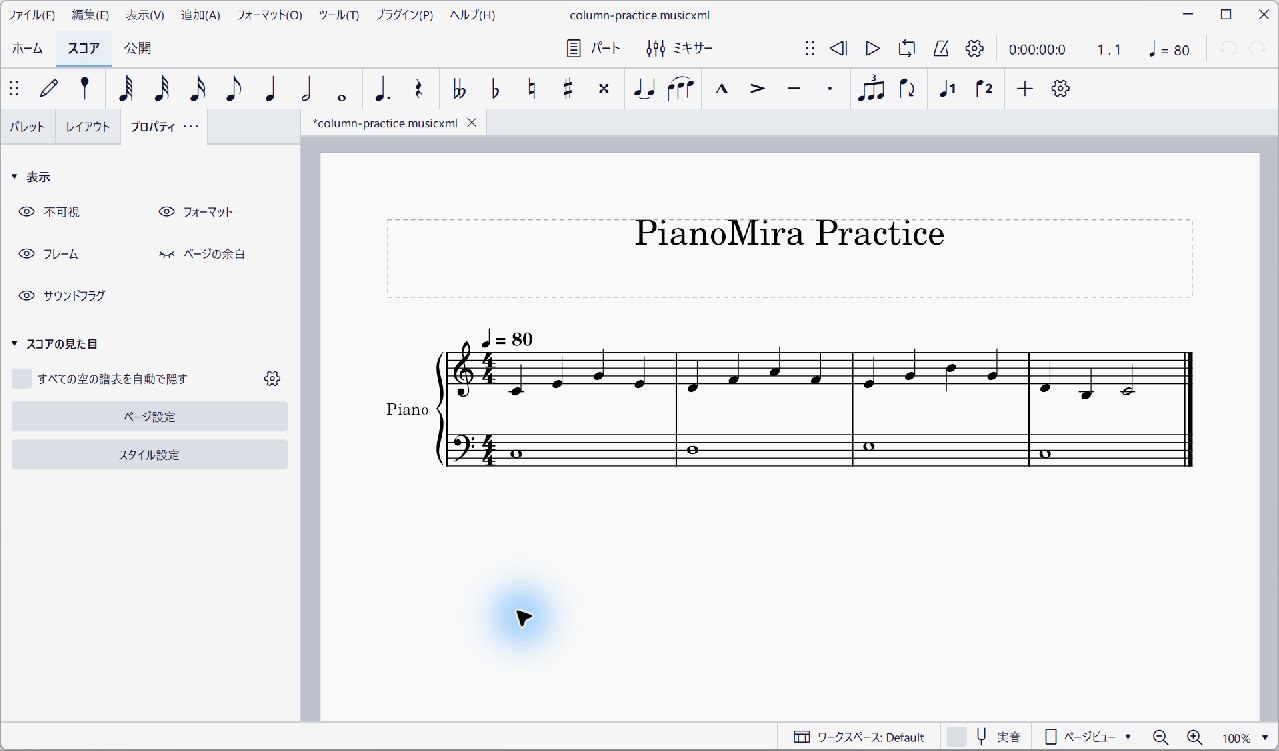
Time sixteen beats
Choose a steady passage away from the opening silence. Return any practice playback multiplier to 100 percent. Then compare measured duration with the tempo stored in the file.
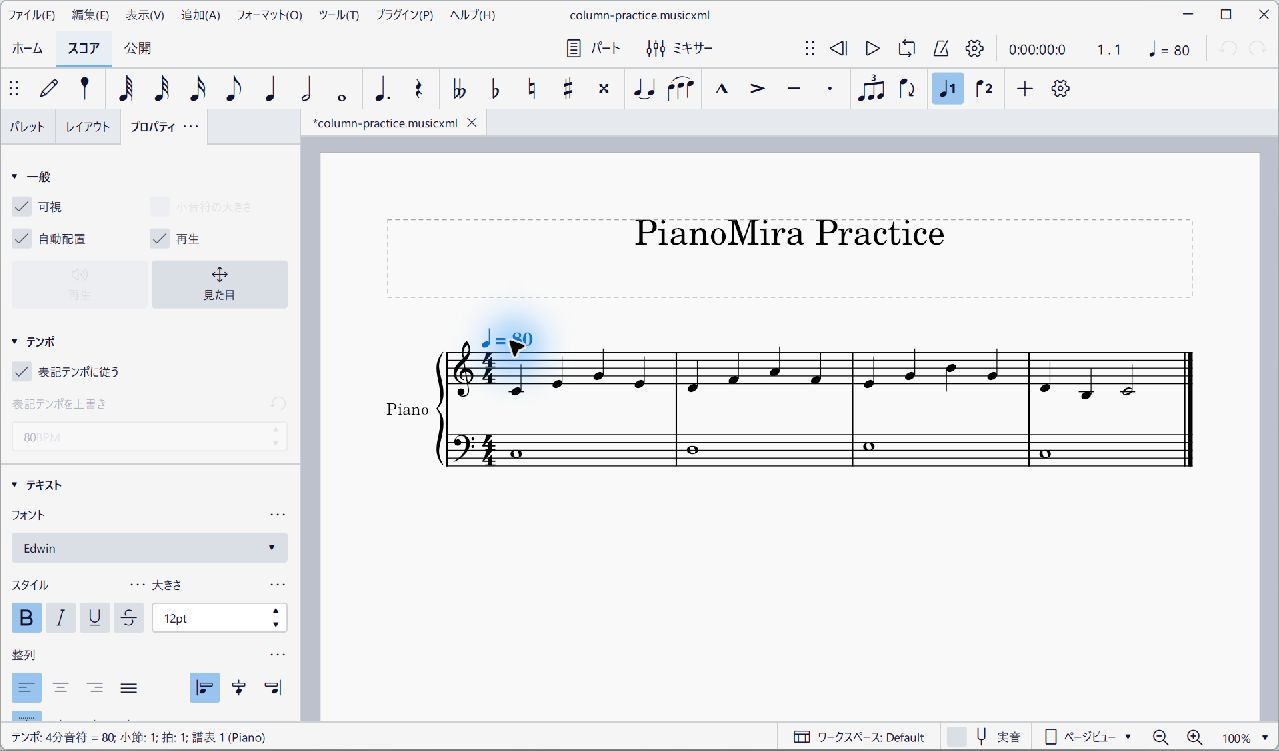
Compare 80 and 160 BPM
Sixteen quarter notes take 12 seconds at 80 BPM and 6 seconds at 160. An exact match to that ratio points to the tempo setting rather than expressive timing.
| 16 beats in 12 seconds | Quarter note = 80 |
|---|---|
| 16 beats in 6 seconds | Quarter note = 160, or playback at 200% of 80 |
Read the printed beat unit
A half note at 80 equals a quarter note at 160. Copying the printed number into a quarter-note BPM field can produce a factor-of-two error.
Time the bar before editing its notes
A busier accompaniment can sound faster even when the bar lasts exactly as long. Measure from the first quarter-note pulse to the seventeenth to capture sixteen complete intervals. Stopping at the sixteenth numbered pulse measures only fifteen.
If the note count doubles but those sixteen beats occupy the same time, leave tempo alone. Look for an added layer or an eighth-note pattern mistaken for the quarter-note pulse before stretching any data.
Distinguish practice playback speed from exported tempo
A player set to 50% can sound like a MIDI file edited to half tempo. Open the same file in another player at 100% and time the passage again. A difference confined to one player points to a playback control.
If both play it in six seconds, inspect tempo events and note positions separately. A change to 160 BPM and a halving of all note intervals at 80 BPM can produce the same duration. Correct the cause you actually find so you do not double both quantities.
What if only a few bars sound fast but total duration is plausible?
Time four beats before, inside and after the passage. Inspect tempo events around the first change. A local tempo change followed by a reset will survive a global correction. Reset practice playback speed first and identify the exact beat where the rate changes.