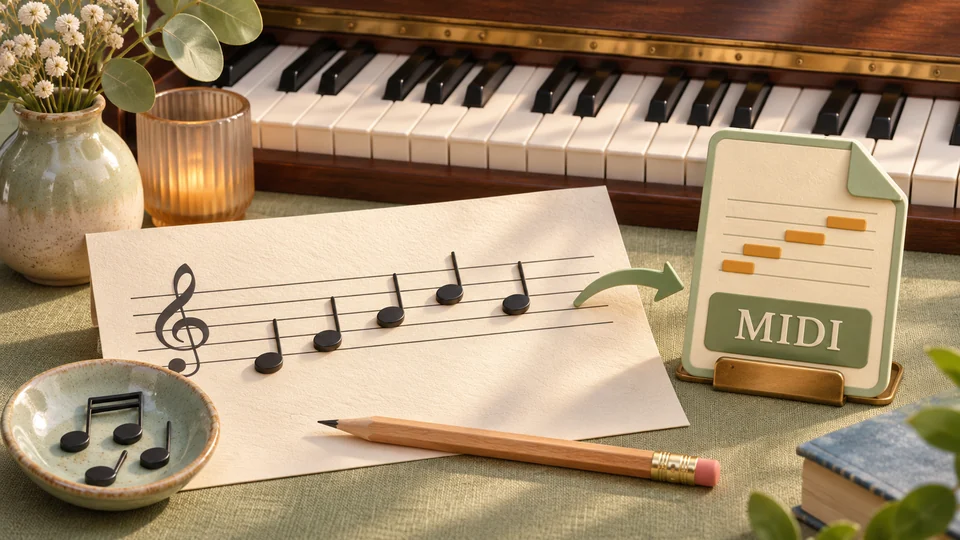
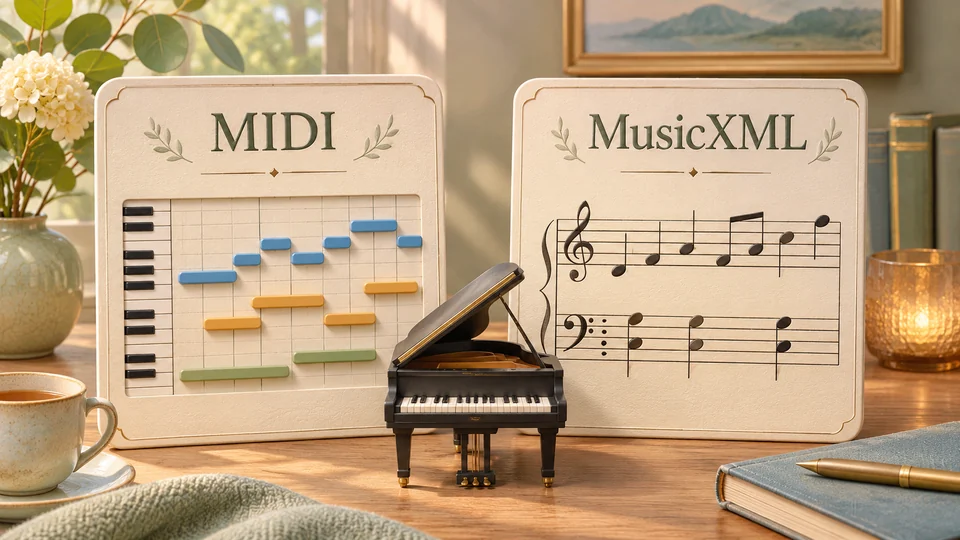
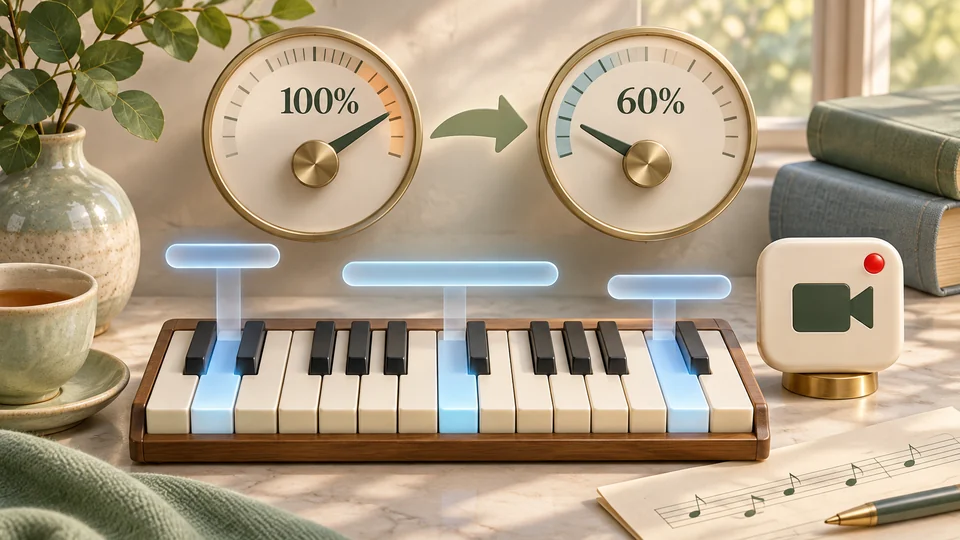
Listen to the original key and range
Play the opening and identify the highest and lowest notes. Transposition moves the range as well as the key.
Use this as a reference for the available keyboard range or a singer's comfortable range. Keep an original copy for comparison.
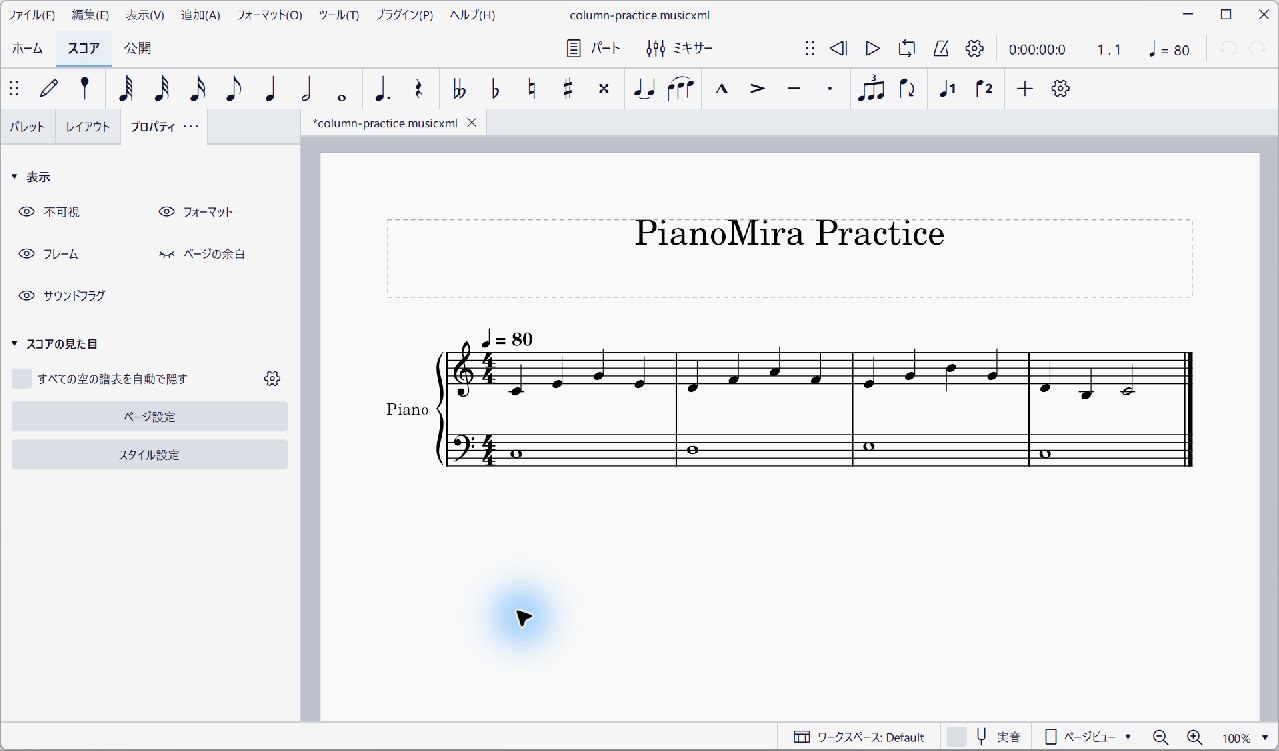
Select the range and open Transpose
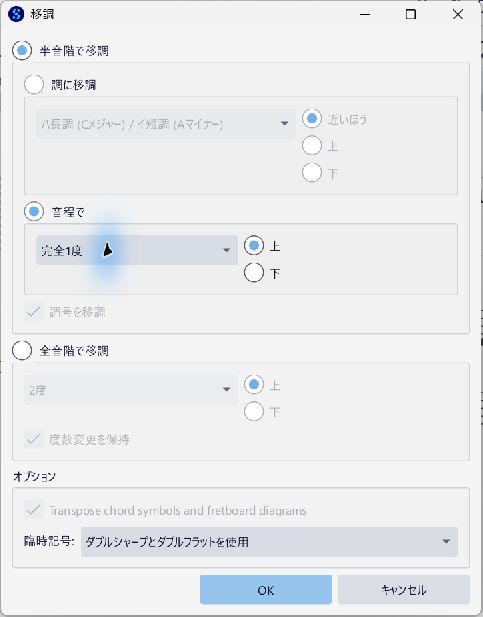
Select the whole score for a complete transposition, or select only the intended passage. Open Tools → Transpose.
Check the highlighted selection before applying the change. Accidentally selecting only a few bars changes the key in that section alone.
Choose the interval and direction
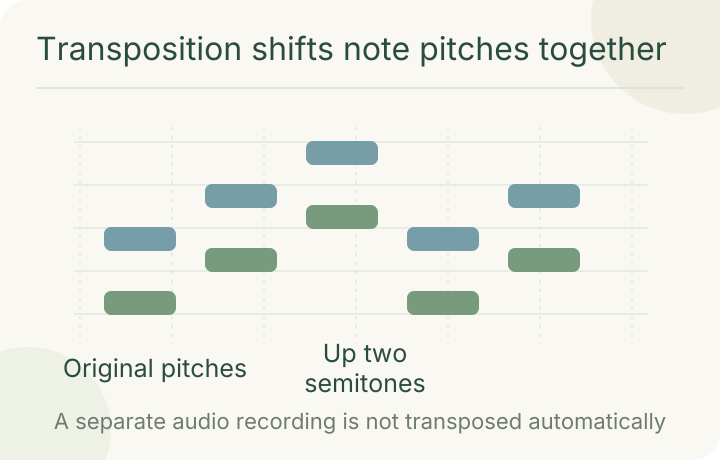
An upward minor second raises notes by one semitone; an upward major second raises them by two semitones. Choose the downward direction to lower them.
Distinguish two semitones from an unspecified interval of a second. C to C-sharp is one semitone; C to D is a whole tone.
Check pitch range and notation
Play the result and confirm the intended key. Inspect the highest and lowest notes against the keyboard or display range.
Extra accidentals can reflect a different spelling of the same pitch rather than a wrong note. If someone will read the score, check its readability too. Separate recorded audio remains in its original key until changed independently.
Export a clearly named MIDI
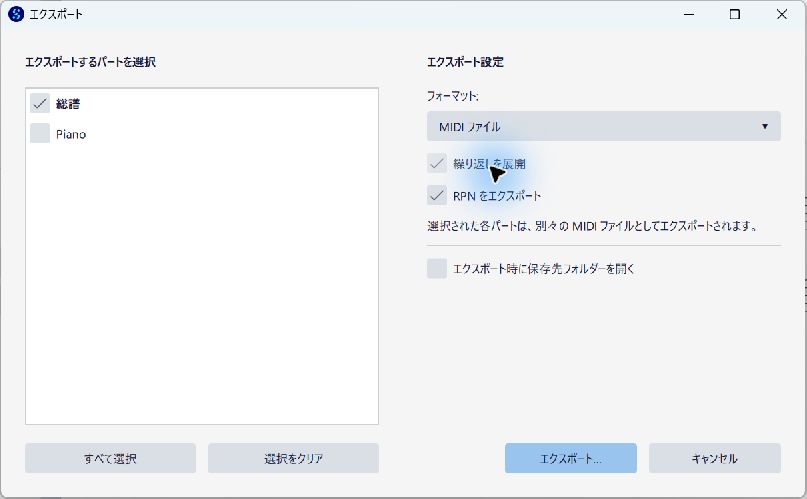
Use File → Export and choose MIDI. Save a name that distinguishes the transposed version, such as song-up2.mid.
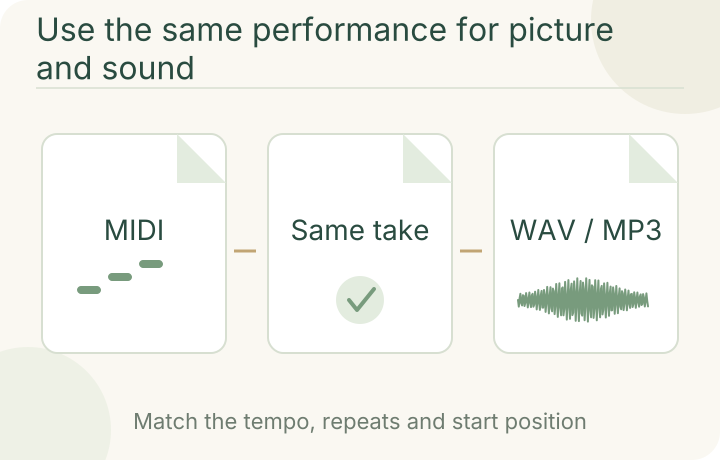
Open the new MIDI in the video app and check the notes and pitches. Export WAV from the same transposed score if the video will use that rendered sound.
Keep the separate audio in the same key
Raising MIDI by two semitones does not change an existing WAV or MP3. Using the old recording with the new visual notes makes the sounding pitches disagree with the keys.
Export MIDI and audio together from the transposed score when possible. Label the versions clearly and check both extremes of the range before creating the final video.
Frequently asked questions
How many semitones is one octave down?
Twelve semitones. Decide whether the change applies to the whole piece or only selected parts first.
Does transposing MIDI update an existing WAV?
No. Render new audio from the transposed data or edit the audio separately.